A TGA file viewer for textures, mods and render output
Targa, saved as .tga, is decades old and still everywhere in games and 3D work. Engines and modding tools use it for textures because it stores an alpha channel simply, and renderers write it frame by frame because it is lossless and quick to save. Windows, meanwhile, often lists a .tga with a generic icon and no app to open it.
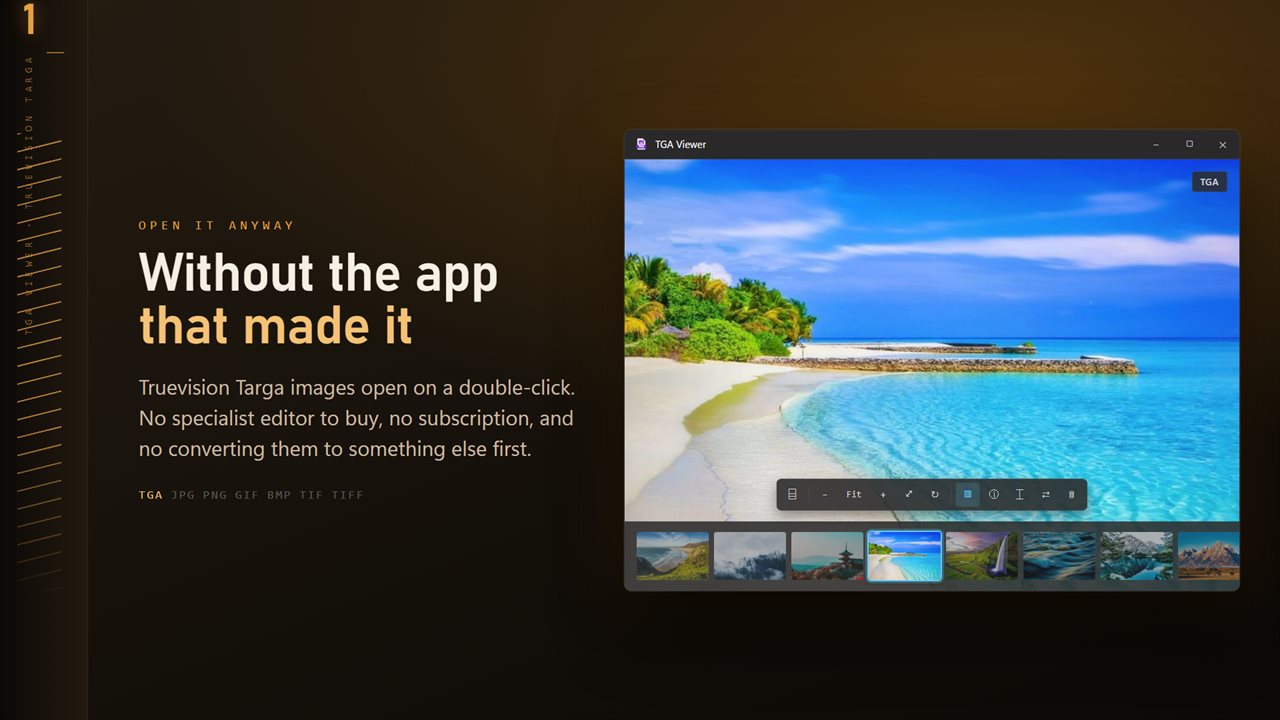
TGA Viewer is a TGA file viewer that treats these files like ordinary pictures. Make it the default app and a double-click opens the image, then the arrow keys walk through every other image in the folder, which is exactly what you want when the folder holds four hundred numbered frames or a full texture set.
It reads and converts; it does not paint. When a texture needs editing you will still use your art tools, but checking, sorting and exporting no longer require starting one.
How to convert TGA to PNG in bulk
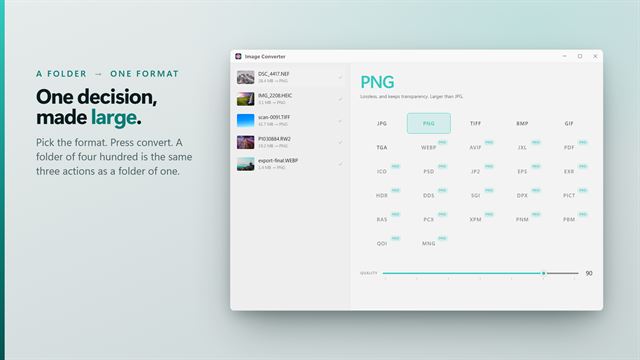
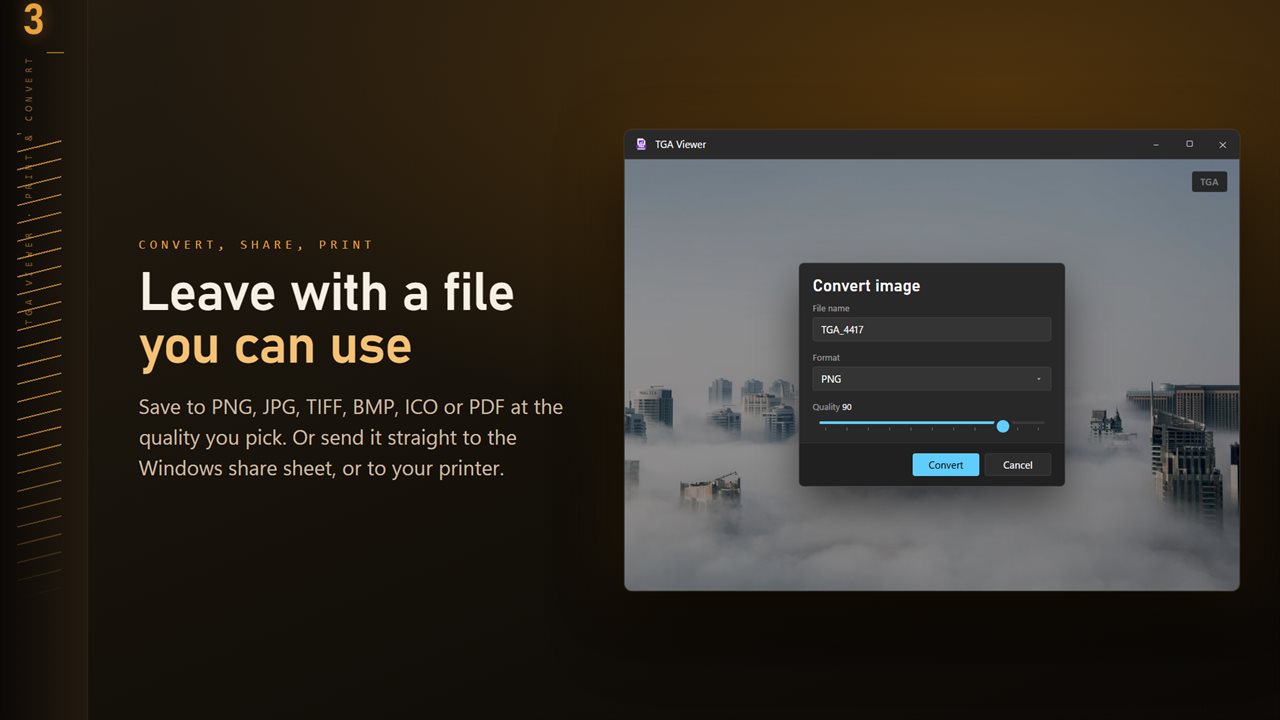
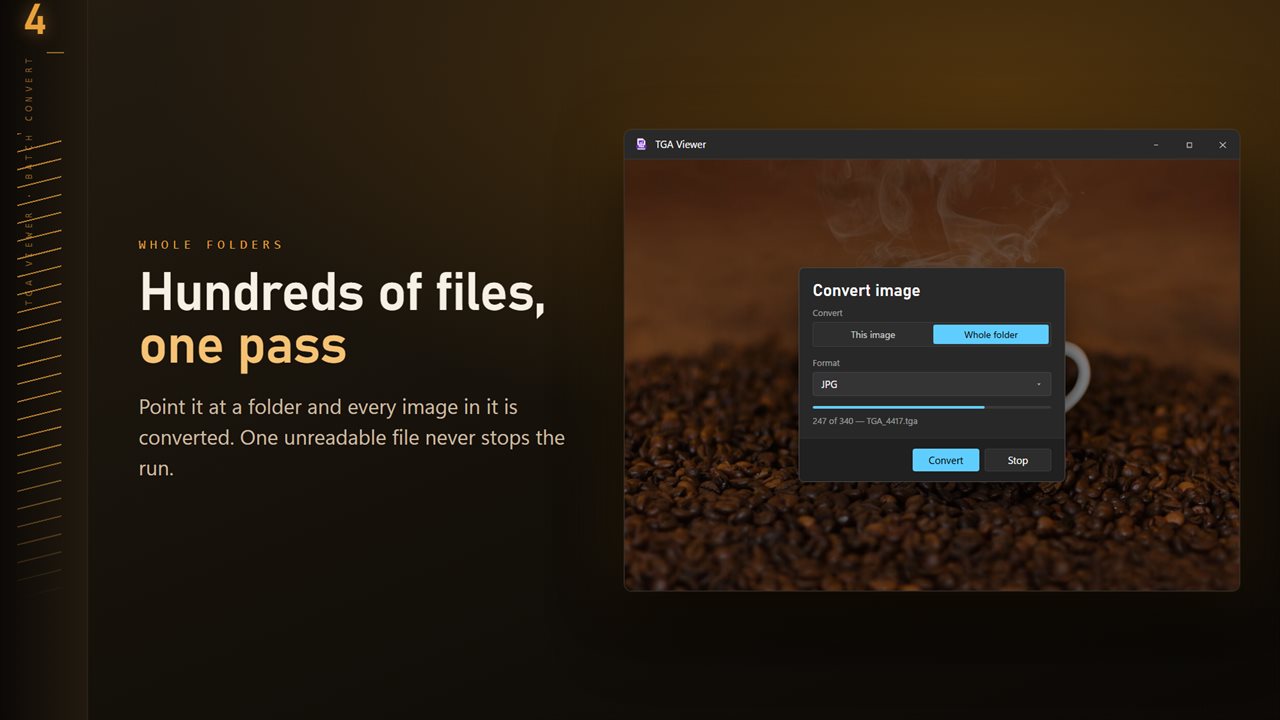
PNG is the natural partner for Targa: also lossless, also able to carry transparency, and accepted by every browser, chat app and document editor. To convert a folder, open one TGA from it, click Convert on the command bar, set Convert to Whole folder and Format to PNG, then pick an output folder.
If you have already converted part of the set, set Existing files to Skip so only new frames are processed. Keep both writes a renamed copy instead, and Replace overwrites. A progress bar runs while the batch works, and the batch can be cancelled.
Viewing a render sequence or texture set
Press T to show the folder ribbon, a row of thumbnails across the foot of the window, so you can spot a black or broken frame at a glance. The left and right arrow keys step one image at a time, and turning on Go round at the end of the folder in Settings loops from the last frame back to the first.
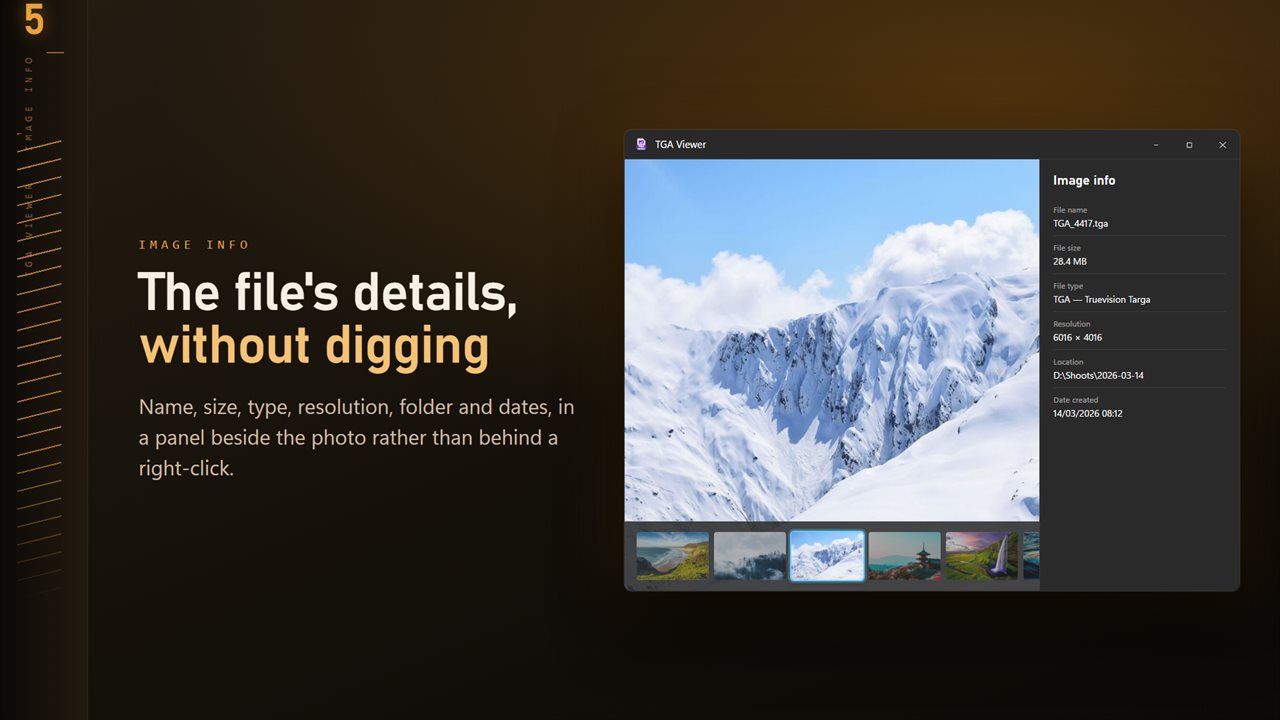
For texture work, zoom reaches 3200%, 0 shows actual size, and the info panel on I gives the resolution, handy for checking that a texture is a power of two before it goes into an engine. The on-screen picture is a high-quality JPEG rendering, so transparent areas appear filled and fine colors can shift slightly; the PNG you export keeps the real pixels and alpha.
Other formats from the same folder
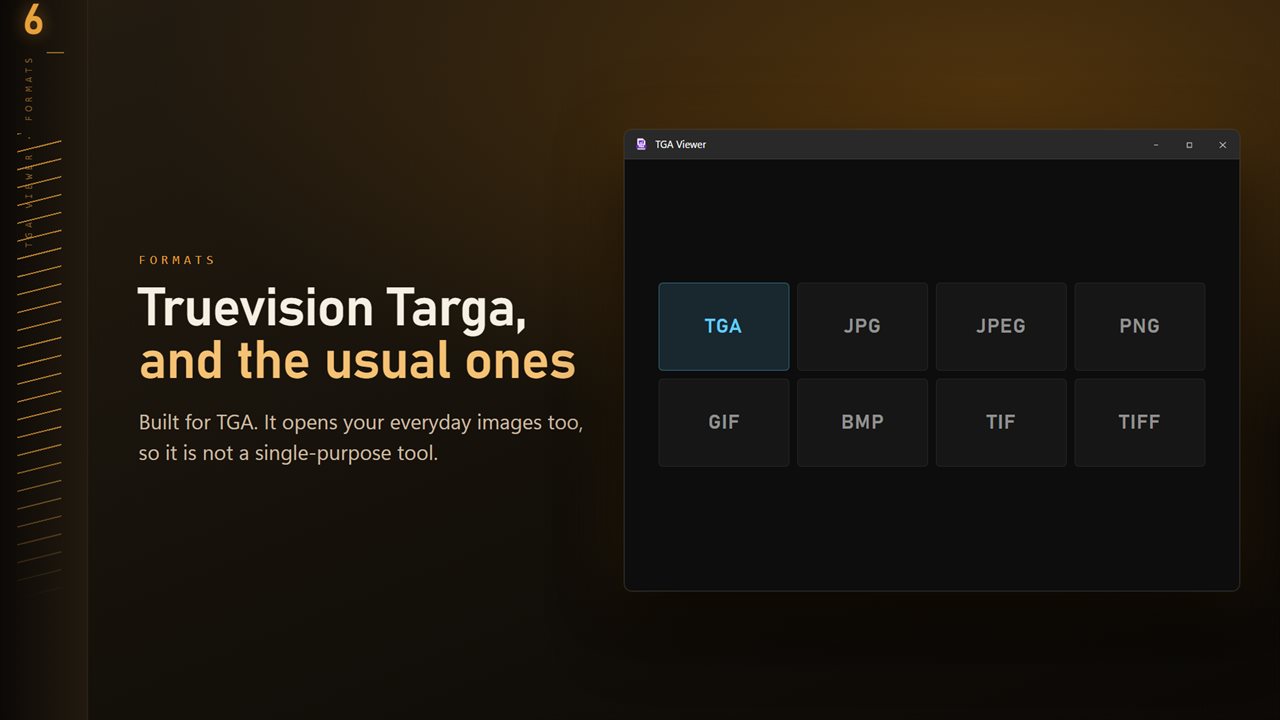
Asset folders rarely hold one format. TGA Viewer also opens JPG, PNG, GIF, BMP and TIFF, so reference photos and exported previews sitting beside your textures show up in the same ribbon and the same batch.