HEIF to JPG: open the photo first, then convert it
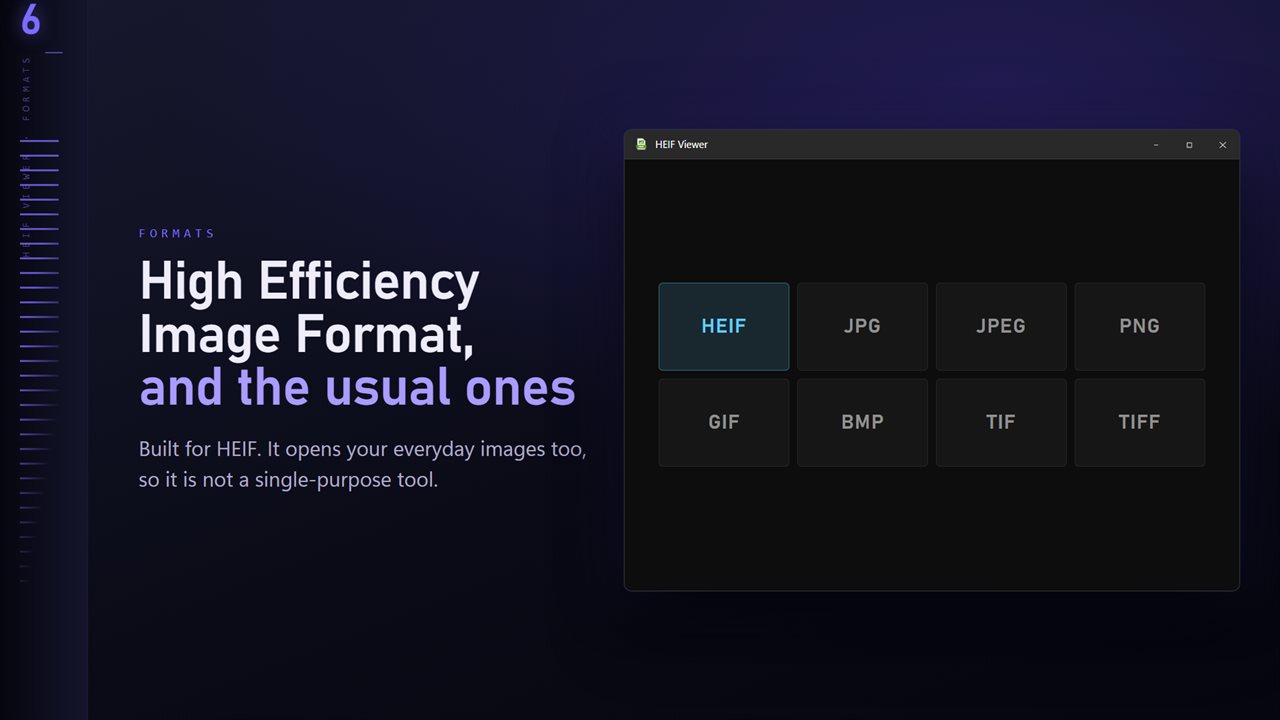
HEIF, the High Efficiency Image Format, is the container behind the space-saving photo setting on many phones and in a growing number of image tools. Files saved with the .heif extension are small and sharp, and awkward almost everywhere else. Windows needs an extra decoder to show them, and many editors and websites will not take them at all, which is why HEIF to JPG is the usual next step.
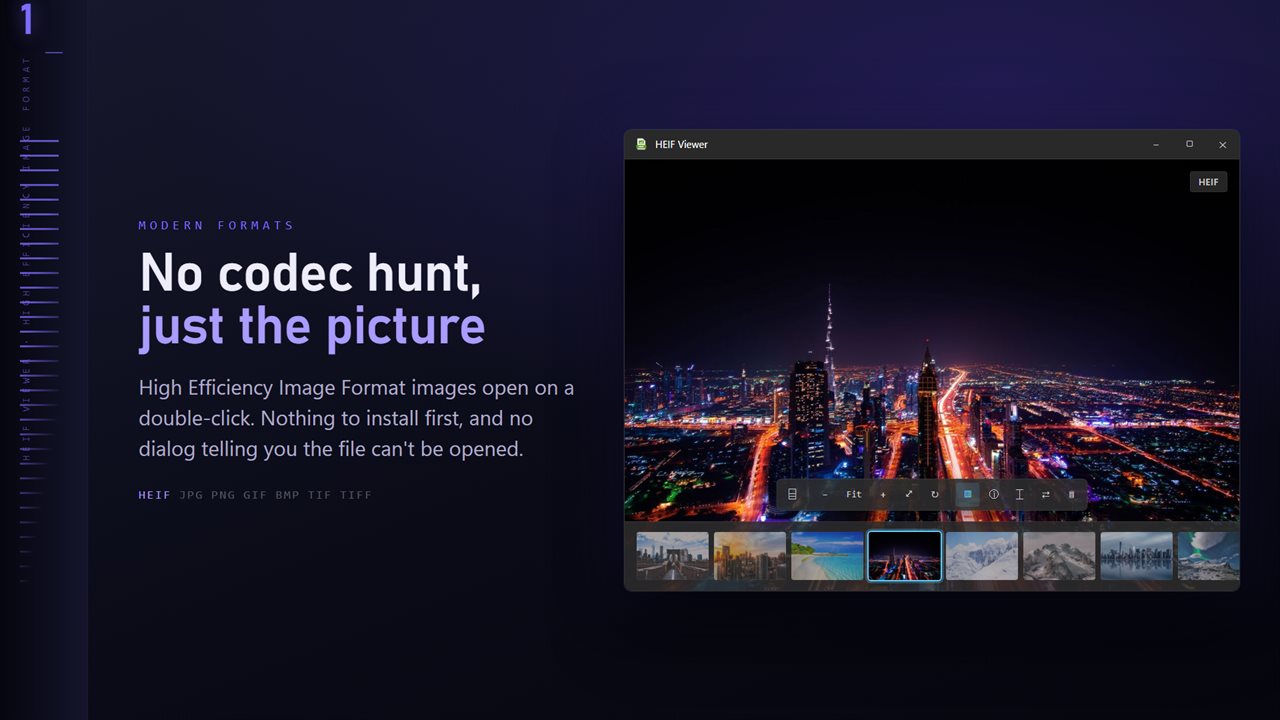
HEIF Viewer does both halves. Make it the default for .heif and a double-click opens the picture, or drop a file on the window, or press Ctrl+O. Check it at full size, then save a JPG or PNG copy, or convert every HEIF beside it in one run.
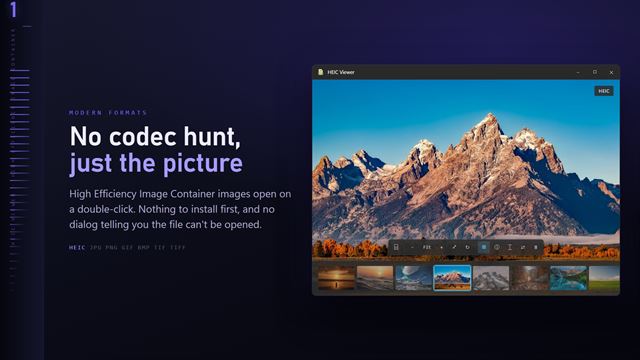
This app handles the .heif extension. iPhone photos, which end in .heic, have their own companion app, HEIC Viewer.
How to convert HEIF to JPG or PNG
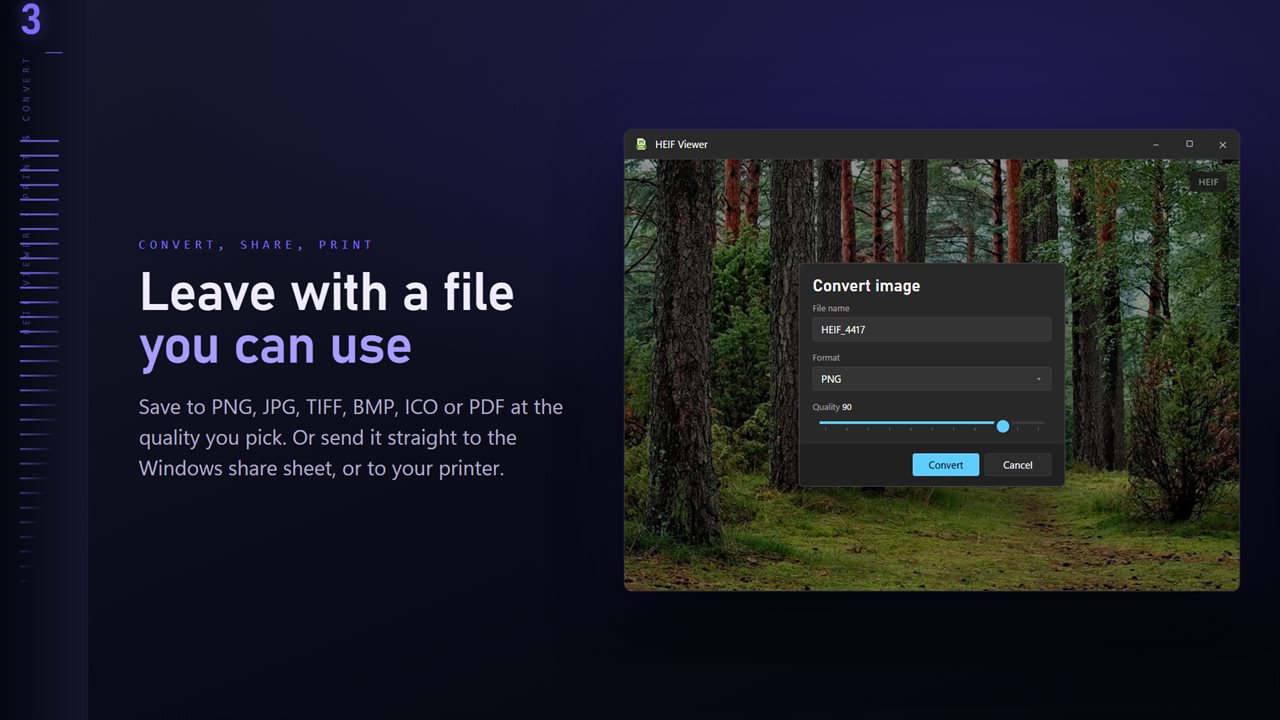
The conversion dialog sits behind Convert image in the More menu.
- Open any HEIF from the folder you want to convert.
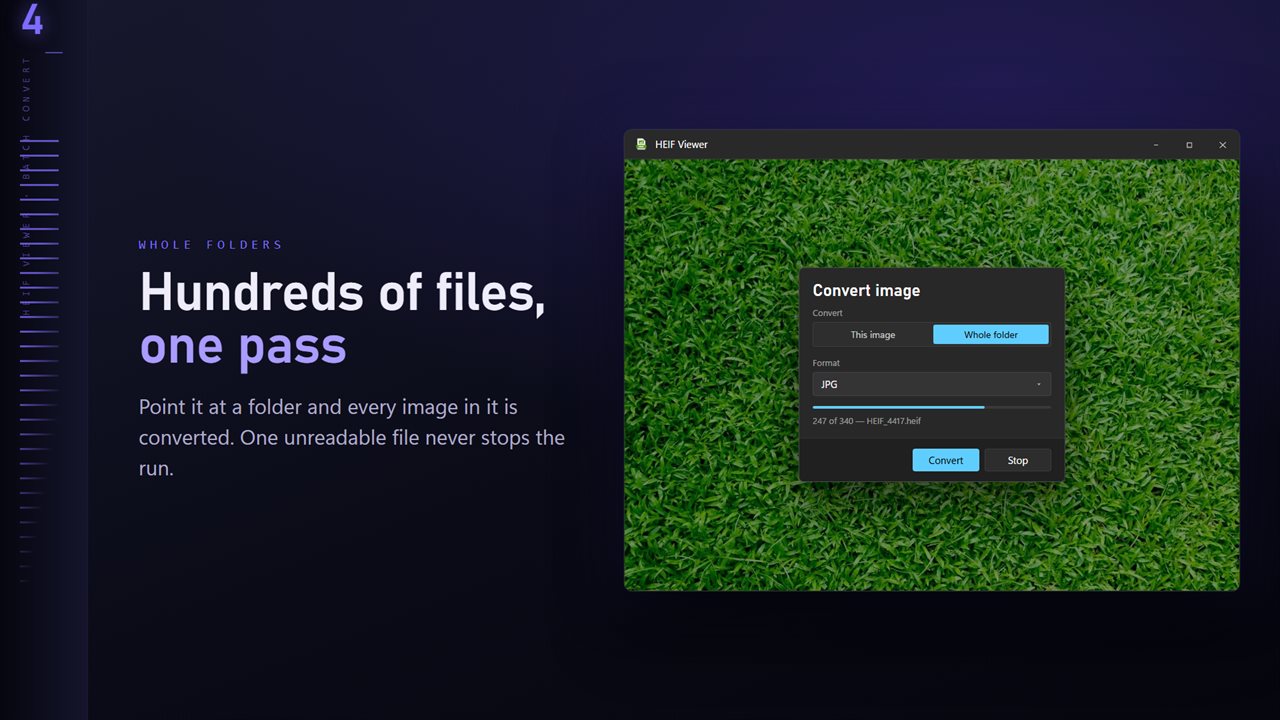
- Under Convert, choose This image or Whole folder. Whole folder takes every image in that folder but not its subfolders.
- Set Format to JPG for sharing or PNG for editing; PNG is the default.
- For JPG, set Quality between 50 and 100. It starts at 90.
- Under Existing files, choose Skip, Keep both or Replace, then press Convert. Stop ends a long run early, and the closing summary counts any file it could not read.
HEIF to PNG, TIFF and other formats
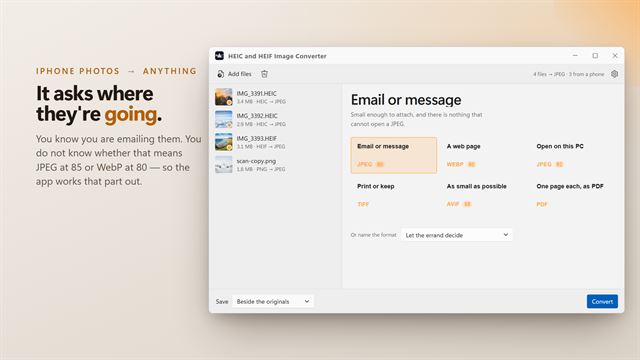
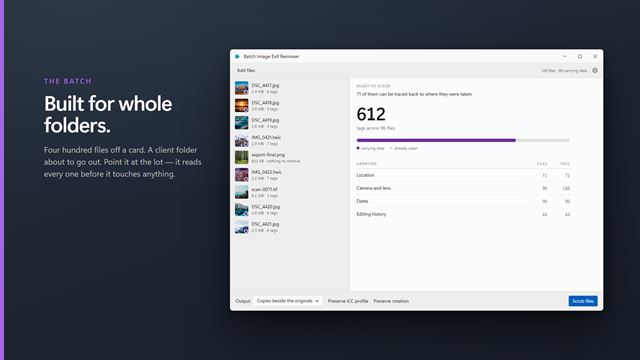
PNG and TIFF suit photos headed for an editor, because they avoid a second round of lossy compression. BMP, ICO and PDF are also on the list for the odd job, such as an icon or a printable page. The optional Professional Pack adds WebP, AVIF and JPEG XL, a target file size from under 300 KB to under 5 MB, resizing to a fixed long edge, and Remove location for photos you plan to post.
A HEIF can hold more than one image, as a sequence or a collection. The viewer shows and converts the first one stored in the file.
Viewing and sorting HEIF photos
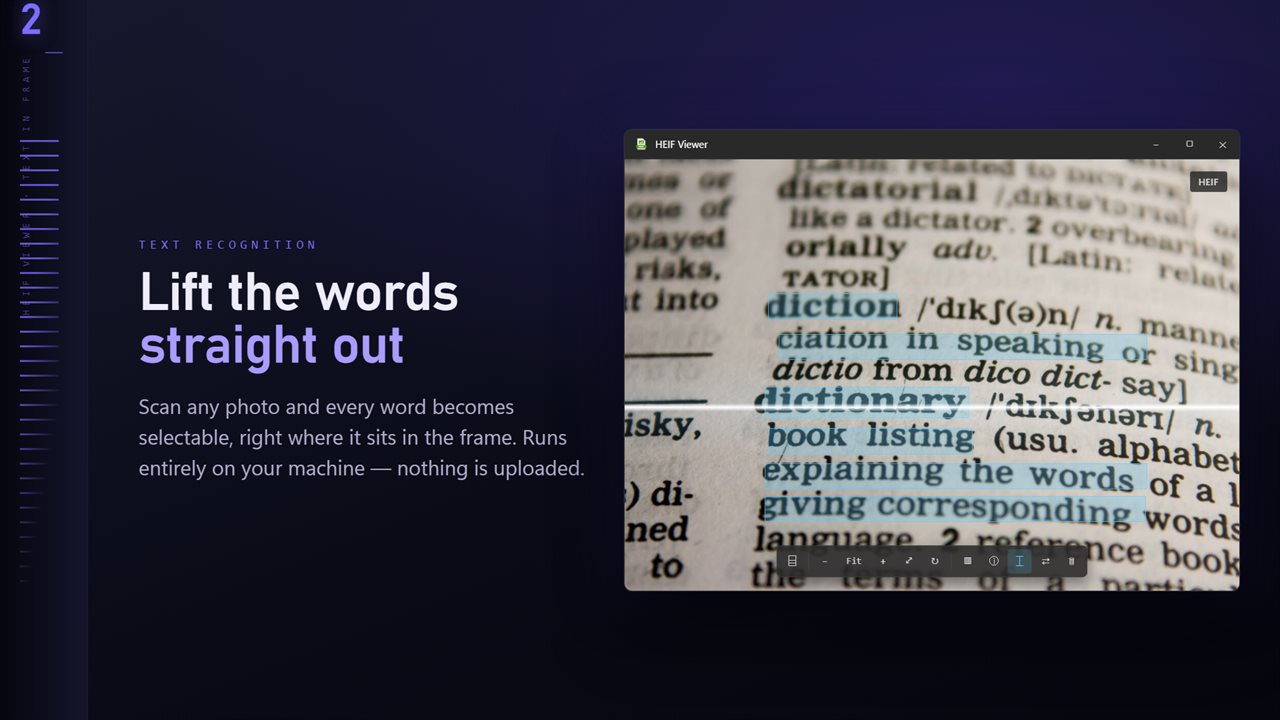
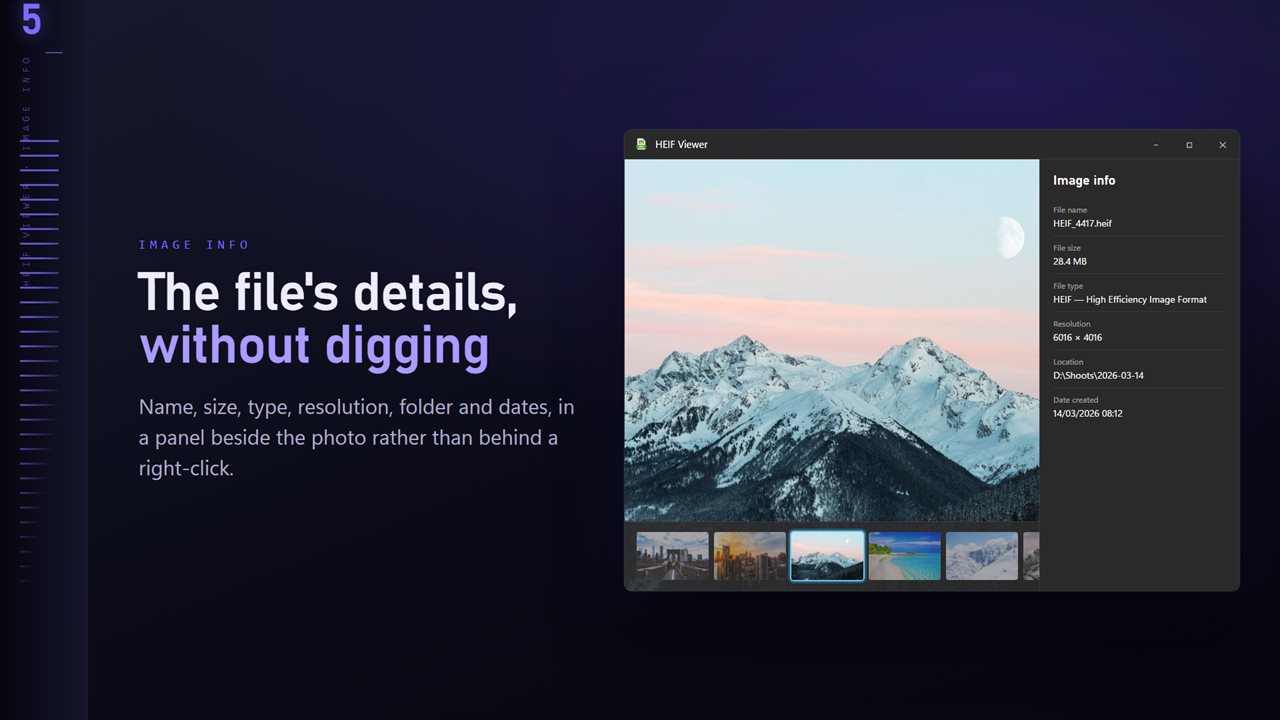
Press T for a ribbon of thumbnails and step through the set with the arrow keys. I opens a panel with pixel dimensions, file size and dates beside the camera, lens and exposure settings. Zoom with the wheel, drag to pan, and press F to fit. R turns a sideways frame upright, and H or V mirrors it. Scan for text pulls the words out of a photographed page or sign with the OCR engine that ships with Windows.
With the Professional Pack, Focus & Keep groups frames shot closer together than the Burst gap setting, adjustable from 0.5 to 5 seconds, and ranks them by sharpness. Star ratings and color labels are written into the HEIF itself, so no separate sidecar file appears beside your photos.