EEvlarSoft

QOI Viewer and Converter

qoi images on Windows the way you view any photo, and turn them into PNG or JPG when another program needs them.

Buy for $1.99
One payment. No subscription.
14-day money-back guarantee.
5.0
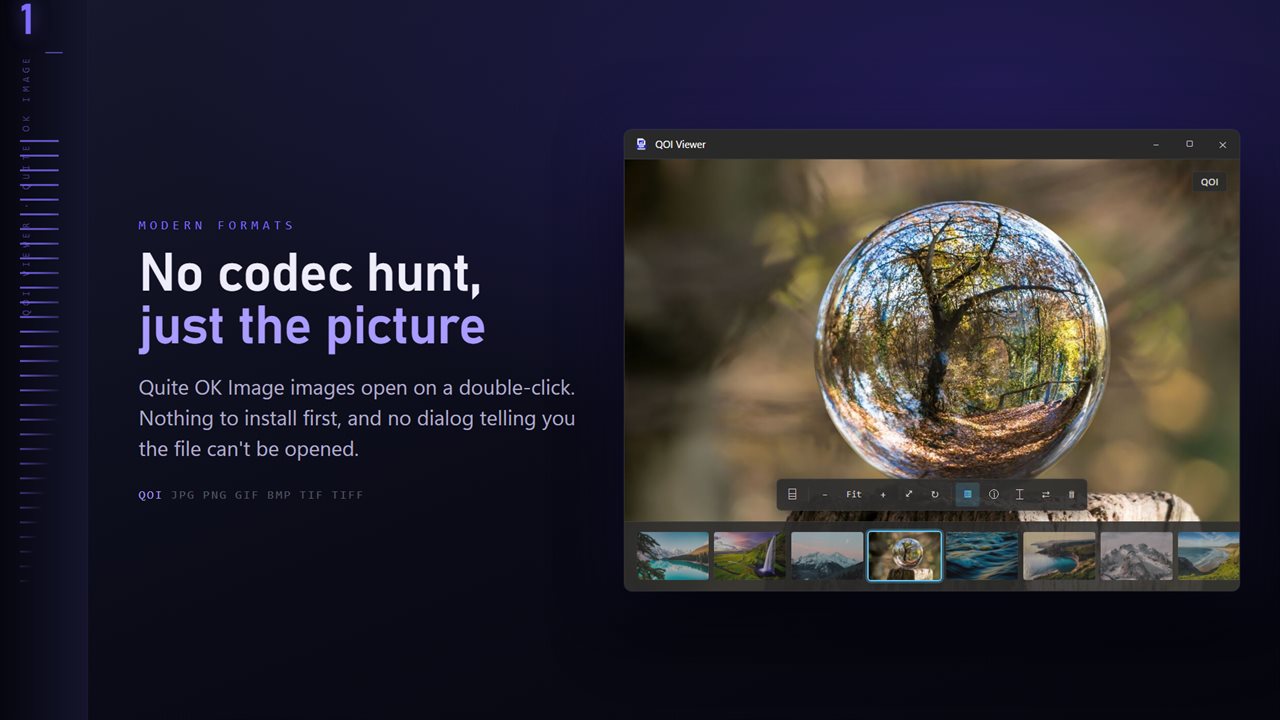
QOI files open on a double-click — nothing to install first.
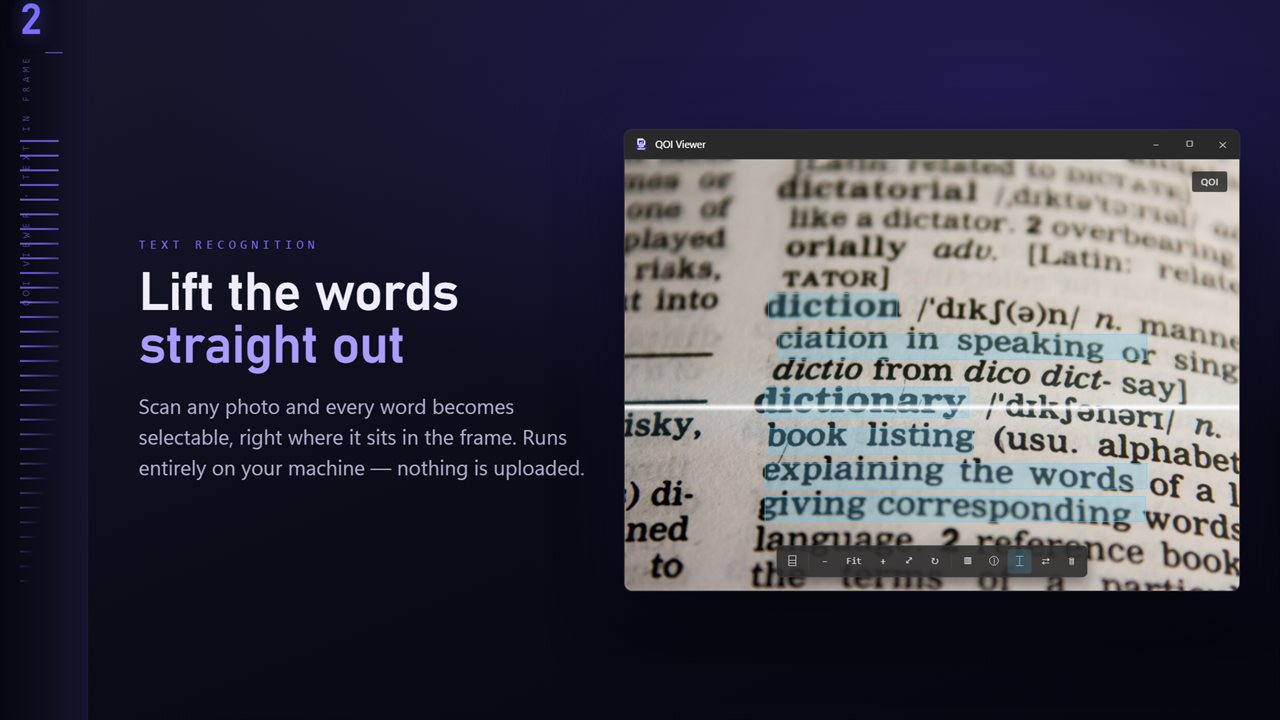
Scan any image and every word becomes selectable, right where it sits.
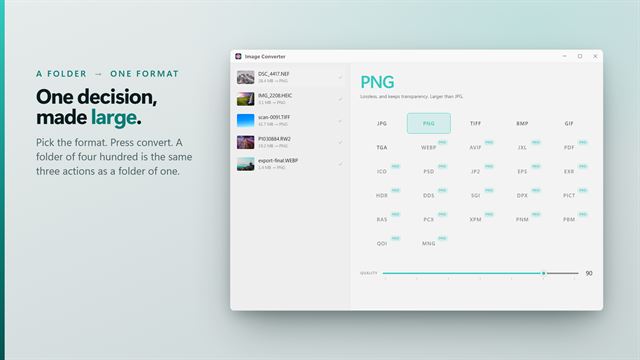
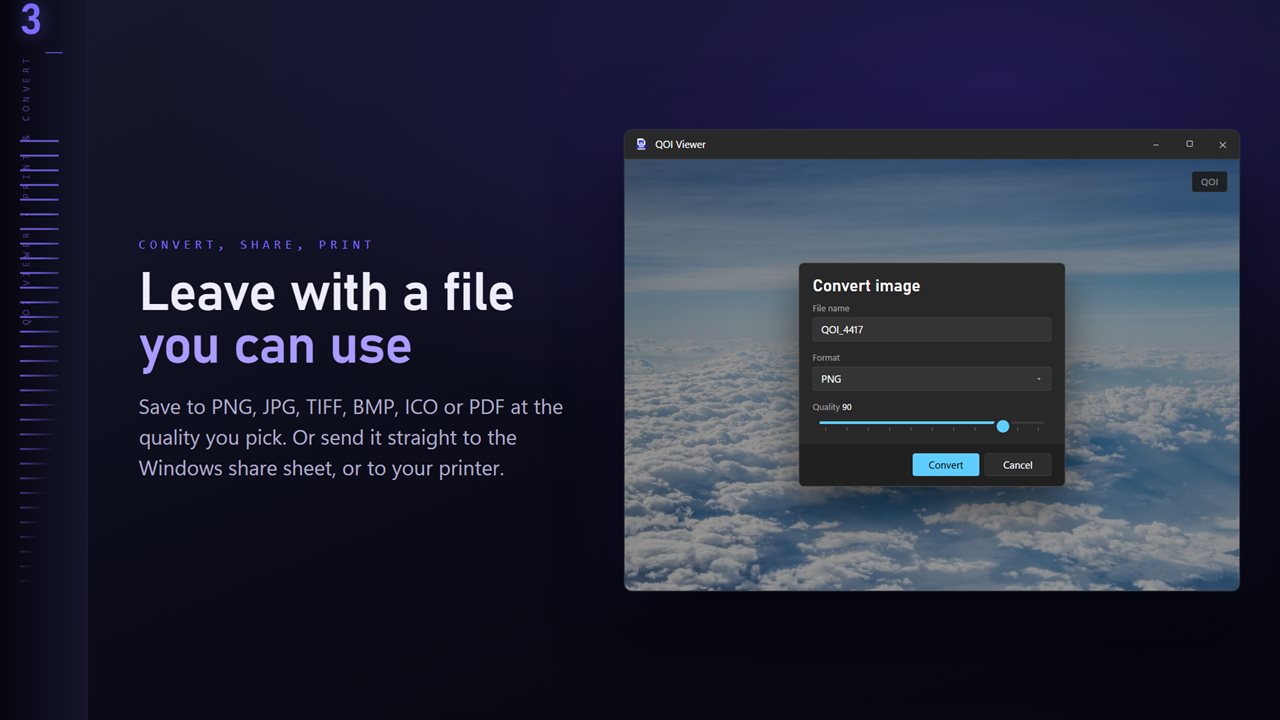
Save to PNG, JPG, TIFF, BMP, ICO or PDF at the quality you pick.
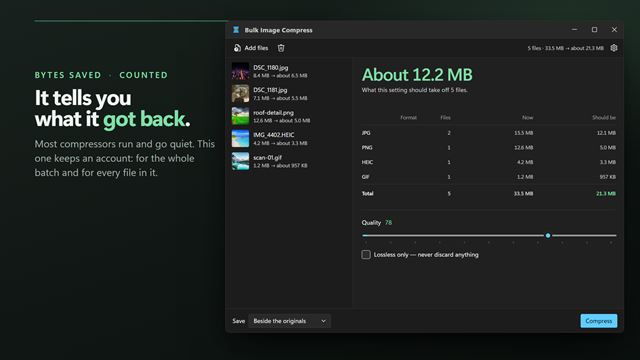
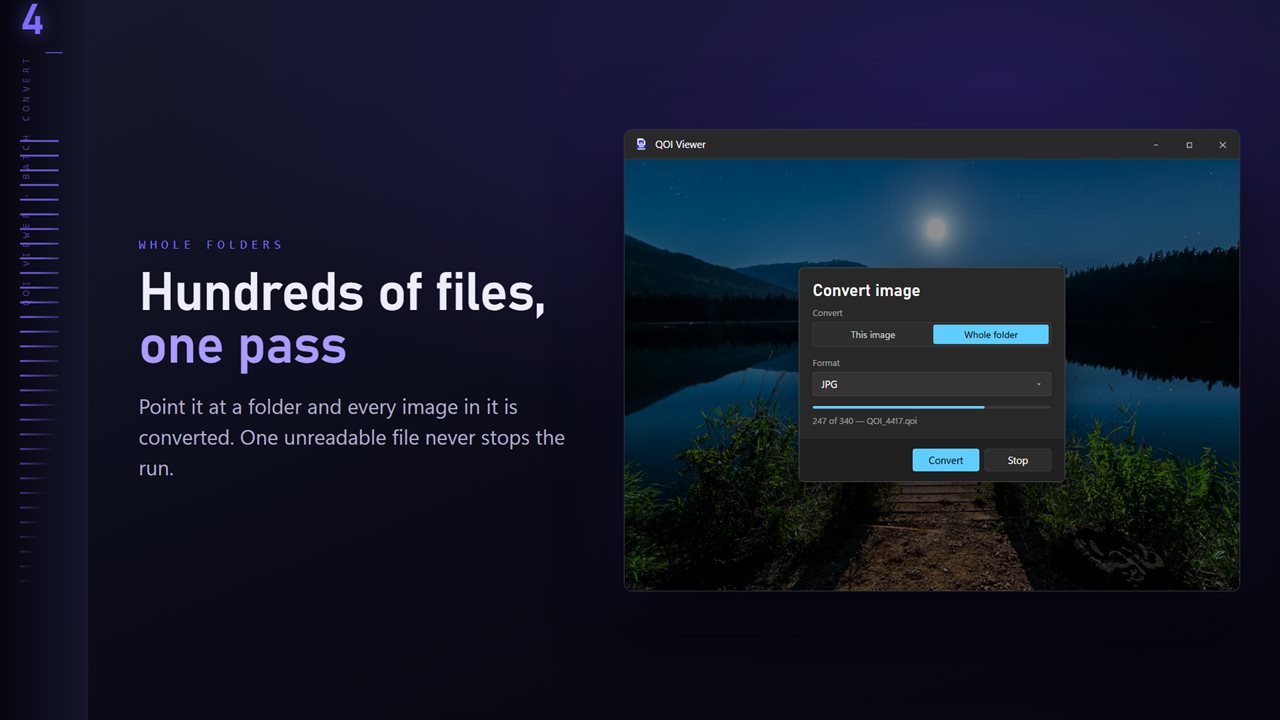
Convert a whole folder in one pass. One unreadable file never stops the run.
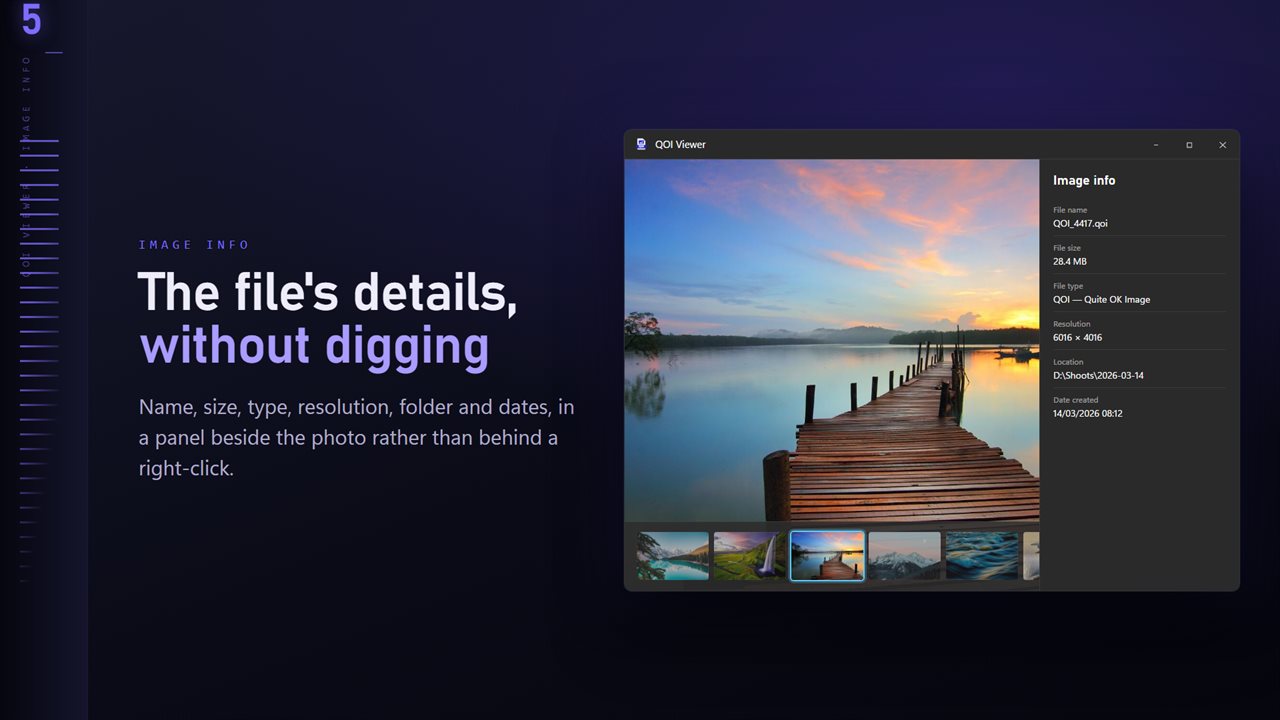
Name, size, type, resolution and dates, in a panel beside the image.
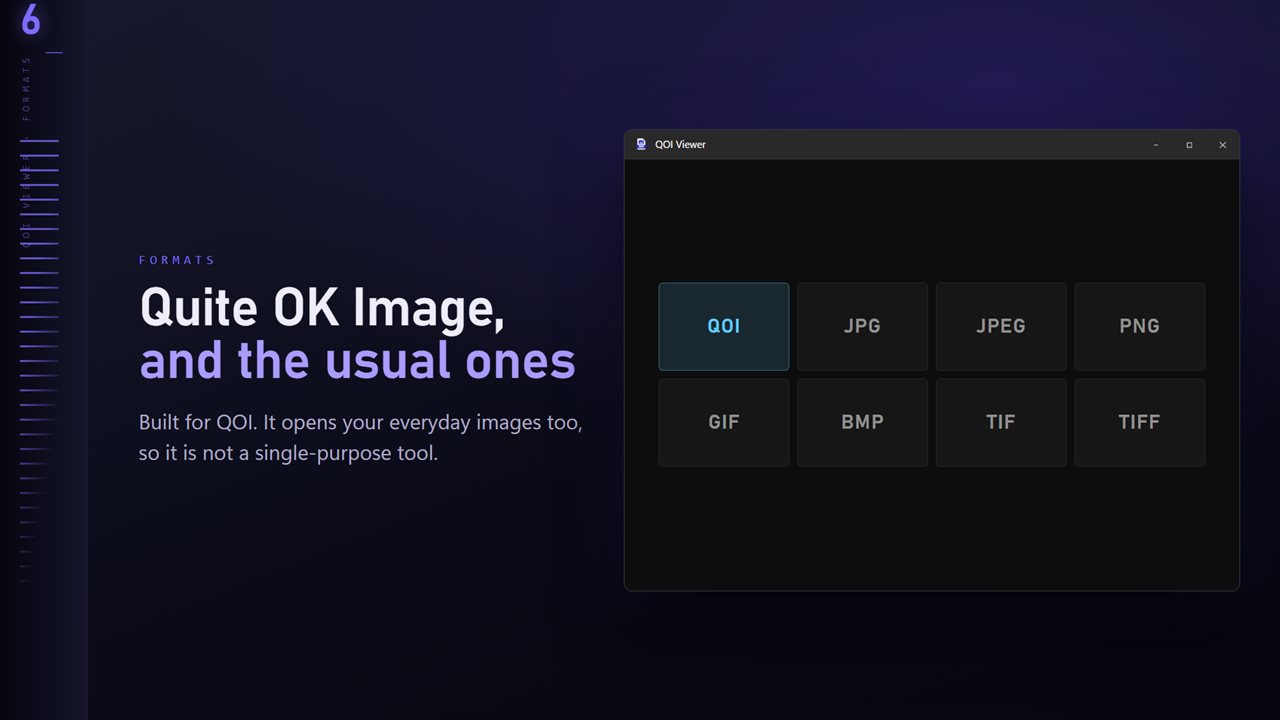
QOI plus the everyday formats: JPG, PNG, GIF, BMP and TIFF.

QOI Viewer and Converter in 25 seconds

QOI Viewer and Converter trailer
190,000+downloads of EvlarSoft apps
Signed by EvlarSoftVerified US publisher
14-day money-backNo questions asked
Updates includedNo upgrade fees

A QOI viewer for a format Windows has never heard of

QOI, the Quite OK Image format, appeared in 2021 as a lossless alternative to PNG that encodes and decodes many times faster with a far simpler design. The whole specification fits on one page, so it spread quickly through game engines, emulators, screenshot tools and hobby graphics code. What it did not get was support in Windows: File Explorer shows a generic icon, and Photos cannot open the file.

QOI Viewer is a dedicated QOI viewer that behaves like a normal picture app. Make it the default for .qoi files and they open on a double-click, with the rest of the folder one arrow key away.

Because QOI is lossless, the file you are holding is an exact copy of the pixels its creator saved. Converting it to PNG keeps that exactness; only JPG trades some of it for a smaller file.

Why you might have QOI files

If you did not choose QOI yourself, a program chose it for you. Some emulators and game tools save screenshots and texture dumps as .qoi because it is so cheap to write. Developers meet it while testing an encoder or shipping assets for an engine that loads QOI natively. And it occasionally turns up in downloads from people who simply like the format.

In every case the need is the same: see what the file holds, and get it into something the rest of your software accepts.

QOI to PNG, JPG or PDF in a few clicks

Open the image and click Convert on the command bar. PNG is selected first, since it is lossless like QOI and opens in every editor, browser and chat app. Pick JPG for a smaller photo-style file, TIFF for print work, PDF to attach to a document, or ICO to use a small graphic as a Windows icon (it is scaled to fit 256 pixels).

For a folder of screenshots, switch Convert to Whole folder. The run goes through every readable image beside the one you opened, without entering subfolders, shows its progress, and can be cancelled partway.

Looking closely at pixel graphics

A lot of QOI content is sprite sheets and small game art. Zoom reaches 3200%, the plus and minus keys step it, and 0 returns to actual size. Fitting never stretches a small image past its real size, and once you zoom past 100% pixels are drawn as hard-edged squares instead of being smoothed. Behind the photo in Settings sets the backdrop to Near black, Mid gray or White.

One thing to know if you are checking an encoder: what you see is a high-quality JPEG rendering of the file, so transparency is not shown and single-pixel colors can shift slightly. For a pixel-exact comparison, convert to PNG and inspect that copy.
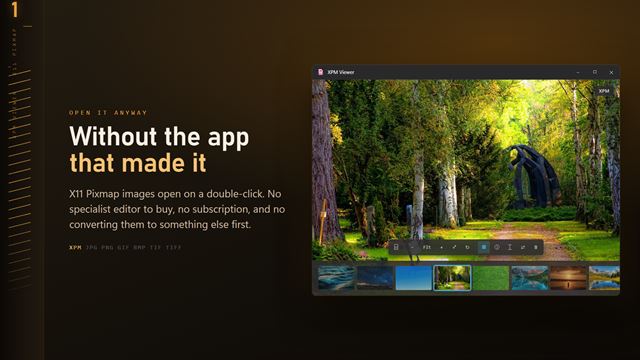

What QOI Viewer does

  • Opens Quite OK Image (.qoi) files with a decoder built into the app
  • Shows JPG, PNG, GIF, BMP and TIFF alongside them
  • Exports to PNG, JPG, TIFF, BMP, ICO or PDF
  • Whole folder conversion with a choice for files that already exist
  • Zoom from 5% to 3200% and pan by dragging
  • Rotate on R, flip on H and V, folder ribbon on T
  • Info panel with resolution, file size, location and dates

Who opens QOI files

Emulator and game players

Screenshots saved as .qoi pile up in a capture folder. Arrow through them, keep the good ones, and convert the set to PNG for sharing.

Game and graphics developers

Confirm an encoder produced the right image at the right dimensions, read off the Resolution line in the info panel, then export a PNG when you need a pixel-exact copy to diff.

Anyone sent a .qoi

When a file arrives that nothing on the PC will open, view it in seconds and save a copy in a format the recipient's software accepts.

What's new in 1.0.8

  • 11 Looks: one-click color styles with a strength slider. Save a copy as a new JPG; the original is never changed
  • New Settings page: light or dark, what sits behind the image, how images open, and more
  • The title bar shows the name of the image you are looking at
  • The Open dialog starts on all images

Questions

Anything else? Ask us

How do I open a .qoi file on Windows?

Install QOI Viewer and open the file, or set it as the default app for .qoi so a double-click opens it. It reads QOI with its own bundled copy of ImageMagick, so no separate codec or plugin is needed.

Can I convert QOI to PNG?

Yes. A QOI converts to PNG, JPG, TIFF, BMP, ICO or PDF, and PNG is the format selected first. The QOI you started from is left as it is.

Can QOI Viewer save or convert images to QOI?

No. It reads QOI but does not write it. The formats it saves are PNG, JPG, TIFF, BMP, ICO and PDF.

Does it keep the transparency in a QOI image?

Yes, when you convert to PNG or TIFF. The picture on screen is drawn from a JPEG preview, so transparent areas are not shown there, and JPG or BMP output drops them too.

Can I convert a whole folder of QOI files at once?

Yes. Batch mode converts every image in the open file's folder into a folder you pick, which includes any JPG, PNG, GIF, BMP or TIFF files beside the QOIs, and it does not go into subfolders. You choose whether existing files are skipped, kept alongside or replaced.

What does QOI stand for?

Quite OK Image. It is a lossless image format published in 2021, designed to be much simpler and faster to encode than PNG while producing files of similar size.

Is QOI lossless?

Yes. A QOI file stores every pixel exactly, including an optional alpha channel, so converting it to PNG loses nothing.

Will File Explorer show thumbnails for QOI files?

Not by itself. Windows has no QOI thumbnail handler. Inside QOI Viewer, the folder ribbon on T shows a thumbnail for every image in the folder.

Which versions of Windows does it run on?

Windows 10 (version 1809 or later) and Windows 11.

Is it a subscription?

No. QOI Viewer and Converter is a one-time purchase of $1.99, and updates are included.

How do I get it?

Buy it on this page and your license key arrives by email. If the button says Notify me, QOI Viewer and Converter is not on sale here yet; leave your email and we will tell you when it is.