EEvlarSoft
No upload. Files stay on your PC

RW2 Image Viewer and Converter

Turn Lumix RW2 raw files into JPGs on your PC, one shot or a whole card, after checking each frame at 100%.

Buy for $2.99
One payment. No subscription.
14-day money-back guarantee.
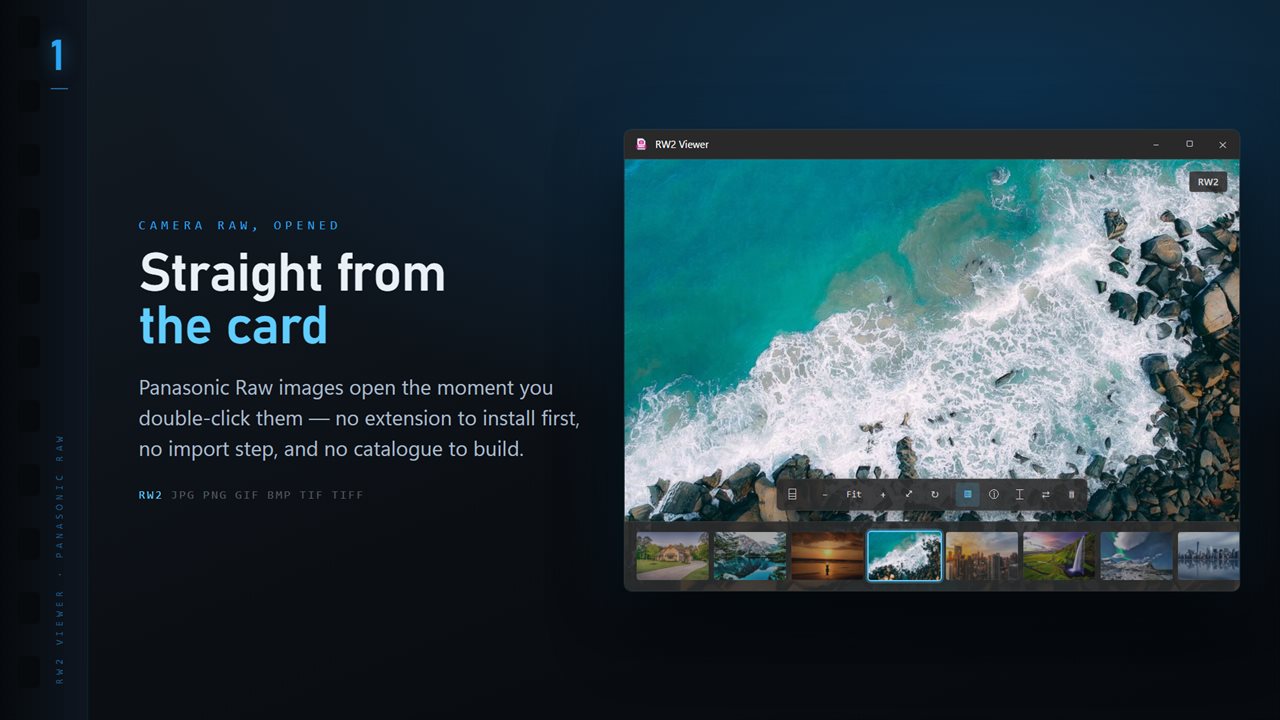
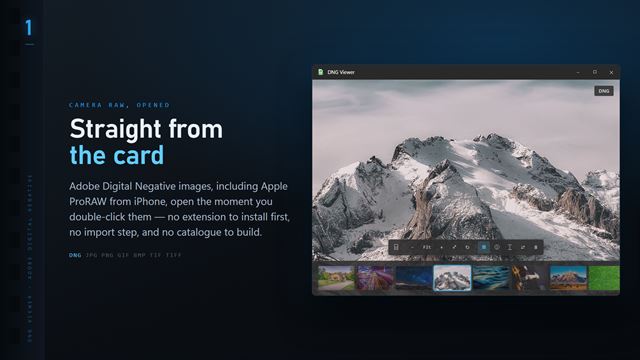
RW2 files open the moment you double-click them, with the whole folder along the bottom.
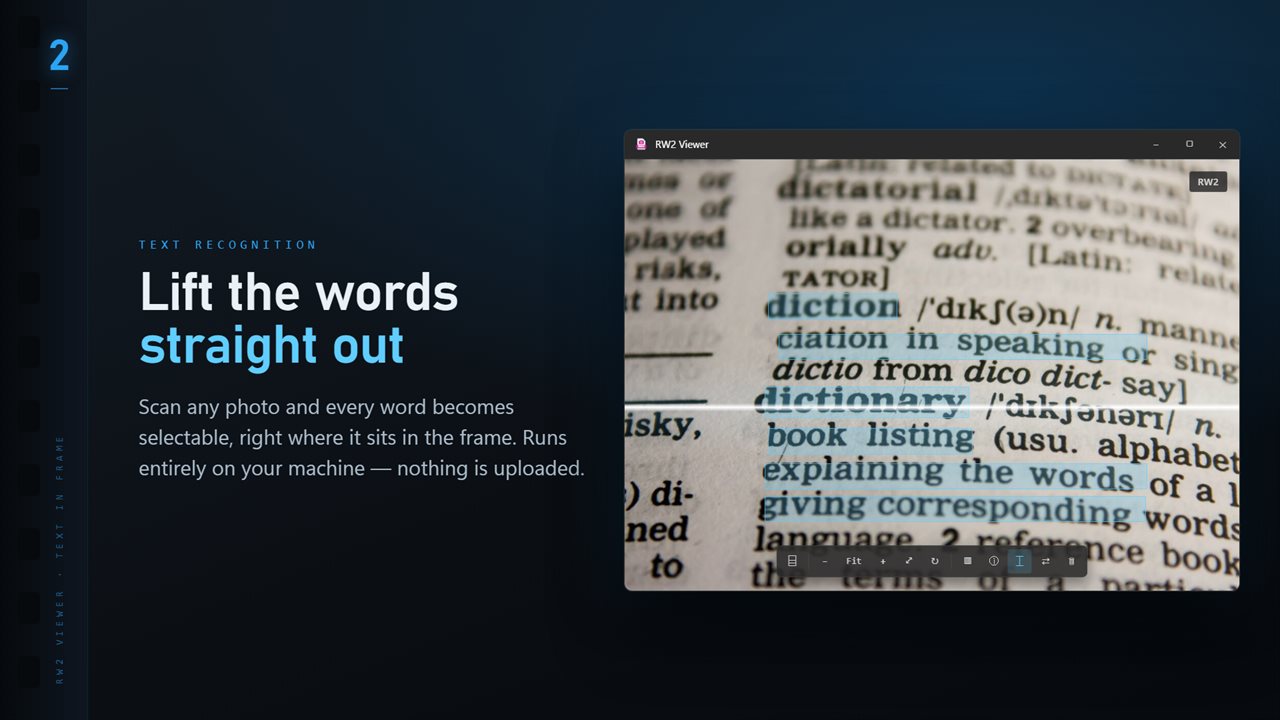
Scan any image and every word becomes selectable, right where it sits.
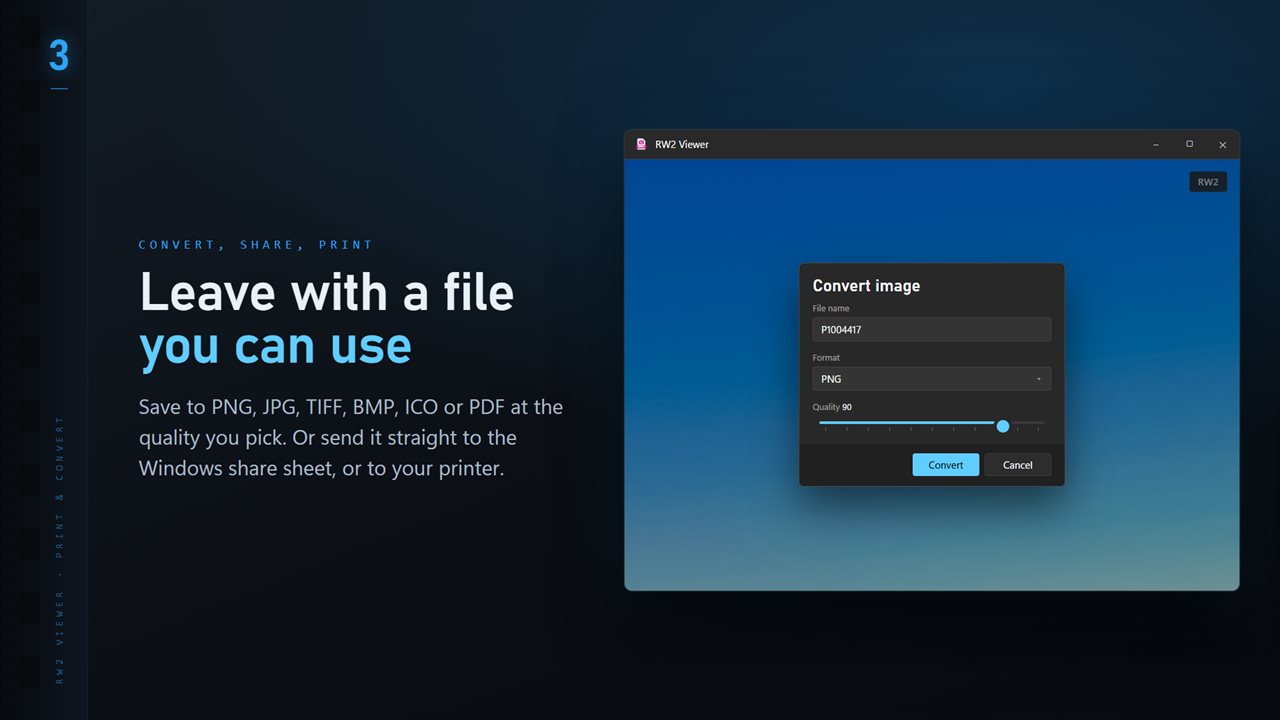
Save to PNG, JPG, TIFF, BMP, ICO or PDF at the quality you pick.
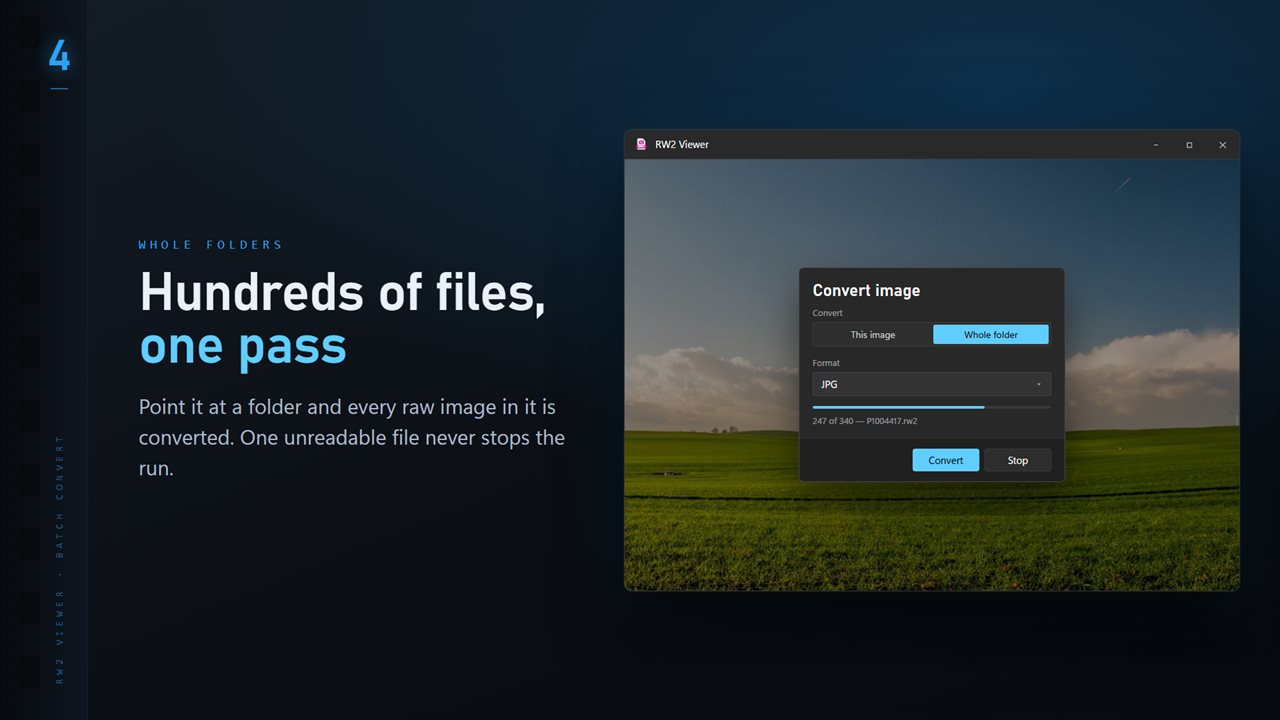
Convert a whole folder in one pass. One unreadable file never stops the run.
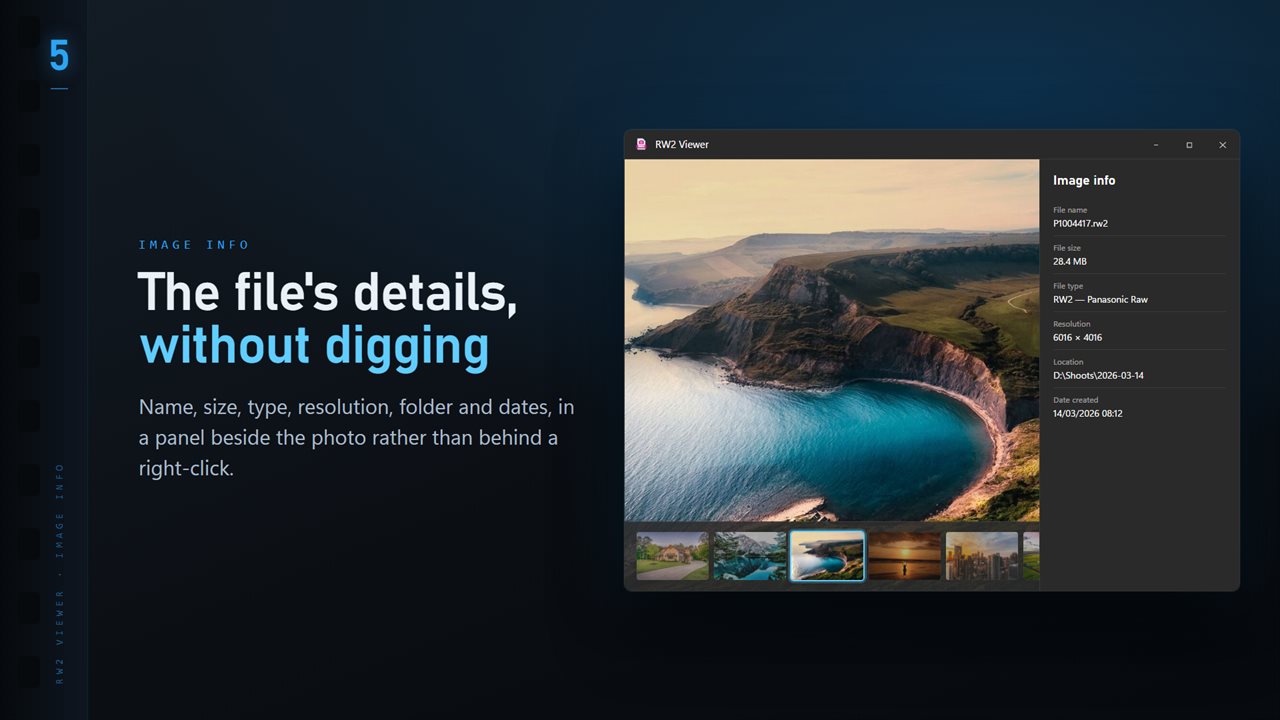
Name, size, type, resolution and dates, in a panel beside the image.
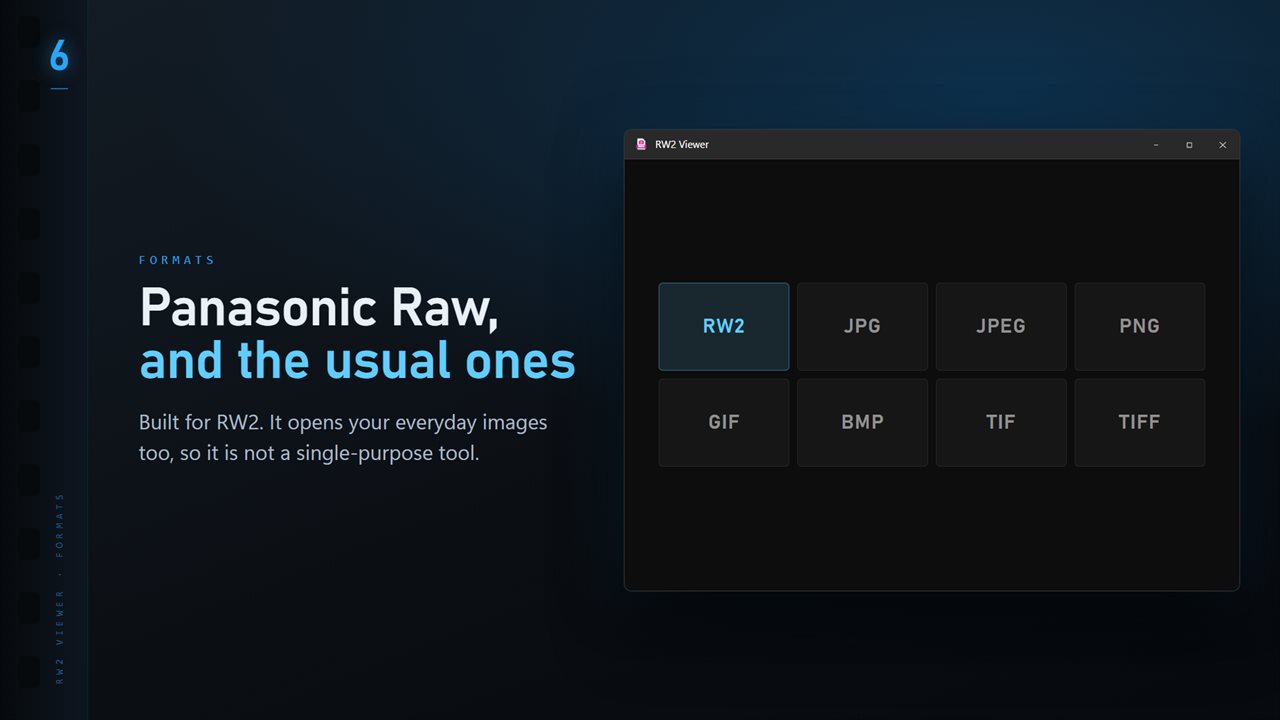
RW2 plus the everyday formats: JPG, PNG, GIF, BMP and TIFF.

RW2 Image Viewer and Converter in 25 seconds

RW2 Image Viewer and Converter trailer
190,000+downloads of EvlarSoft apps
Signed by EvlarSoftVerified US publisher
14-day money-backNo questions asked
Updates includedNo upgrade fees

RW2 to JPG without uploading your photos

Search for RW2 to JPG and most results are converter websites. They work, but each one means uploading every raw file, often 20 MB or more apiece, then waiting and downloading the results. For a day of Lumix photos that is slow, and it puts your pictures on someone else's server.

RW2 Viewer does the conversion on your PC. It opens Panasonic RW2 files from Micro Four Thirds and full-frame Lumix bodies alike, develops the raw data with the LibRaw engine built in, and writes JPG copies wherever you point it. You see every picture before you convert it, which a web form never shows you.

The RW2 originals are only ever read. Keep them for a proper edit later and use the JPGs for sharing now.

How to convert RW2 files to JPG

TIFF is also offered if you want a lossless copy for editing in another program, and PNG, BMP, PDF and ICO round out the list.

  • Open any RW2 in the folder you want, with a double-click or Ctrl+O.
  • Click Convert on the command bar, or right-click the photo and choose Convert image.
  • Under Convert, pick This image or Whole folder.
  • Set Format to JPG and drag Quality: 90 is the default, 70 to 80 suits email.
  • For a folder, decide what Existing files does when a JPG is already there: Skip, Keep both or Replace.
  • Choose the destination and start. The run reports any file it could not read at the end instead of stopping.

Checking Lumix shots before you export

Double-click the photo to jump between fit and actual size, which is the quickest focus check there is. The wheel zooms around the pointer, and dragging pans. The info panel on I lists the camera, lens and exposure next to the resolution and dates.

With the optional Professional Pack, P draws the box where autofocus locked on files that record it, C compares up to four frames side by side, and the number keys set stars (1 to 5) and color labels (6 to 9), saved to an XMP sidecar rather than the RW2.

Smaller JPGs for sharing

The pack also extends Convert with Export options: Resize to a long edge of 3840, 2048, 1600 or 1080 pixels, cap the File size at Under 300 KB up to Under 5 MB, apply a Look, choose Remove location to strip GPS, and add a Stamp line of text such as a copyright notice. It adds WebP, AVIF and JPEG XL as output formats too. All of it happens in the same pass as the conversion.

What RW2 Viewer handles

  • Panasonic RW2 raw files developed on your PC by LibRaw
  • JPG, TIFF, PNG, BMP, PDF and ICO export at a quality you set
  • Whole folder conversion that keeps going past unreadable files
  • Double-click to toggle fit and 100% for a fast focus check
  • Camera, lens and exposure in the info panel
  • Arrow-key browsing with a thumbnail folder ribbon on T
  • Optional packFocus point, compare, ratings, map and export options

Who converts RW2 to JPG

Travel and holiday shooters

Shot raw on a Lumix compact or travel zoom and came home with nothing you can post? Convert the trip folder to JPG in one run.

Hybrid video shooters

Lumix bodies used mainly for video still leave a few raw stills on the card. Look through them and pull out the keepers without learning an editor.

Family photo handoffs

Relatives cannot open raw files. Export a set of JPGs at a sensible size and send those instead.

What's new in 1.0.9

  • 11 Looks: one-click color styles with a strength slider. Save a copy as a new JPG; the original is never changed
  • New Settings page: light or dark, what sits behind the photo, how photos open, and more
  • The title bar shows the name of the photo you are looking at
  • The Open dialog starts on all images

Questions

Anything else? Ask us

Does RW2 Viewer show the Lumix JPEG preview or develop the raw data?

It develops the raw data. The preview a Panasonic camera stores in an RW2 sits where the app's embedded-preview reader does not look, so every RW2 is developed by the LibRaw library inside the bundled ImageMagick, on screen and when converting.

Can I convert Panasonic RW2 files to JPG or TIFF?

Yes. One file, or every image in the open file's folder, converts to PNG, JPG, TIFF, BMP, ICO or PDF at a quality you choose. A folder run does not go into subfolders, and you choose whether existing files are skipped, kept beside the new ones or replaced.

Does RW2 Viewer change my original RW2 files?

No. Viewing and converting only read the RW2. Star ratings, color labels and edited details are written to an XMP file with the same name beside it, the way Lightroom keeps them, and Delete sends the file to the Recycle Bin.

Can it show where my Lumix focused?

Yes, with the optional Professional Pack, for files that record the AF point position. It draws a box on the photo where autofocus locked, and P turns it on and off.

Can it read the shutter count from a Panasonic RW2?

No. RW2 Viewer does not include a shutter count, with or without the Professional Pack.

Does it show the camera settings from an RW2 file?

Yes. The info panel shows the camera, lens, shutter speed, aperture, ISO and focal length read from the file by ExifTool, next to the file name, size, pixel dimensions, folder and dates.

Why are my Lumix RW2 files so large?

A raw file stores the sensor's data before any compression to JPG, so it is several times bigger than the camera's own JPEG. Converting to JPG at quality 80 to 90 usually gives a file a fraction of the size.

Can I resize RW2 photos while converting them to JPG?

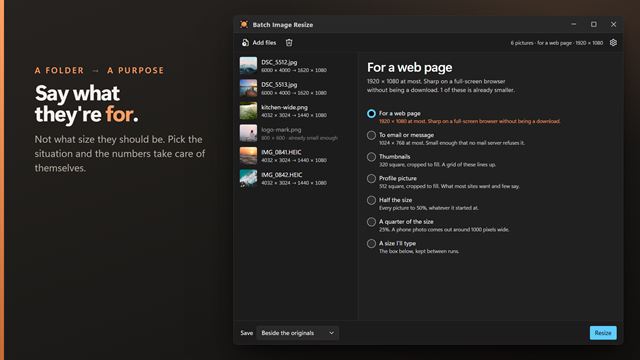
Yes, with the optional Professional Pack. Its Resize option scales to a long edge of 3840, 2048, 1600 or 1080 pixels, or to half or quarter size, during the conversion.

Which versions of Windows does it run on?

Windows 10 (version 1809 or later) and Windows 11.

Is it a subscription?

No. RW2 Image Viewer and Converter is a one-time purchase of $2.99, and updates are included.

How do I get it?

Buy it on this page and your license key arrives by email. If the button says Notify me, RW2 Image Viewer and Converter is not on sale here yet; leave your email and we will tell you when it is.