EEvlarSoft

PSD Viewer and Converter

See what is inside a Photoshop file on any Windows PC and save it as a PNG, JPG or PDF, without a design suite or an upload.

Buy for $1.99
One payment. No subscription.
14-day money-back guarantee.
3.5
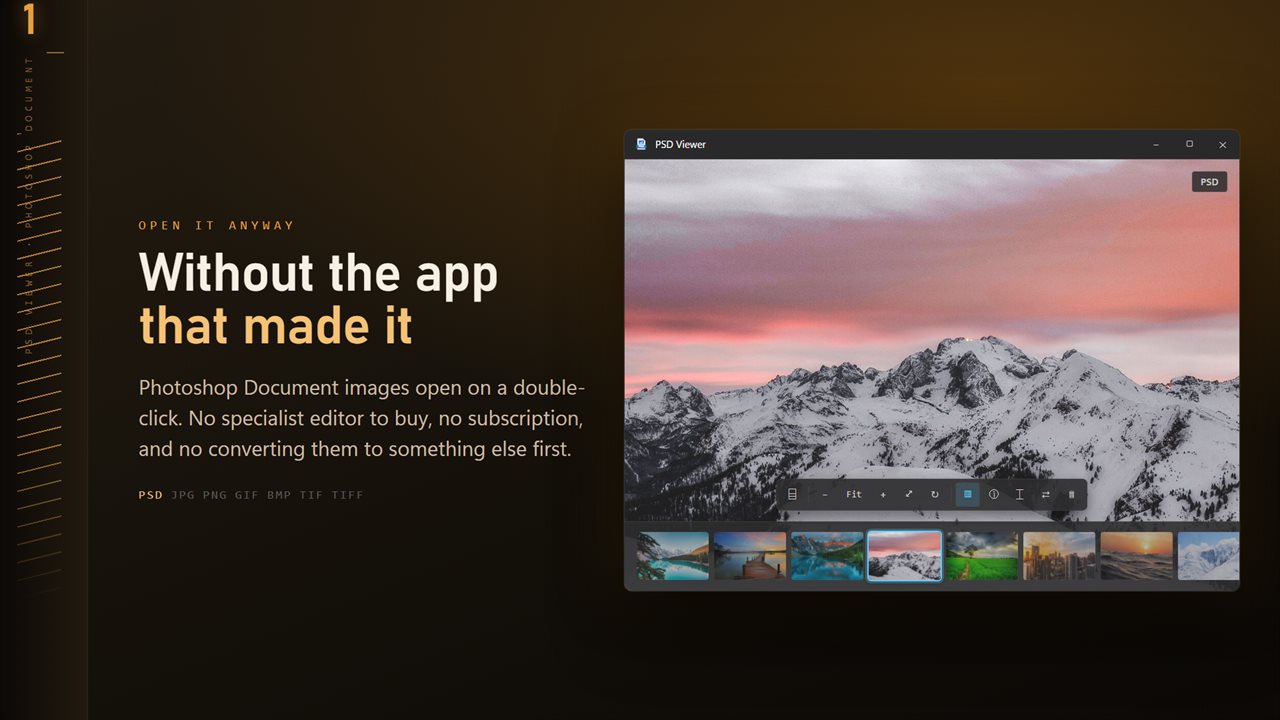
PSD files open without the app that made them.
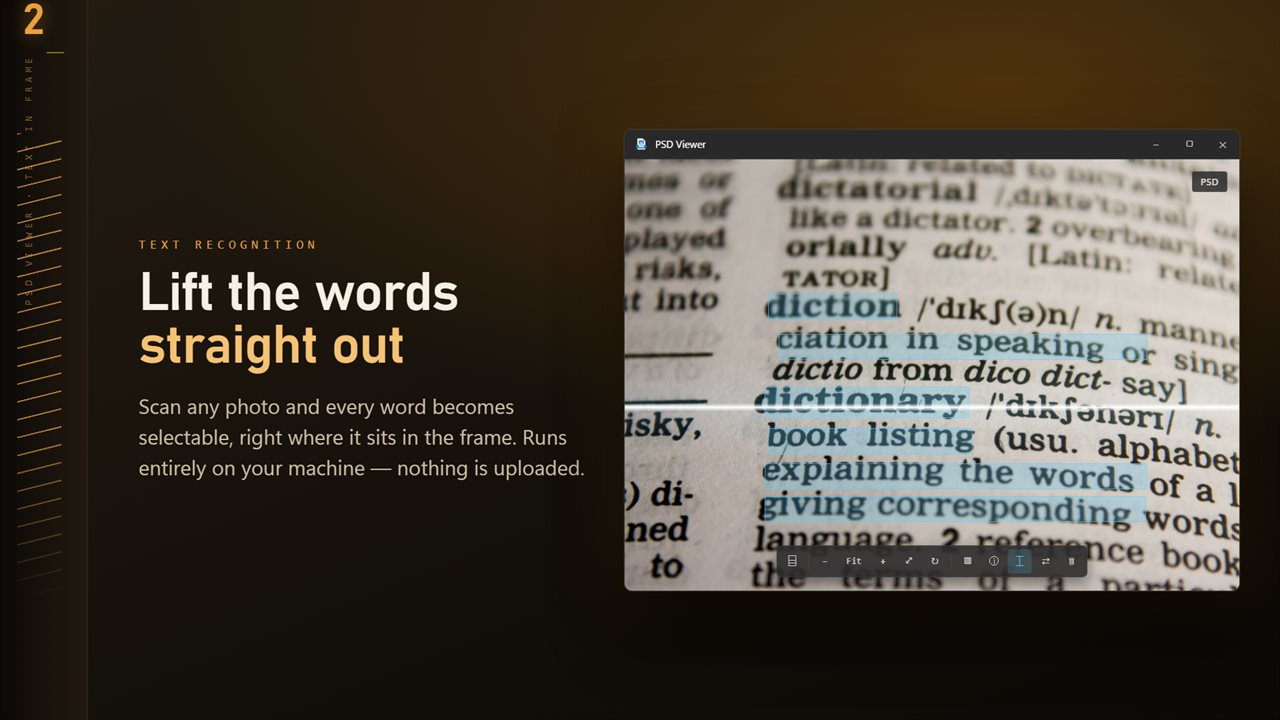
Scan any image and every word becomes selectable, right where it sits.
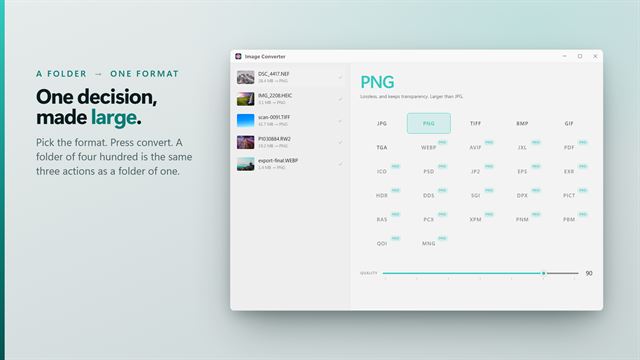
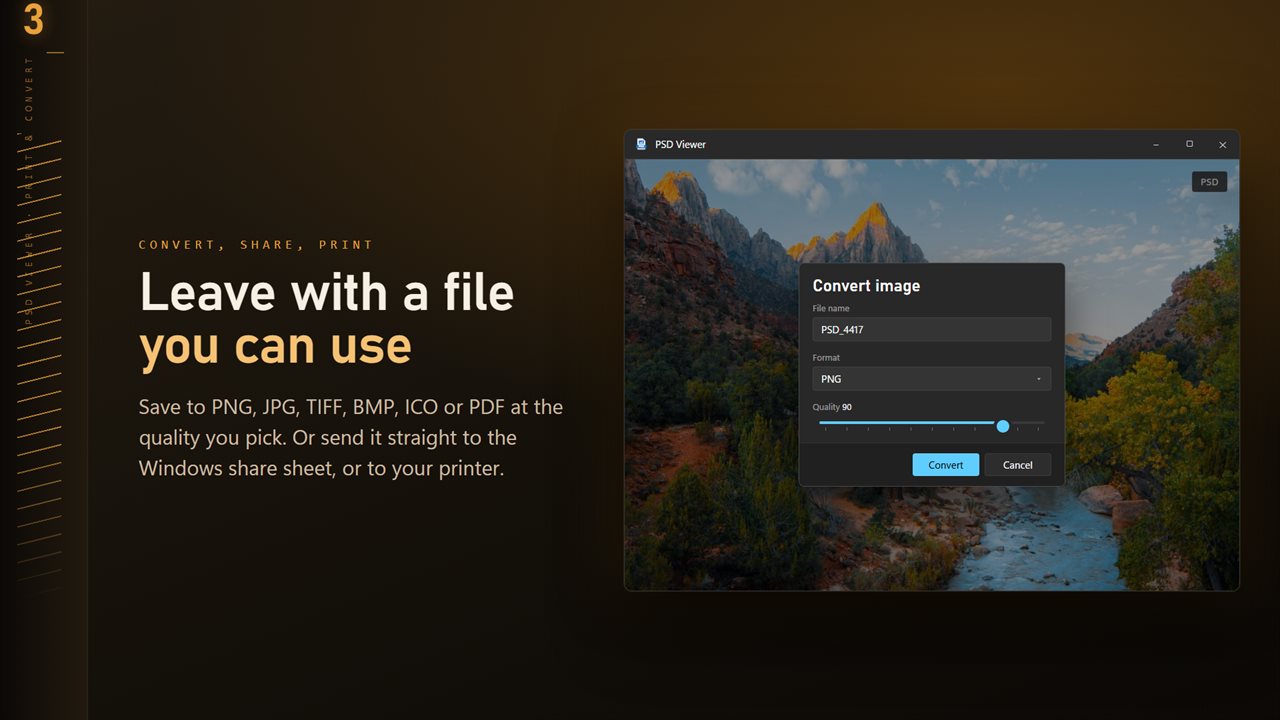
Save to PNG, JPG, TIFF, BMP, ICO or PDF at the quality you pick.
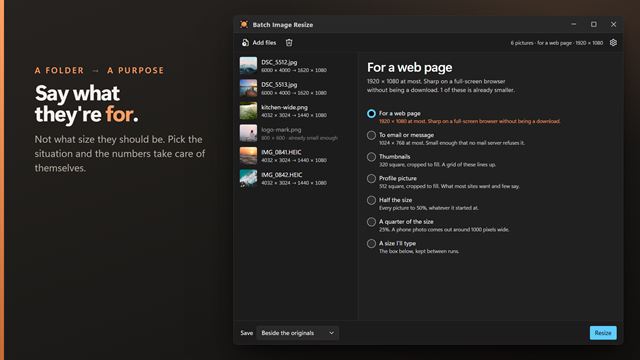
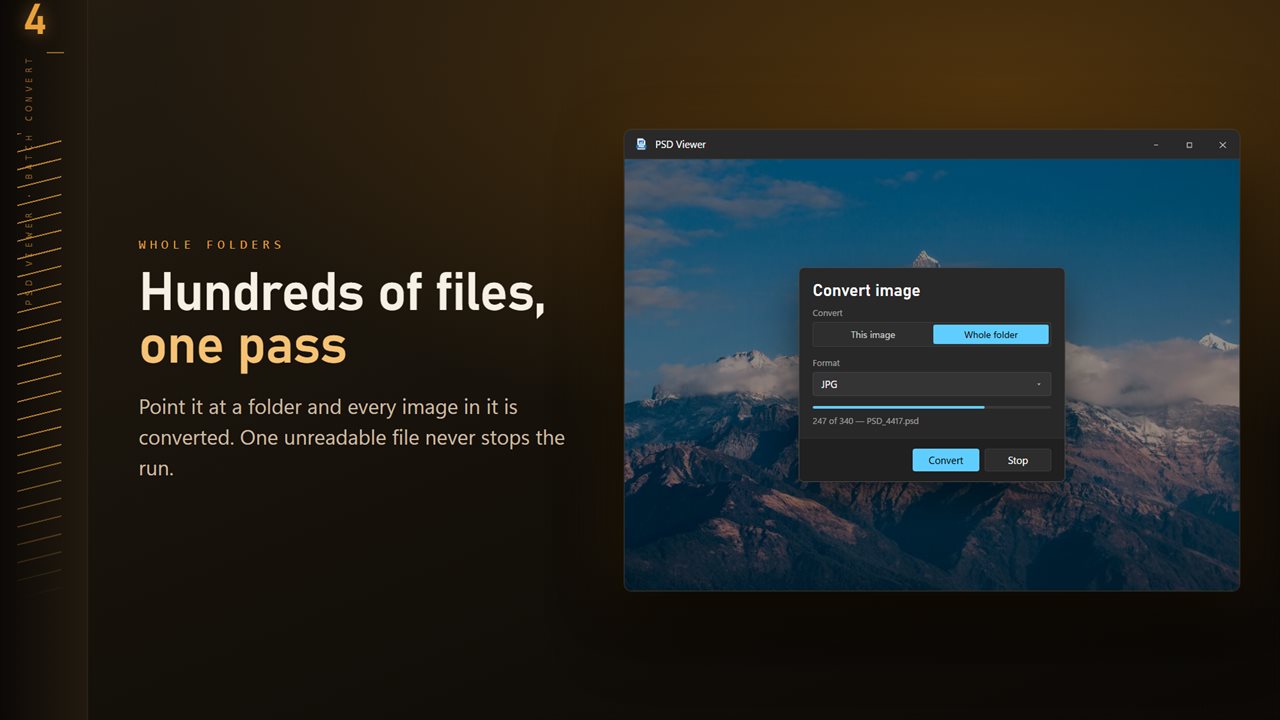
Convert a whole folder in one pass. One unreadable file never stops the run.
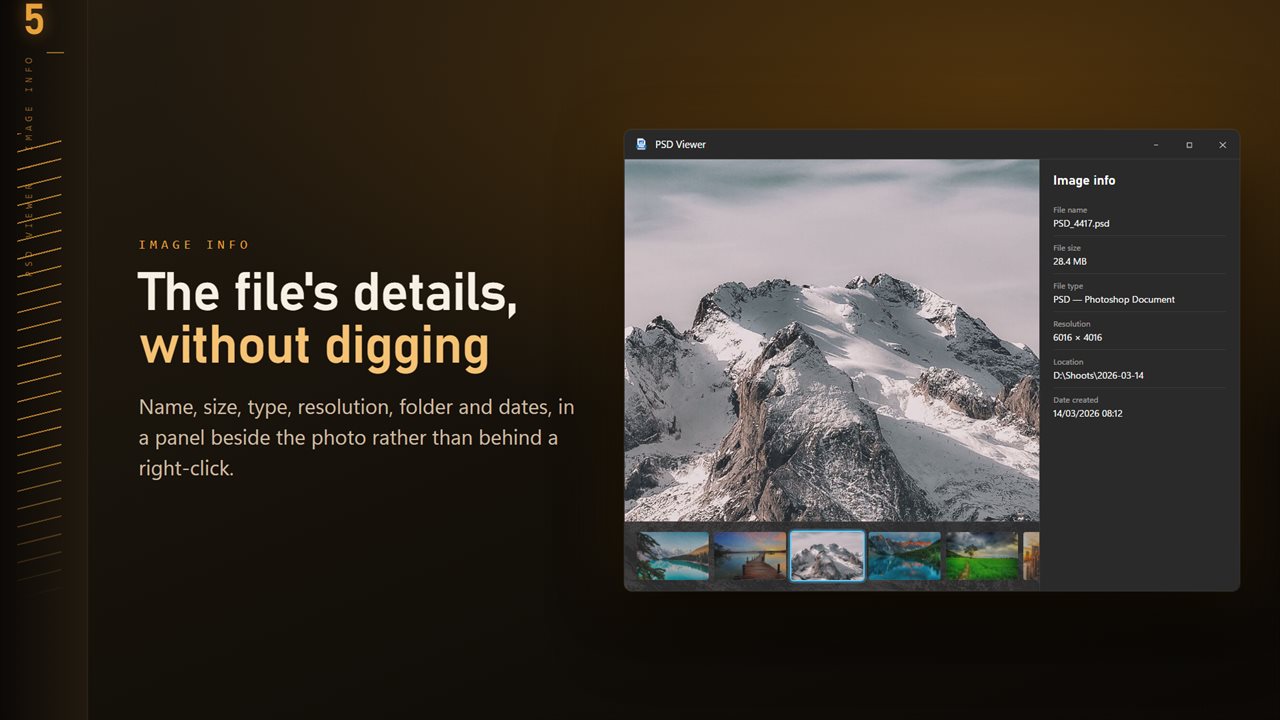
Name, size, type, resolution and dates, in a panel beside the image.
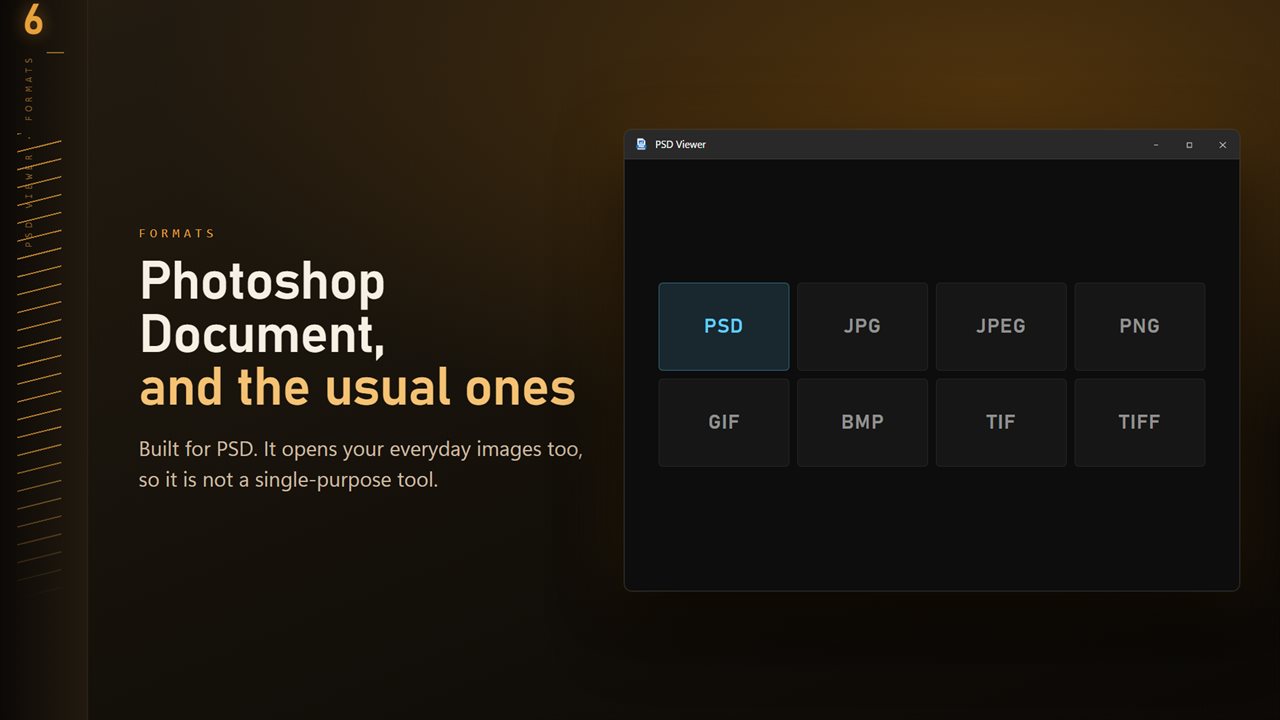
PSD plus the everyday formats: JPG, PNG, GIF, BMP and TIFF.

PSD Viewer and Converter in 25 seconds

PSD Viewer and Converter trailer
190,000+downloads of EvlarSoft apps
Signed by EvlarSoftVerified US publisher
14-day money-backNo questions asked
Updates includedNo upgrade fees

A PSD viewer for people who need to see the file, not edit it

Plenty of people who need a PSD viewer are not designers. They are the client who was sent the source file, the developer handed a mockup to build from, or someone clearing out an old project drive. They want to look at the picture and maybe get a PNG out of it, and a full editor is a heavy install for that.

PSD Viewer shows the flattened composite that Photoshop saves inside a PSD, the same picture you would get if you exported it yourself. Make it the default app for .psd and the artwork opens on a double-click, or press Ctrl+O. The app reads the file and never writes to it, so opening a colleague's master file cannot change it.

It does not take the document apart. There is no layer list, no text editing and no blend modes. If you need to switch layers on and off, you need an editor; if you need to see the finished design and pass it on, this is the shorter path.

How to convert PSD to PNG or JPG

Open the PSD and click Convert on the command bar, or right-click the picture and choose Convert image. Under Convert, pick This image for one file or Whole folder for every image beside it. Choose a Format (PNG, JPG, BMP, PDF, ICO or TIFF), set Quality on the slider from 50 to 100, and convert. ICO output is scaled to fit 256 pixels.

PNG is the right choice for most design work, because flat color, type and sharp edges come through without compression artifacts, and transparency survives. JPG is smaller and fine for photographs. PDF is handy when the person receiving the design wants something they can open in a browser and print.

Checking a design before you send it

Zoom goes to 3200%, so you can inspect a logo edge or a line of small type at the pixel level. Press 0 for actual size and F to fit the window again. The info panel, on I, lists the resolution and file size, which answers the usual question of whether a banner was built at the size the brief asked for.

Under Behind the photo in Settings you can switch the backdrop between Near black, Mid gray and White, which helps when you are judging a light design against a dark interface or the reverse.

Browsing a folder of PSD mockups

Design folders tend to hold many versions of the same file. Press T for the folder ribbon and every image in the folder appears as a thumbnail strip, with the left and right arrow keys stepping through them. Turn on Go round at the end of the folder to loop from the last file back to the first.
What PSD Viewer gives you

  • The flattened Photoshop image, opened on a double-click
  • Saves to PNG, JPG, BMP, PDF, ICO or TIFF
  • Folder conversion that can Skip, Keep both or Replace existing files
  • Zoom from 5% to 3200%, actual size on 0 and fit on F
  • Resolution, file size and dates in the info panel
  • Three backdrop choices for judging light and dark artwork
  • Scan for text to copy the words out of a mockup
  • Right-click for Copy path, Show in Explorer, Share and Print

Who opens PSD files without Photoshop

Clients reviewing artwork

A designer delivers the source along with the final files. Open it, confirm it is the approved version, and forward a PDF to whoever signs off.

Developers building from a mockup

Check dimensions in the info panel, zoom in to read spacing, and use Scan for text to lift the copy instead of retyping headlines.

Tidying old project drives

Arrow through years of mockups, keep what matters, and convert a folder to PNG so the work stays viewable on any device.

What's new in 1.0.10

  • 11 Looks: one-click color styles with a strength slider. Save a copy as a new JPG; the original is never changed
  • New Settings page: light or dark, what sits behind the image, how images open, and more
  • The title bar shows the name of the image you are looking at
  • The Open dialog starts on all images

Questions

Anything else? Ask us

Can I open a PSD file without Photoshop?

Yes. PSD Viewer reads the file with a copy of ImageMagick bundled inside the app, so Photoshop does not need to be installed.

Does PSD Viewer show or edit layers?

No. It shows the flattened composite image stored in the PSD, the first image in the file. Layers cannot be shown, hidden or edited.

Can I convert PSD to PNG or JPG?

Yes. The flattened image converts to PNG, JPG, TIFF, BMP, ICO or PDF at a quality you choose. ICO output is scaled down to 256 pixels.

Can I convert a whole folder of PSD files at once?

Yes. Batch mode converts every image in the open file's folder into a folder you pick, without going into subfolders. One unreadable file does not stop the run, and you can stop it partway.

Does it open PSB (Photoshop Large Document) files?

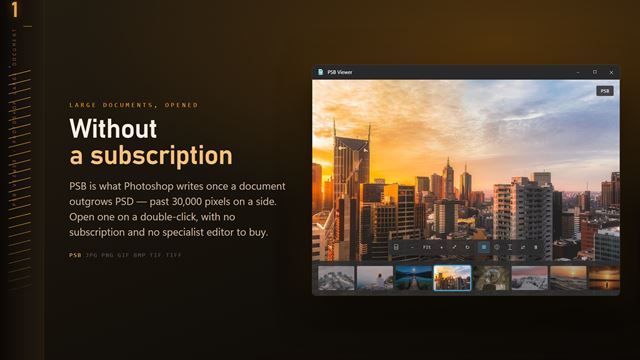
No. PSD Viewer opens PSD plus JPG, PNG, GIF, BMP and TIFF. PSB files have their own app, PSB Viewer.

Why does my PSD open as a blank or placeholder image?

The file was probably saved with Photoshop's Maximize Compatibility option turned off, so it holds no finished flattened image for a viewer to show. Re-save it in Photoshop with that option on.

Can I edit text in a PSD with PSD Viewer?

No. It is a viewer and converter. Text layers are shown as part of the flattened picture, and Scan for text can copy the words out as plain text.

Does converting PSD to PNG keep a transparent background?

PNG and TIFF keep the transparency of the flattened image. JPG has no transparency channel, so pick PNG when the design sits on a transparent background.

Which versions of Windows does it run on?

Windows 10 (version 1809 or later) and Windows 11.

Is it a subscription?

No. PSD Viewer and Converter is a one-time purchase of $1.99, and updates are included.

How do I get it?

Buy it on this page and your license key arrives by email. If the button says Notify me, PSD Viewer and Converter is not on sale here yet; leave your email and we will tell you when it is.