EEvlarSoft

Lossless PNG Compressor

Make PNG files smaller while every pixel stays exactly as it was, a whole folder of screenshots or graphics at a time.

Buy for $1.99
One payment. No subscription.
14-day money-back guarantee.
3.0
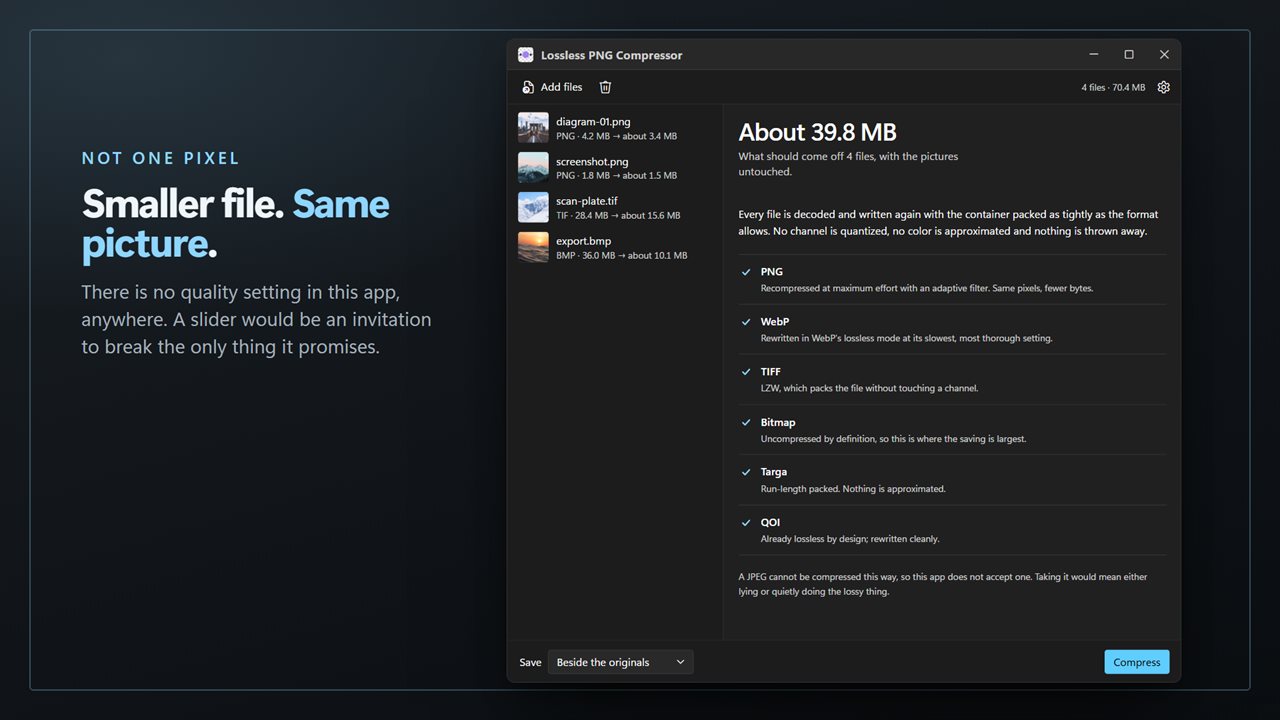
A smaller file and the same picture — not one pixel differs.
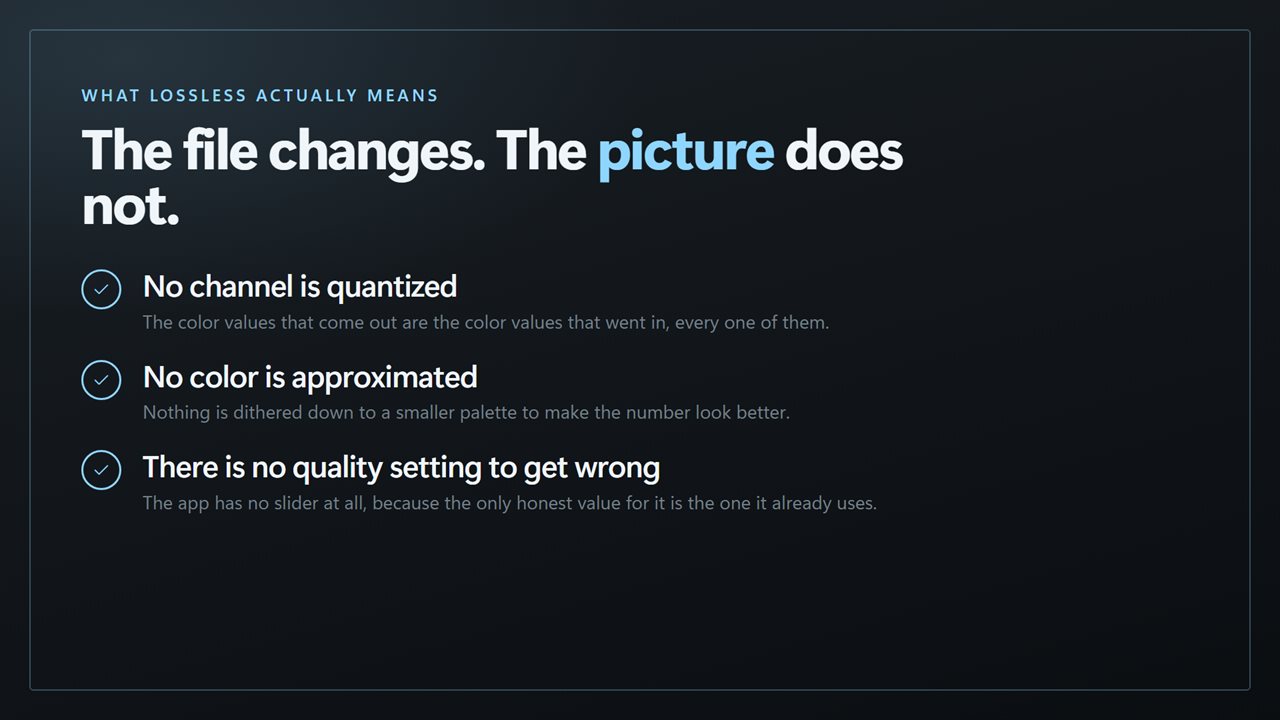
What lossless actually means: the file changes, the picture does not.
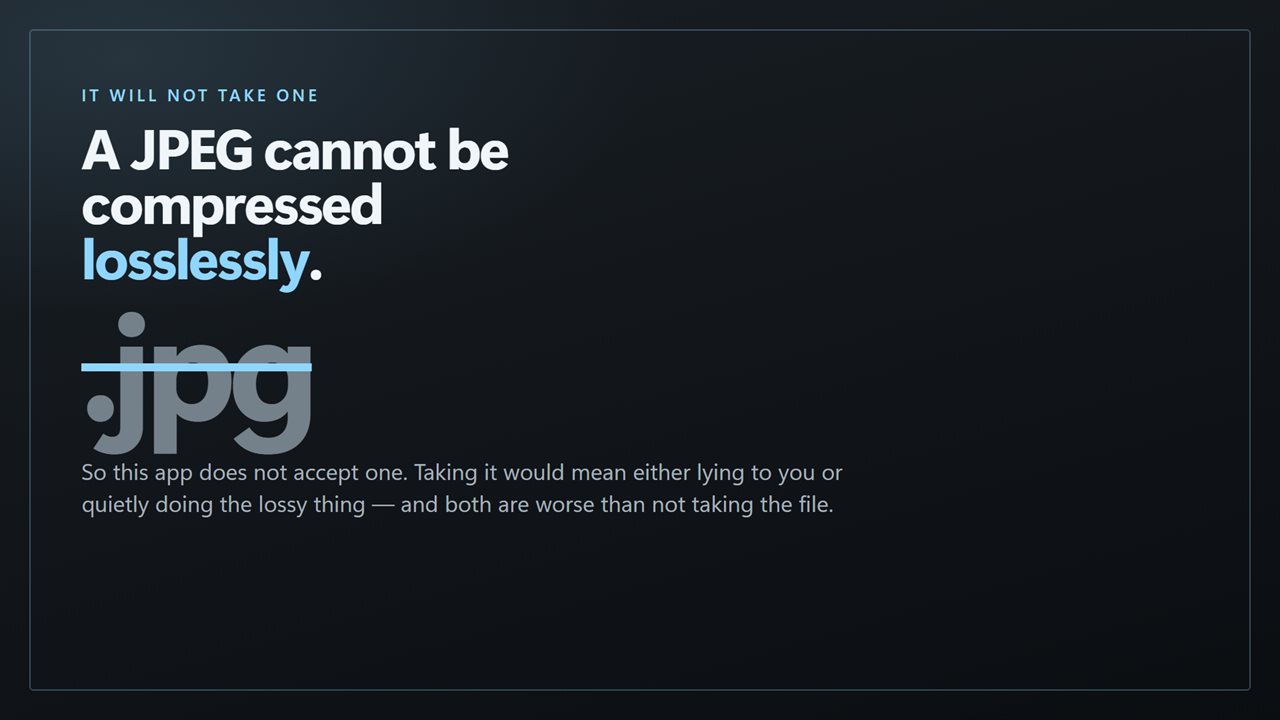
It will not take a JPEG, because a JPEG cannot be compressed losslessly.
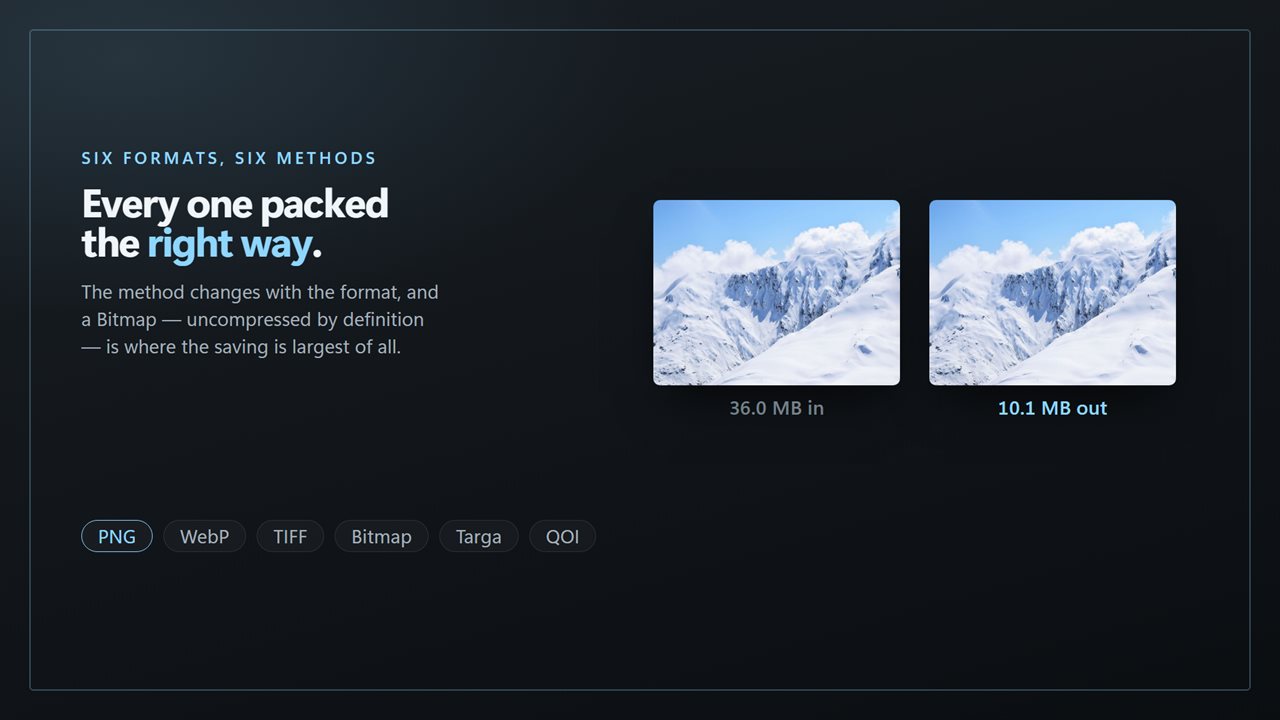
Six formats, six methods, every one packed the right way.
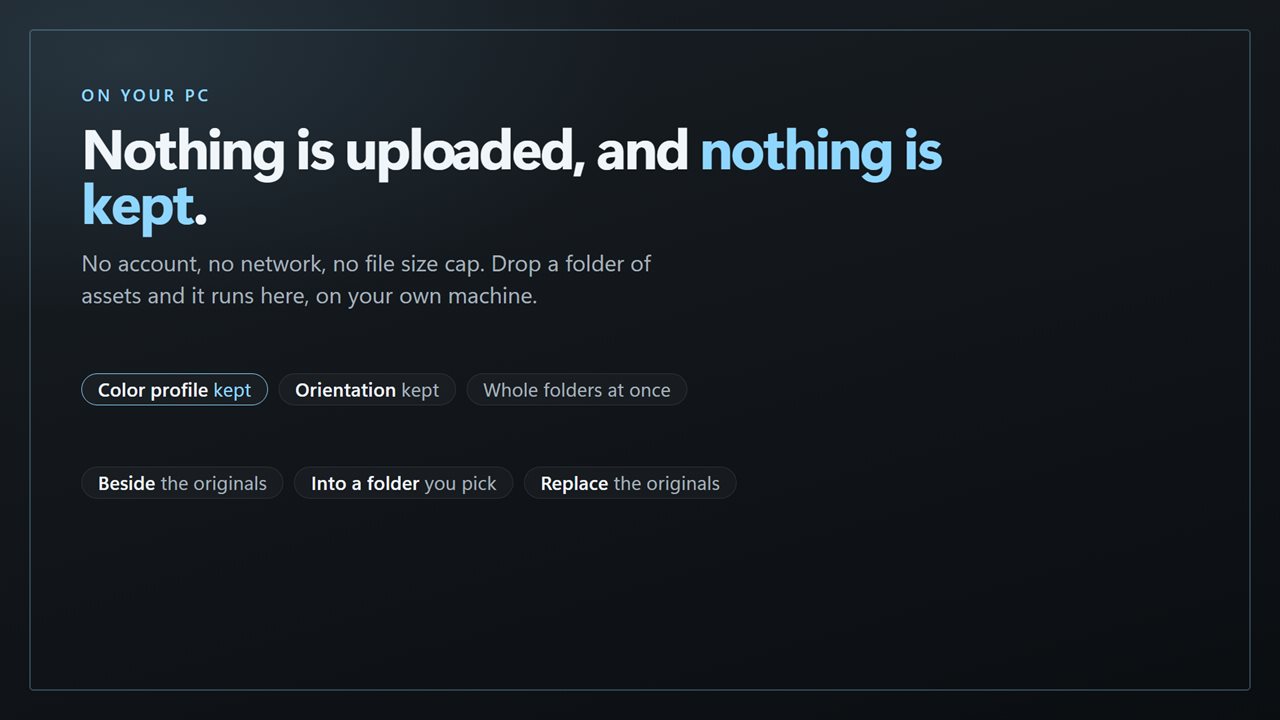
Nothing is uploaded, and nothing is kept.

A smaller file and the same picture — not one pixel differs.

190,000+downloads of EvlarSoft apps
Signed by EvlarSoftVerified US publisher
14-day money-backNo questions asked
Updates includedNo upgrade fees

Compress PNG files and keep every pixel

There are two very different ways to compress PNG images, and most tools do not say which one they use. One reduces the number of colors in the picture, which can shrink a file dramatically but quietly changes it: gradients band, edges fringe, and transparency can go grainy. The other leaves the picture alone and only packs the file more tightly.

Lossless PNG Compressor does only the second. Each PNG is decoded and written again at maximum compression with an adaptive filter, so the image you get back is identical to the one you put in, down to the last pixel and alpha value. There is no quality slider because there is no quality to give up.

That honesty has a cost worth knowing: lossless savings depend on how carelessly the file was saved in the first place. A screenshot straight from a fast exporter often has room to spare; a PNG that has already been optimized may barely move.

How to reduce PNG file size in a batch

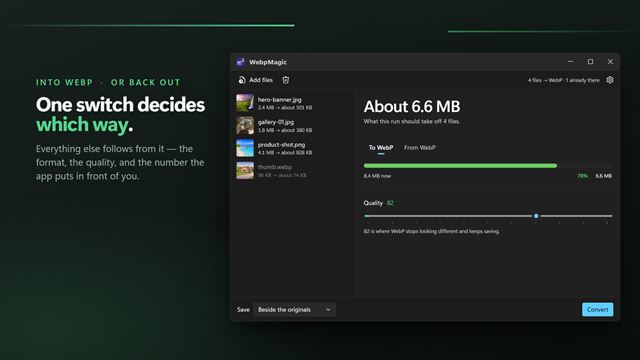
Click any file to see the method that applies to it and a bar comparing old and new size. Before a run the figure is labeled as an estimate, because the pixels are guaranteed but the saving is not.

  • Click Add files, or drop PNG images onto the window. A folder dropped in brings its files with it.
  • Read each row: the format, the current size and an estimate of what it should come down to.
  • Choose where results go under Save: Beside the originals, Into a folder, or Replace the originals.
  • Press Compress. Each row then shows the real before and after sizes, and the header totals what was saved.

PNG optimizer or color reducer: how to tell

If a tool promises a 70% smaller PNG, it is usually reducing the palette to 256 colors or fewer. That is fine for some web graphics and wrong for others, such as a design file you will edit again, a medical or scientific image, or a screenshot of fine text that has to stay crisp.

A true PNG optimizer only changes the compression of the data. You can check: open the original and the result side by side and zoom in on a gradient or a soft shadow. With this app they match.

Lossless image compression for TIFF and WebP too

The same queue accepts WebP, TIFF, BMP, Targa and QOI. WebP files are rewritten in WebP's lossless mode at its most thorough setting, and TIFF files are packed with LZW compression, which can make a large uncompressed scan much smaller with nothing changed.

JPEG is deliberately not accepted. A JPEG cannot be made smaller without discarding detail, and taking one would mean either pretending otherwise or doing the lossy thing behind your back.

Features

  • Maximum-effort PNG recompression with an adaptive filter, pixels unchanged
  • WebP rewritten in lossless mode, TIFF packed with LZW
  • Accepts PNG, WebP, TIFF, BMP, TGA and QOI; refuses JPEG on purpose
  • Per-file size estimate before the run, real sizes after
  • Running total of space saved across the batch
  • Color profile kept in the new file
  • Copies saved beside the source with "(compressed)" in the name, into another folder, or over the originals after confirmation

Good fits

Screenshots for documentation

Keep text razor sharp in a help article or a bug report while trimming the files before they go into a repository or wiki.

Logos and UI assets

Transparent edges stay exactly as designed, which a color-reducing compressor can spoil.

Old scans saved as uncompressed TIFF

An archive of raw TIFF scans takes far more disk than it needs. LZW packing gives space back without touching the scan.

What's new in 2.0.4

  • Bug fixes
  • Performance enhancements

Questions

Anything else? Ask us

Does compressing a PNG reduce its quality?

No. There is no quality setting: each PNG is written again at maximum compression with an adaptive filter, which changes how the file is packed but not the pixels. WebP files are rewritten in WebP's lossless mode and TIFF files with LZW compression.

Can it compress JPEG files?

No. A JPEG cannot be made smaller without losing detail, so the app does not accept JPEG files at all. It takes PNG, WebP, TIFF, BMP, Targa (TGA) and QOI.

Will BMP, Targa and QOI files get smaller too?

Not necessarily. Only PNG, WebP and TIFF get dedicated lossless compression settings. BMP, Targa and QOI files are rewritten with that format's standard settings, so the saving may be small or none.

What if a file is already as small as it can get?

The new copy is written anyway, and the app shows the before and after sizes so you can see there was no saving. It does not check which file is smaller, so with Replace the originals on, the rewritten file takes the original's place even then.

Where are the compressed files saved?

By default beside each original with "(compressed)" added to the name, so the original is kept. You can also save into a folder you choose, or replace the originals, which asks first and writes each new file before the old one is removed.

Does it keep the color profile and other metadata?

The color profile is kept. Other embedded metadata, such as EXIF and XMP, is not copied into the new file.

How much smaller will my PNG files get?

It depends on how they were saved. Each row shows an estimate before you start and the real result afterwards. Files that were already optimized may not get any smaller.

Does lossless compression keep transparency?

Yes. The alpha channel is part of the pixels, and no pixel is changed, so transparent and semi-transparent areas come out exactly as they went in.

Can I compress hundreds of PNG files at once?

Yes. Add as many as you like or drop a folder; one press of Compress works through the whole list.

Which versions of Windows does it run on?

Windows 10 (version 1809 or later) and Windows 11.

Is it a subscription?

No. Lossless PNG Compressor is a one-time purchase of $1.99, and updates are included.

How do I get it?

Buy it on this page and your license key arrives by email. If the button says Notify me, Lossless PNG Compressor is not on sale here yet; leave your email and we will tell you when it is.