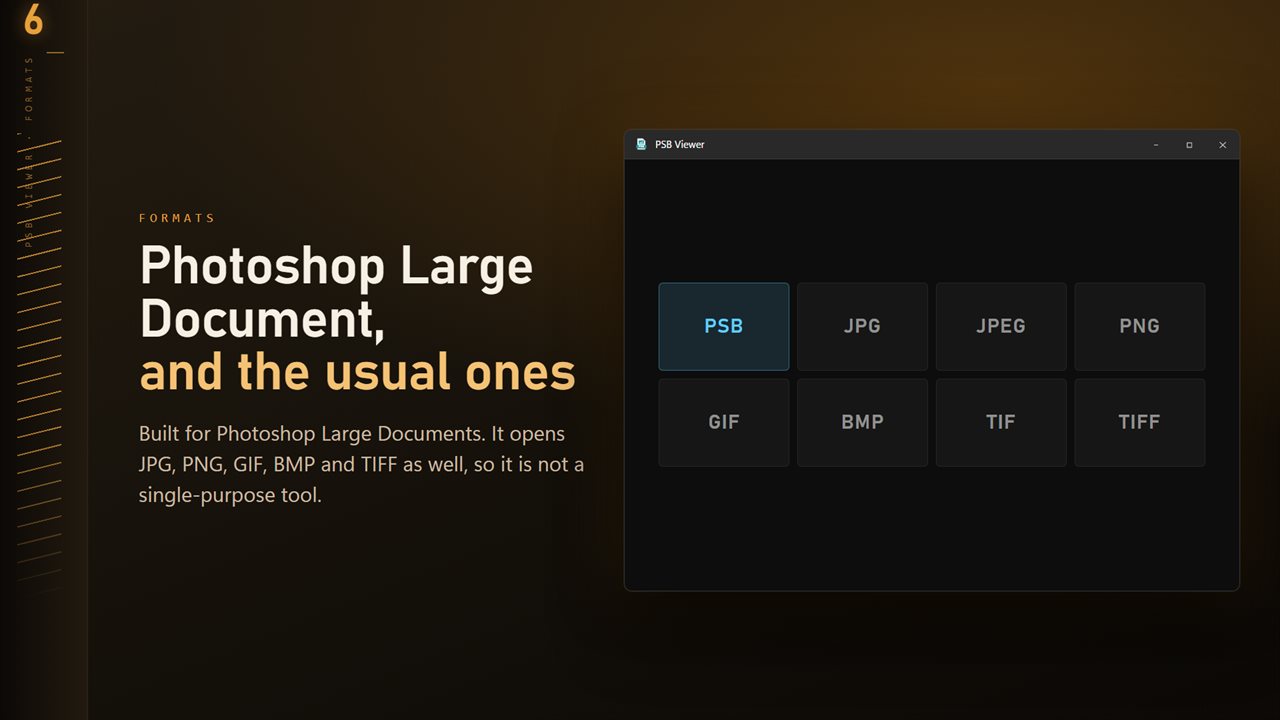
What a PSB file is, and why ordinary viewers choke on it
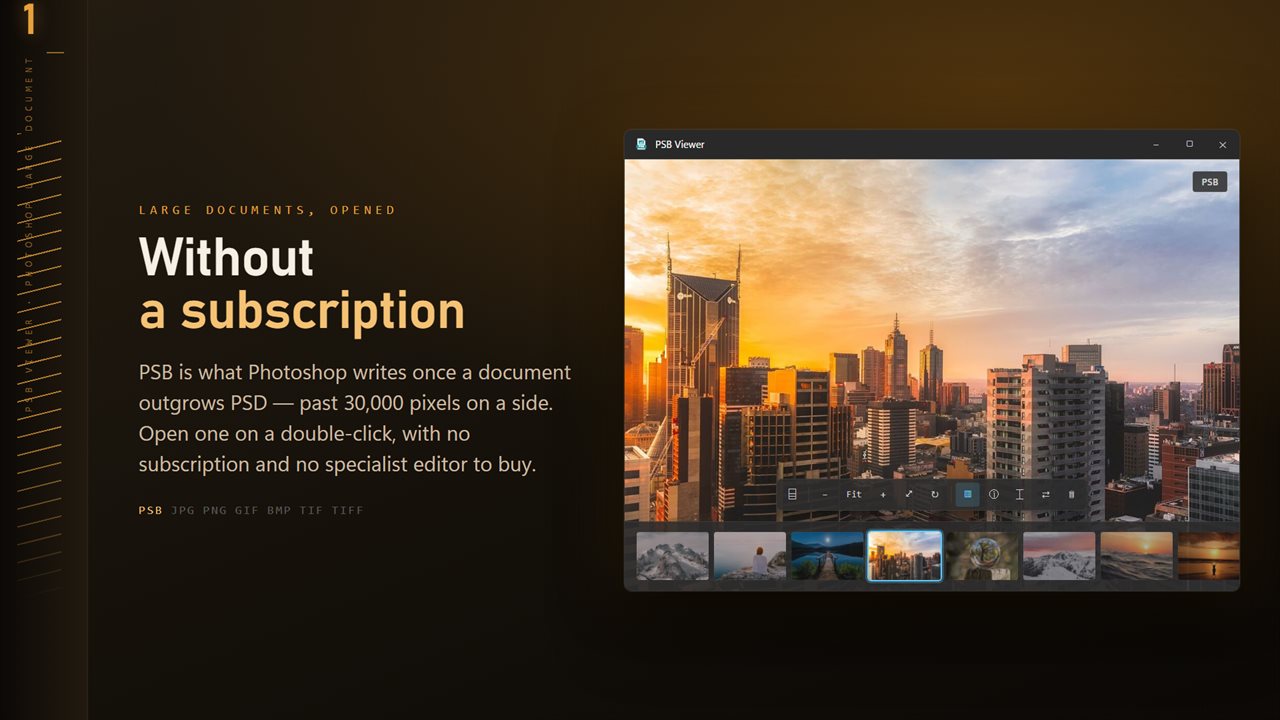
A PSB file is a Photoshop document too large to be a PSD. The regular format stops at 30,000 pixels on a side and 2 GB per file, so anything bigger, such as a stitched gigapixel panorama, a trade-show backdrop or a building wrap at print resolution, has to be saved in Large Document Format instead. Few programs outside Photoshop read it, and the few that do often try to load the whole thing into memory at once.
This PSB file viewer deals with the size head-on. It decodes only the flattened image stored in the document, and the decoder is held to a fixed memory budget, with anything beyond it paged to disk. A very large PSB therefore takes longer to appear instead of freezing the PC or crashing the app.
Nothing in the document is changed. Layers stay untouched in the file, and what you see on screen is the finished composite.
How to open a PSB file without Photoshop
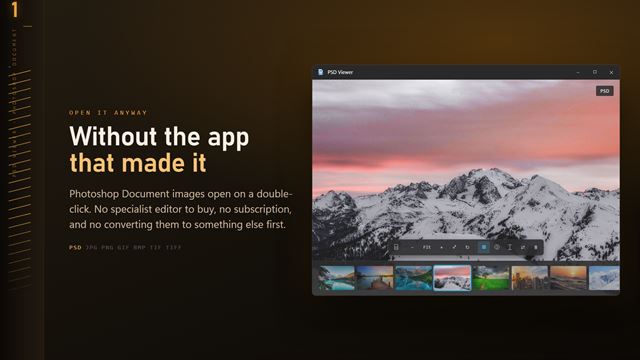
Right-click any .psb in File Explorer, choose Open with, pick PSB Viewer and tick the option to always use it. From then on a double-click is enough. You can also drag a file onto the window or press Ctrl+O.
Give a big document a moment. A progress ring shows while the picture is rendered to a JPEG copy, and from then on zooming and panning move around that copy rather than the layered file. The copy is kept, so opening the same PSB again is much quicker than the first time.
Export a PSB to TIFF, PNG or JPG for print or proofing
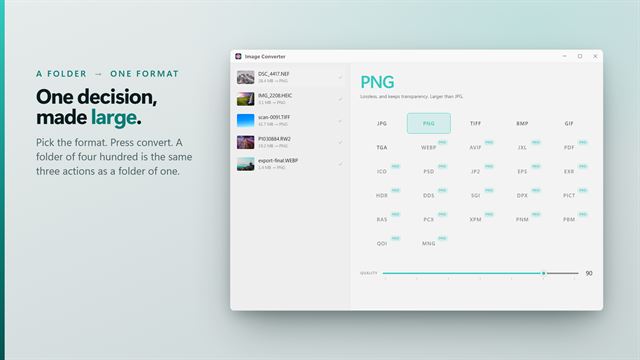
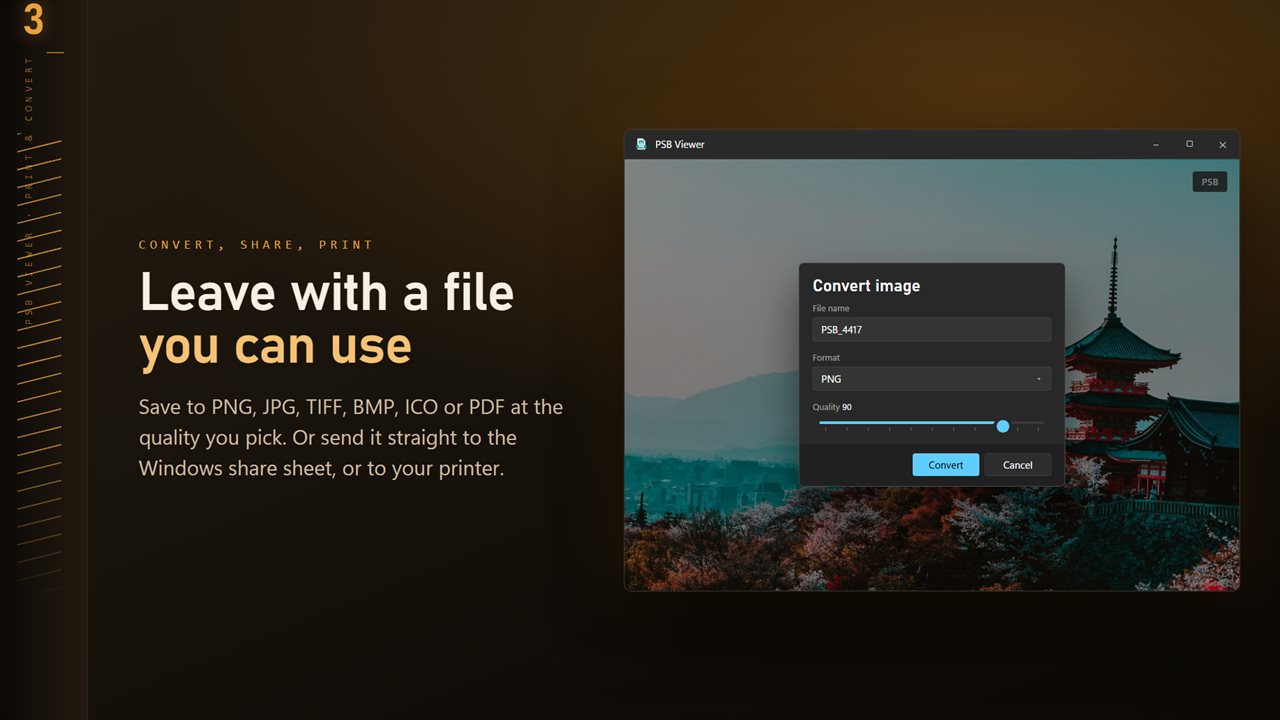
Click Convert on the command bar, or right-click and choose Convert image. TIFF is the usual hand-off for a print shop, PNG keeps every edge clean for on-screen proofs, and JPG produces a far smaller file you can email for approval. PDF, BMP and ICO are offered too; ICO is scaled to fit 256 pixels.
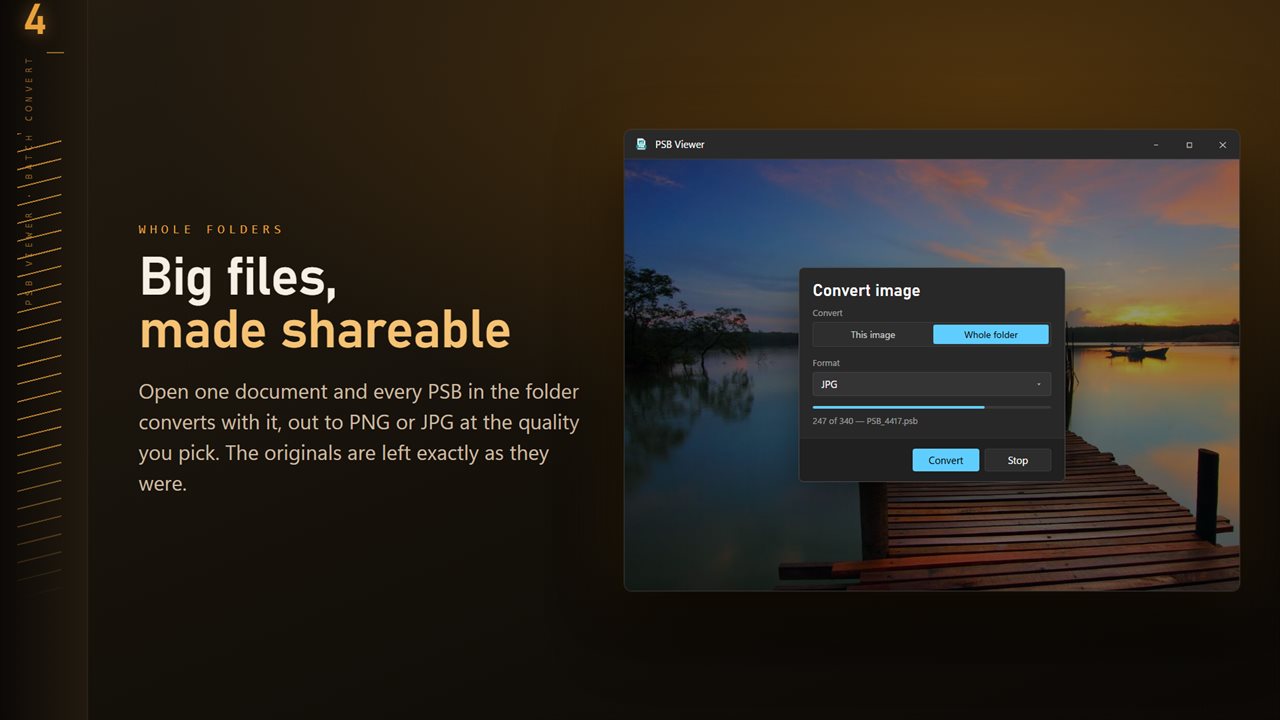
Set Quality from 50 to 100 for the lossy formats. If a client only needs to see the layout, a JPG at 70 is a fraction of the original's size and still readable. To export a whole job at once, switch Convert to Whole folder and choose Skip, Keep both or Replace under Existing files.
Inspecting detail in a huge image
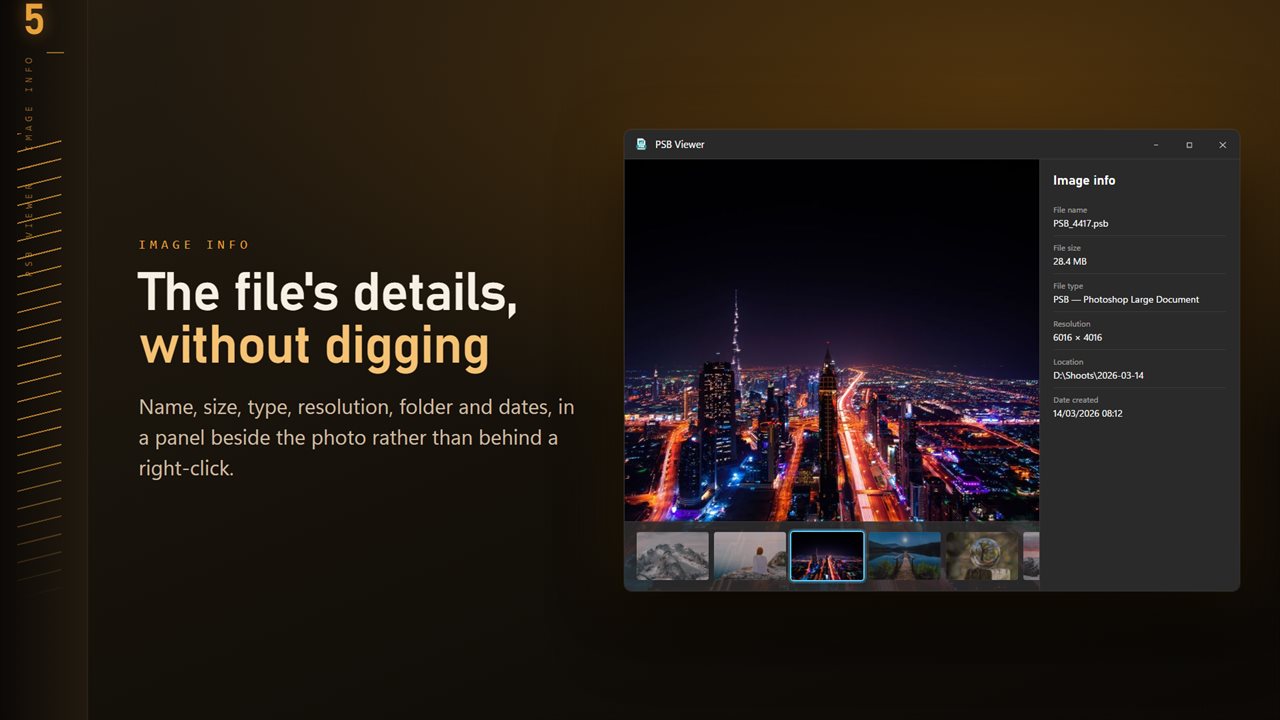
Large documents exist because the detail matters, so check it. The scroll wheel zooms, dragging pans, and the keyboard covers the rest: plus and minus step the zoom, 0 shows actual size, F fits the whole canvas back in the window. Press I for the info panel, whose Resolution line is the quickest way to confirm a file meets a printer's spec.