Why a volume slider is not enough
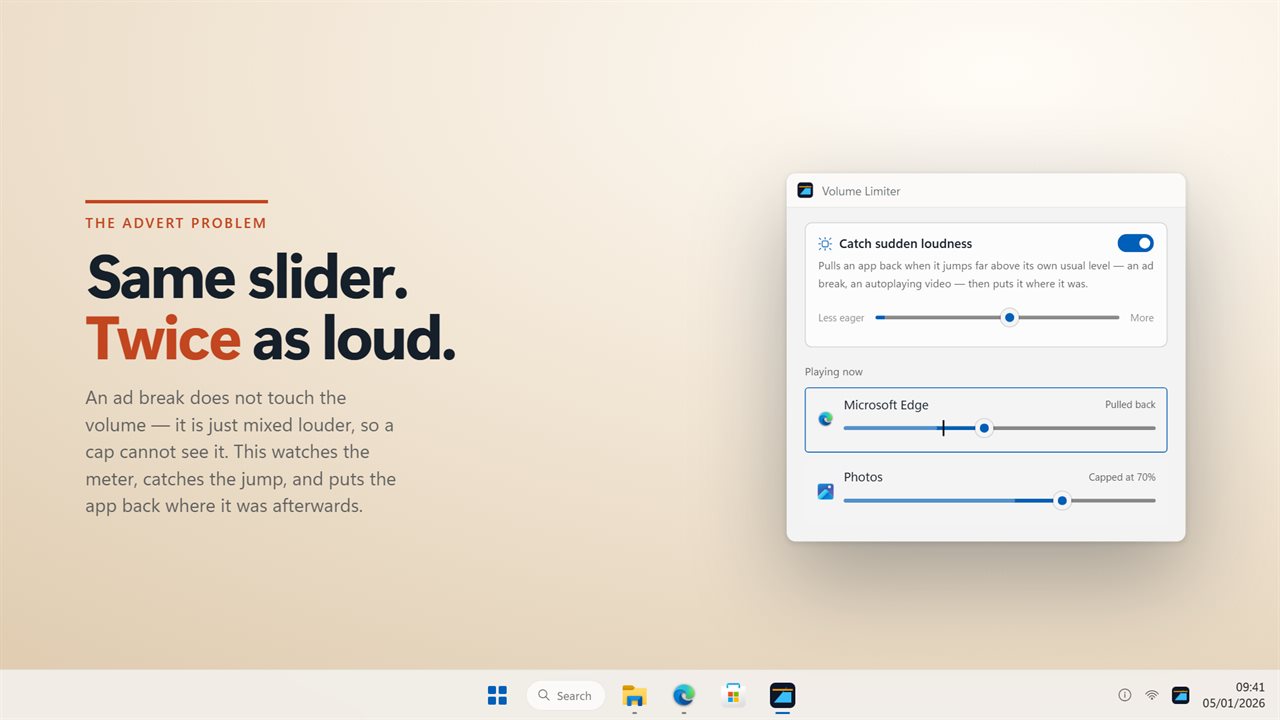
Capping the Windows volume slider stops anyone turning it up past a point, and Volume Limiter does that. But the slider is only one part of loudness. An app playing at full scale under an 80% slider is as loud as 80% gets, and an advert mixed twice as loud as the show before it arrives without the slider moving at all.
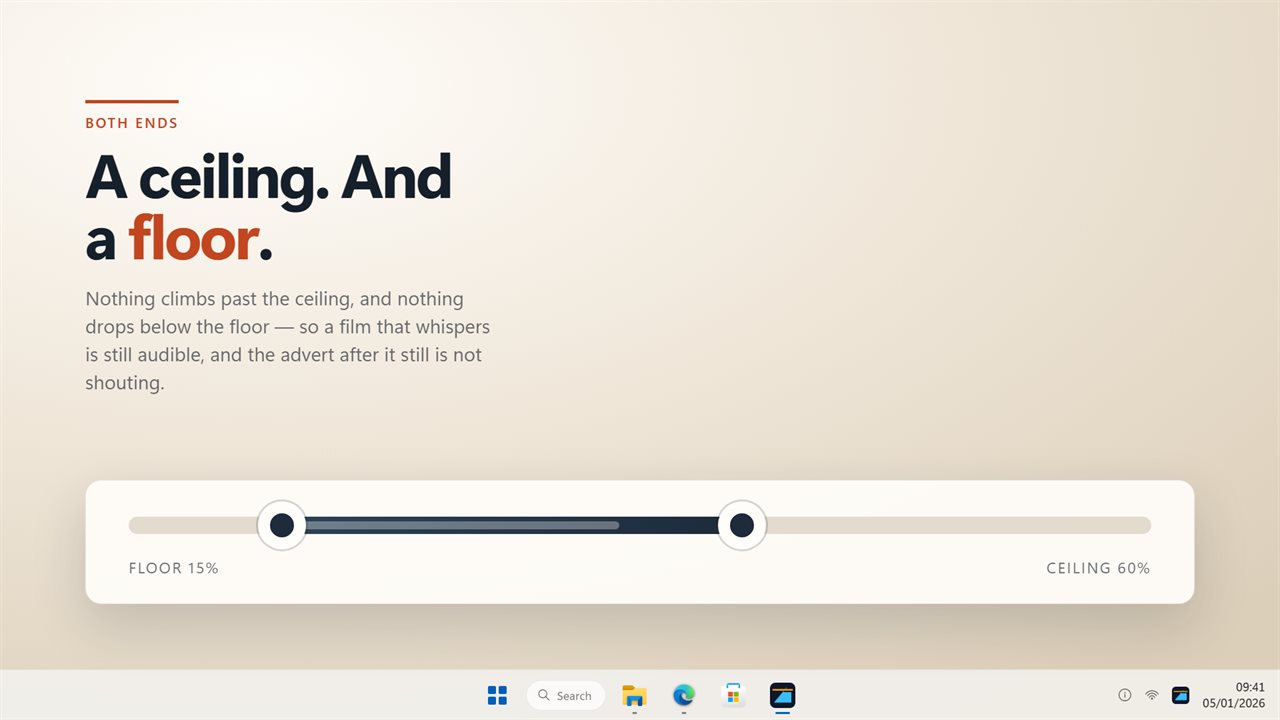
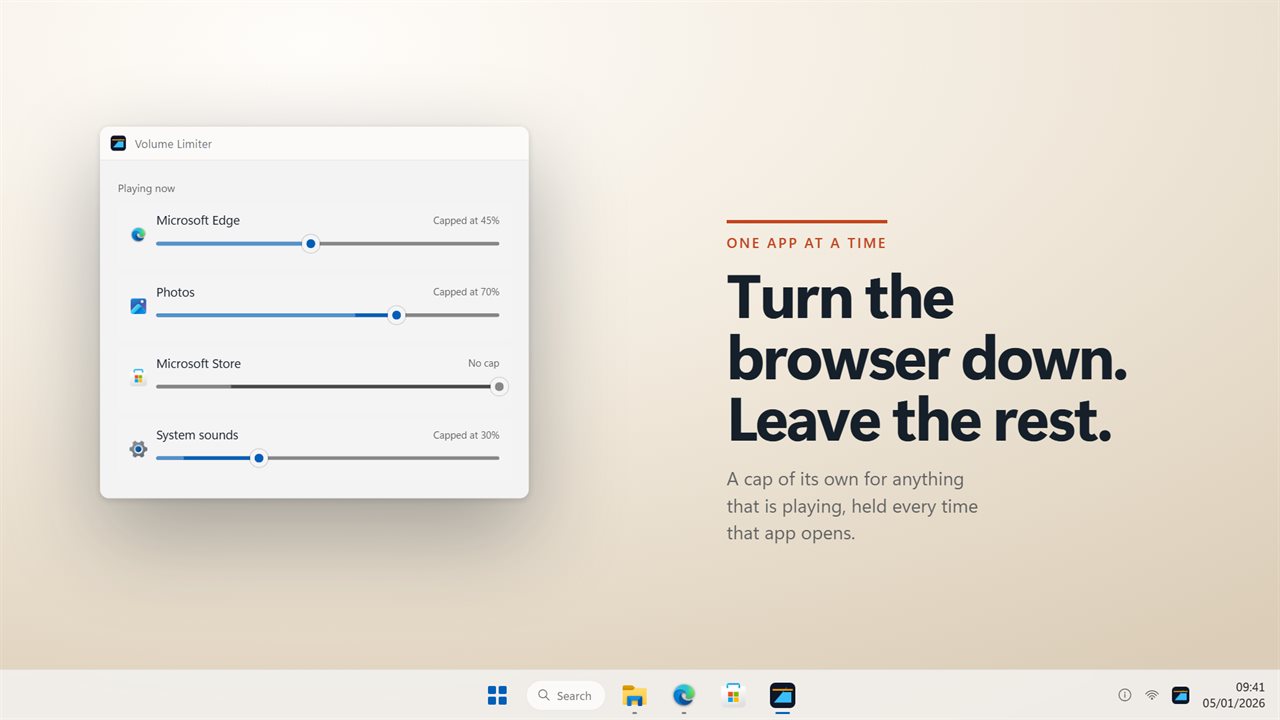
So the limits work at three levels. The system ceiling and floor hold the slider in a range. A per-app cap holds one program below its own limit. And the loudness guard watches each app's actual output: when it rises far above that app's normal level, the app is turned down, and when the loud part has passed it is turned back up.
The guard works by turning the whole app down, not by reshaping the sound, and it reacts in about a tenth of a second, so the very start of a blast can still get through. Its sensitivity runs from 1 to 10, because what counts as a jump in a film is not the same as in a game.
How to set up a volume limiter on Windows
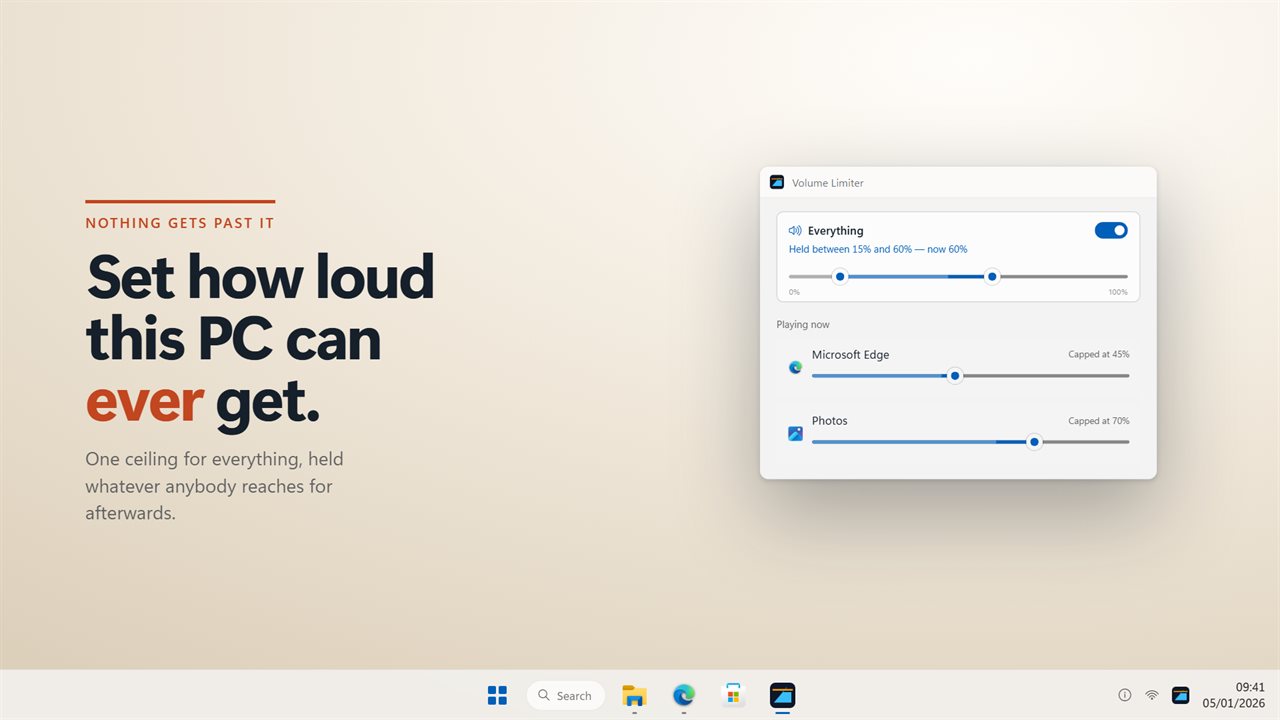
Volume Limiter puts the system range on one rail and every playing app in a list below it. Set the limits once and they keep being held from the notification area.
- Drag the top of the system rail to the ceiling, the loudest this PC is allowed to play.
- Drag the bottom of the same rail to set a floor, so quiet passages stay audible.
- In the list of playing apps, give any app a cap of its own, for example the browser at 45%.
- Set the loudness guard's sensitivity from 1 to 10 to match what you watch or play.
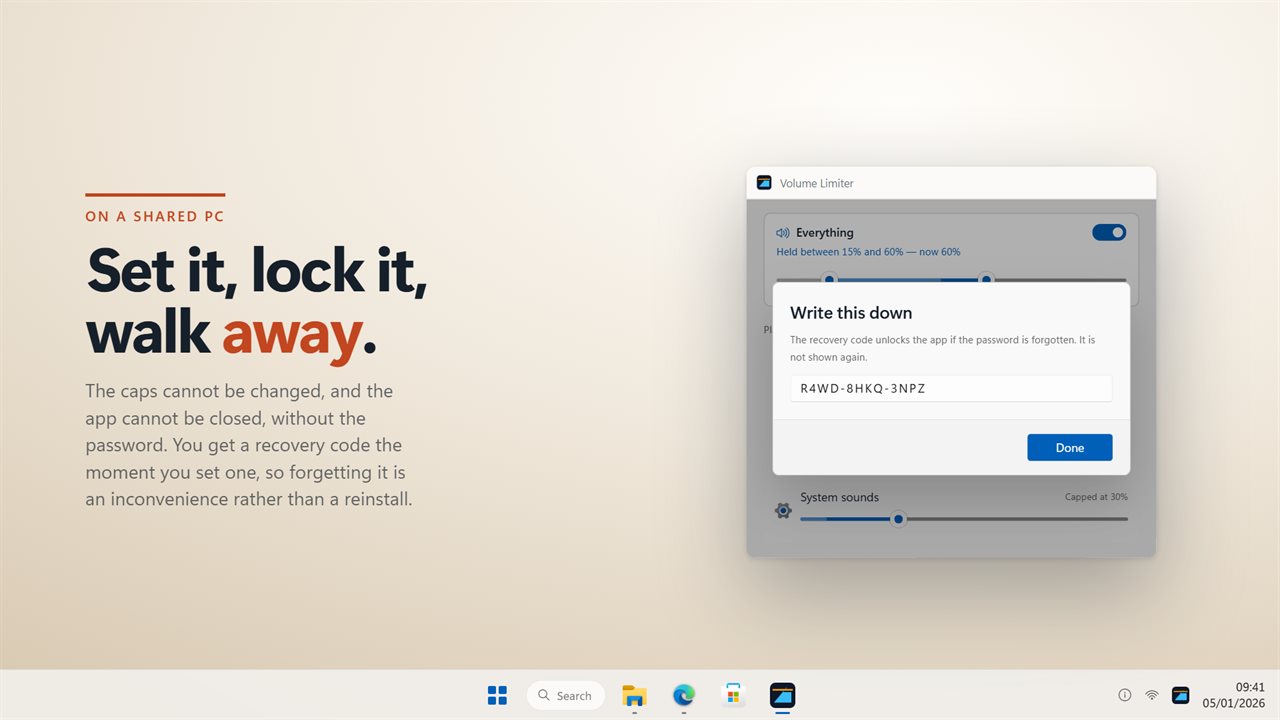
- On a shared PC, set a password and write down the recovery code shown at that moment.
Volume limiter or audio limiter: what this one does
In a studio, an audio limiter reshapes the sound itself so peaks cannot pass a set level. Volume Limiter does not do that. It moves the same volume levels you see in Windows' volume mixer, and nothing is compressed or filtered, so your audio sounds exactly as it did.
What it adds as a PC audio limiter is the loudness guard. It reads each app's actual level ten times a second, and when an app jumps far above its usual level it turns that whole app down, then back up once the loud part has passed. Think of it as a fast hand on the knob: the first instant of a sudden blast can still get through before it is pulled back.
Keeping a volume limit on a shared or family PC
A limit only helps if it holds whatever someone does. The ceiling puts the volume back when anything pushes past it, whether that is a keyboard key, a headset dial, another program or someone moving the slider. It keeps working with the window closed, from the notification area.
With a password set, the limits cannot be changed and the app cannot be closed without it. Locking also turns on start with Windows, so the limits come back after a restart. The password is stored as a salted hash rather than as text, and the recovery code means a forgotten password does not mean a reinstall.