What a HEIC file is, and how to open one on a PC
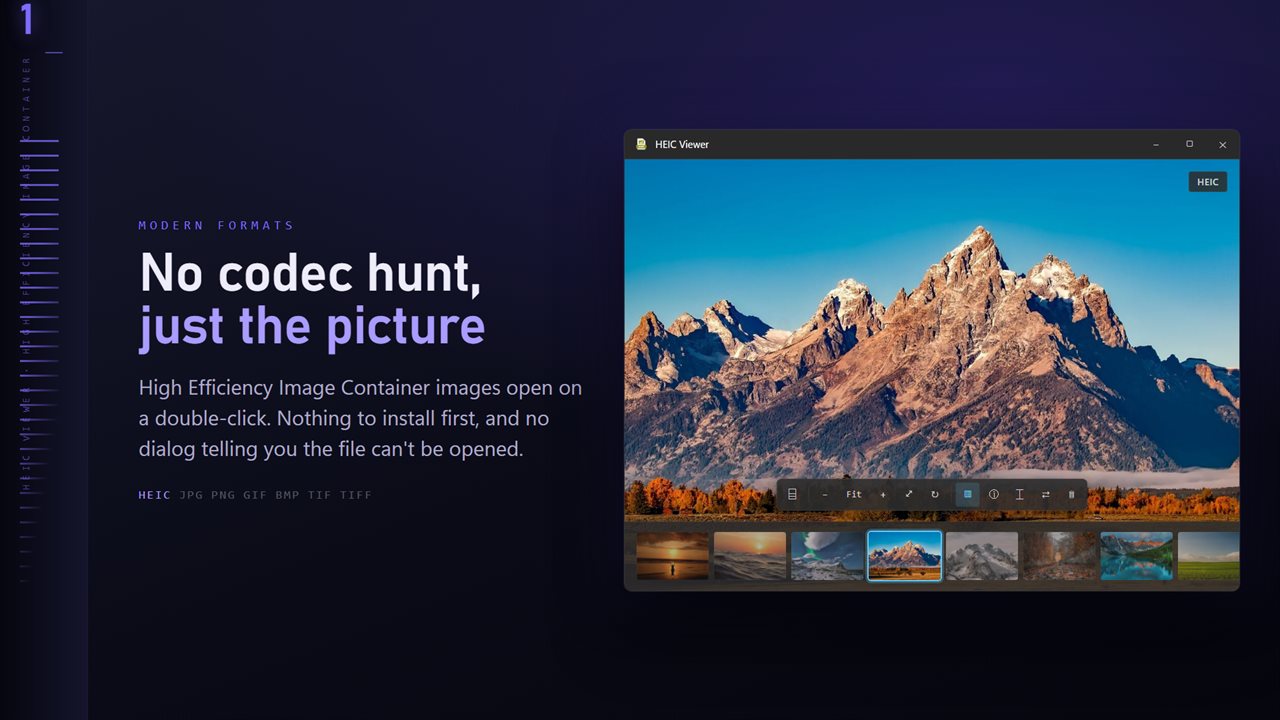
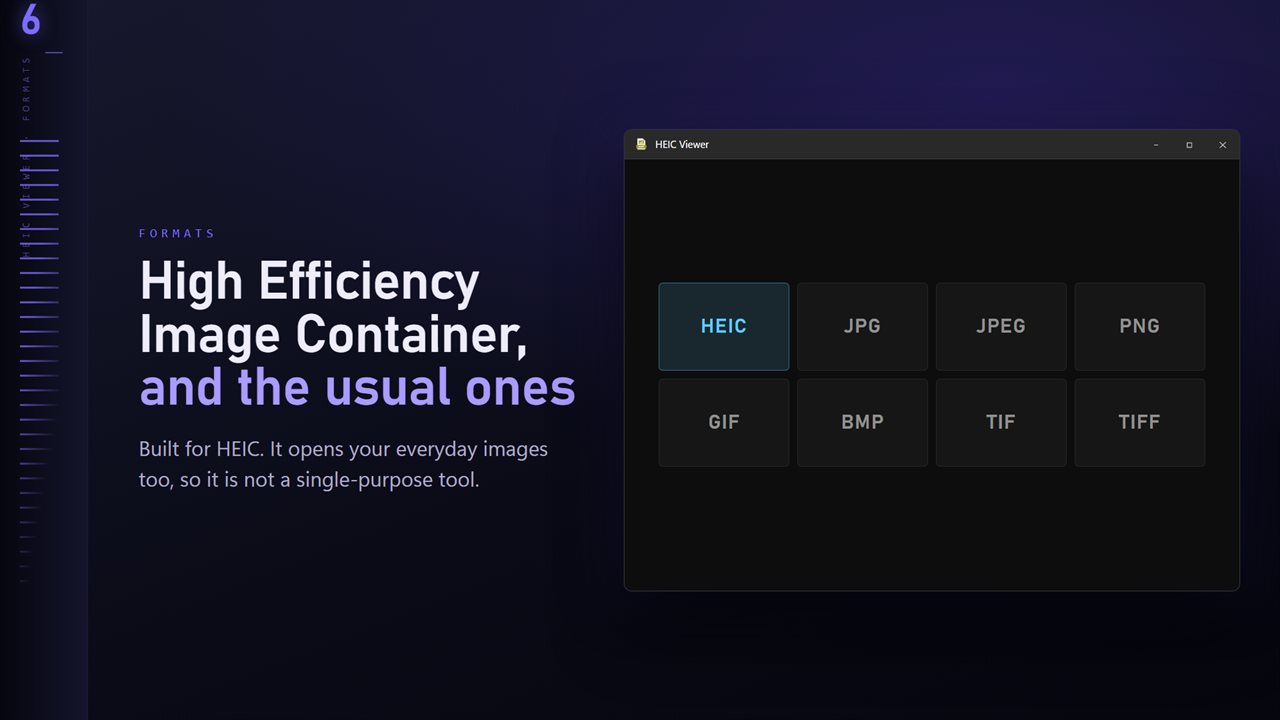
A HEIC file is the photo format iPhones and iPads save by default. It stores a picture in less space than a JPEG of similar quality, which is good for your phone's storage and awkward everywhere else: copy the photos to Windows and they may show as blank icons, or open only after you find and install the right codec.
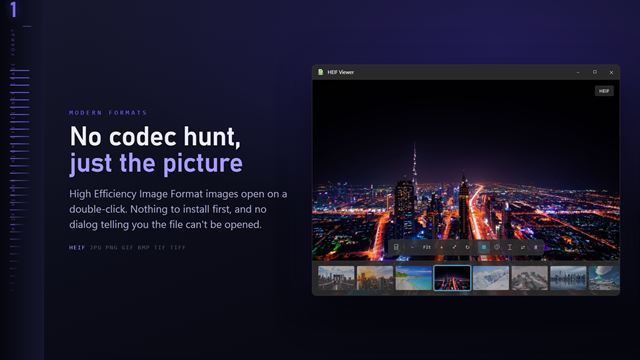
HEIC Viewer is a Windows photo viewer built to open these files directly. Make it the default app for .heic and a double-click shows the photo; dragging it onto the window or pressing Ctrl+O also works. Press T and the rest of the folder appears as a thumbnail ribbon, so an imported camera roll can be browsed with the arrow keys.
The app opens the still image. The motion part of a Live Photo is a separate video file and is not played.
HEIC viewer basics: zoom, details and text
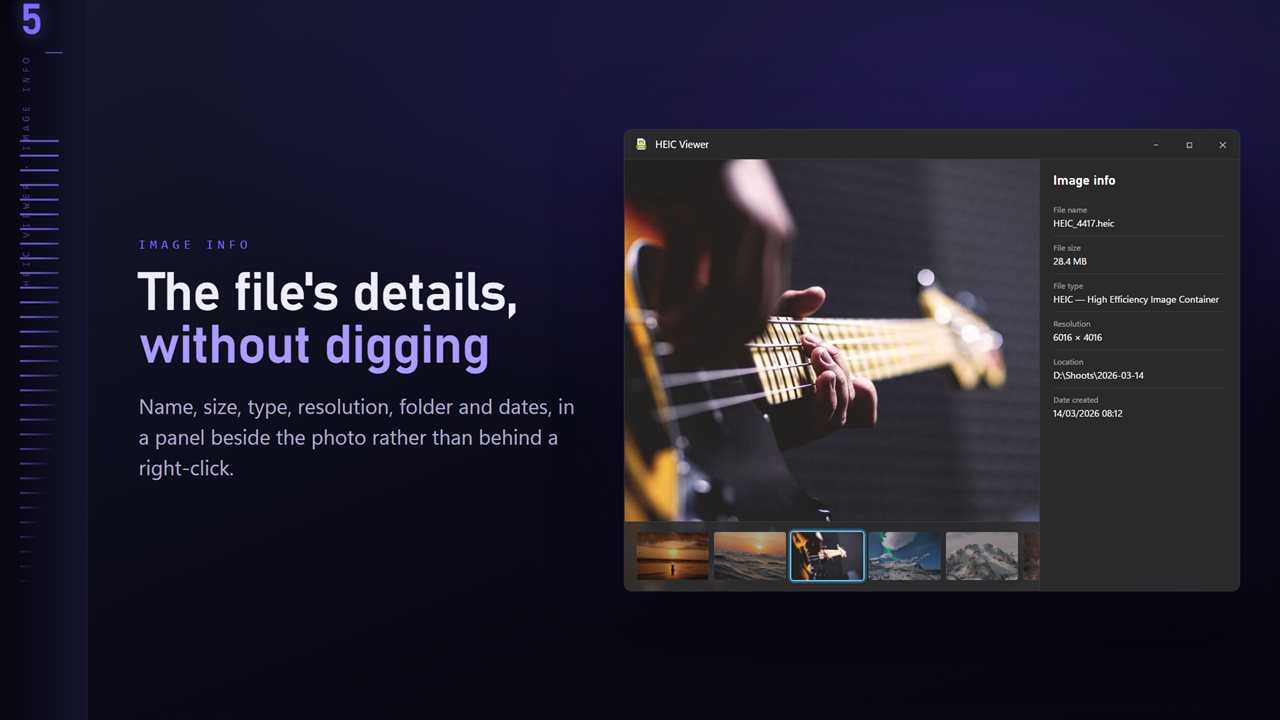
Zoom with the mouse wheel or the plus and minus keys, drag to pan, and press F to fit the photo back to the window. R rotates, and H or V flips. Press I for the info panel, which lists the file size, pixel dimensions, folder and dates next to the camera, lens, shutter speed, aperture and ISO the phone recorded.
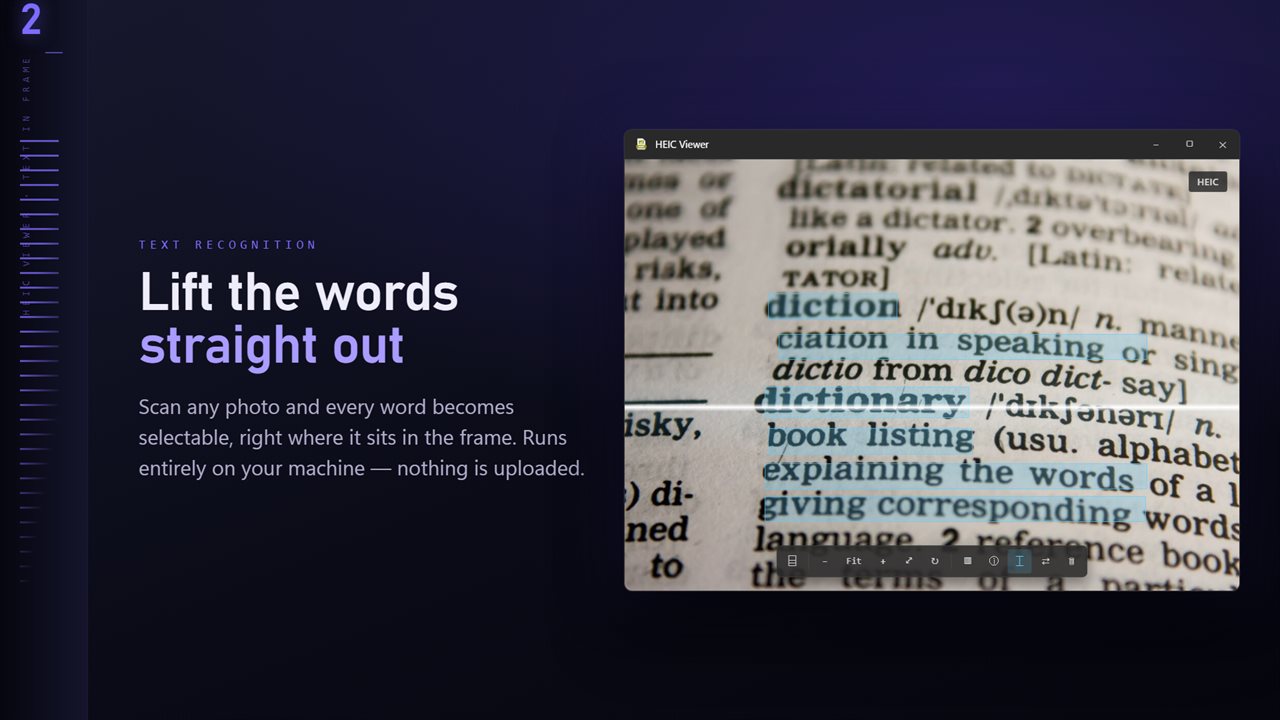
Scan for text reads words in the photo, such as a sign, a receipt or a whiteboard, using the OCR engine built into Windows, and turns them into text you can select and copy.
Turn on Go round at the end of the folder in Settings and the arrow keys loop from the last photo back to the first. Delete sends a photo you don't want to the Recycle Bin, not straight off the disk.
Save HEIC photos as JPG for sites that won't take them
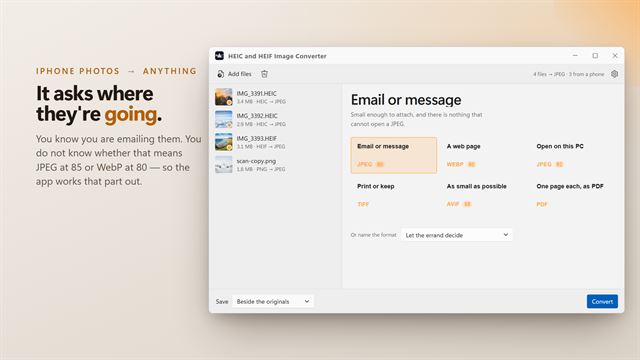
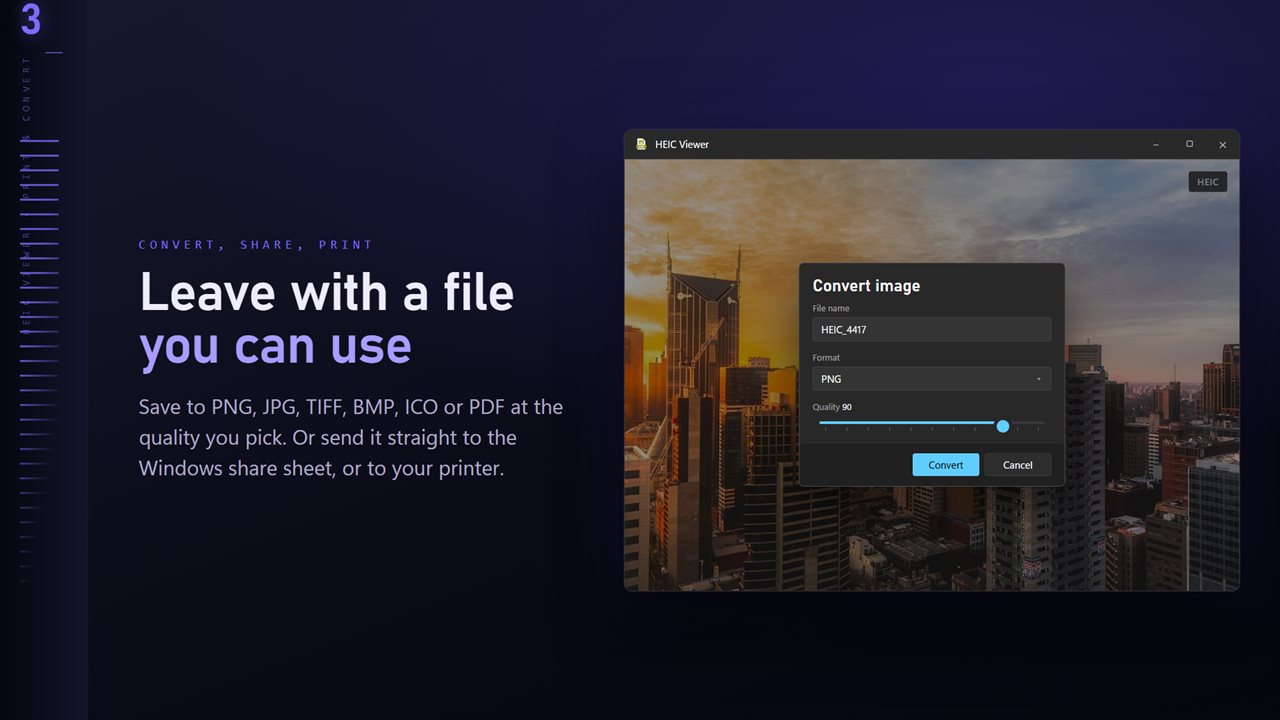
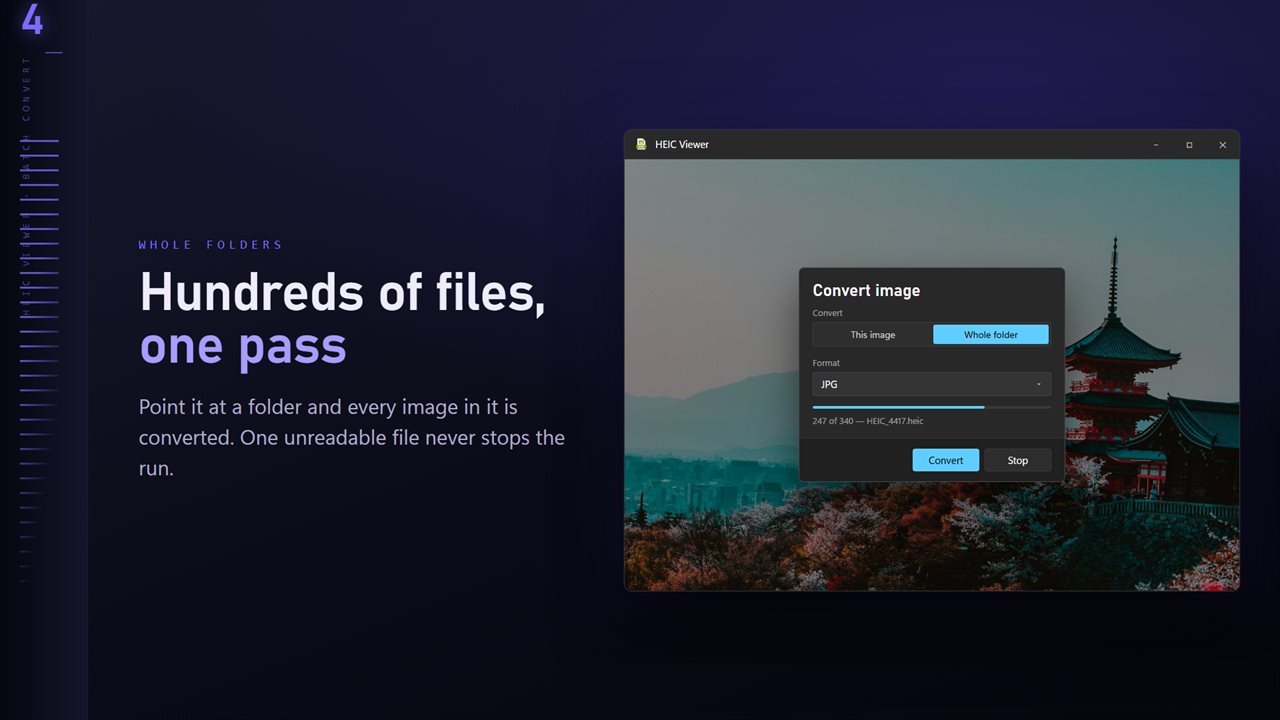
Plenty of upload forms, print kiosks and older programs still reject HEIC. In this app JPG is already the selected format: choose Convert image from the More menu, pick This image or Whole folder, set the Quality, and choose where the copies go. Leave Quality at 90 for a copy that looks like the original, or drop it toward 70 when an upload form caps the file size.
Your HEIC files are only read. If a JPG of the same name already exists, Existing files lets you Skip it, Keep both or Replace it. PNG, TIFF, BMP, ICO and PDF are available too when a JPG is not what the other end wants.
Smaller files and no location, with the Professional Pack
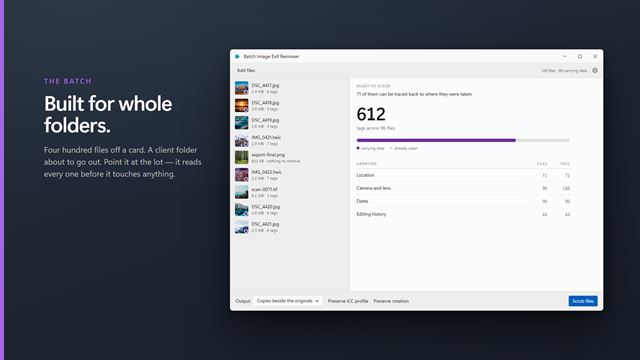
Phone photos are big and they record where you were. The optional Professional Pack adds export options to the same dialog: aim for under 300 KB, 500 KB, 1 MB, 2 MB or 5 MB, resize to a long edge of 3840, 2048, 1600 or 1080 pixels, and choose Remove location or Remove all details for the converted copies.
It also adds a Map of where each photo was taken, WebP, AVIF and JPEG XL as output formats, and Compare for up to four shots side by side.