What is an ERF file, and why won't it open?
ERF stands for Epson Raw File. It is the raw format of Epson's R-D1 family, the digital rangefinders built around M-mount lenses. The cameras were made in small numbers and Epson's own processing tools date from that era, so an ERF file today usually opens nowhere until you find a program that still decodes it.
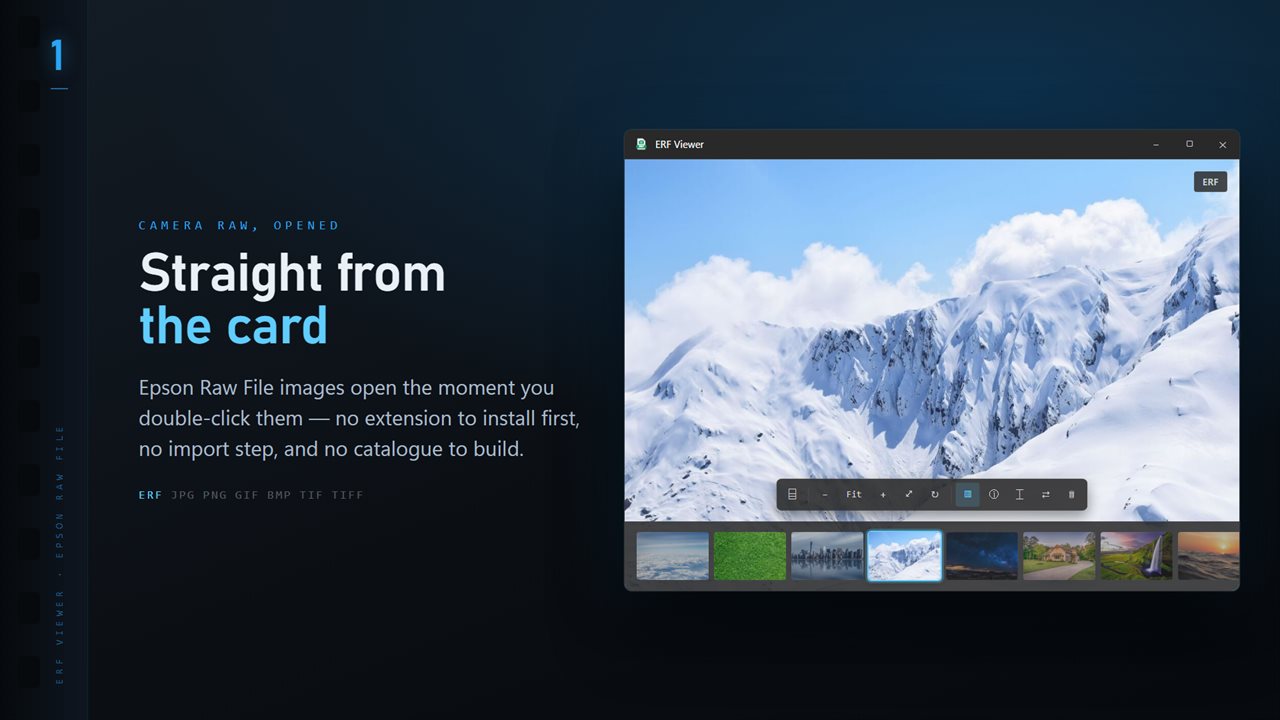
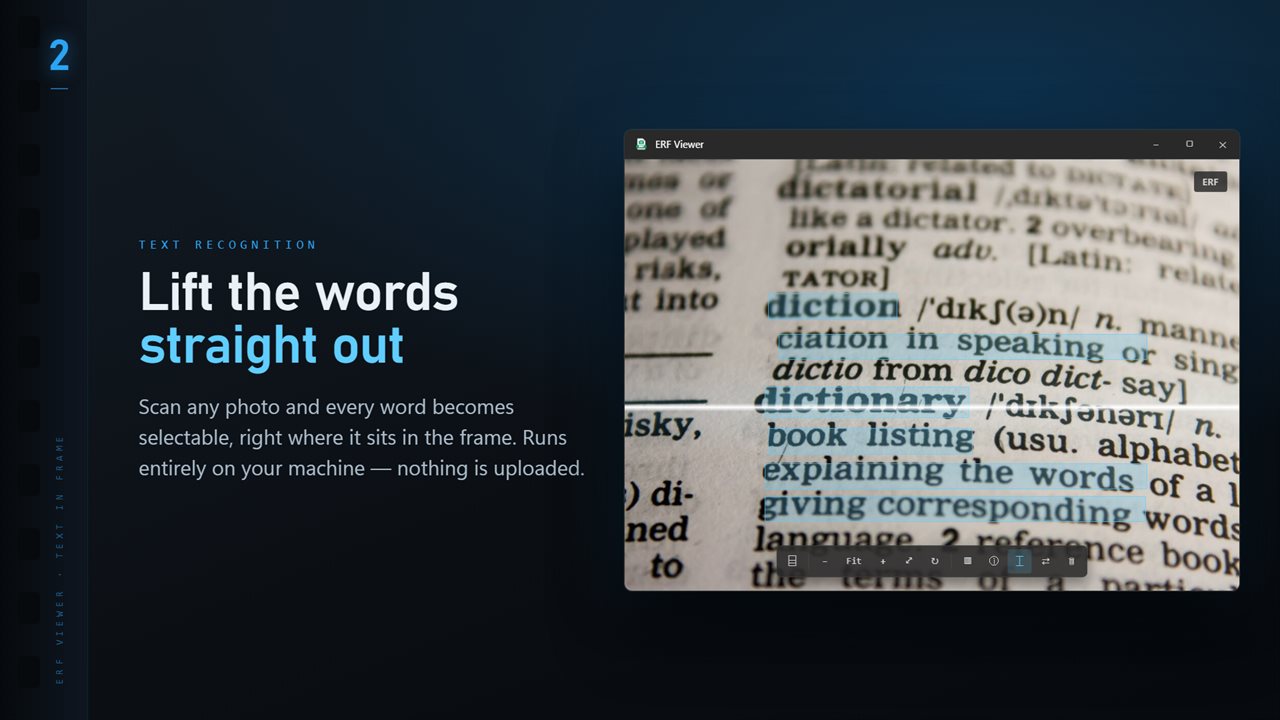
ERF Viewer is that program, and it does one job well. Make it the default for .erf and a double-click shows the frame. Drag a file in, or press Ctrl+O to browse, and the shot is on screen with no catalog step.
If the file holds a full-size JPEG from the camera, the app shows it immediately. Otherwise it develops the raw data with LibRaw, the same way it does when you convert, so what you see is the actual sensor image.
Convert ERF to JPG or TIFF in one pass
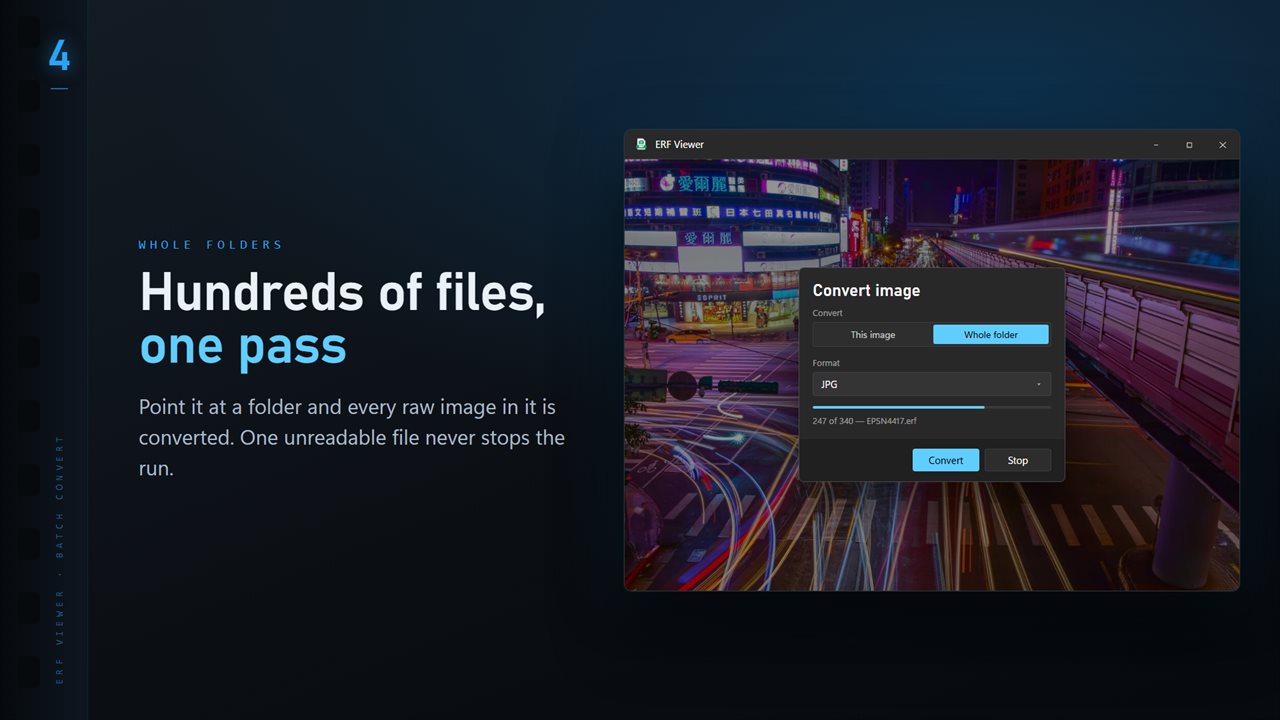
Gather the frames into one folder on your PC, open any of them, choose Convert image from the More menu and pick Whole folder.
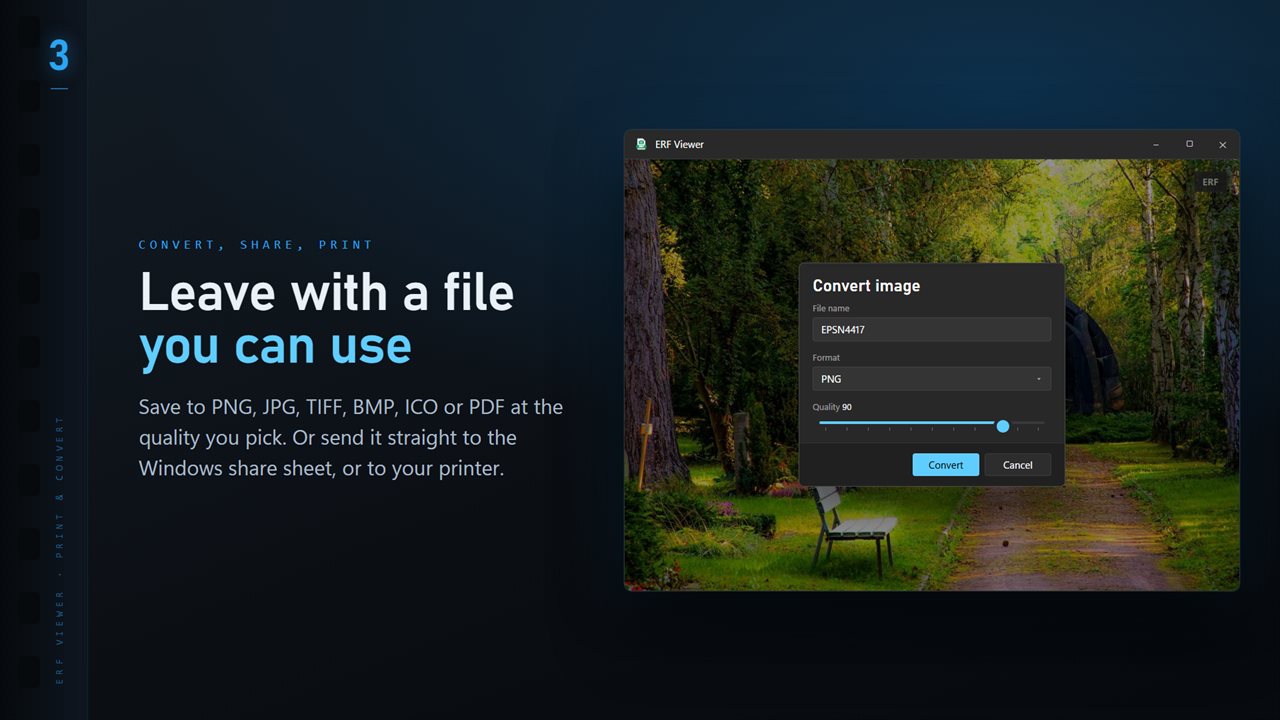
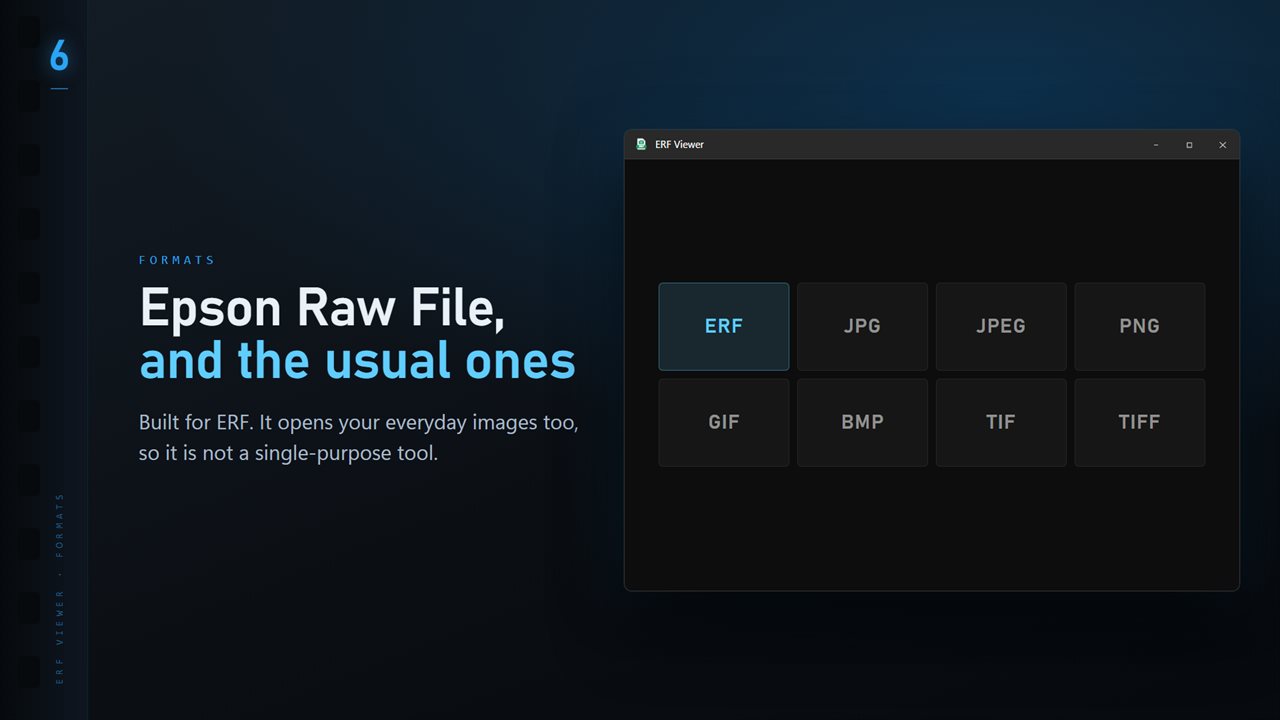
Choose JPG, TIFF, PNG, BMP, ICO or PDF and set the Quality slider, which defaults to 90. Existing files gives you Skip, Keep both or Replace for names that already exist. A long run can be halted with Stop, and the closing summary counts how many frames were converted, skipped or could not be read.
Reviewing rangefinder frames with manual lenses
Shooting with manually focused M-mount glass means the interesting question is usually whether focus landed. To have every frame open at 100%, change Open photos at to Actual size in Settings. Zoom in with the plus key and drag to pan, then press F to fit the frame again. The arrow keys move to the next shot, and the T key shows the whole folder as a strip of thumbnails.
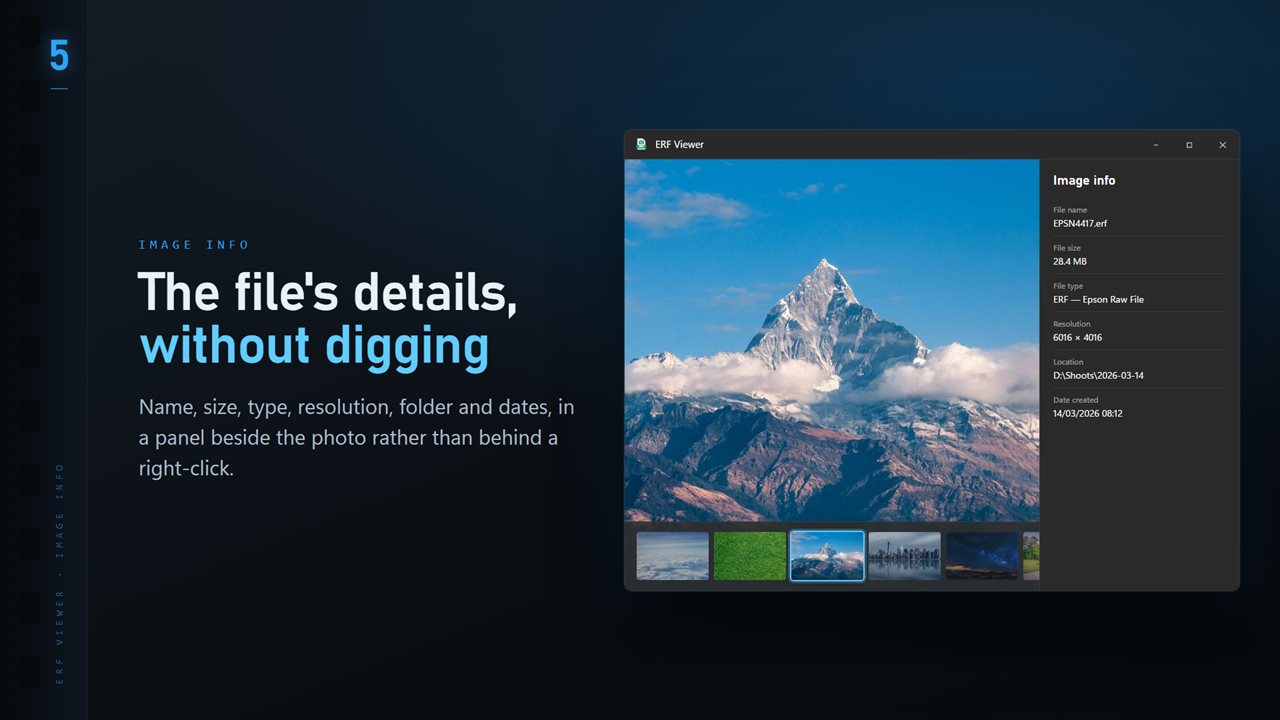
Open the info panel with I to see the exposure the camera recorded: shutter speed, aperture, ISO and focal length, beside the file size, pixel dimensions and dates. Settings let you put near black, mid gray or white behind the picture, so tones are judged against a neutral ground.
With the optional Professional Pack, Focus & Keep scores frames in a burst for sharpness, and K, X and U mark keepers, rejects and clear. Stars and color labels are written to a same-name .xmp file that other photo software can pick up, and the ERF itself is left alone.