Why NEF files won't open on Windows, and a viewer that does
NEF is the raw format every Nikon DSLR and Z camera records. Windows needs a raw codec before it can show one, and even then newer bodies can fail: High Efficiency RAW, which the Z 8 and Z 9 write to save card space, is not decoded by the common open-source raw library at all.
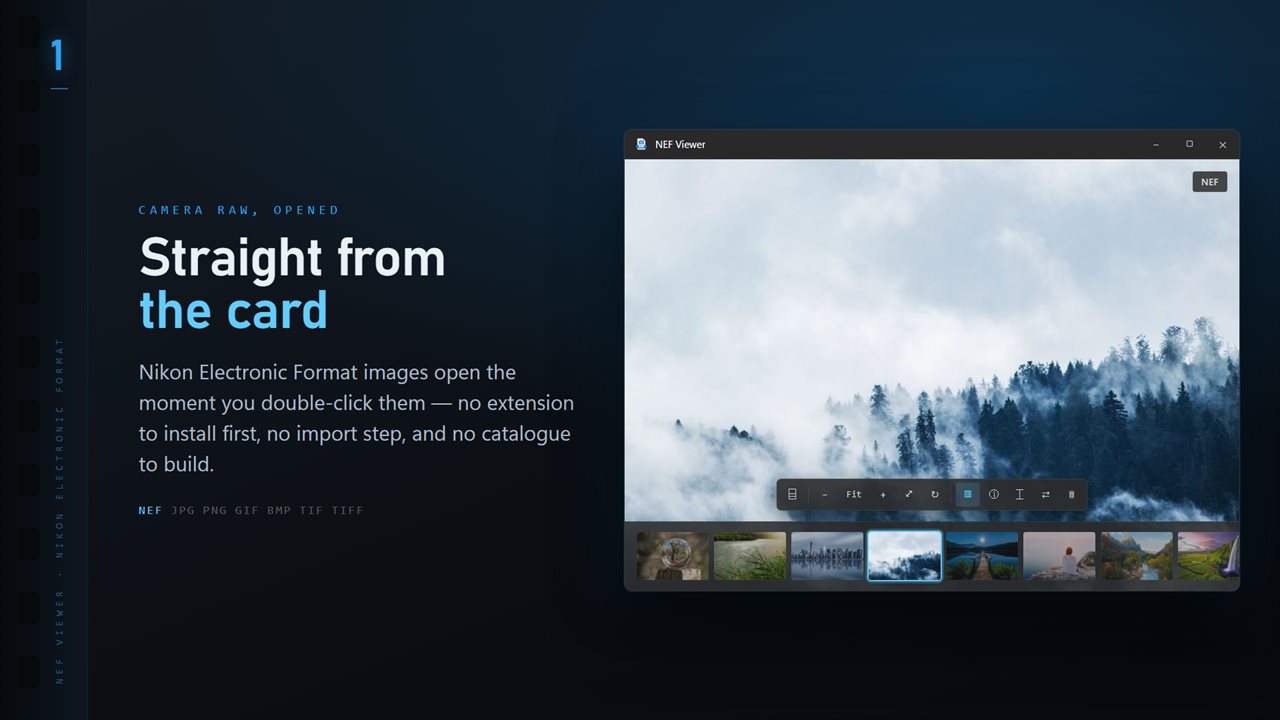
NEF Viewer opens these files as an ordinary double-click once it is your default app for .nef. You can also drag a file onto the window or press Ctrl+O. There is no import, so a card you just plugged in can be browsed straight from its folder.
Most NEFs carry a full-size JPEG rendered by the camera, and the viewer shows it, which is why big files appear quickly. When a file only has a small preview, the raw data is developed with LibRaw. For High Efficiency NEFs the camera's own JPEG is used for viewing and for conversion.
How to convert NEF to JPG on Windows
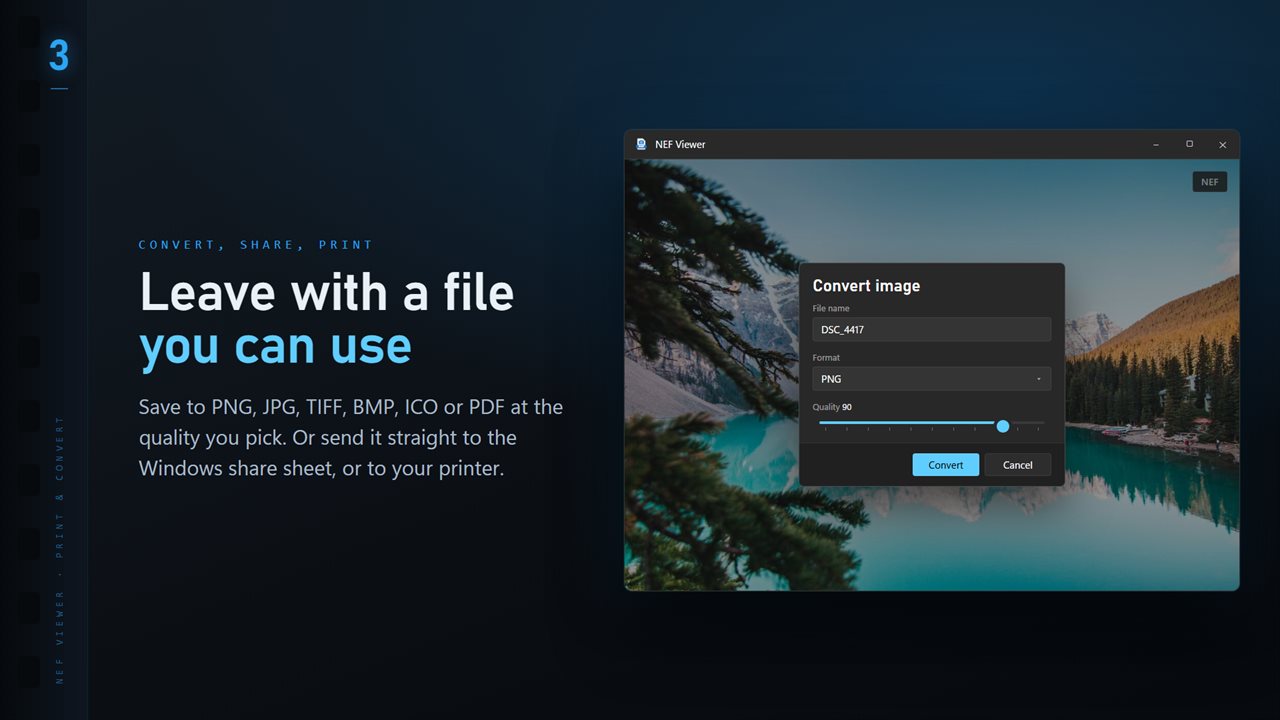
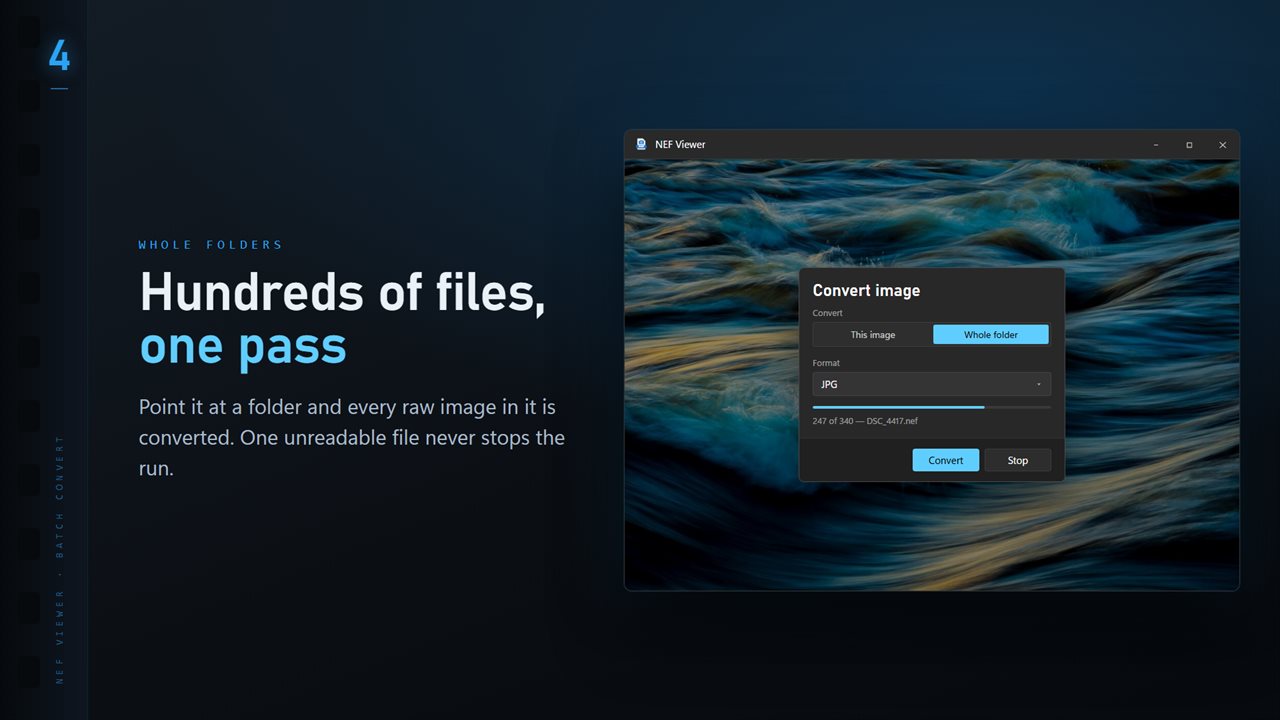
Open one NEF from the shoot, then choose Convert image in the More menu. Select Whole folder to include every image in that folder, set Format to JPG, and move the Quality slider if 90 is not what you want.
Under Existing files, pick Skip, Keep both or Replace for names already in the destination. The run ends with a count of how many were converted, skipped or could not be read. TIFF and PNG are available for edits and prints; PDF, BMP and ICO cover the rest.
Nikon shutter count and focus point
Two Nikon questions come up constantly, and the optional Professional Pack answers both. Shutter count reads how many times the camera has fired, when the body records a count ExifTool can read. For the D750, D780, D810, D850, D500, D7100, D7200, D7500, D4S, D5, D6, Z 6, Z 7, Z 6II and Z 7II it also shows that number against Nikon's published shutter rating, useful before buying or selling a used body.
Focus point draws a box on the photo where autofocus locked, for files that store the AF area position, which the mirrorless Z bodies do. Press P to show or hide it. It is the fastest way to tell a missed focus from camera shake.
Sorting a Nikon shoot quickly
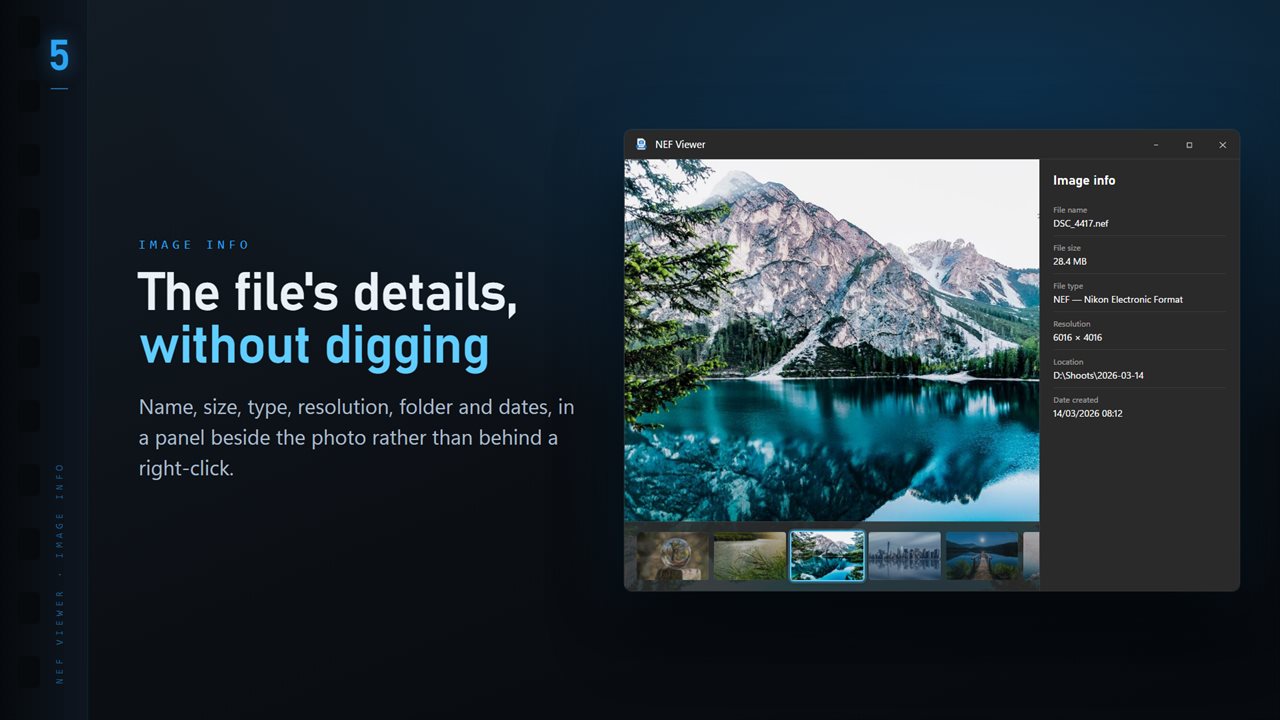
Press T for a thumbnail ribbon, use the arrow keys to step, and press I for the info panel with lens, shutter speed, aperture, ISO and focal length. With the Professional Pack, Focus & Keep groups bursts and ranks frames by sharpness; K keeps, X rejects and U clears. When the cull is done, the rejects can be moved into a Rejects folder beside the others, sidecars included; nothing is deleted.
To judge critical focus on a 45-megapixel Z 8 or D850 frame, set Open photos at to Actual size in Settings so every file opens at 100% instead of fitted to the window.