

Remove metadata from an image, starting with the location
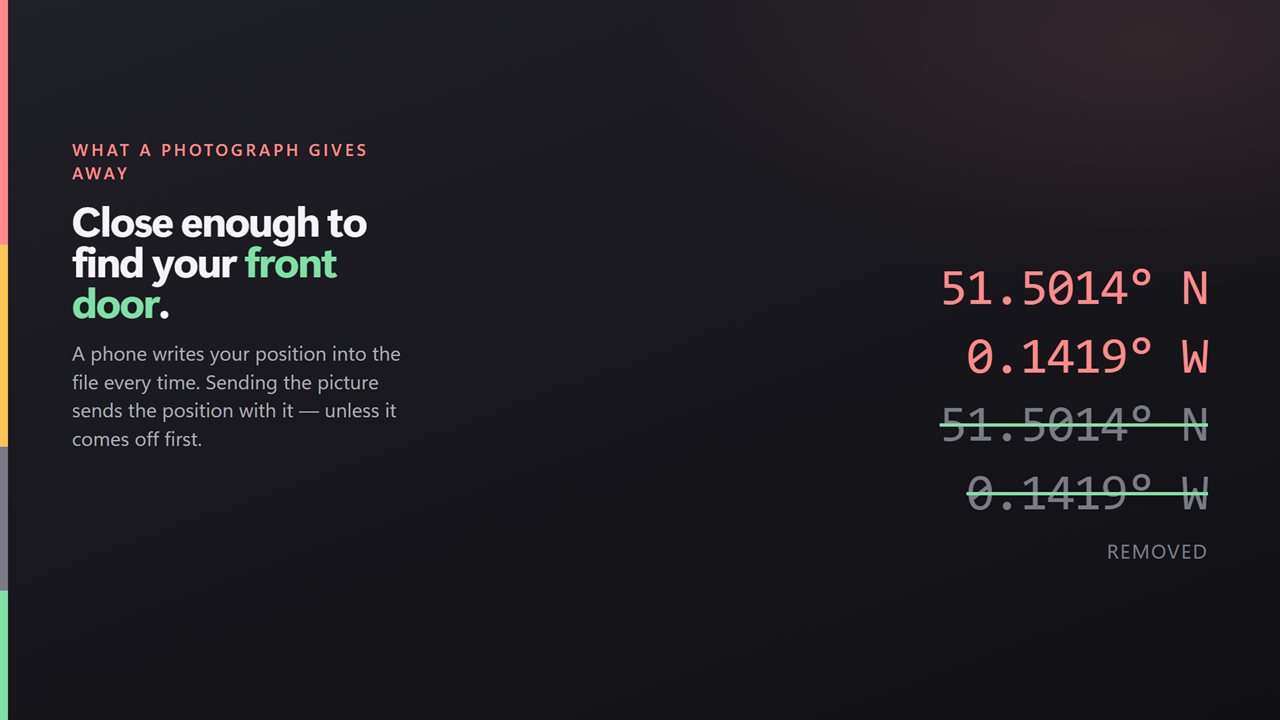
When you remove metadata from an image, the part that matters most is usually the location. A phone writes GPS coordinates into almost every picture it takes, accurate enough to put a pin on a street, and those coordinates travel with the file into email, chat apps and cloud folders.
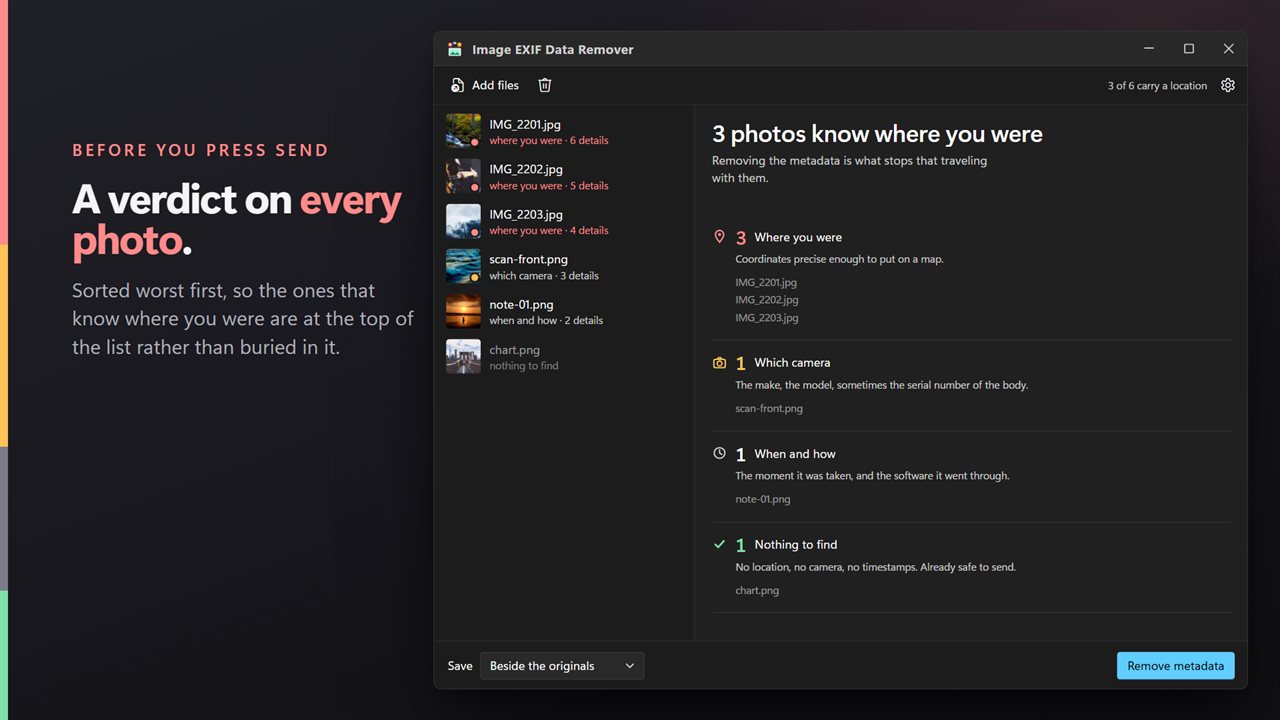
Image EXIF Data Remover starts by telling you what each picture is carrying. Load a batch and every file is sorted under one verdict, worst first: Where you were for coordinates, Which camera for a make, model, lens or serial number, When and how for capture dates and editing software, and Nothing to find for files that are already clean. The headline reads something like "3 photos know where you were", so you can judge the whole batch in a second.
Press Remove and each file is cleaned by editing the structure around the picture rather than decoding and saving it again. The image data is carried over byte for byte, so nothing is lost however often you run it.
Remove location from a photo, or from fifty at once
Writing over the originals asks for confirmation first, since the versions you dropped cannot be recovered afterwards. Once the batch is through, the screen reads All clean, and each file's detail view confirms that its copy carries none of what it held before.
- Use the Add photos button, or drop files or a whole folder anywhere on the window.
- Read the board. Groups are ranked by what a stranger could learn, with position data at the top.
- Open any file to read what it holds, such as Camera, Lens, Serial number, Taken and Edited with, alongside its coordinates.
- Pick a destination under Save: Beside the originals, Into a folder, or Replace the originals.
- Leave the two Keep switches ticked unless you have a reason not to, then press Remove.
Photo location data hides in more than one place
Right-clicking a picture in Explorer and using the Details tab can clear what Windows itself shows, one selection at a time, but it never tells you which pictures actually had a position stored in them.
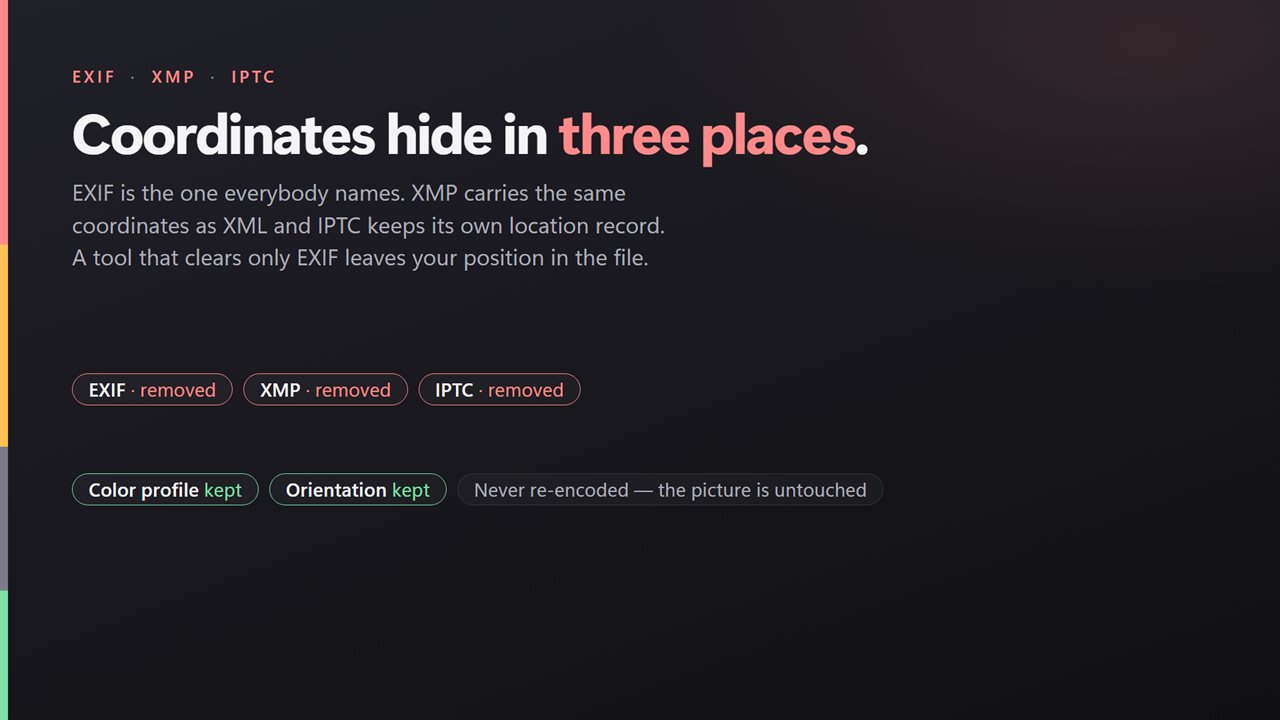
It also helps to know that coordinates are not kept in a single spot. EXIF holds the familiar GPS tags, XMP can repeat them as text, and a JPEG can carry an IPTC record with its own place fields. XMP is cleared from all seven supported types and IPTC from JPEG, so a file is never reported clean while its coordinates survive somewhere else inside it.
Remove metadata from JPG, HEIC and newer formats
A single batch can mix JPEG, PNG, WebP, HEIC, HEIF, AVIF and JPEG XL, which covers camera shots and iPhone pictures copied over to a PC. Every cleaned file keeps its own type and extension, so a HEIC stays a HEIC.
Two pieces of metadata are worth keeping because losing them changes how the picture looks. The color profile tells a screen how to render the colors, and without it a shot can look washed out. The rotation tag tells viewers which way up to show it, and without it a portrait can tip onto its side. Both are kept by default; everything else goes.