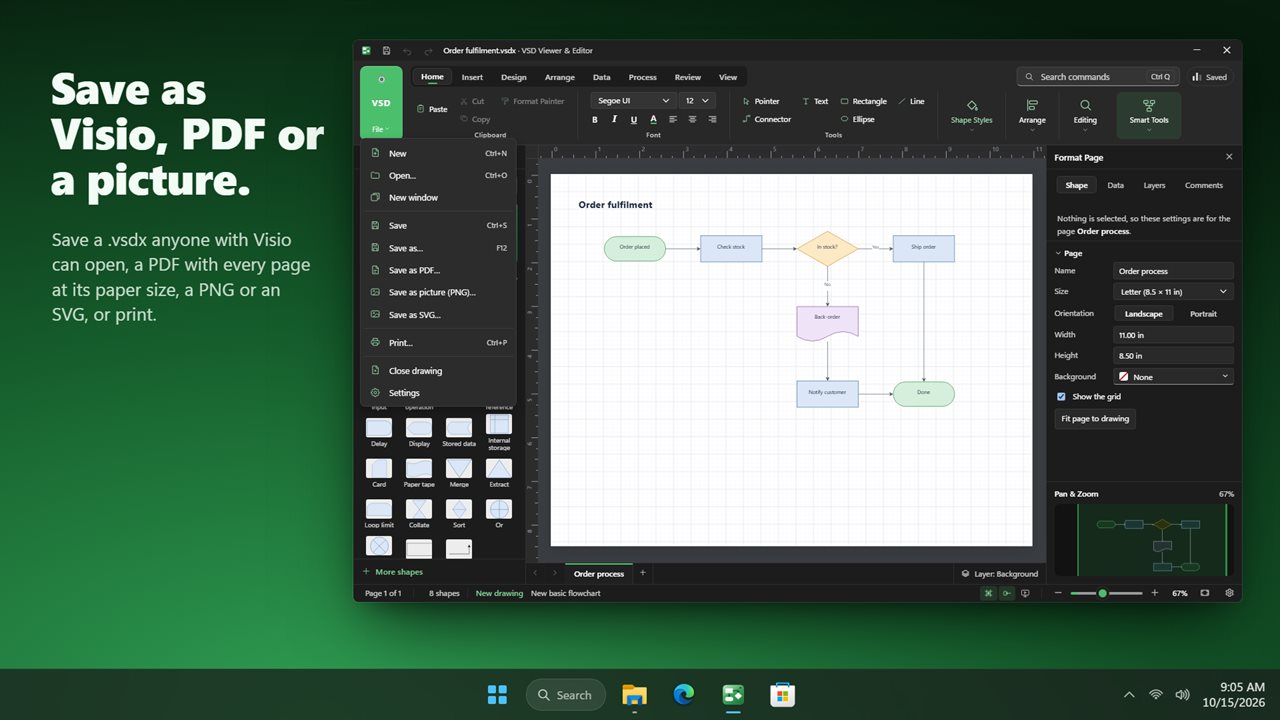
A Visio file viewer for when you don't have Visio
Someone sends a process map or a network drawing, Windows shows a blank icon, and the only advice online is to upload it to a website. VSD Viewer & Editor is a Visio file viewer and editor that runs as a normal Windows program, so the drawing opens straight from File Explorer and stays on your own disk.
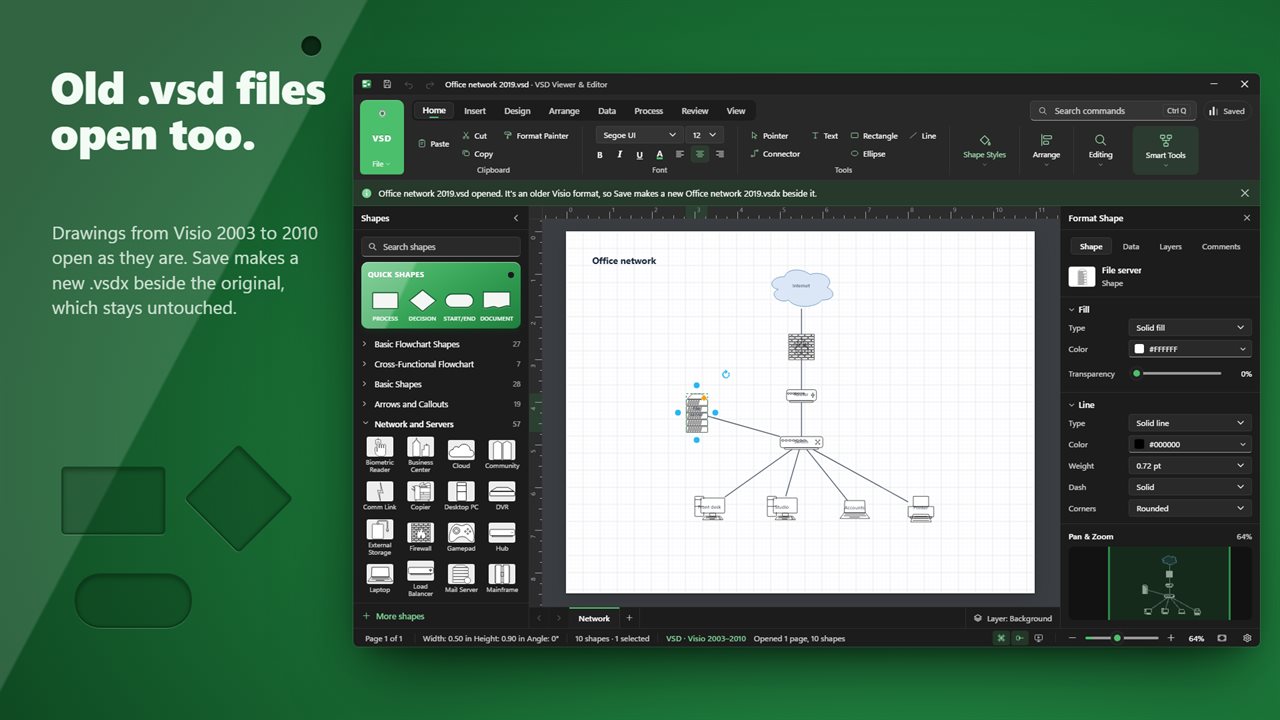
It reads the current formats, .vsdx, .vsdm and the .vstx template, and also the binary .vsd and .vst files written by Visio 2003 through 2010. Those older files are converted locally as they load, so a drawing from 2008 opens with its pages, shapes, connectors, layers and text intact.
Viewing is only the start. You can move a box, retype a label, add a step to a flowchart or a page to the file, and save a .vsdx that opens in Visio for the person who sent it.
How to open a VSDX file and make changes
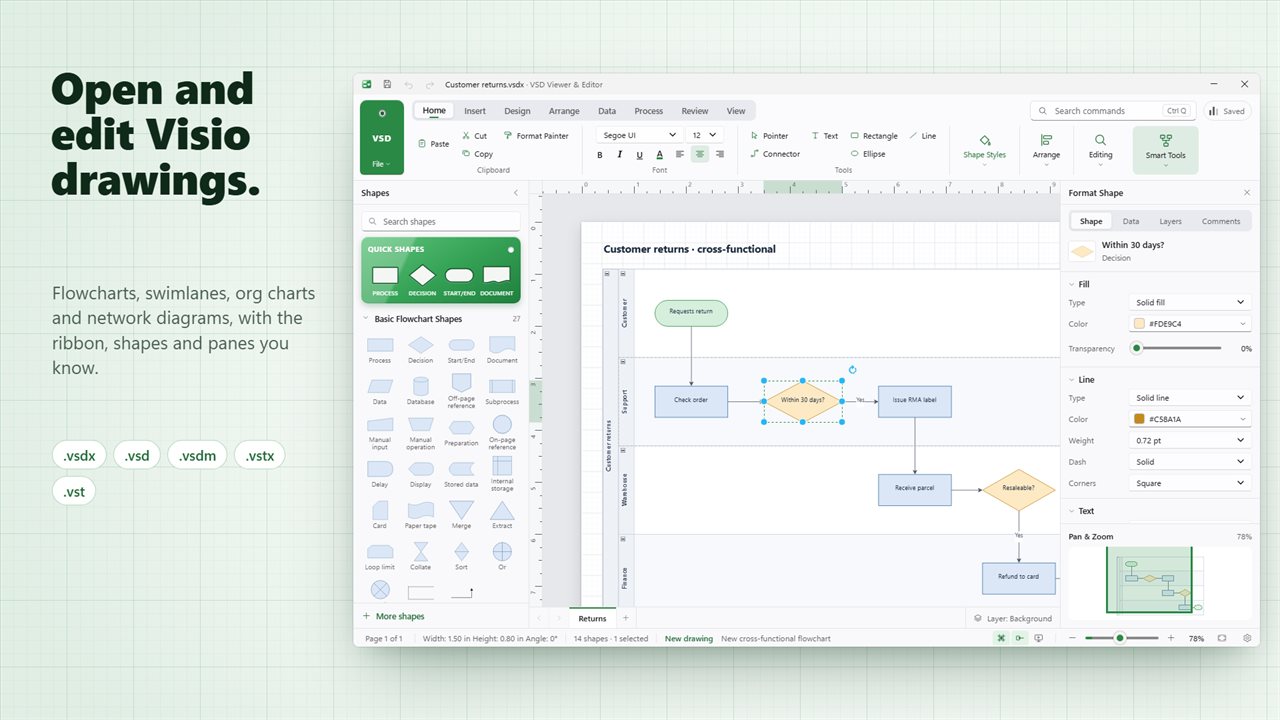
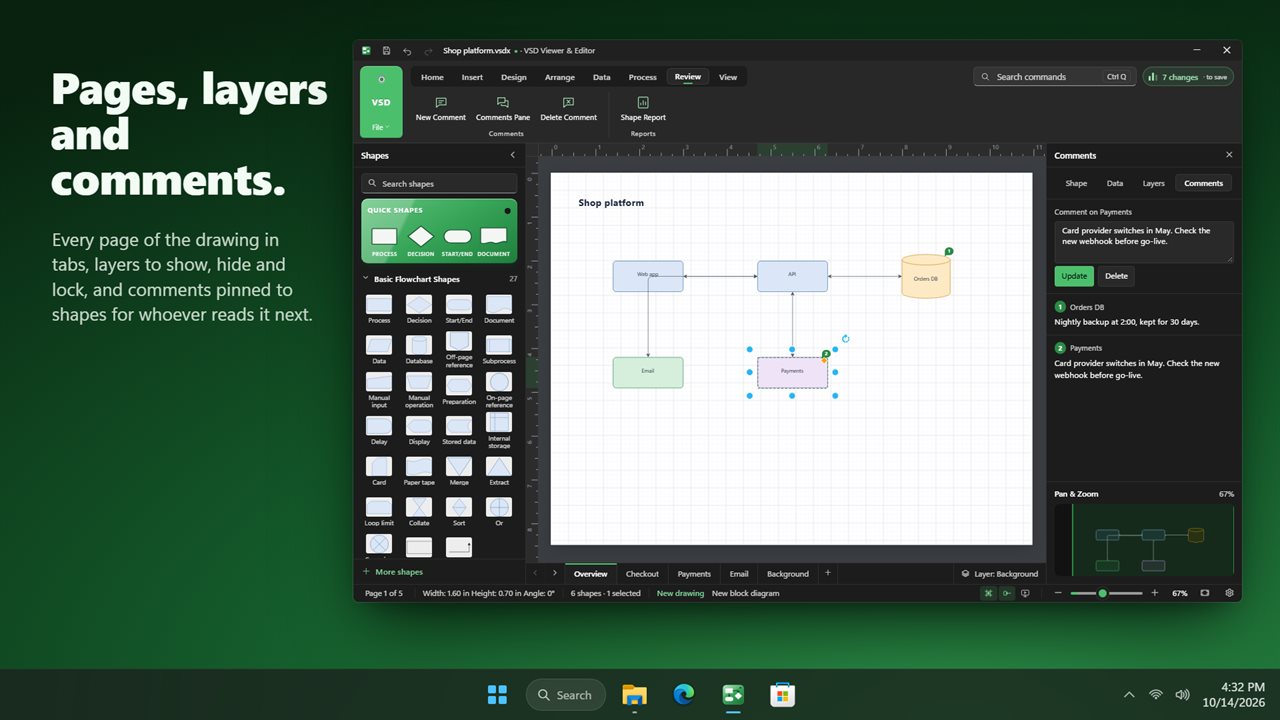
Double-click the file, or open it from the app. Each page of the drawing gets its own tab along the bottom of the canvas.
- Select a shape to drag or resize it, and double-click to edit its text.
- Use the Format pane on the right for fill, line, font, size, position and shadow, or the Home tab of the ribbon for quick styling.
- Drag new shapes from the Shapes pane on the left. Connectors you draw stay attached when shapes move.
- Press Ctrl+Q and type the name of any command if you cannot find it on the ribbon.
- Save when you are done. Older formats are kept as they were and your edits land in a new .vsdx.
Convert VSD to VSDX without Visio
The binary .vsd format stopped being Visio's default in 2013, and fewer tools read it every year. Opening one here and saving it is the conversion: the old file stays where it was and a .vsdx with the same pages appears beside it.
Work through a folder of legacy diagrams that way, one drawing at a time, and check each page as it opens. Anything that relied on ShapeSheet formulas or macros is worth comparing against the original before you retire it.
When the reader has no diagram software at all, a PDF or a PNG is the friendlier hand-off, and Present shows the drawing full screen for a meeting.
Check and tidy a flowchart someone else drew
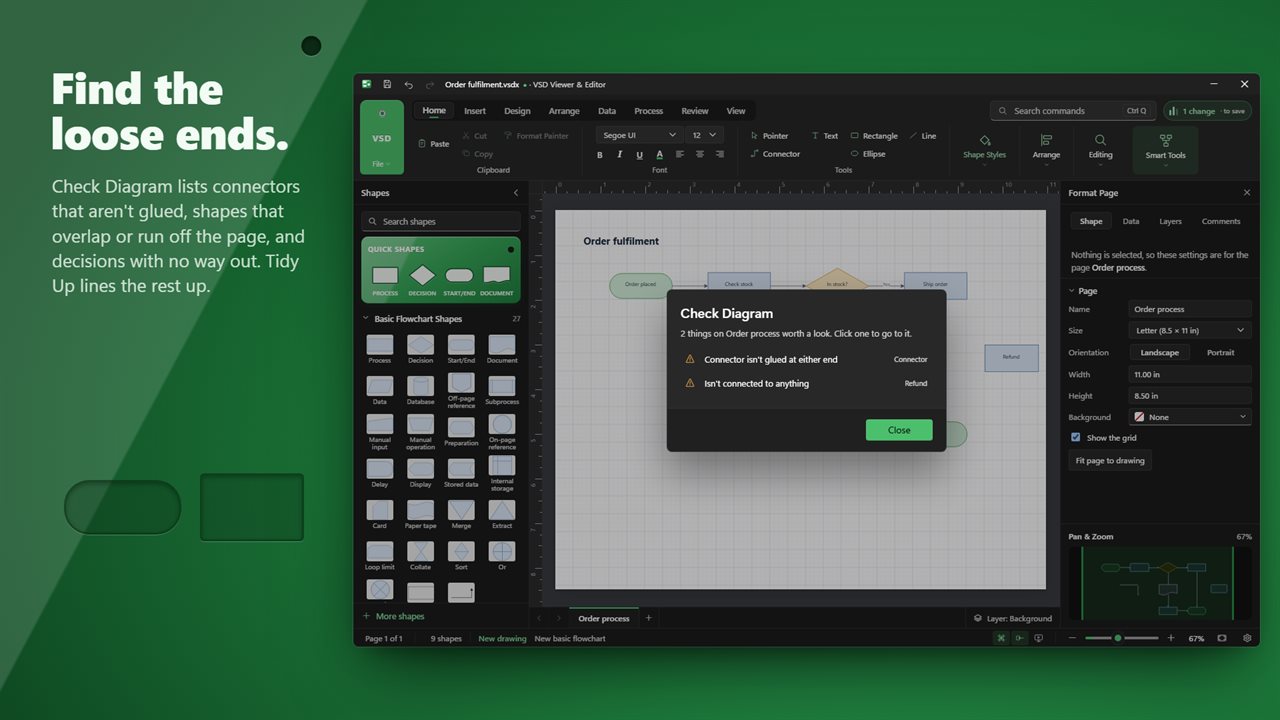
Inherited process maps tend to have loose ends. Check Diagram, on the Process tab, reviews the page in front of you and lists loose connectors, overlapping shapes, shapes that sit off the page and decisions with no way out. Click an entry to jump to the shape. A clean drawing gets a single line saying so.
Number Shapes then labels the steps in flow order, which helps when a review comment says "step 7 is wrong". Tidy Up and Re-Layout Page straighten a drawing that has been nudged by hand for years, and Pan & Zoom keeps your place on a large page.