A PPTX viewer built for the moment before you present
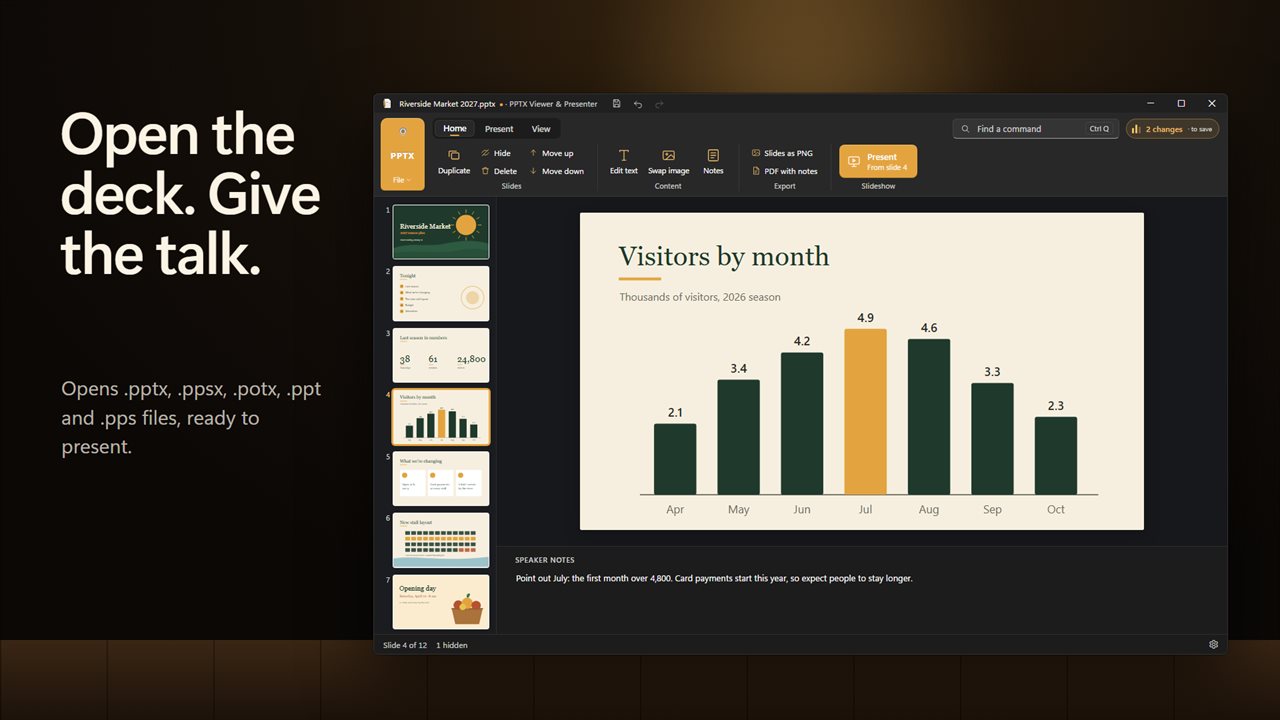
Someone emails you a deck an hour before the meeting, and the PC in front of you has no office suite. Evlar PPTX Presenter is a PPTX viewer that opens it directly: .pptx, .ppsx and .potx, plus the older .ppt and .pps formats. Slides appear with their own fonts, pictures and charts, with a Thumbnails strip down the side and an optional Notes pane underneath.
It is not trying to be a full design program. It covers what people actually do with a deck they did not build: read it, fix a line or two, rehearse it, present it and pass it on in another format.
Animations, transitions and embedded media do not play; each slide is shown in its finished state, which is what most audiences see anyway.
How to open a PPTX file and fix it before the meeting
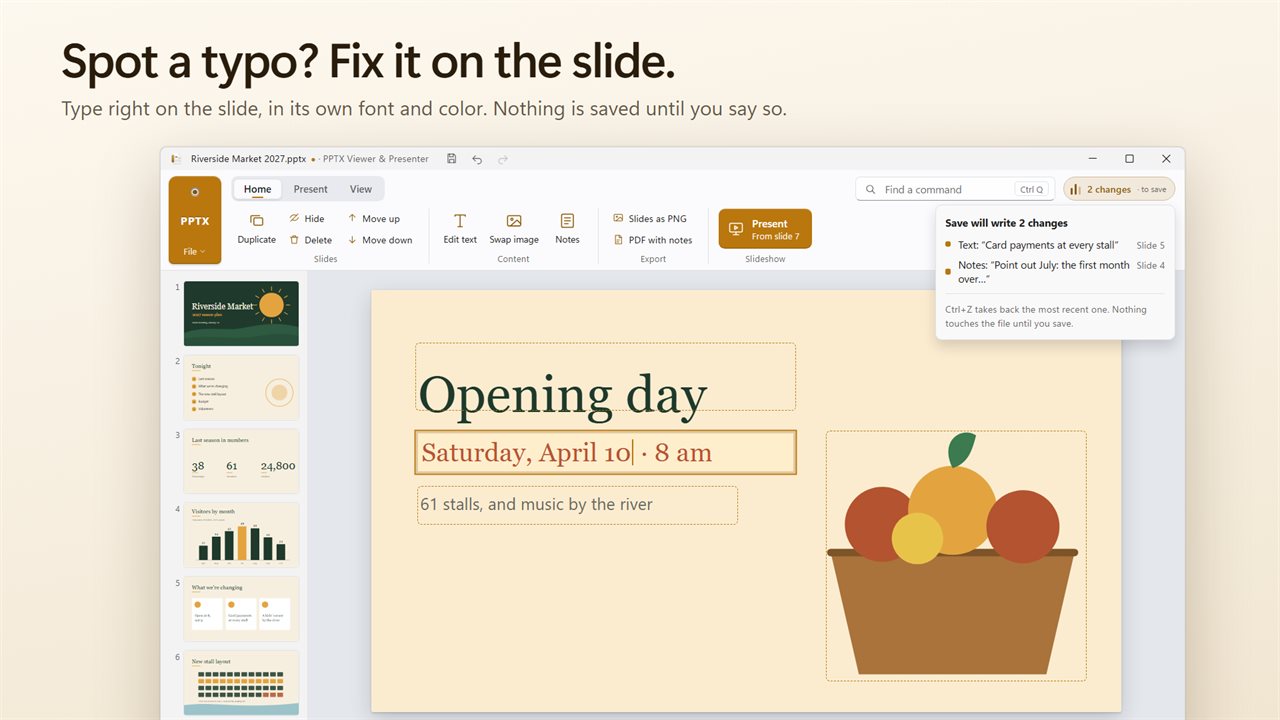
Every edit lands in the Changes list with its slide number, and Ctrl+Z or Ctrl+Y steps back and forward through them, so a fix made in a hurry is easy to check or undo.
- Choose Open… and pick the presentation.
- Use Edit text to click a text box and correct it on the slide, keeping the slide's own font and color.
- Swap image replaces a picture from a file on your PC.
- Under Slides, use Duplicate, Hide, Delete, Move up and Move down to reshape the running order, or New slide (Ctrl+M).
- Save writes back to a .pptx. A deck that arrived as .ppt, .ppsx or .potx is kept as it was, and Save as… writes your edited copy as a new .pptx.
Use your phone as a presentation clicker
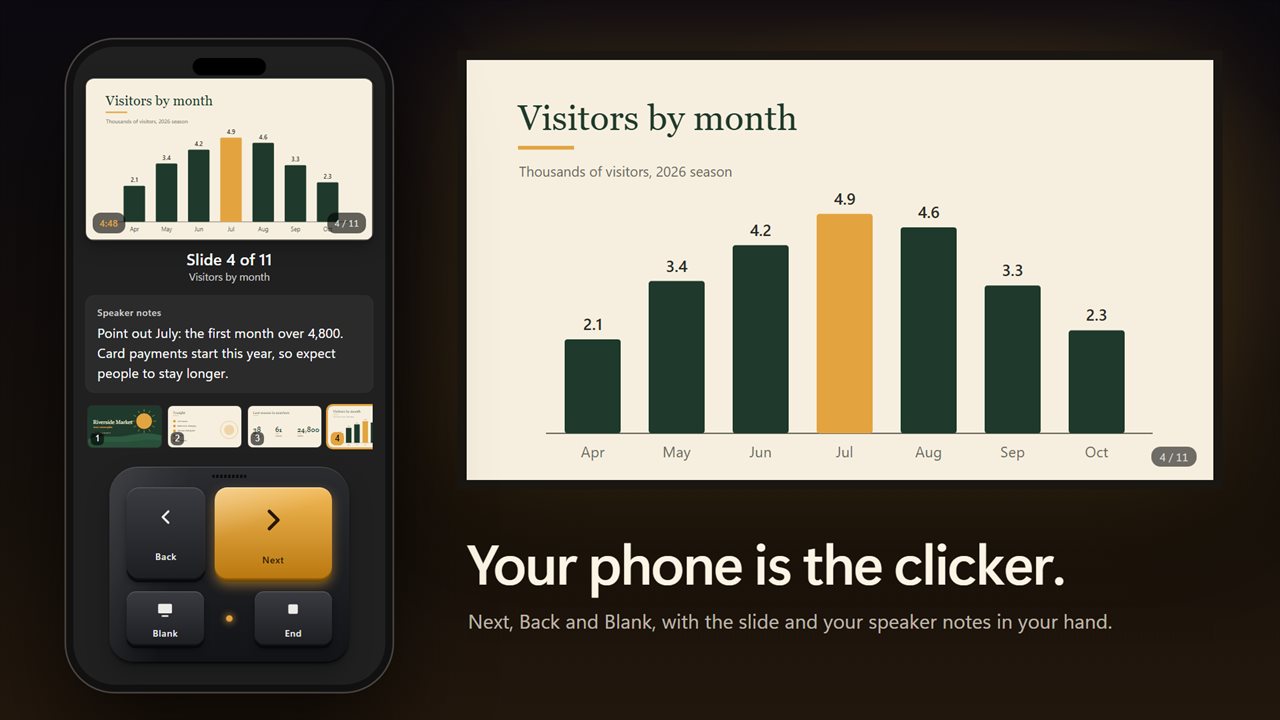
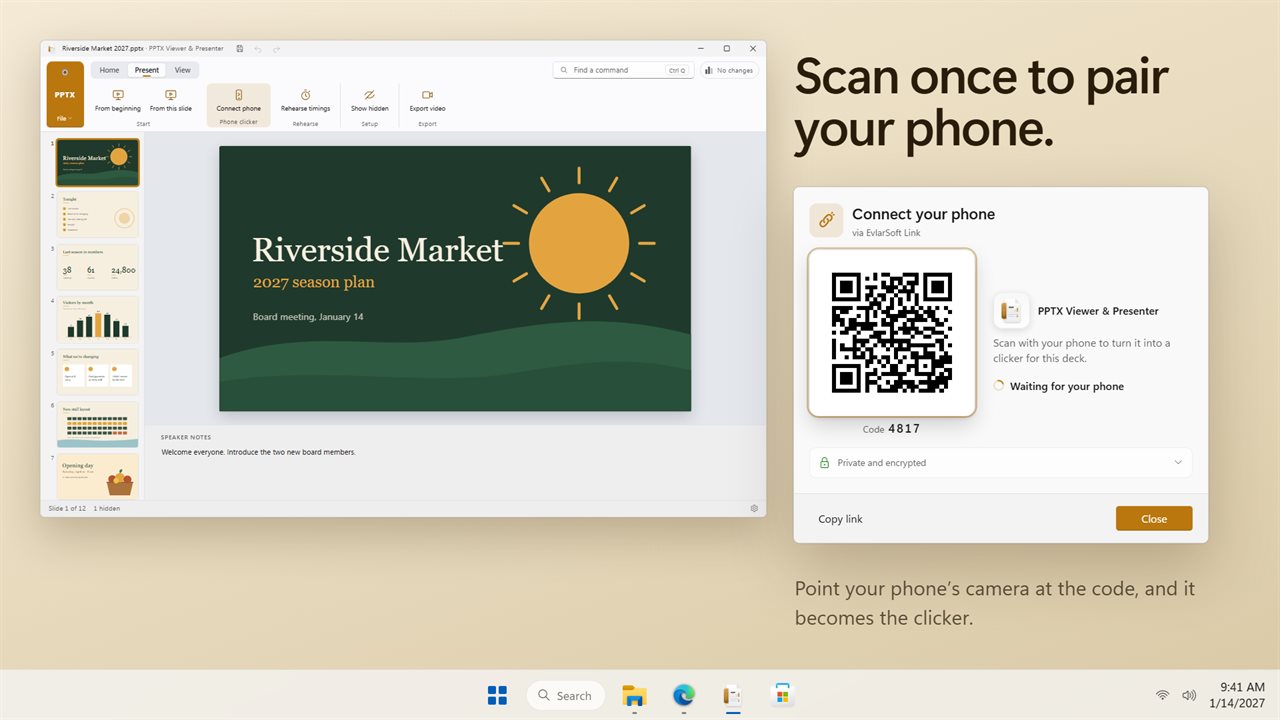
Forgot the wireless remote? Under Phone clicker, choose Connect phone and scan the code on screen. The phone opens a page in its browser, with nothing to install, showing Next, Back and Blank buttons along with the current slide and your speaker notes. You can walk away from the laptop and still see what comes next.
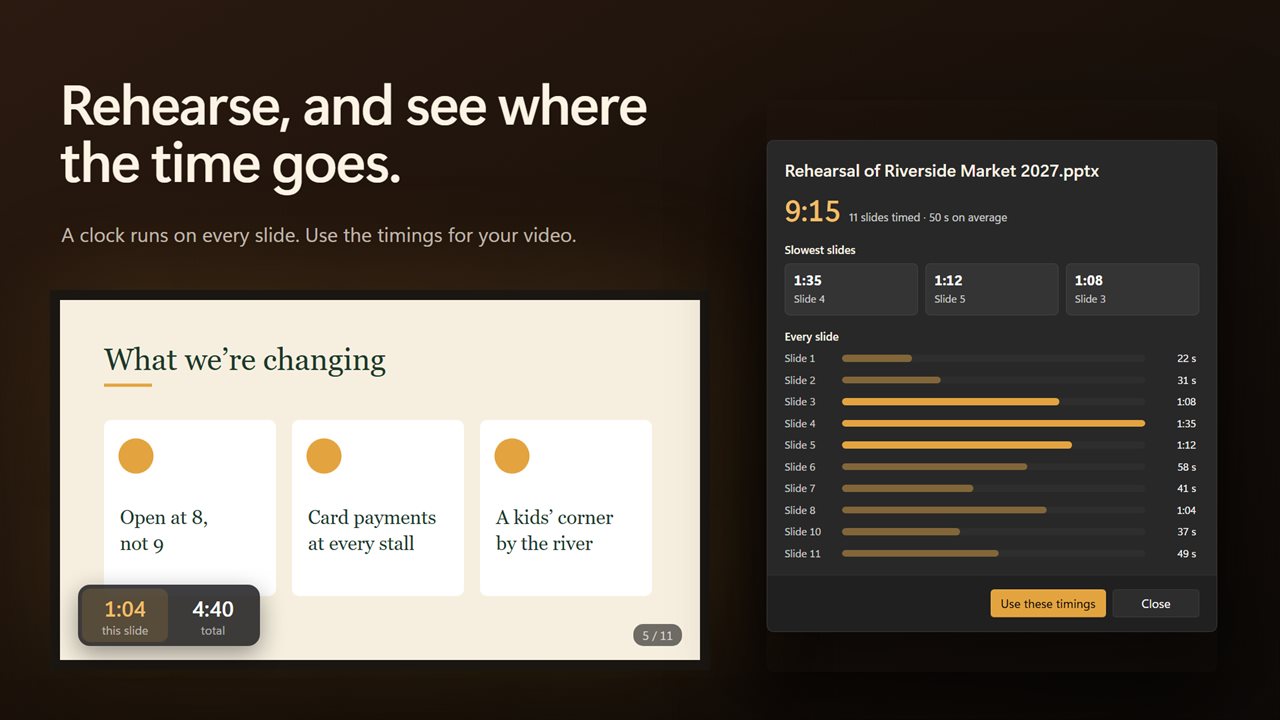
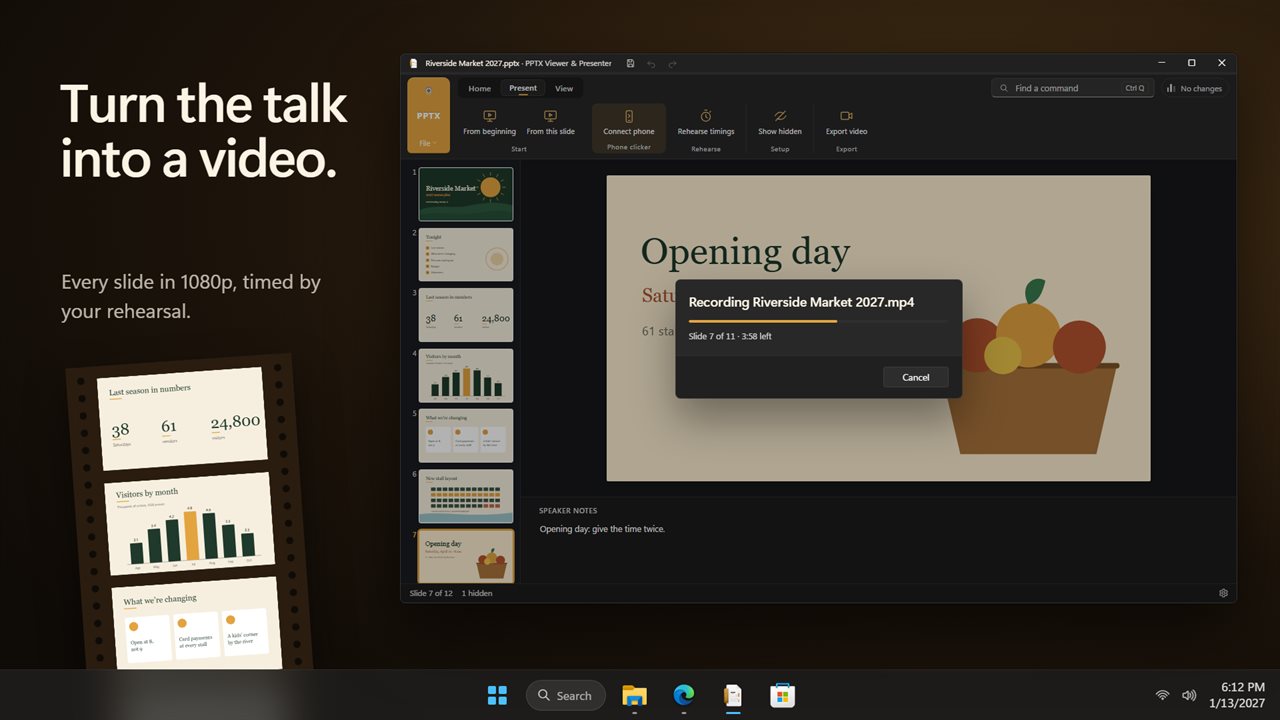
Before the real thing, Rehearse timings runs the deck with a clock on each slide, so you find out which slide eats five minutes while there is still time to cut it. Those timings can then drive the video export.
Convert PPTX to MP4 video, PDF or images
Export as video… turns the slideshow into a 1080p MP4, falling back to WebM on PCs that cannot record MP4. Each slide holds for the number of seconds you set, or for the timings you rehearsed, with a soft fade between slides. The video has no sound and records in real time, so a ten-minute deck takes ten minutes to export.
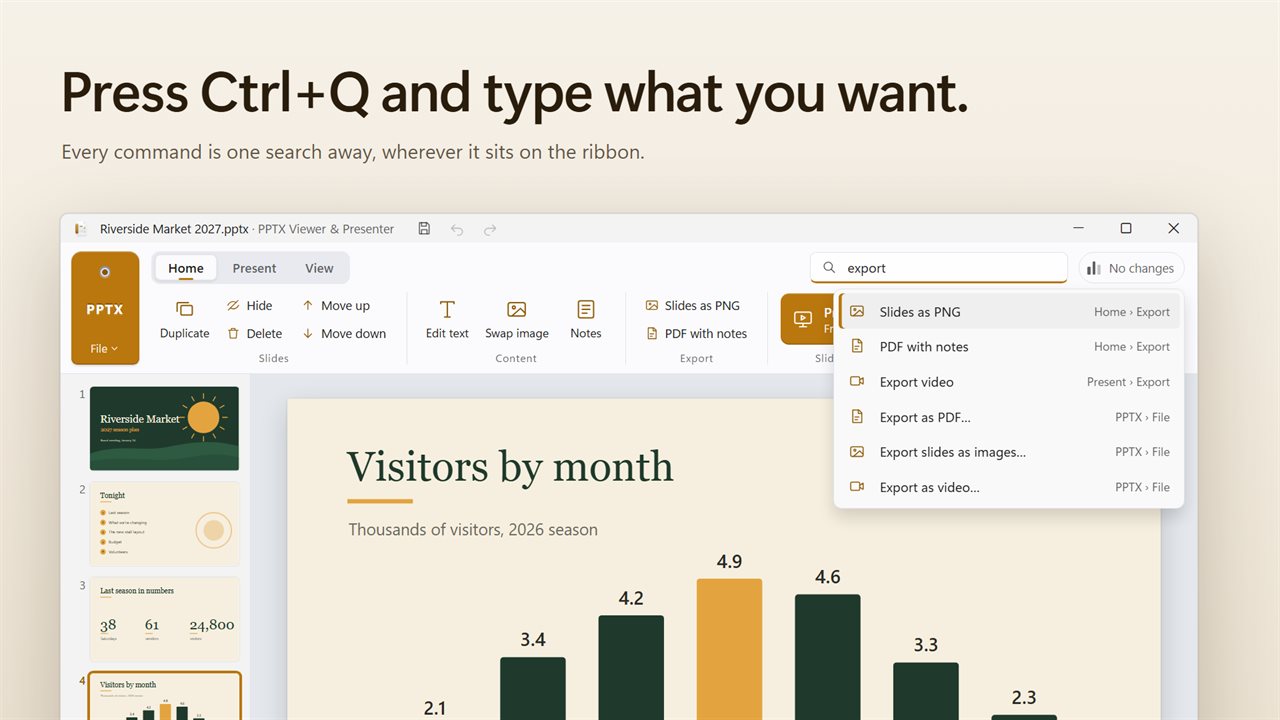
Export as PDF… makes a handout, and PDF with notes adds your speaker notes for a reviewer or a printed script. Slides as PNG saves every slide as its own image, ready for a document, a chat message or a social post. Print… sends the deck to paper.