An XLSX viewer that also lets you edit
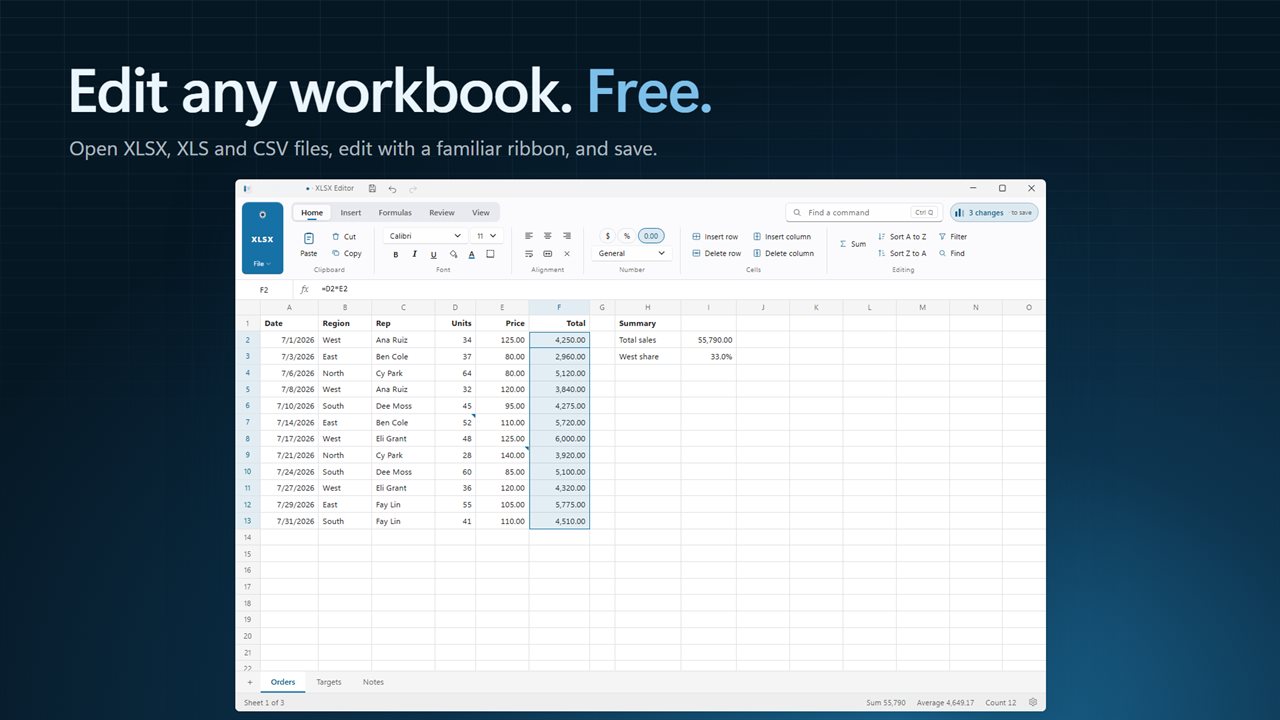
Most answers to the question of how to open an .xlsx file without Excel lead to a read-only XLSX viewer in a browser, or to uploading the workbook to someone's cloud drive. XLSX Editor is a desktop program with its own spreadsheet engine. Double-click the file, and the sheets open in a grid with formulas calculating, ready to be changed.
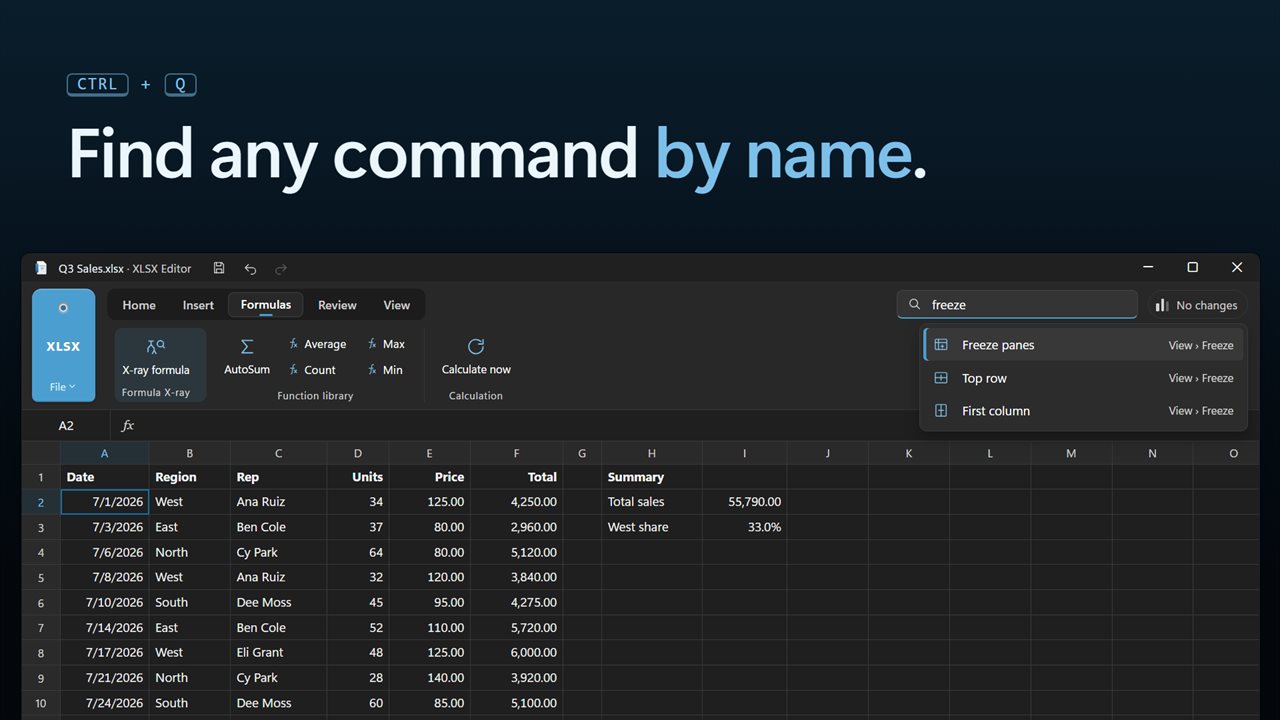
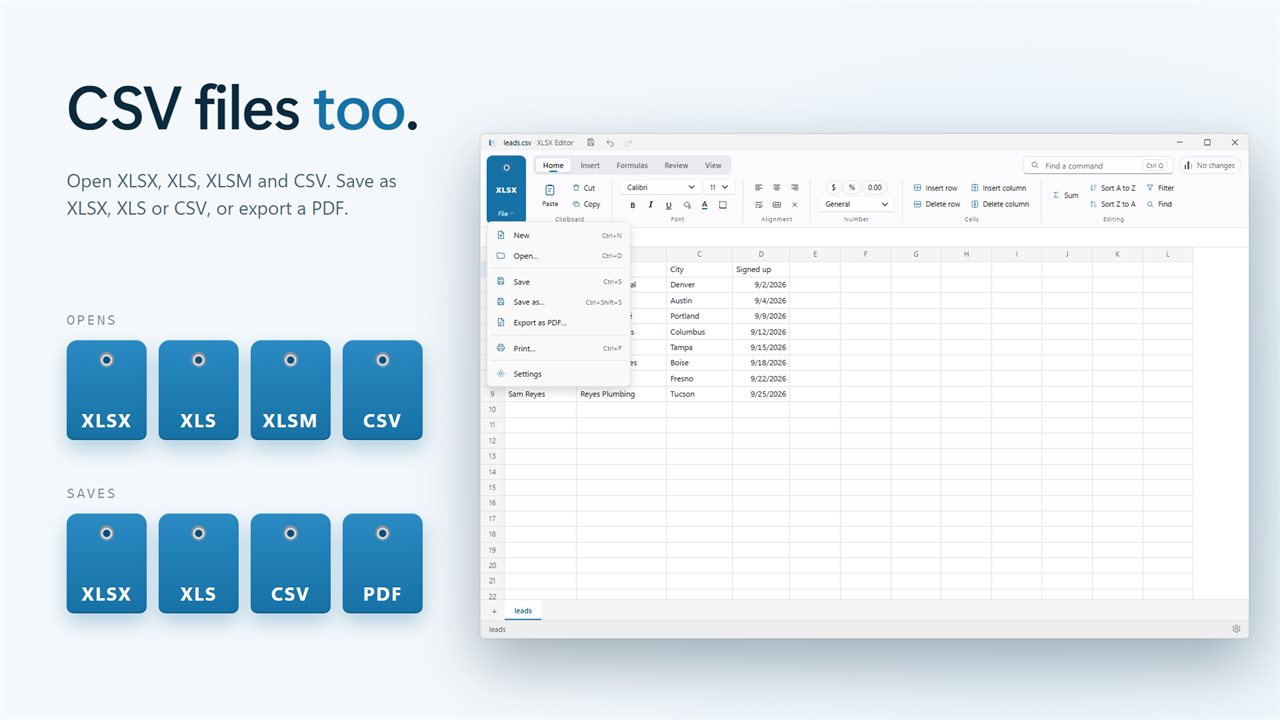
It reads .xlsx, the older binary .xls, macro-enabled .xlsm and plain .csv. The ribbon carries the usual tabs, Home, Insert, Page Layout, Formulas, Data, Review and View, and the Search commands box (Ctrl+Q) finds any command by typing part of its name.
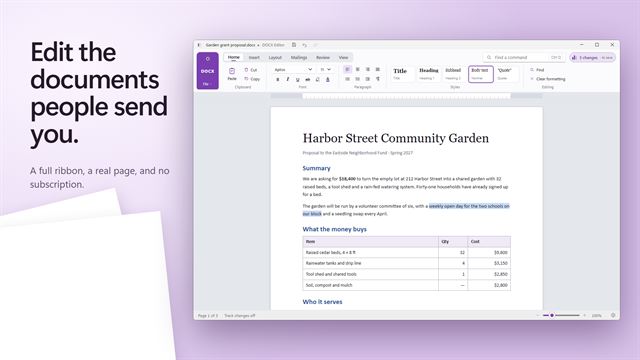
Viewing and editing live in the same window, so there is no read-only mode to escape. Open a price list to read it, notice a wrong figure, fix it in place and save, without switching programs or downloading anything else.
How to open an XLSX file and save it in another format
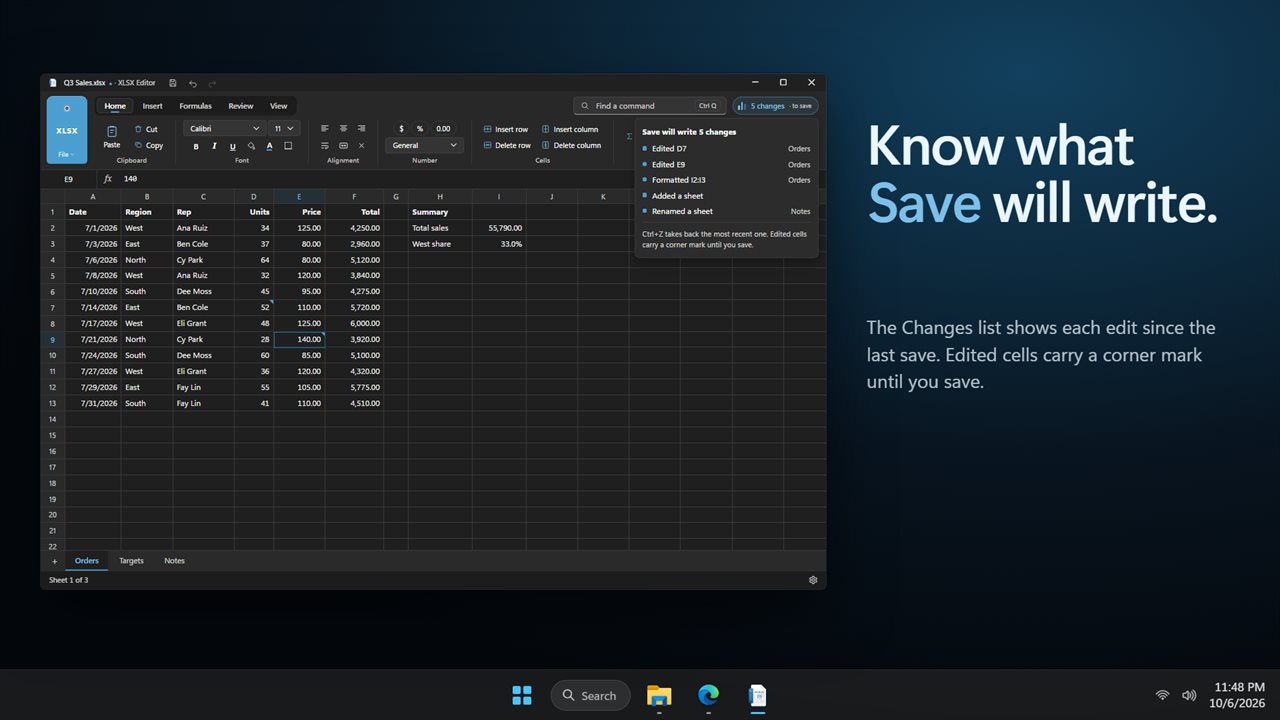
That makes it a quick way to convert XLS to XLSX, or XLSX to CSV for an import, with nothing uploaded. Before you save over a file that came from someone else, glance at the Changes list to confirm you only touched the cells you meant to.
- Double-click the workbook in File Explorer, or choose Open… inside the app.
- Edit cells directly or in the Formula bar. AutoSum, Average, Count, Max and Min sit in the Function library group.
- Use Sort A to Z, Sort Z to A and Filter on the Data tab, and Freeze panes with Top row or First column on the View tab.
- Choose Save as… and pick .xlsx, .xls or .csv. A CSV holds only the sheet that is active when you save.
Check a formula in someone else's workbook
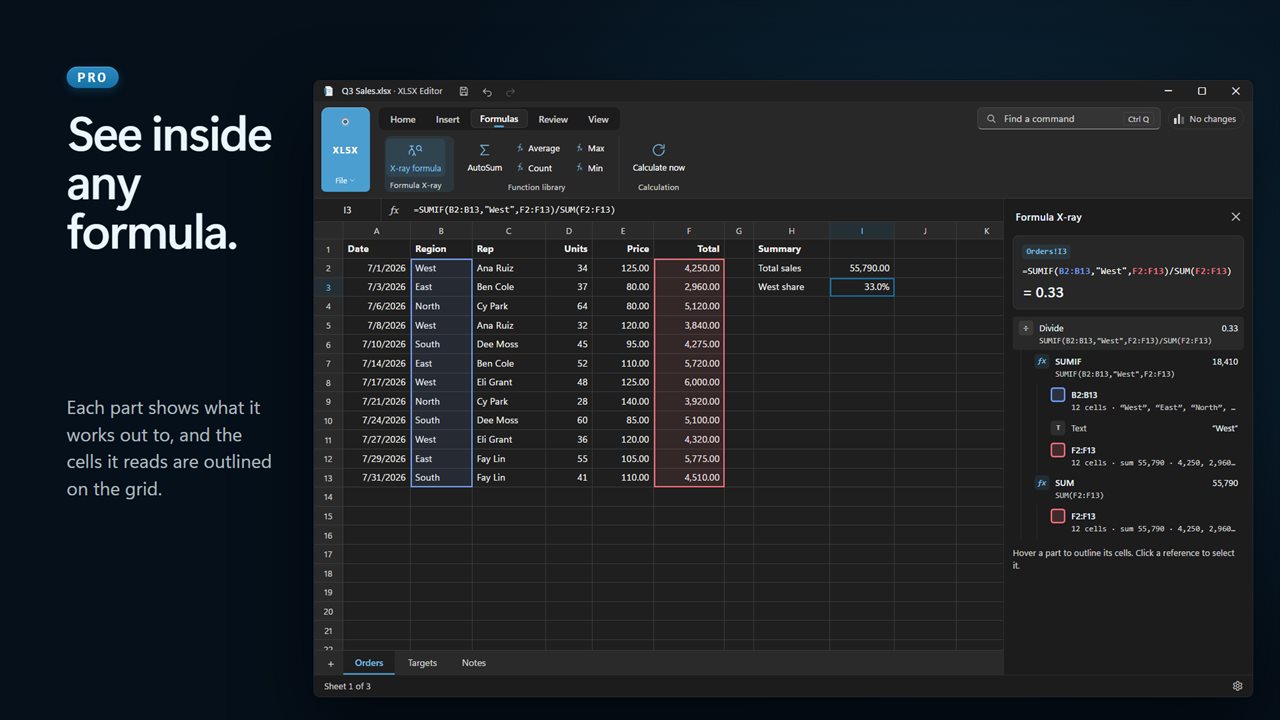
Formula X-ray, part of Pro, takes the formula in the selected cell apart. Each piece is shown with the value it produces, and hovering a piece outlines the cells it reads on the grid. Click a reference and you jump to that cell, even when it lives on another sheet.
It answers the question a plain viewer cannot: where did this number come from? That is the part of a borrowed budget or price sheet that most often hides a mistake.
Compare two Excel files cell by cell
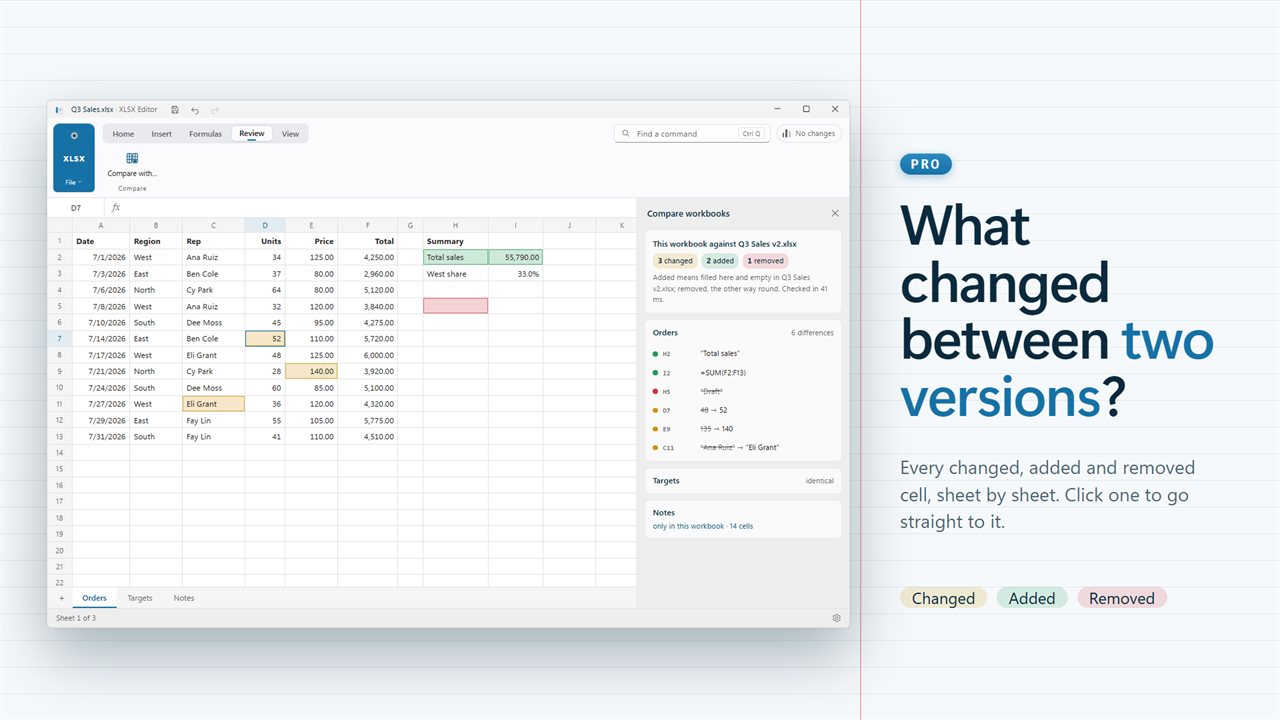
Compare with…, also in Pro, takes a second version of the workbook and lists every cell that differs between the two, plus cells and sheets that were added or removed. Select an entry and the grid scrolls to it.
The usual reason to compare two Excel files is a sheet that came back from a colleague with no note about what moved. Open their copy, compare it with yours, and walk the list from top to bottom instead of scanning thousands of rows by eye.