Simple desktop publishing software for one-sheet print jobs
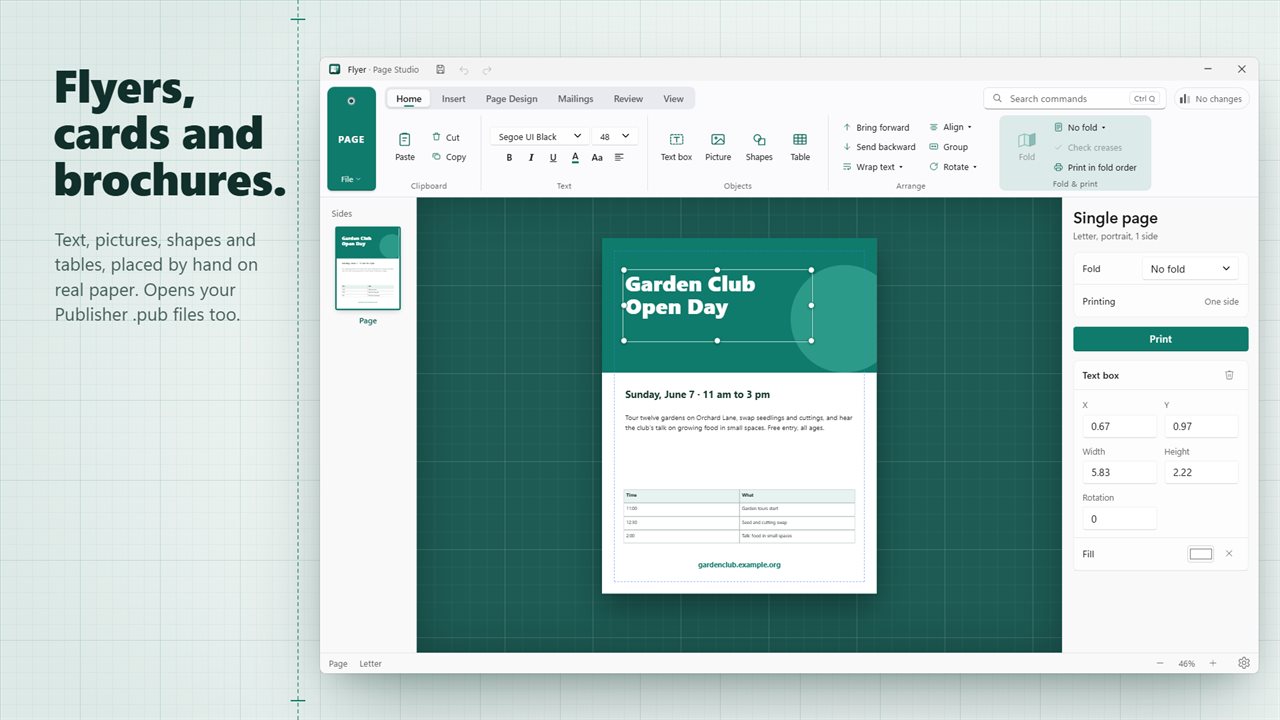
Most people who search for desktop publishing software are not producing a magazine. They need the club flyer, the church bulletin, a tri-fold menu, a birthday card or a stack of business cards, and they need it to come out of the printer the right way round. Page Studio is built around exactly that: a single sheet, both faces, with text, images, shapes and tables placed freely.
Where a word processor fights you on placement, here every object sits where you drop it, with margins, guides and snapping to line things up, plus Bring forward, Send backward, Group, Rotate and Align on the Home tab. Wrap text lets copy flow around a photo or skip above and below it.
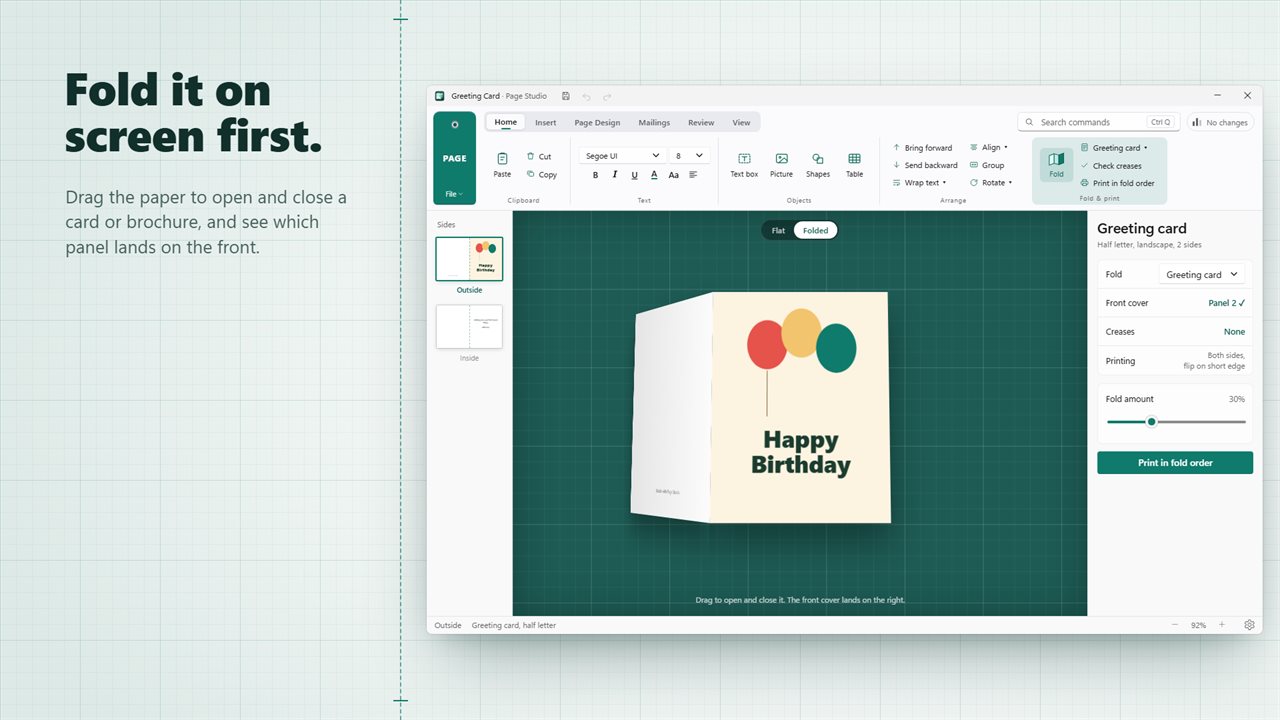
What sets it apart from a general design tool is the fold. Page Studio knows where the paper will crease and which panel will land where, and it checks your layout against that before you waste a ream.
How to make a tri-fold brochure that folds correctly
The classic brochure mistake is a panel that ends up upside down or on the wrong side once folded. The Fold & print group on the ribbon is there to prevent it.
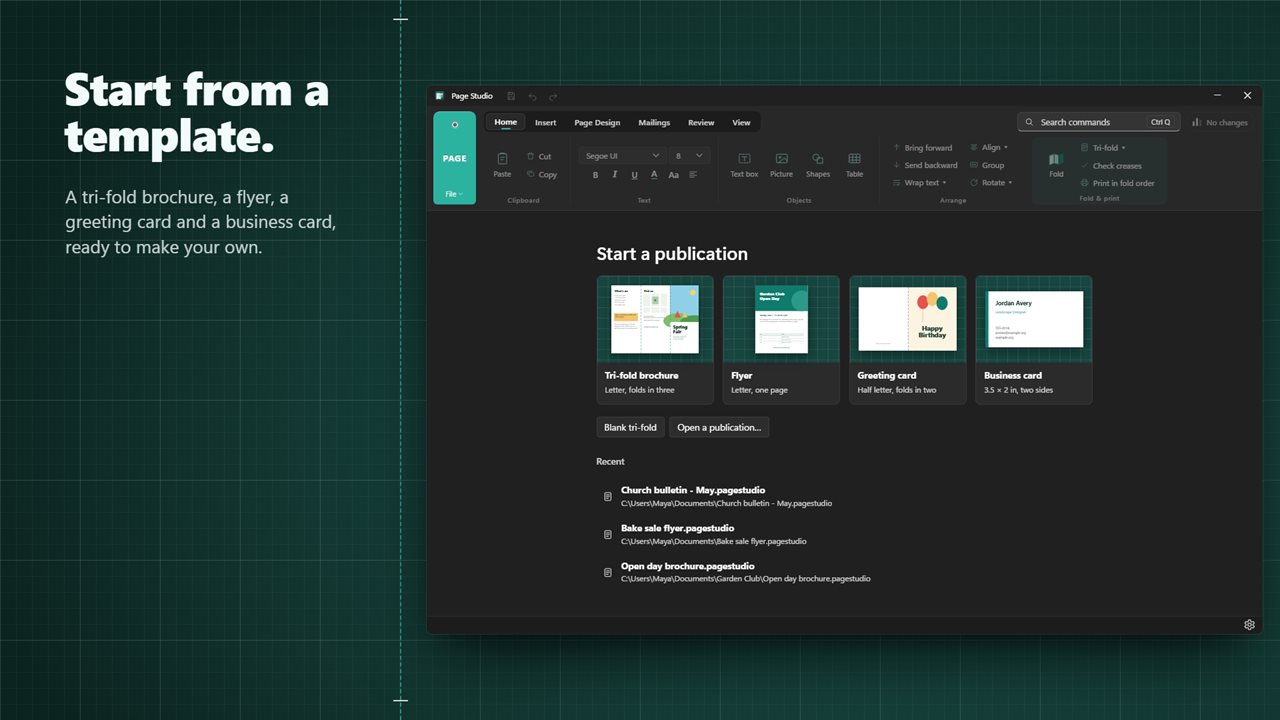
- Start from the tri-fold brochure template, or set Page Design > Fold yourself to one of the four fold styles.
- Lay out the outside, then use Add a back side to design the inside.
- Switch View to Folded. The sheet folds in 3D and you can drag it open and shut to check which panel is the cover.
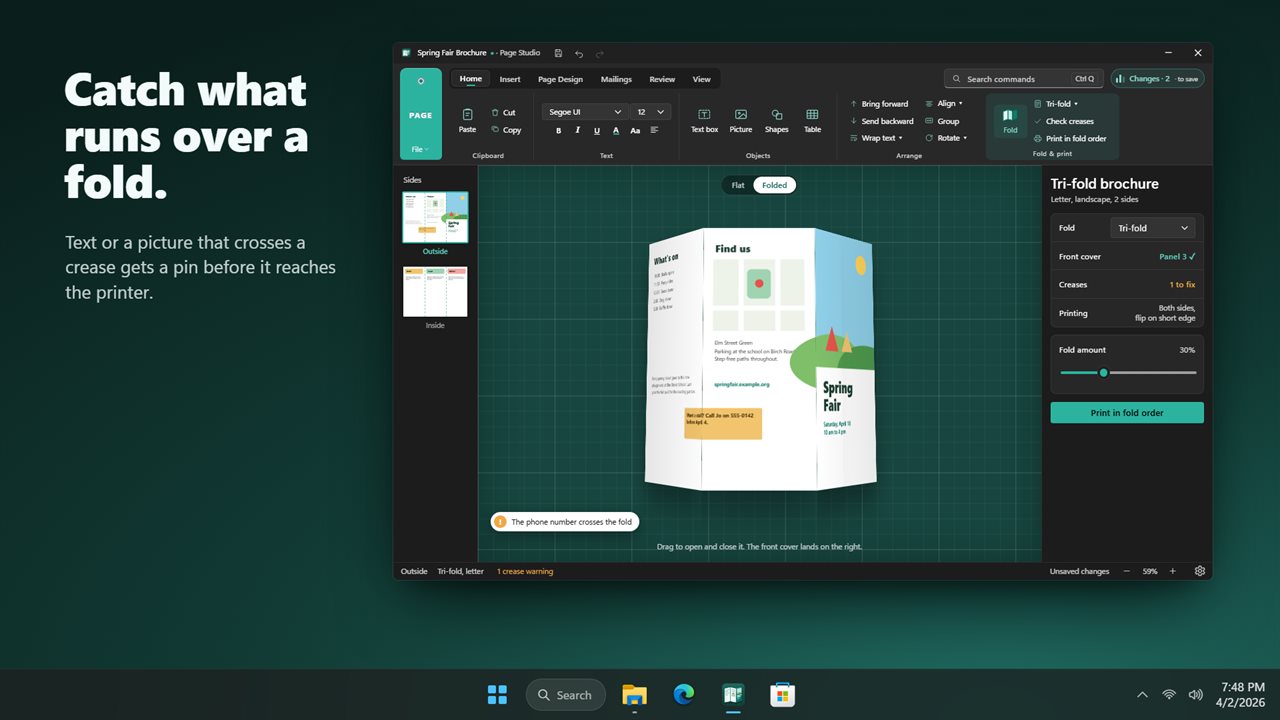
- Run Check creases. Text and pictures that cross a fold line are flagged, and the status bar counts the warnings. Shapes are left alone, since a color band running over a fold is usually intended.
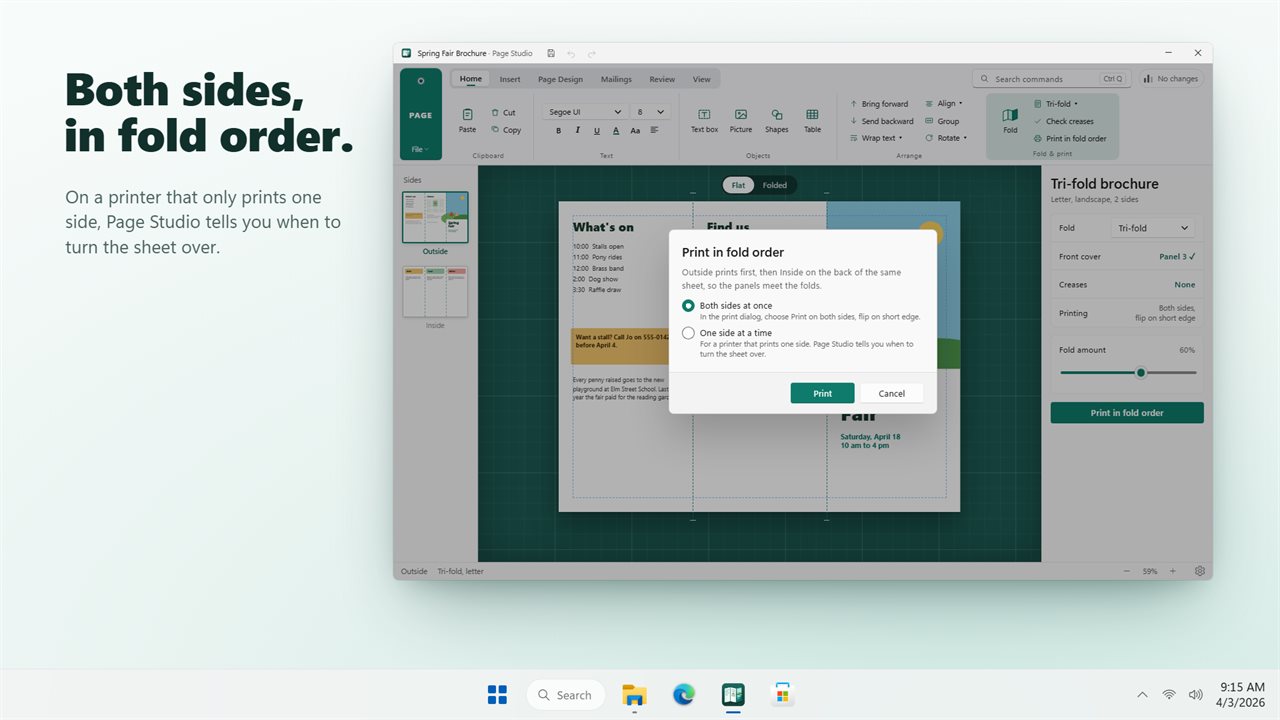
- Pick Print in fold order… for a duplex printer, or print one face, flip the stack as instructed, and print the other.
Open a .pub file and convert it to PDF
Years of flyers and newsletters are sitting in .pub files, and the program that made them is going away. Use Open… on a .pub and Page Studio rebuilds the layout on the page. Nothing is hidden about the conversion: a notice summarizes what came across and every substitution is itemized in the Changes list.
From there you can edit the layout and save it in the app’s own format, or choose Save as PDF… to get a PDF with its fonts embedded, which is the simplest way to convert a .pub to PDF for a print shop or an email. The original .pub is left untouched.
A flyer maker with mail merge
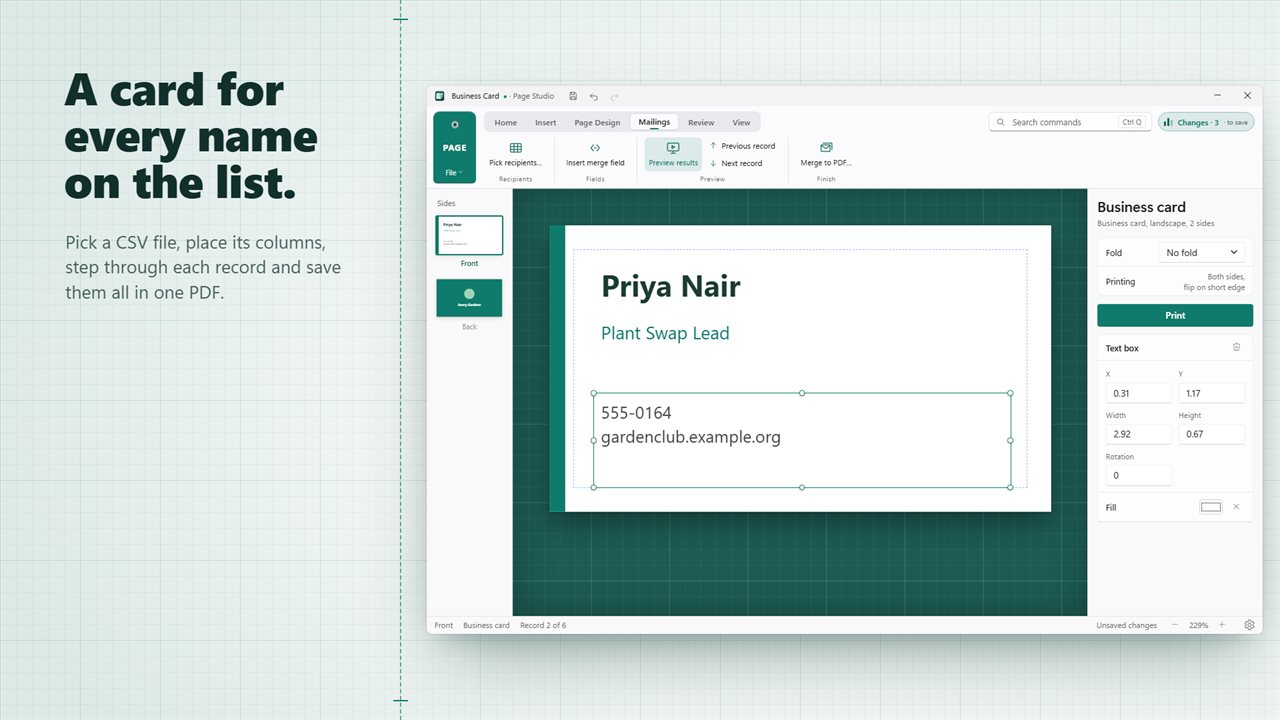
Flyers, postcards and invitations often need one copy per person. The Mailings tab handles that: Pick recipients… loads a CSV file, Insert merge field drops a column such as a name or address into a text box, and Preview results with Previous record and Next record shows each copy. Merge to PDF… then writes the whole run into a single PDF ready to print.
Spelling on the Review tab checks your text, and Fonts used lists every font on the sheet before you send it off.