A WAV converter that starts from where the audio goes next
People rarely want a WAV for its own sake. They need one because the next step demands it: a CD burning program, a video editor that wants 48 kHz, a sampler, a speech tool, or audio software that works best on uncompressed files. A WAV converter is only useful if what comes out matches that requirement, and getting the sample rate or bit depth wrong means converting everything again.
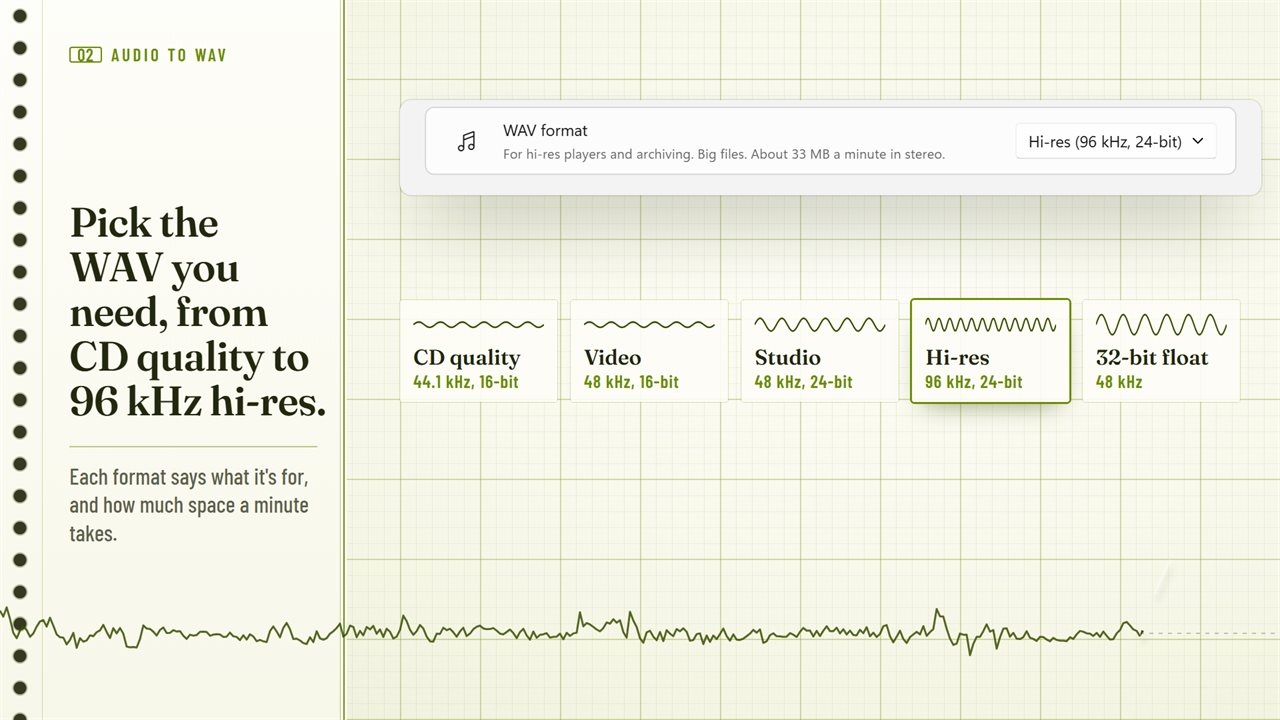
Audio To WAV Converter starts from that question. The WAV format menu offers five presets, each with a line saying what it suits and roughly how many megabytes a minute it produces, and a Custom option when you already know the numbers. Drop in your files, check the settings once, and press Convert To WAV for the whole list.
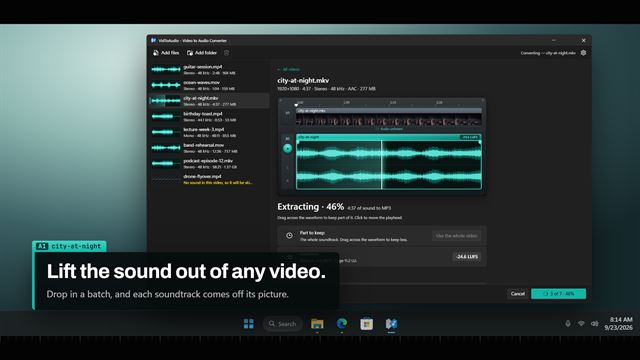
Input can be almost any common audio file, and video files too. Hand it a clip from a phone, a screen recording or a downloaded film in MP4, MOV, MKV, AVI, WebM, WMV or 3GP, and it keeps only the soundtrack, which is handy for pulling dialogue or music out of a recording.
Which WAV format to choose
Each preset sets the sample rate and bit depth together:
- CD quality uses 16 bits at 44.1 kHz, the standard for audio CDs, burning software and older stereos
- Video keeps 16 bits but moves to 48 kHz, matching the timeline in most editing programs
- Studio raises the depth to 24 bits at 48 kHz, so quiet passages keep detail when you mix
- Hi-res doubles the rate to 96 kHz with 24 bits, for archiving and dedicated players; expect big files
- 32-bit float at 48 kHz never clips while being processed, so it belongs in audio software, not on a phone
- Custom lets you set any of 22.05, 32, 44.1, 48, 88.2, 96 and 192 kHz, with a choice of 16, 24 or 32-bit float
Convert OGG, AAC, WMA and other formats to WAV in one batch
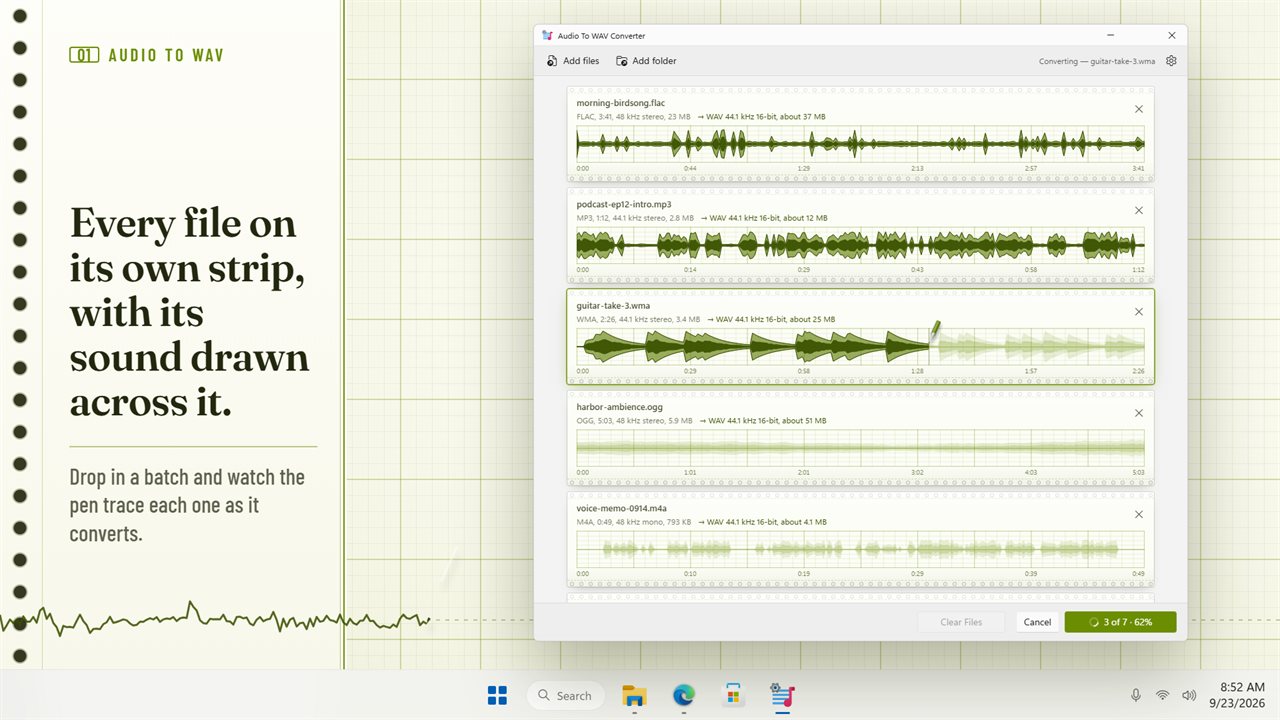
Mixed folders are the norm: phone recordings in M4A or AMR, downloads in OGG or Opus, older rips in WMA, lossless files in FLAC or AIFF. All of them can go into the same list. Drag files in, pick them with the add button, or add a whole folder to bring in what sits at its top level; each file is read before anything is written.
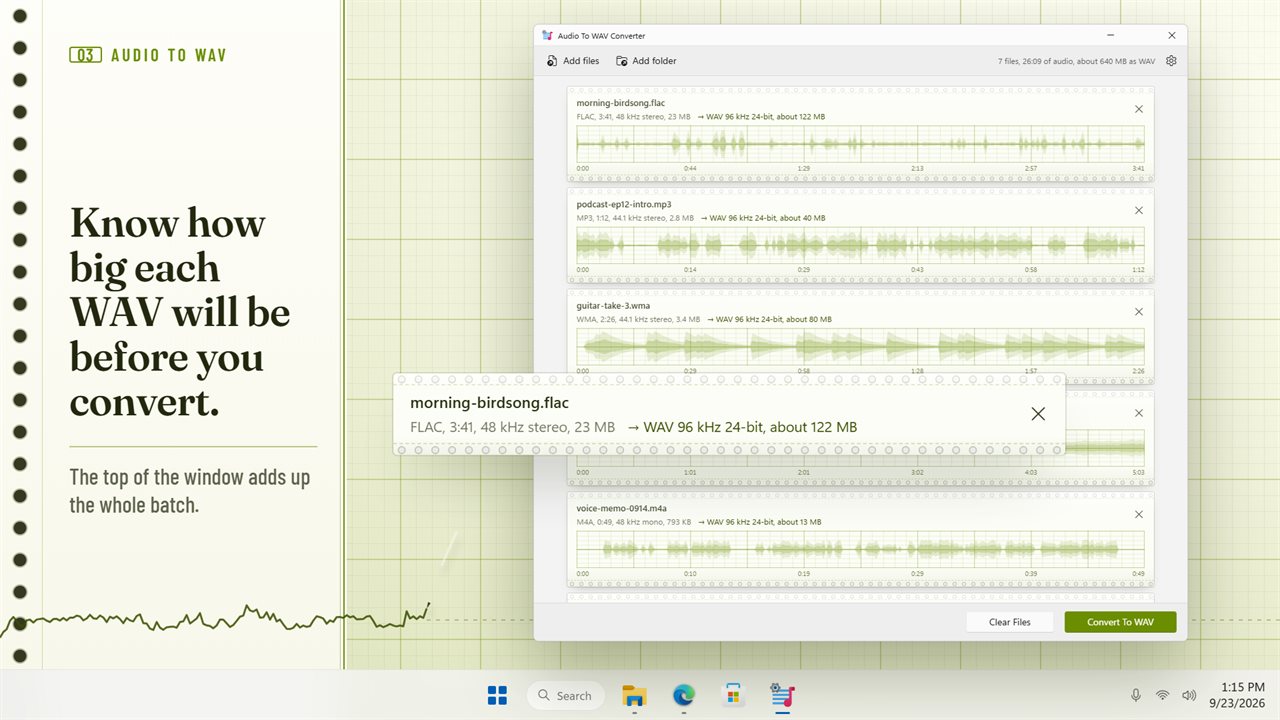
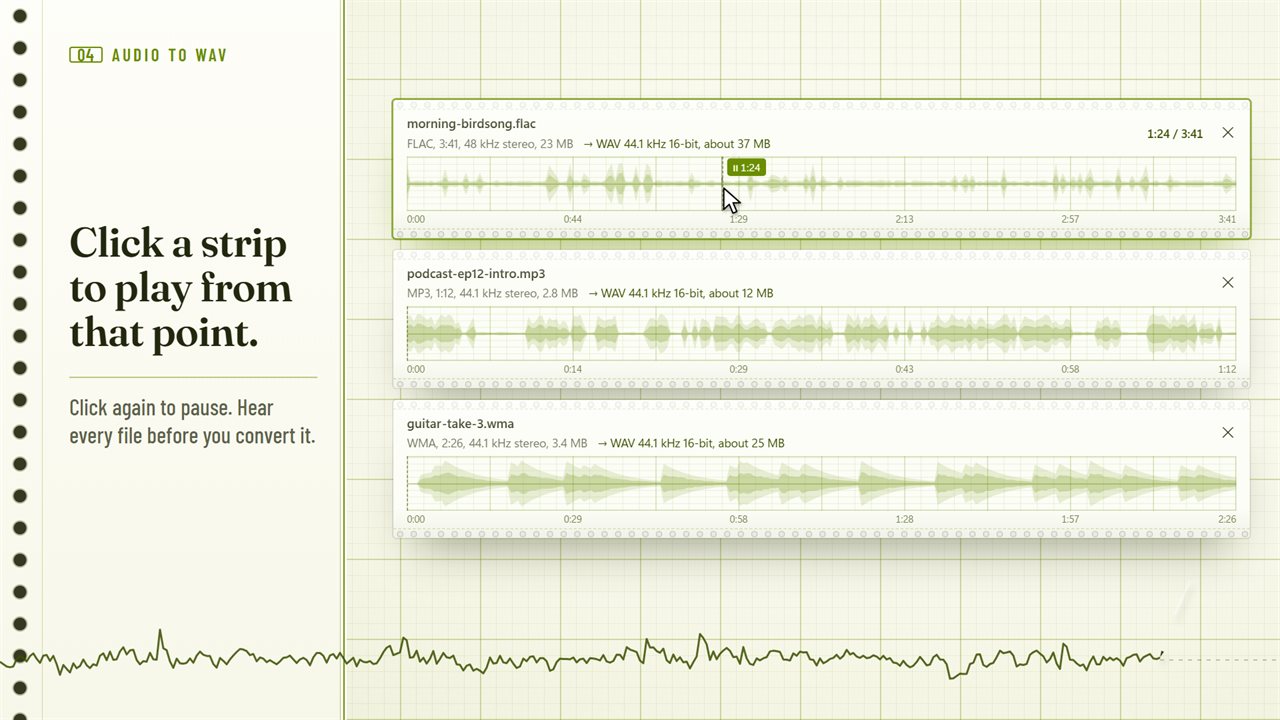
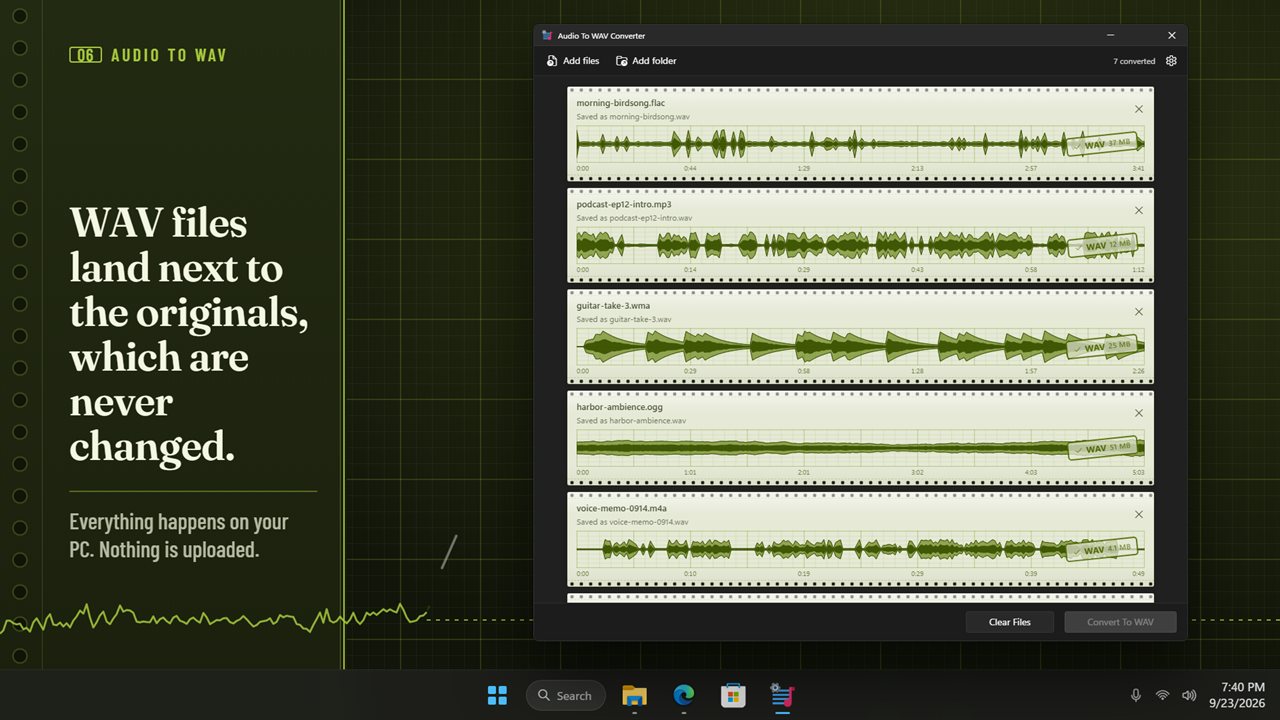
Every file gets its own strip showing its waveform, its length, and the WAV it will become with an estimated size. A click on the waveform starts playback from that spot, and a second click pauses it. The header adds the batch up as a count of files, total running time and approximate size as WAV, so a few hours of 96 kHz audio does not quietly fill your drive.
Even out loudness while converting to WAV
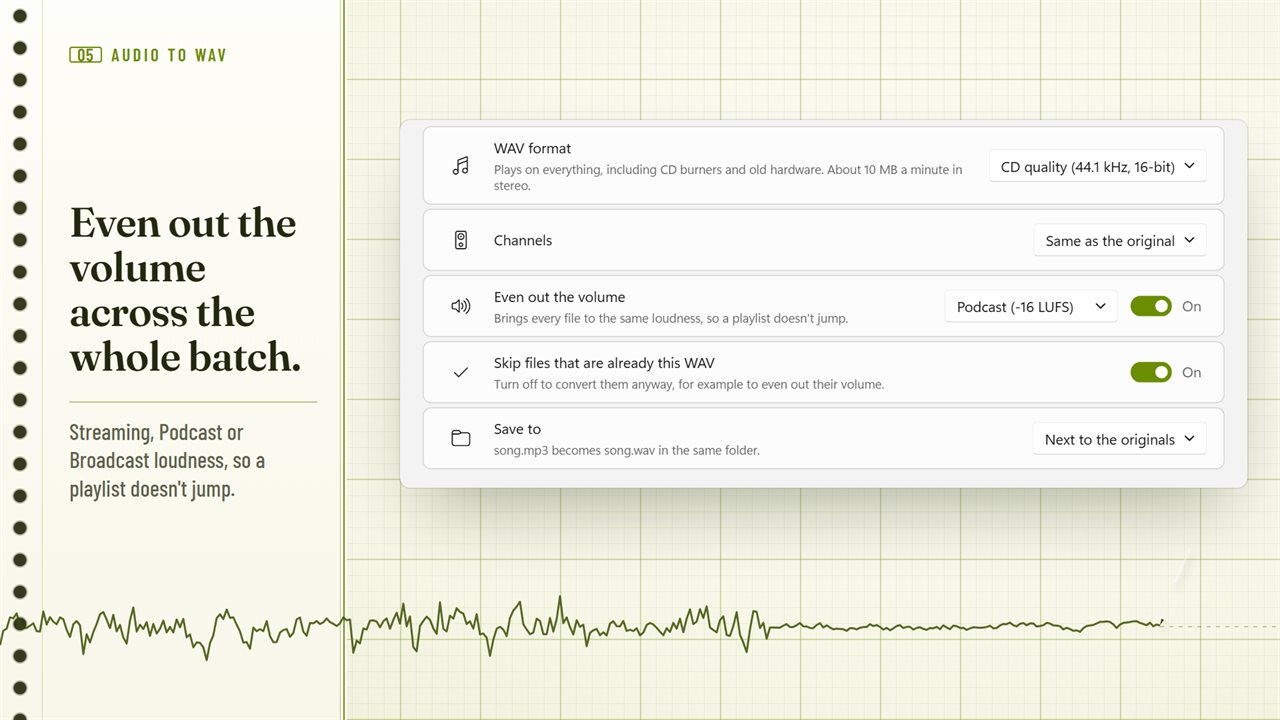
Clips collected from different sources rarely match in volume. Switch on Even out the volume and pick one of three targets, Streaming (-14 LUFS), Podcast (-16 LUFS) or Broadcast (-23 LUFS), and every file comes out at the same perceived loudness.
Channels can stay as they were, or every file can be made Stereo or Mono, which mixes both sides together. Mono halves the size and is what many speech and telephony tools prefer.