EEvlarSoft

WebmConverter

Turn WebM clips into MP4 files that play on phones, TVs and in PowerPoint, or pull out a GIF or an MP3, a whole folder at a time.

Buy for $1.99
One payment. No subscription.
14-day money-back guarantee.
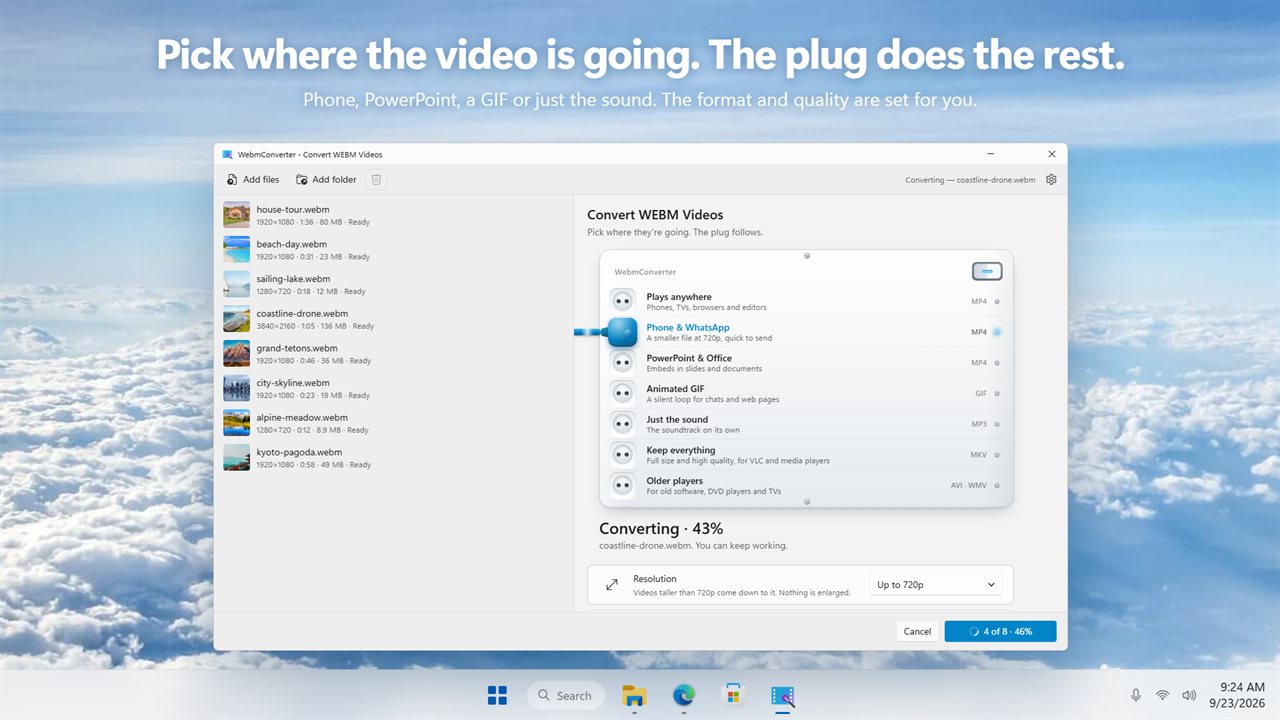
Pick where the video is going. The plug does the rest.
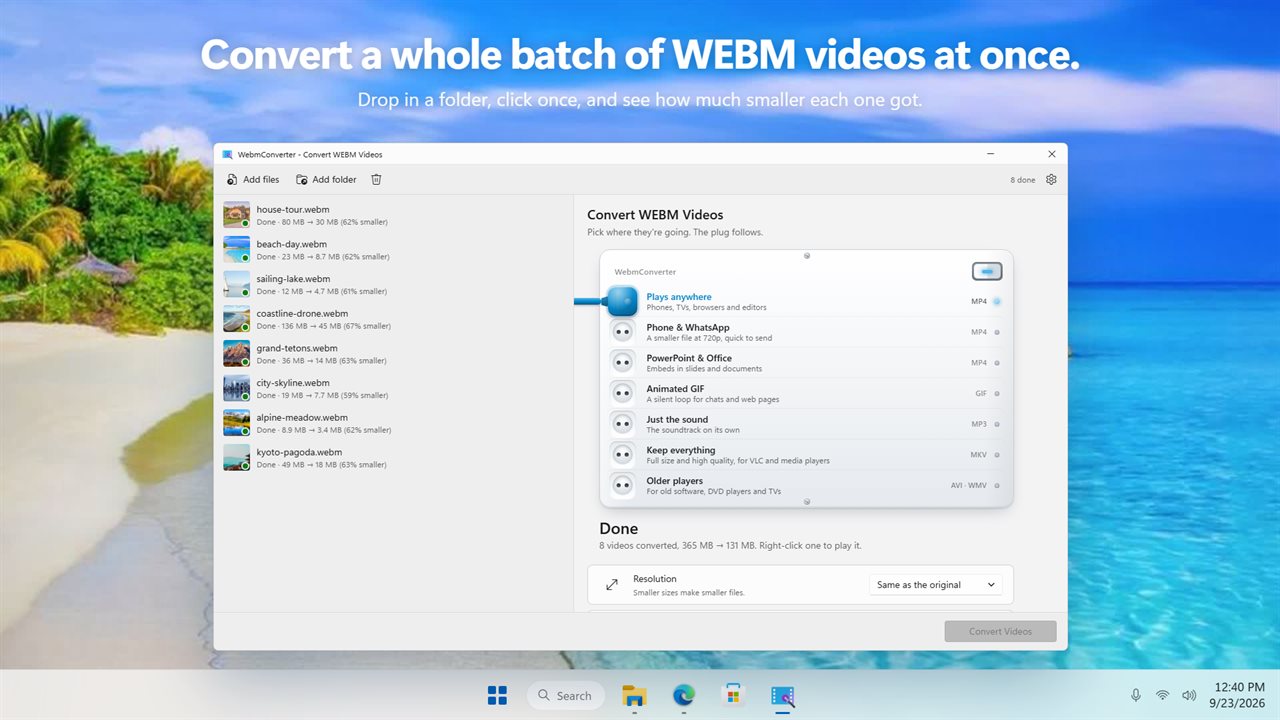
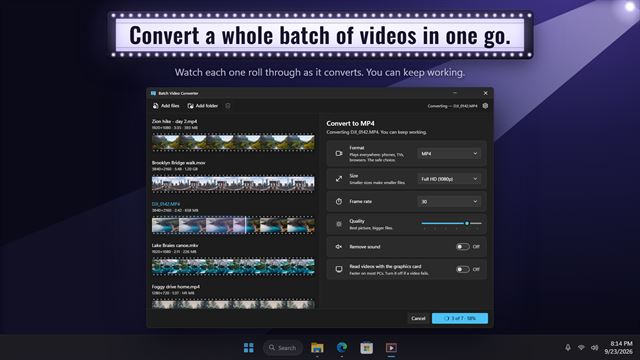
Convert a whole batch of WEBM videos at once.
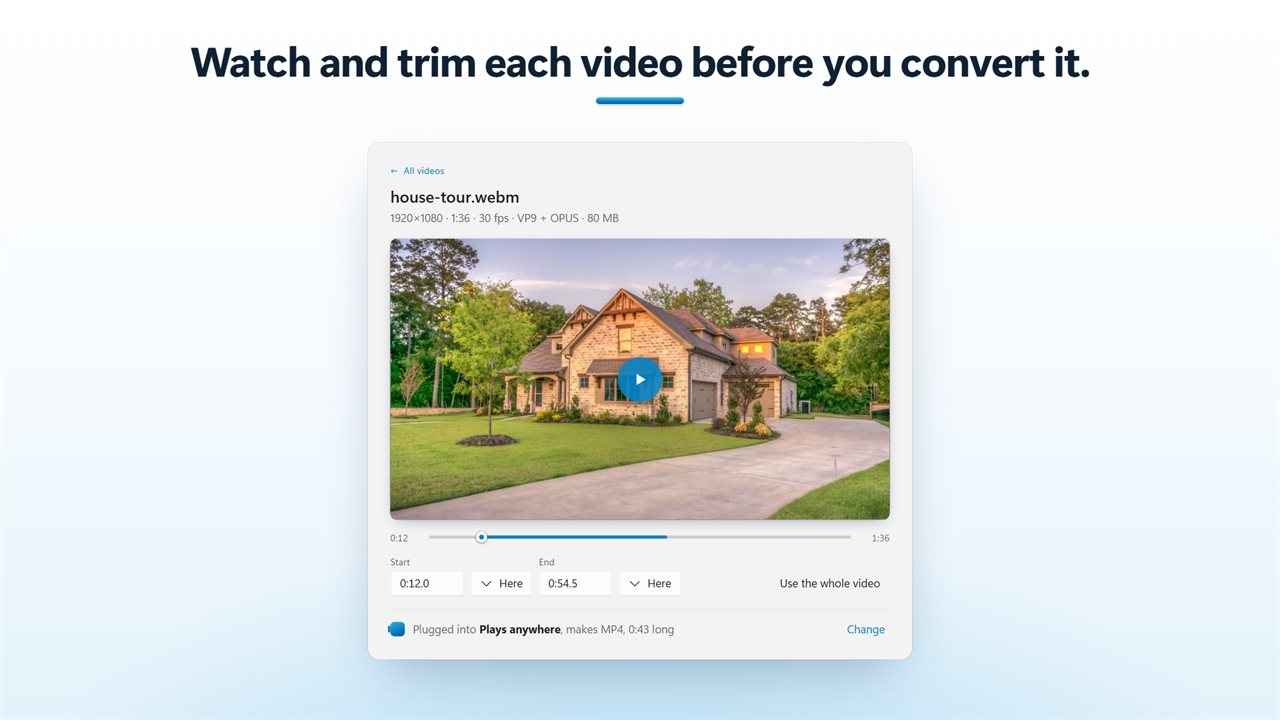
Watch and trim each video before you convert it.
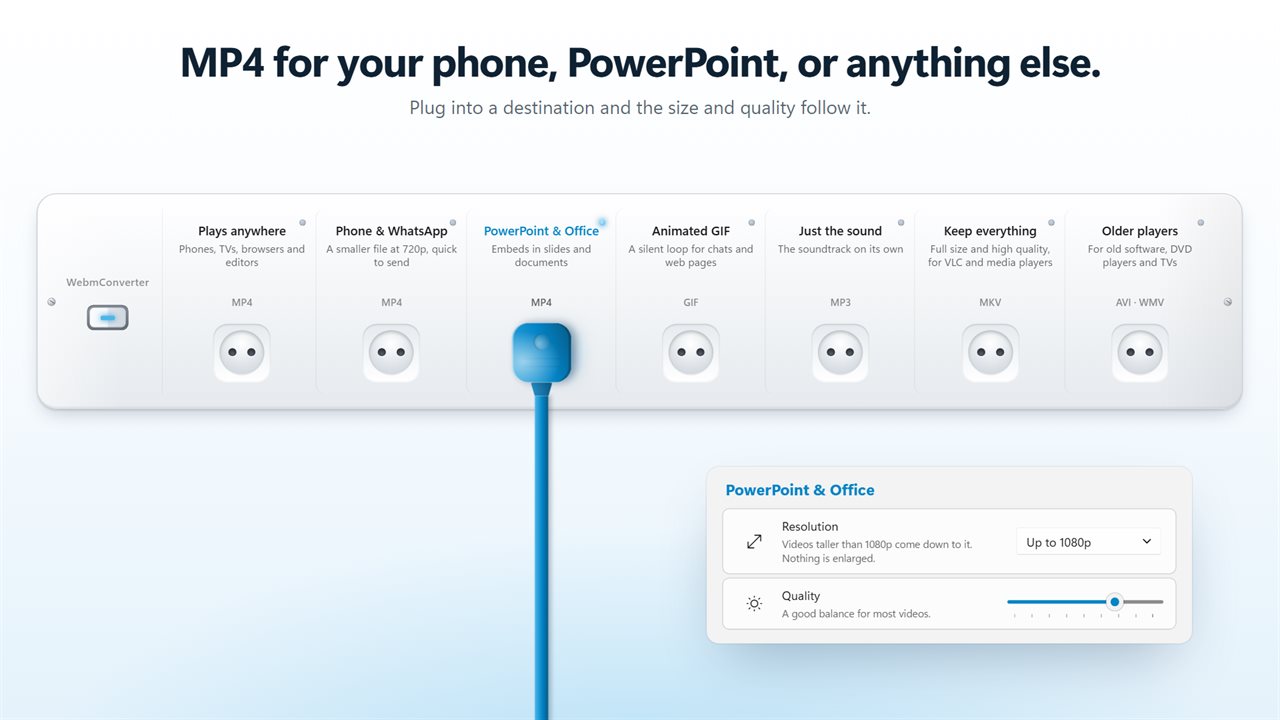
MP4 for your phone, PowerPoint, or anything else.
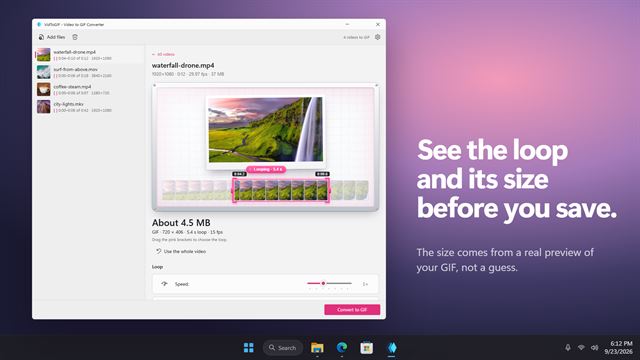
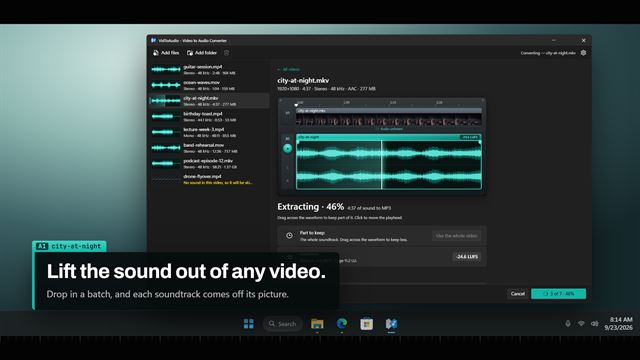
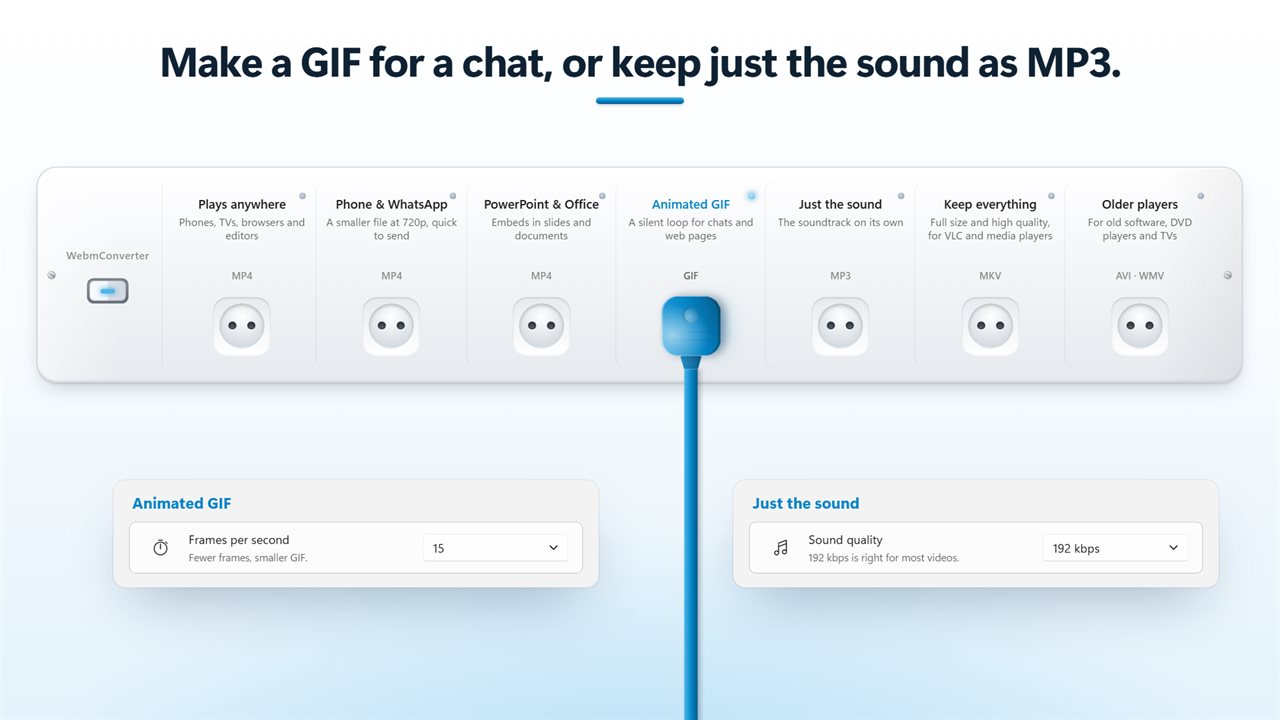
Make a GIF for a chat, or keep just the sound as MP3.
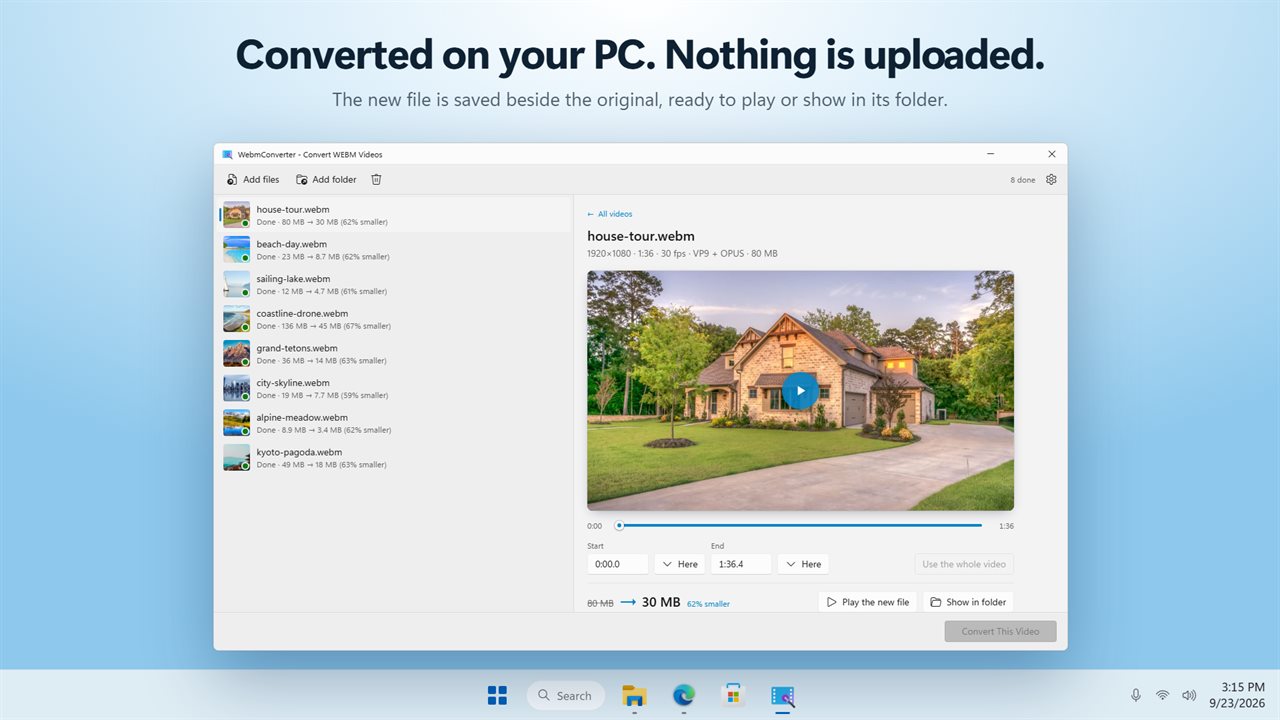
Converted on your PC. Nothing is uploaded.

Pick where the video is going. The plug does the rest.

190,000+downloads of EvlarSoft apps
Signed by EvlarSoftVerified US publisher
14-day money-backNo questions asked
Updates includedNo upgrade fees

Convert WebM to MP4 without learning codecs

WebM is the format browsers, screen recorders and many download tools save by default, and it is a poor traveler. Plenty of phones, TVs, older editors and messaging apps refuse it, and slide software often will not embed it. Converting WebM to MP4 fixes almost all of that, because an MP4 with H.264 video and AAC sound is about as close to universal as video gets.

WebmConverter is built around that one job. Instead of a menu of containers and encoder settings, the right-hand pane asks Where the videos are going and offers seven answers. Pick Plays anywhere for a general MP4, Phone & WhatsApp for a smaller MP4 held to 720p, or PowerPoint & Office for an MP4 of up to 1080p that sits happily in a slide deck. Neither of the capped choices enlarges a clip that is already smaller.

The other four cover the rest: Animated GIF, Just the sound for an MP3, Keep everything for a high-quality H.264 MKV at full size, and Older players for AVI or WMV when an old DVD player or a legacy program is the target.

How to convert WebM to MP4 on Windows

One file or a hundred, the steps do not change.

  • Drag .webm files onto the window, or add a folder to bring in every WebM inside it.
  • Choose a destination under Where the videos are going. Plays anywhere is the safe default for MP4.
  • Optionally open a video, play it, and set Start and End to keep only part of it. Here marks the spot where you paused.
  • Pick Save alongside the originals, Save to a folder…, or Replace the originals, then press Convert Videos.
  • When each file finishes, its row shows the size before and after. Right-click it to Play the new file or Show the new file.

WebM vs MP4: why one plays where the other will not

Both are containers, boxes that hold a video stream and a sound stream. WebM normally holds VP8, VP9 or AV1 video with Opus or Vorbis audio, codecs that browsers handle well and many devices and desktop apps do not. MP4 is usually H.264 with AAC, which nearly every phone, TV, console and editor can decode in hardware.

That is why the converter re-encodes every file rather than just changing the extension. A renamed WebM is still VP9 inside and still fails on the same devices. The MP4s written here use H.264 and AAC, with the index moved to the front of the file so playback can start before the whole thing has loaded.

WebM to MP3, WebM to GIF and smaller files

Just the sound strips the picture and saves the soundtrack as MP3 at 128, 192, 256 or 320 kbps, which is handy for a recorded talk or a music clip saved from the web. Replacing the original is switched off for this choice, so you never lose the video by accident.

Animated GIF makes a silent, looping clip at 10, 15 or 24 frames per second. Fewer frames means a smaller file. Unless you set a size, GIFs are held to 720 pixels wide so they stay shareable.

To shrink an MP4 further, open Resolution and pick 1080p, 720p, 480p, 360p or Custom…, then slide Quality toward Smallest files, softer picture. Leave Width or Height blank in Custom… and the other follows, so the frame keeps its shape. The Remove audio switch drops the sound entirely, which suits screen recordings meant to be watched silently.

What WebmConverter does

  • Converts WebM to MP4, MKV, AVI, WMV, animated GIF or MP3
  • Seven destination presets that set format and quality for you
  • Batch conversion of dropped files or every WebM in a folder
  • Built-in player with Start and End trimming for each video
  • Resolution presets from 1080p down to 360p, or a custom width and height
  • Quality slider, a Remove audio switch, GIF frame rate and MP3 bitrate choices
  • Size before and after on every finished file
  • Originals kept by default; replacing them asks first

What's new in 2.0.3

  • New: pick where the video is going, and the format and quality are set for you
  • New: GIF and MP3, alongside MP4, MKV, AVI and WMV
  • New: watch and trim each video before you convert it
  • New: pick the size, or set your own width and height
  • New: see each file's size before and after
  • New: light and dark themes

Questions

Anything else? Ask us

What can it convert WEBM videos to?

MP4, MKV, AVI, WMV, animated GIF, or MP3 for the sound alone. It only takes .webm files; other video types are turned away.

Which option should I pick for PowerPoint or WhatsApp?

Pick the destination and the format and quality are set for you. PowerPoint & Office makes an MP4 of up to 1080p, Phone & WhatsApp makes a smaller MP4 of up to 720p, and neither enlarges a video that is already smaller.

Does Keep everything keep subtitles and every audio track?

No. It makes a high-quality H.264 MKV at full size with the first audio track only, and subtitles are left out. Every format this app writes is re-encoded rather than copied.

Can I cut out just part of a video before converting it?

Yes. Click a video to play it in the app, then type a start and end time or click Here to set them at the point where you paused. Each video keeps its own start and end.

How are GIFs made?

GIFs are silent, play in a loop, and are made at 10, 15 or 24 frames per second, with 15 as the default. Unless you choose a size, they are kept to at most 720 pixels wide so the file does not grow too large.

What happens to the original WEBM files?

By default they are kept, and each new file is saved beside its original with "_webmconverter" added to the name. You can save into a folder you pick, or replace the originals, which deletes each WEBM once it has converted, after asking you first. Replace is not offered for Just the sound, because it would delete the video.

Can I just rename a .webm file to .mp4?

No. The extension changes but the VP8, VP9 or AV1 video inside does not, so devices that reject WebM will still reject it. Converting re-encodes the video to H.264 and the sound to AAC.

Does converting WebM to MP4 lose quality?

A little, because every file is re-encoded rather than copied. Plays anywhere sits at 70 on the Quality slider. Move it to 85 or above for Best picture, bigger files, or pick Keep everything, which writes a full-size MKV at 90.

Why is my MP4 bigger than the WebM it came from?

VP9 and AV1, the codecs inside most WebM files, pack more picture into each megabyte than H.264 does, so an MP4 of similar quality is often larger. Lower Quality or pick a smaller Resolution; every finished row shows the size before and after.

Which versions of Windows does it run on?

Windows 10 (version 1809 or later) and Windows 11.

Is it a subscription?

No. WebmConverter is a one-time purchase of $1.99, and updates are included.

How do I get it?

Buy it on this page and your license key arrives by email. If the button says Notify me, WebmConverter is not on sale here yet; leave your email and we will tell you when it is.