Why a mute key beats the mute button
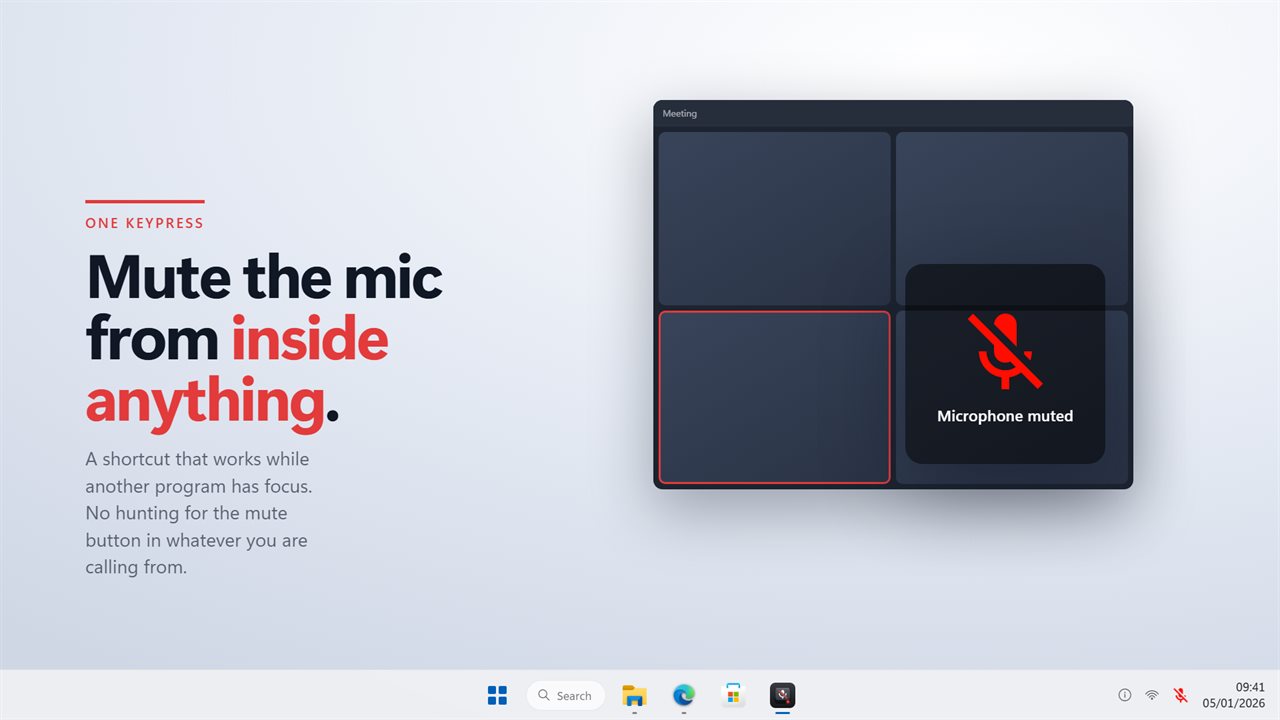
Every calling app puts its mute button in a different place, and some programs that use your microphone have no button at all. When you need to cough, answer someone in the room or take a phone call, hunting for the right window is too slow.
A system-wide shortcut solves that, but only if you can trust it. That is why this one watches the microphone itself rather than its own last keypress. Mute from Teams, a headset button or a laptop key, and the tray icon and the on-screen plate follow along.
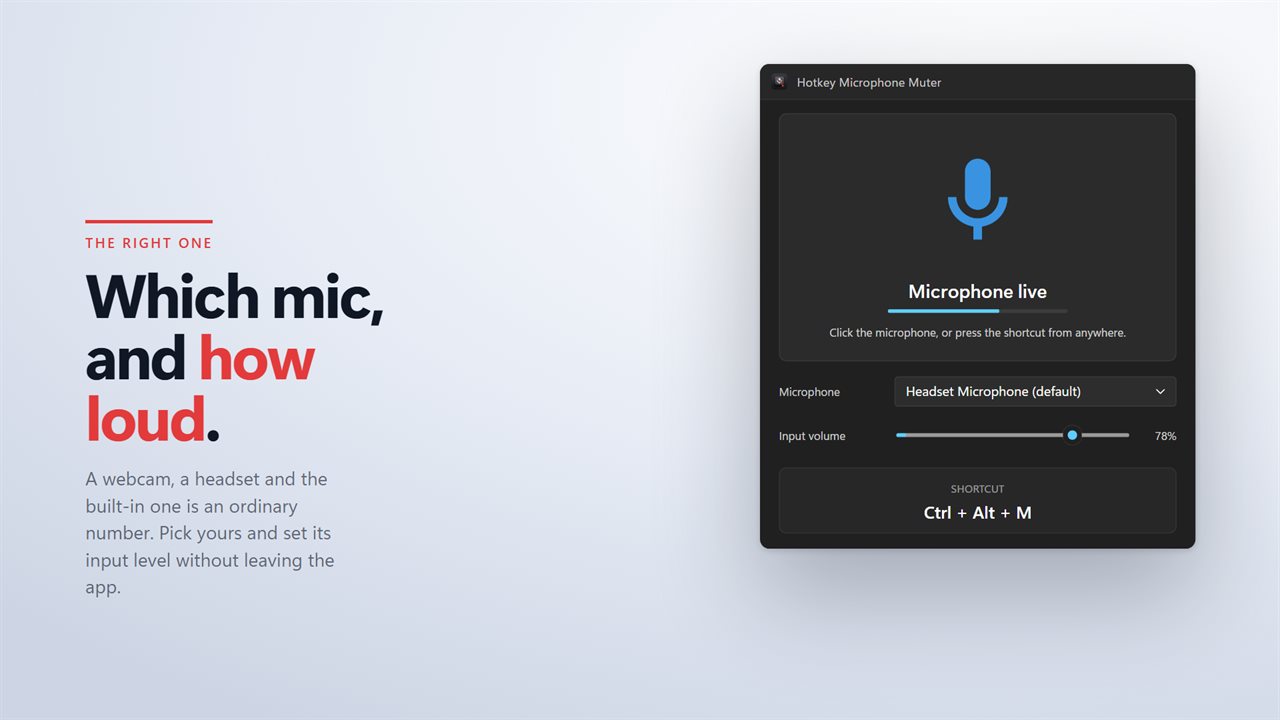
The live input level in the window answers the other half of the question: when you are unmuted, is the microphone actually hearing you?
How to set up a mic mute hotkey in Windows
Hotkey Microphone Muter registers one shortcut with Windows that mutes and unmutes your microphone from any program. Setting it up takes a minute.
- Choose the microphone to control, such as a headset, a webcam or the one built into the laptop.
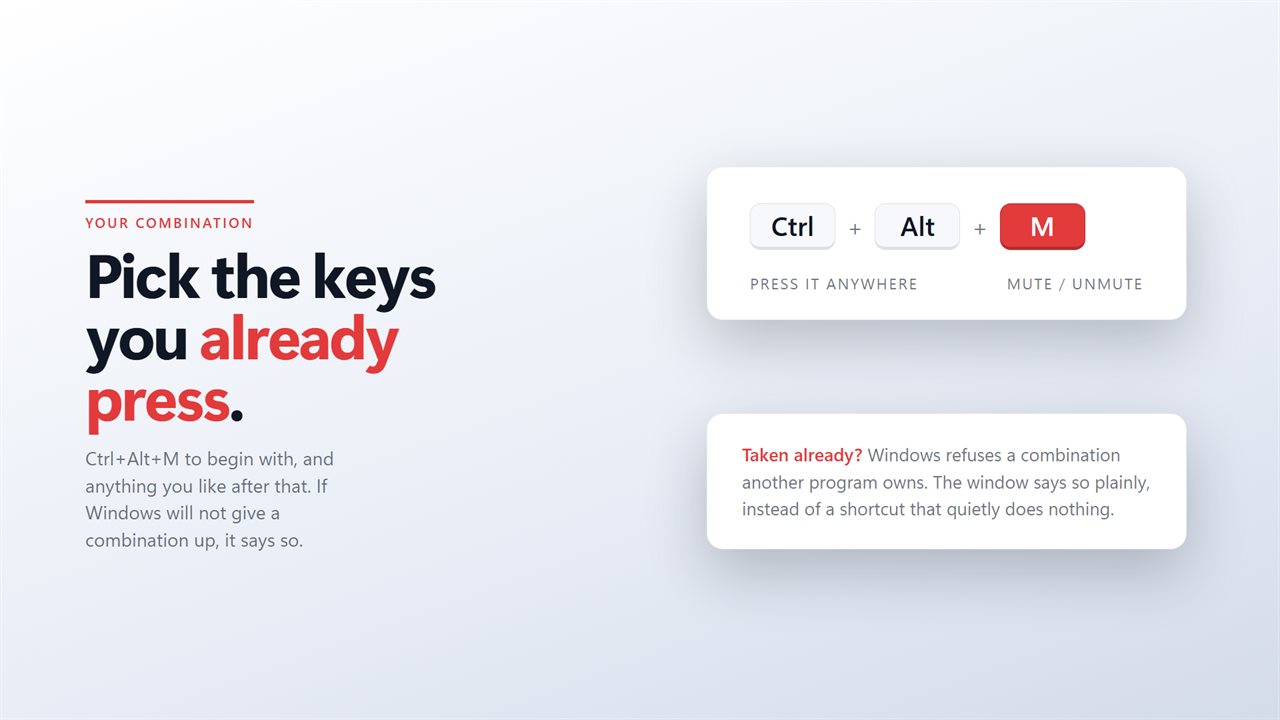
- Keep the default Ctrl+Alt+M, or record any combination you like. If another program already owns it, the app tells you.
- Set the microphone's input volume on the same screen and watch the level move as you speak.
- Turn on the sound if you want to hear when it mutes, as well as see the plate.
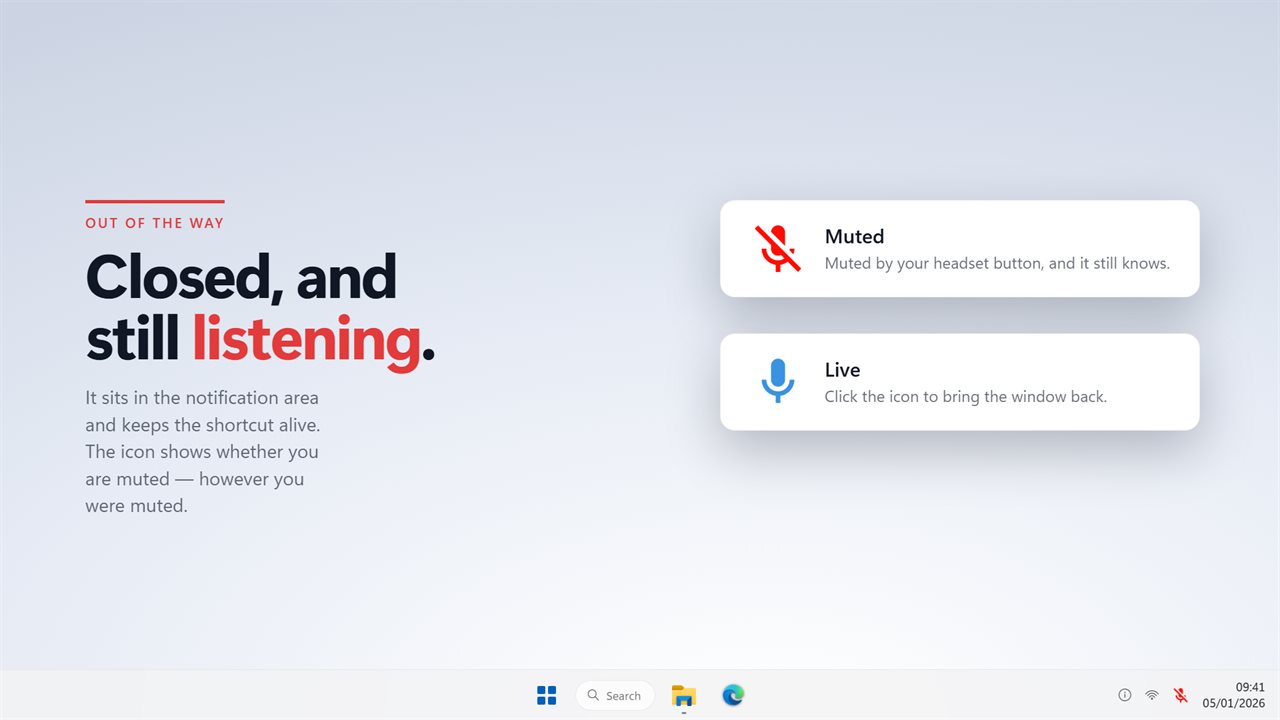
- Close the window. The shortcut keeps working from the notification area.
Hold to talk instead of toggling
A toggle leaves the microphone in whatever state you last set, which is easy to forget. Hold to talk turns that around: the microphone stays muted and opens only while you hold a key of its own. Let go and you are muted again.
This works the way push to talk does in games, but for every program on the PC at once. For a day of meetings it is the safer way round, since forgetting to mute is no longer possible.
Seeing whether your mic is muted or live
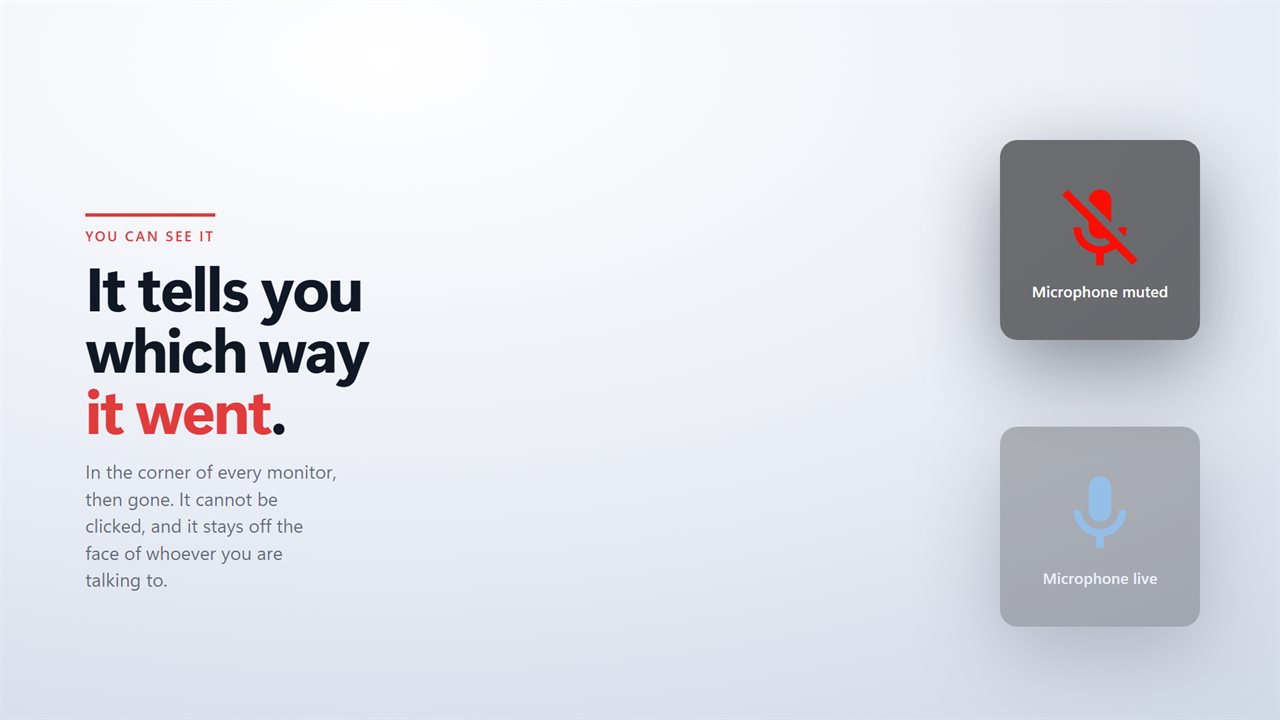
Each time the state changes, a plate saying muted or live appears in the corner of every monitor. It fades after a couple of seconds and cannot be clicked, and it stays out of the middle of the screen, where the faces on a call are.
After the plate fades, the tray icon keeps showing the state. Because the app watches the microphone itself, the plate and icon also follow a mute made by your meeting software, a headset button or a laptop key.
Starting every session muted
The app can start with Windows, and it can start muted. Together, that means the microphone is off from the moment you sign in, and nothing goes out until you press your key.
Since the mute happens in Windows itself, every program using that microphone goes quiet together. No account is needed, and it works with no connection at all.