
Vocal recording software that is ready for a verse the moment it opens
General-purpose vocal recording software assumes you want to build a session from nothing: create tracks, route inputs, load effects, find a tuner, set a tempo. A rapper usually wants the opposite. There is a beat, there are bars on a phone, and the goal is to get them recorded before the idea goes cold.
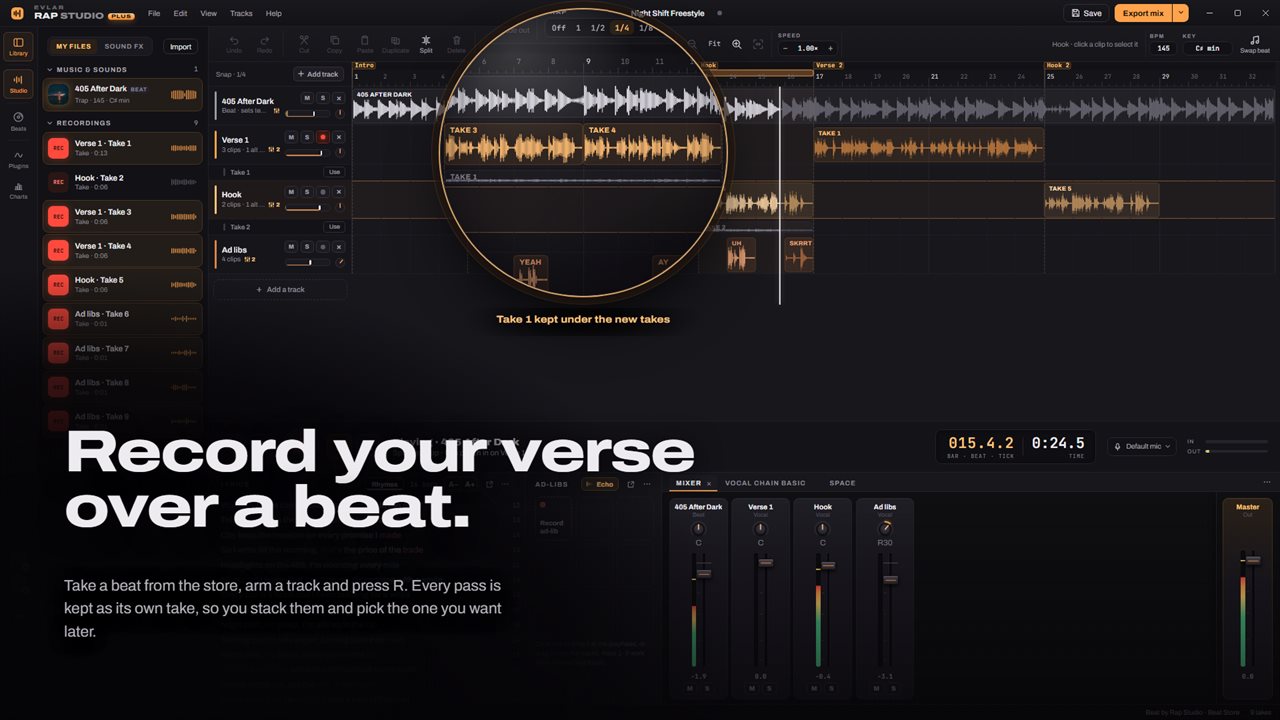
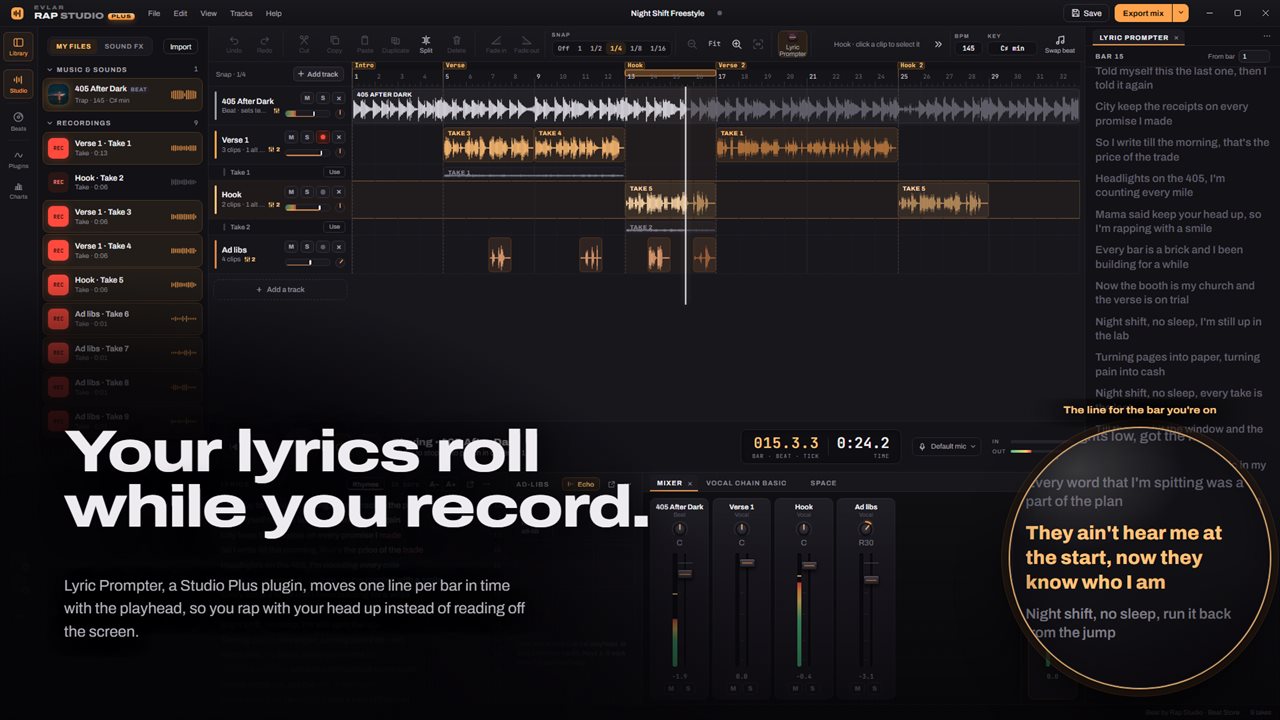
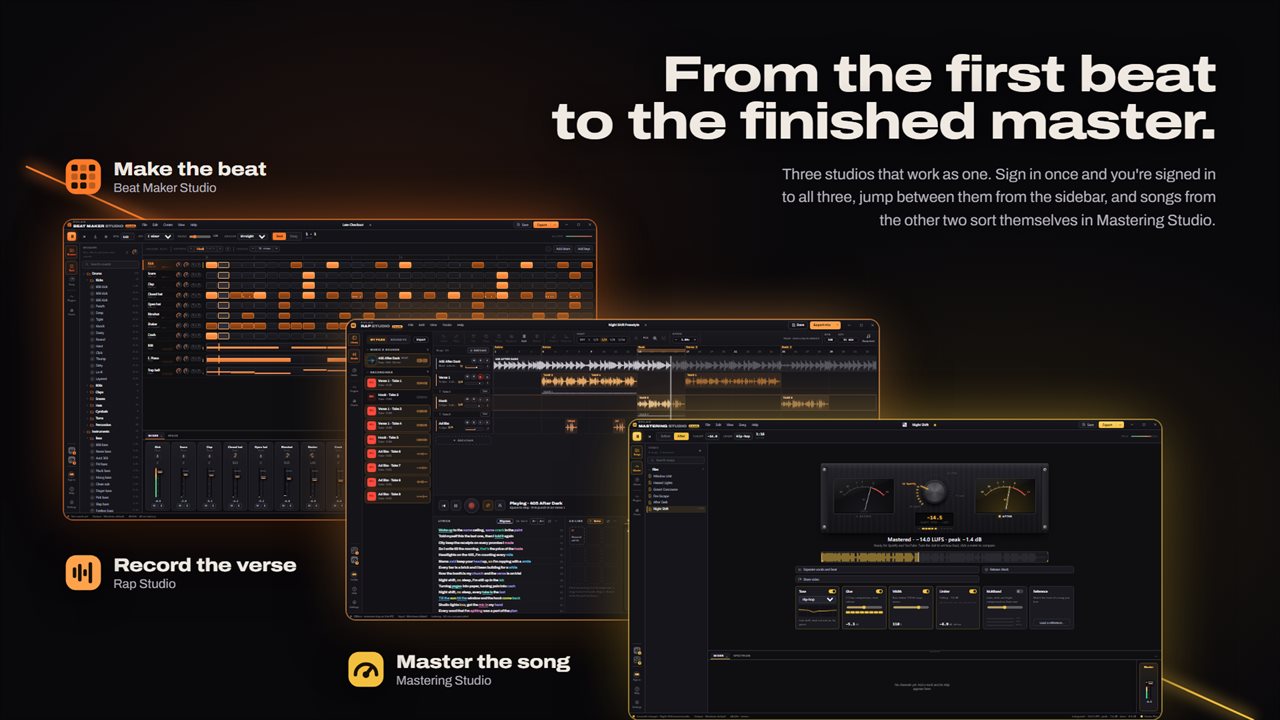
Evlar Rap Studio opens with that session already built. A vocal track is armed with the red dot, a chain of vocal effects is already loaded on it, and the timeline is waiting for a beat. Add one, press R, rap, and press R again. That pass is your first take.
From there it behaves like a proper multitrack recorder. Clips can be cut, copied, split, duplicated, faded and moved, section markers label the verse and hook, and a mixer view sits one key away (X).
How to record rap vocals at home, start to finish
Plug in a microphone and headphones first, so the beat does not bleed into your vocal.
- Click Add beat in the ribbon to open the Beat Store, play the 30-second previews, and add one. The session picks up that beat's tempo and key.
- Choose your microphone from the mic button beside the clock and rap a line. Keep the IN meter out of the red.
- Press R. A bar of count-in clicks plays from a stop, then recording starts. Press R again to stop, or Space to stop everything.
- To redo a line, drag across the ruler to loop it and press R. Recording keeps going around the loop, and every pass is saved under the track. Click Use on the take you like best.
- Ctrl+S keeps the session; Ctrl+E, or Export mix, writes the finished song.
Pitch correction and vocal presets that follow the beat
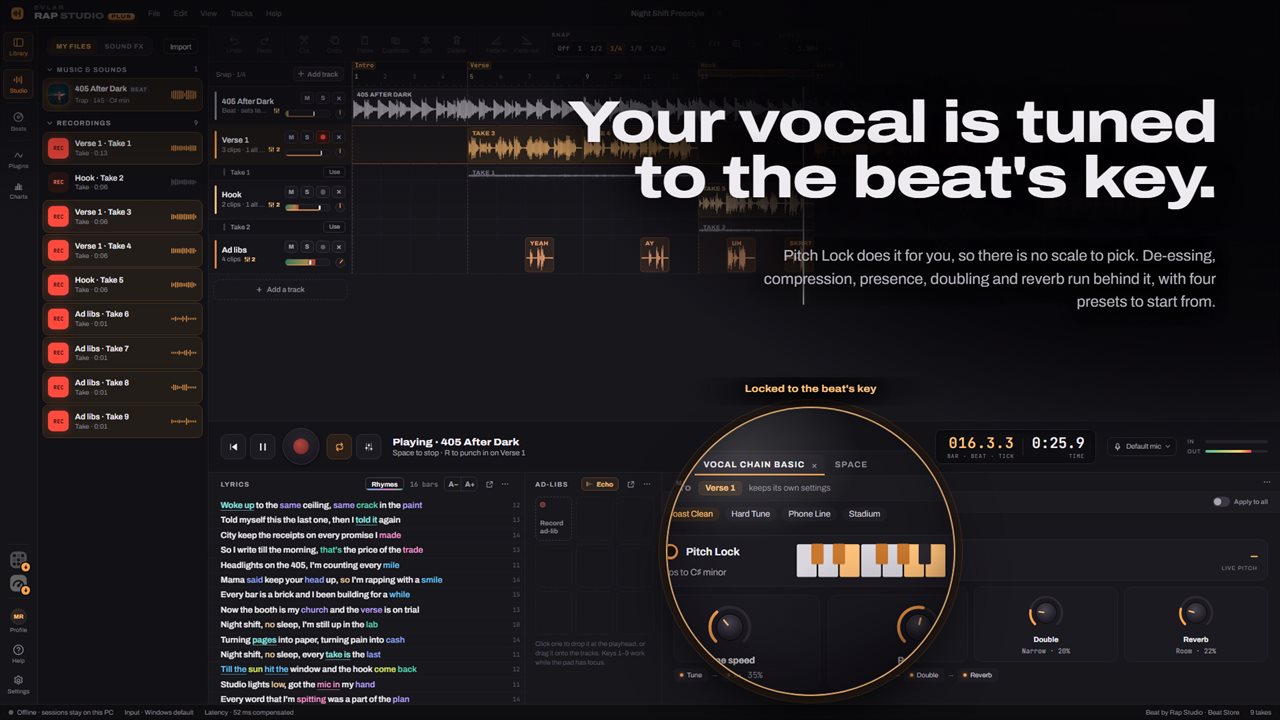
Each vocal track comes with Vocal Chain Basic loaded: pitch correction called Pitch Lock, then a de-esser, a compressor, a presence lift, a doubler and a reverb, in that order. Pitch Lock reads the session key, which came from the beat, so the correction lands on the right notes without you knowing what key the producer used.
Four presets set the whole chain in one click. West Coast Clean, the default, uses gentle correction with a light double. Hard Tune sets the correction to its fastest, so the snapping becomes the sound. Phone Line drops the double and nearly all the reverb for a dry, forward voice, and Stadium stacks a heavy double under a long reverb. Turn on monitoring and you hear the processed voice in your headphones as you perform.
Rap beats, ad-libs and a lyrics pad next to your takes
The built-in Beat Store holds 19 instrumentals, from G-funk and East Coast boom to trap, drill, R&B and lo-fi, so there is something to rap over before you have a producer. Your own instrumentals import just as easily.
Write while you record in the lyrics pad next to the timeline. Give each bar its own line and the counter tracks how many bars you have; rhymes are colored so you can see your scheme at a glance.
Ad-libs get their own system. Nine slots each hold a short shout you record once, and you drop them onto a dedicated ad-lib track wherever a hype word belongs. A library of sound effects covers air horns, sirens, risers, tape stops, impacts, scratches and crowds.