Beat making software built around one rack
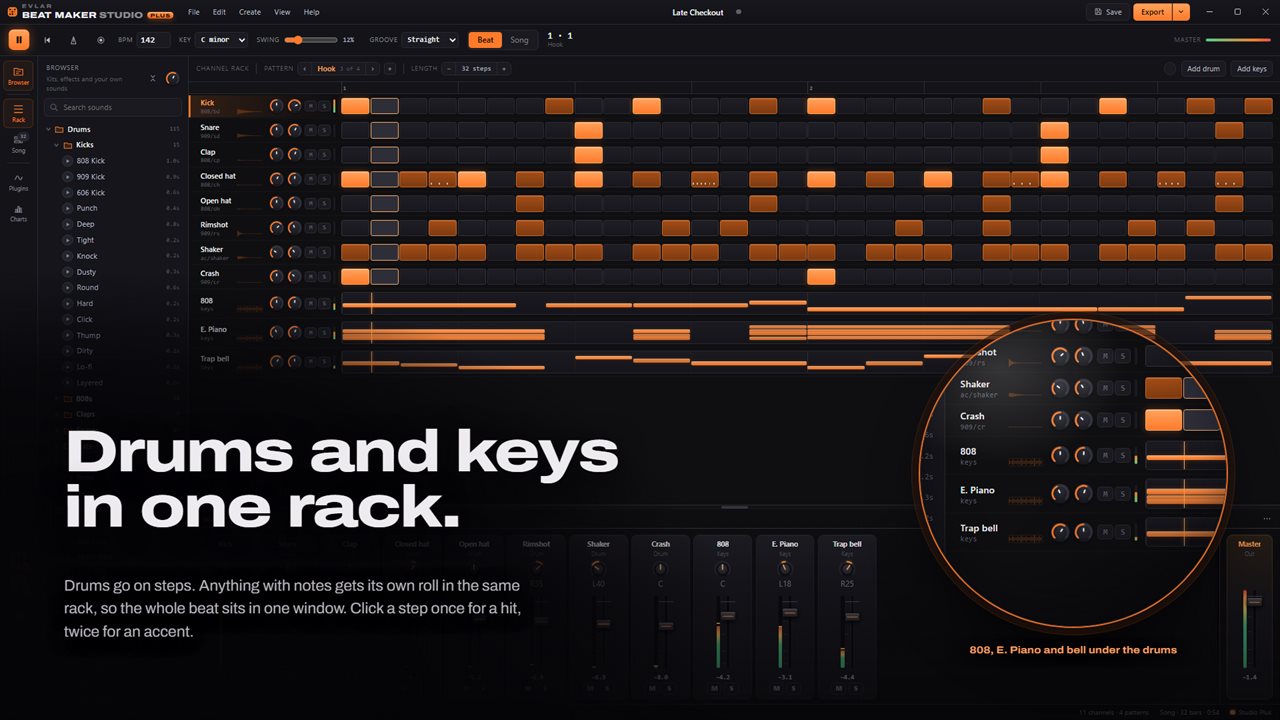
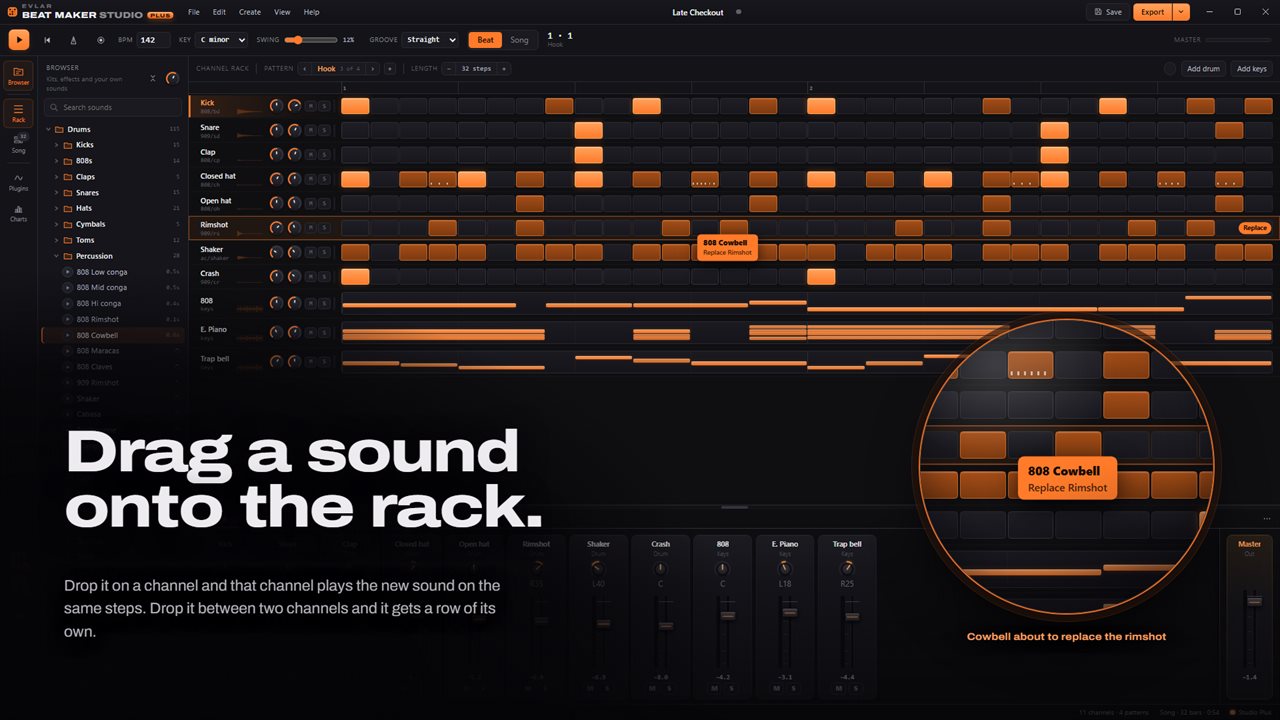
A lot of beat making software opens on a wall of panels, and a newcomer spends the first evening hunting for where the drums go. Evlar Beat Maker Studio puts the whole beat in one place, the rack. Each row is a sound. Drum rows are a line of squares, one per sixteenth note. Pitched rows, such as an 808 bass or a pad, show a small strip of notes inside that row instead, so the melody sits right next to the kick and snare it has to lock with.
Sounds come from three places. There are drum machines in the classic 808, 909 and 606 mold plus a struck acoustic kit and modular percussion; 93 instruments from bass and keys to strings, winds and brass, where 83 are generated live by a synth engine and 10 are sampled acoustic recordings; and your own samples, from a folder you link or files you drop on the rack.
Loading a different kit does not wipe your work. The pattern stays where it is and simply plays through the new machine, which makes it easy to hear the same groove on an 808 and then on an acoustic kit.
How to make a beat on PC, step by step
This is the shortest path from an empty project to a finished file.
- Press Ctrl+N for New beat and pick a groove to start from, or Empty. Every groove is an ordinary beat you can take apart.
- Click squares on the drum rows. One click places a hit, a second makes it an accent, a third clears it. Sweep the mouse across a row for a quick hi-hat run, and right-click any square when you want a softer ghost hit or a stuttering roll.
- Press Space to hear the pattern loop and keep editing while it plays. Set BPM between 40 and 240, add Swing, or choose a Groove such as Laid-back or Push to move parts of the kit off the grid.
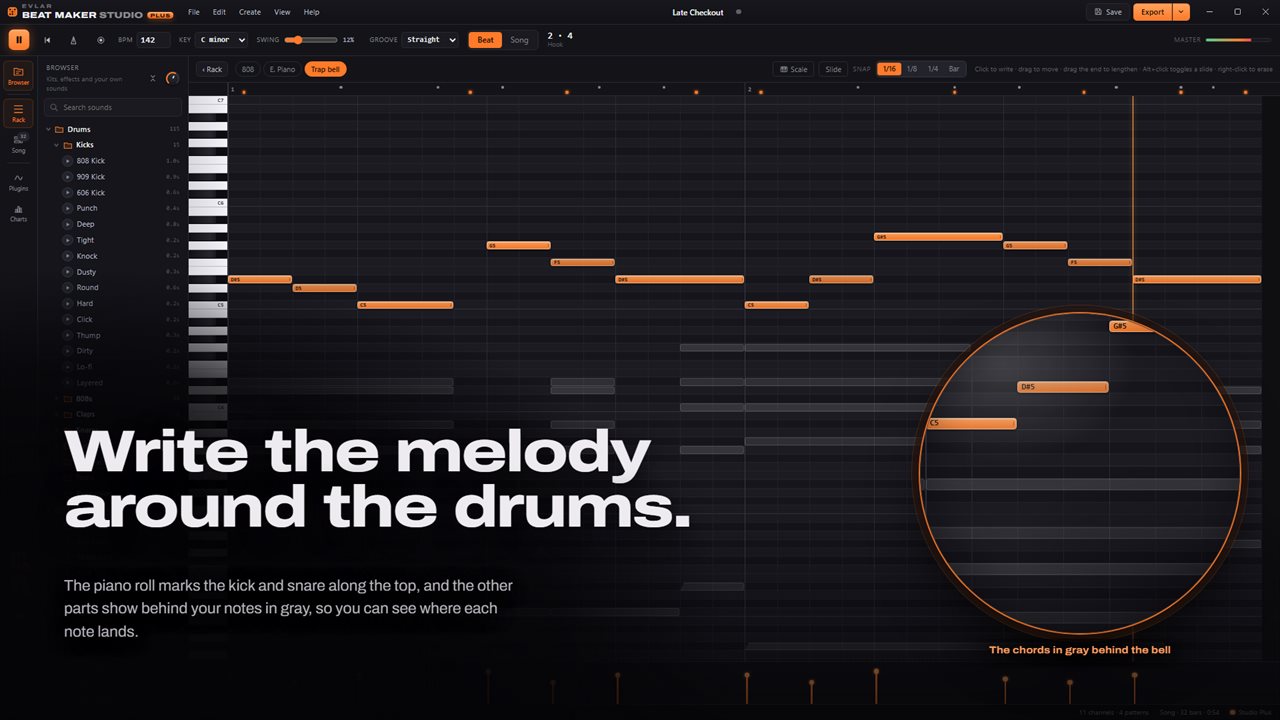
- Click Add keys for a bass or melody row, then open its piano roll. Click to place notes, drag the end to hold them, and turn on Slide for gliding 808 bass.
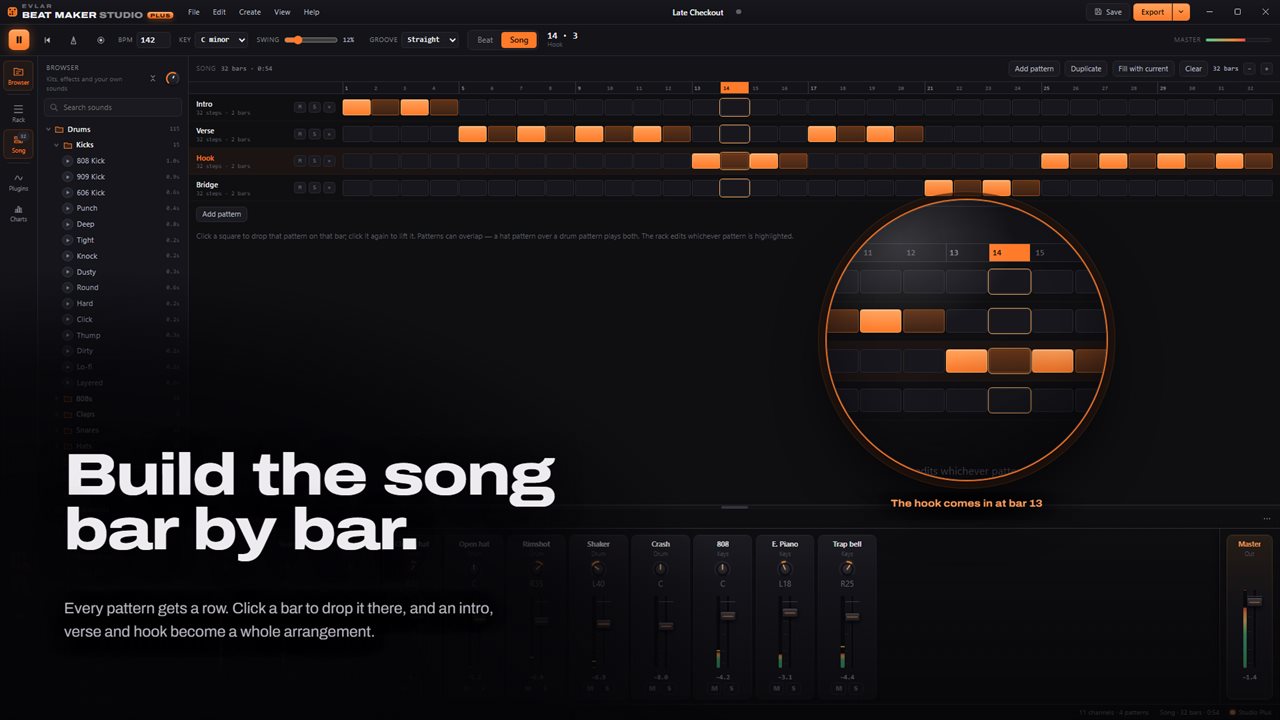
- Add more patterns for the intro, verse and hook, press Tab for Song, and click squares to place each pattern on a bar.
- Press Ctrl+S to save the .beatstudio project and Ctrl+E to export an MP3 of the whole song, or a 2-, 4-, 8- or 16-bar loop of the pattern you are on.
An 808 drum machine and step sequencer that grows with the idea
Patterns start at 16 steps and stretch a bar at a time up to 128, so a long drum fill or a four-bar melody fits without tricks. In Song view each row is a pattern and each square a bar, and an arrangement can run to 256 bars. Fill with current lays one pattern end to end when you want a quick loop to write over.
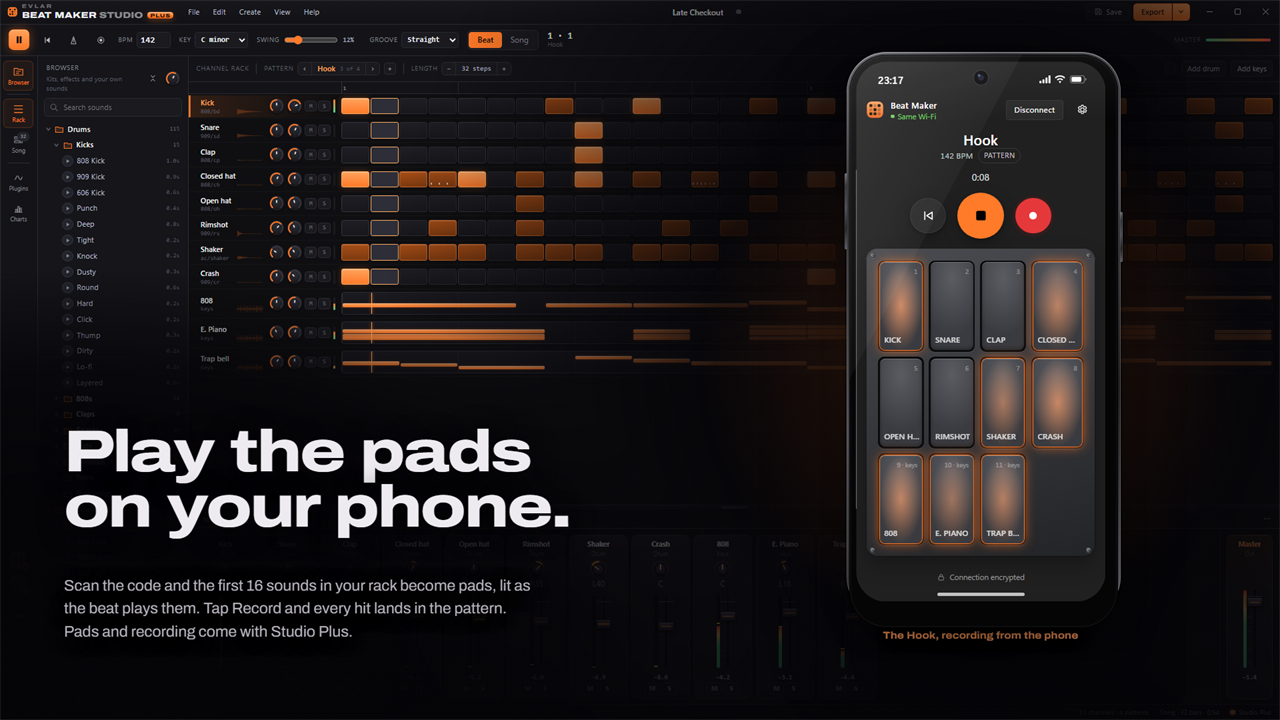
A MIDI keyboard or pad controller plays the selected row, and with Record from MIDI switched on what you play is written into the pattern, quantized to the steps. The piano roll follows the beat's Key, with scale lock so wrong notes are hard to hit.
Producer tag maker, mixer and finishing touches
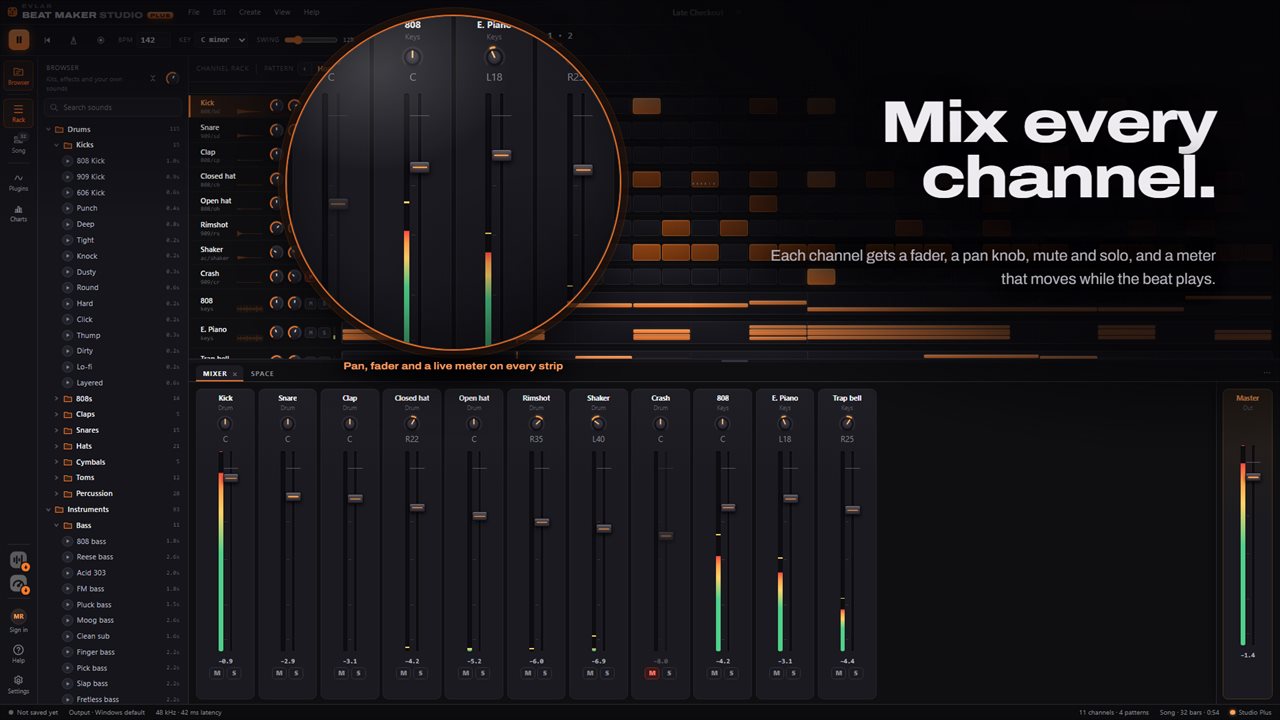
Your producer tag is a short voice clip you record or import one time. Put it in a beat and it plays over bar 1 with the music ducked underneath, so every file you send out carries your name. In the mixer each row gets its own volume, pan, mute, solo and level meter, and the master bus runs a glue stage and a limiter over everything, exports included. Turn the master bus off in Settings when you want a raw export.
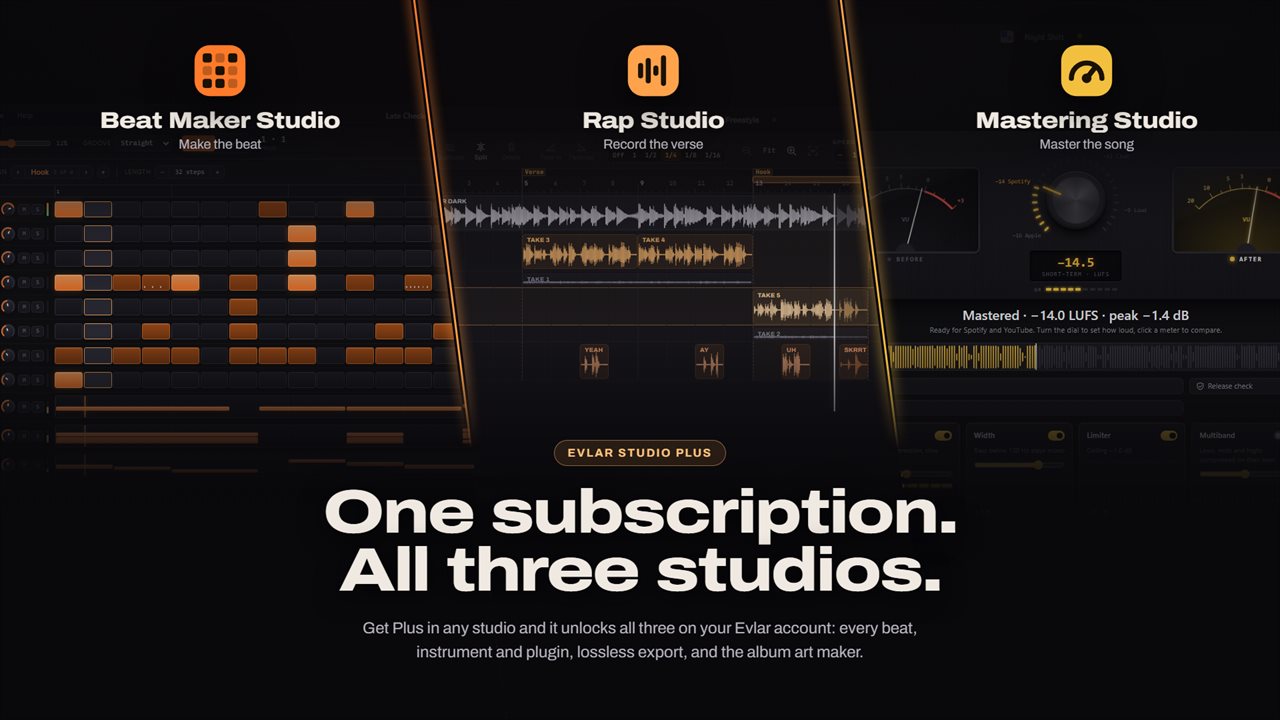
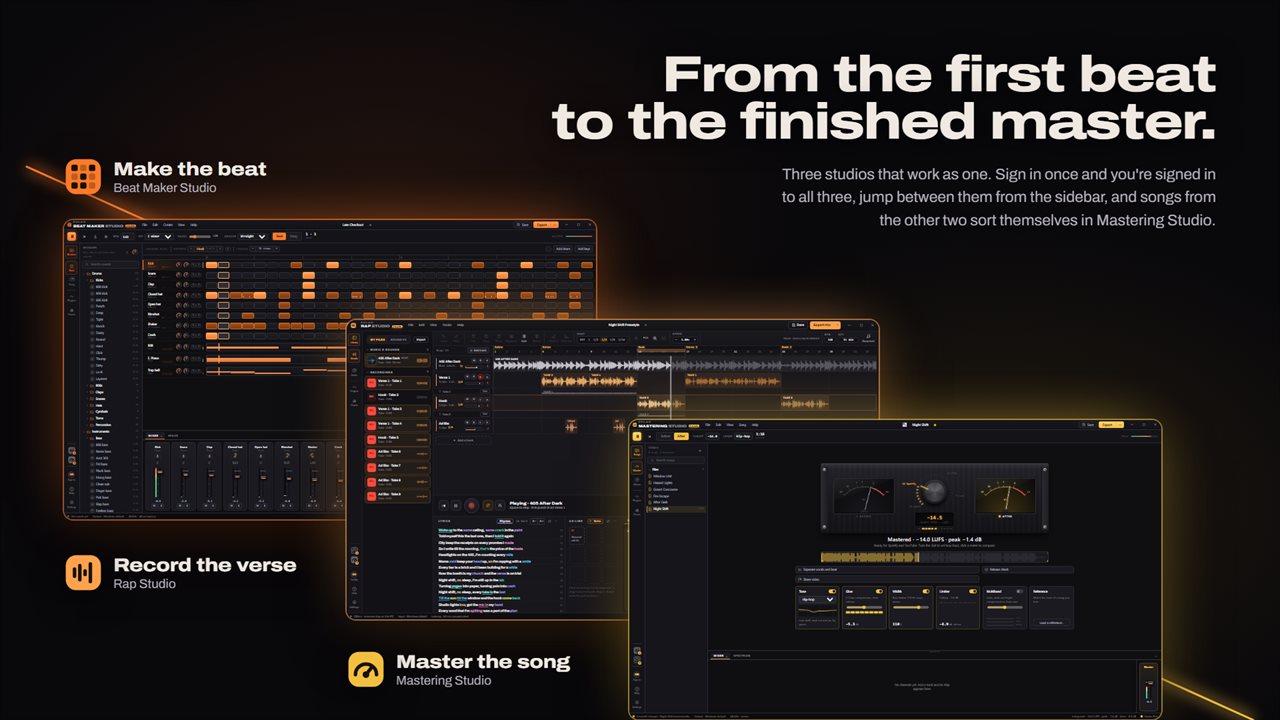
When the beat is done, the small arrow next to Export hands the saved project to Evlar Rap Studio so you can record vocals over it, or to Evlar Mastering Studio to finish it for release. Each save you make afterward updates the copy over there.