EEvlarSoft

Turbo Key Auto Presser

An auto key clicker that taps any key on a timer as short as 1 ms, tells you the presses per second, and stops with Ctrl+F7 from any window.

Buy for $2.99
One payment. No subscription.
14-day money-back guarantee.
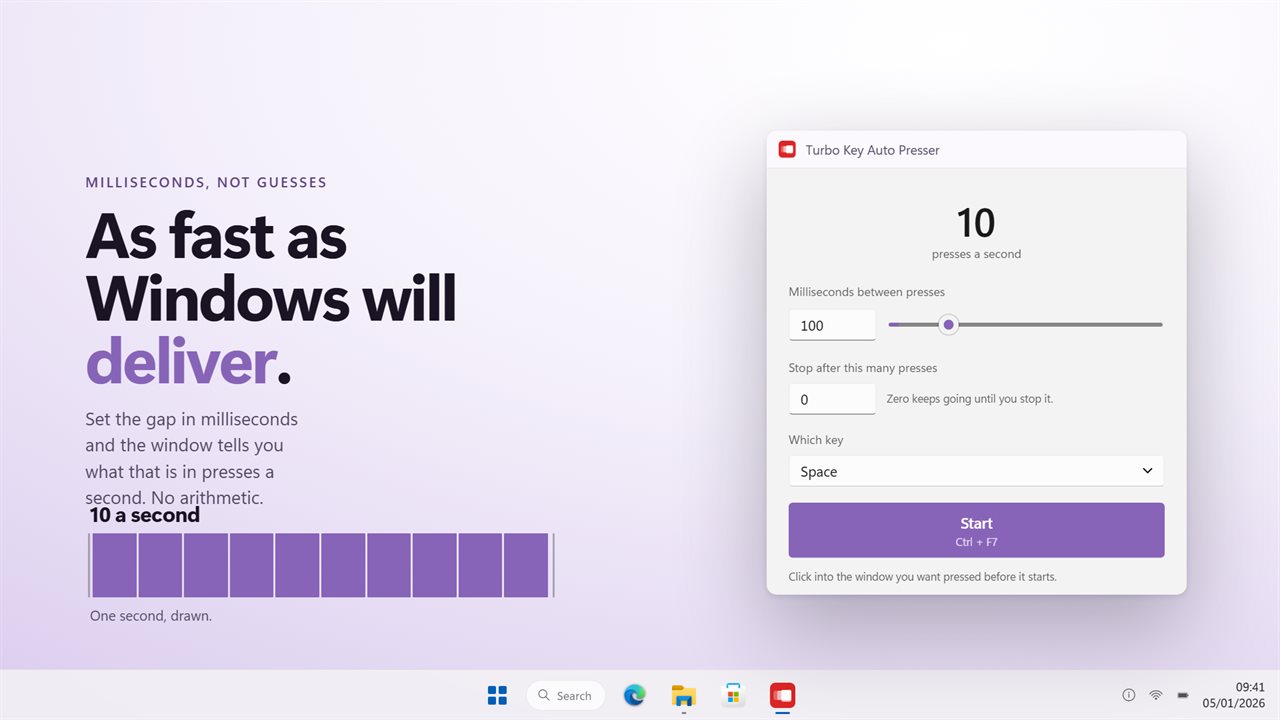
Milliseconds in, presses a second out. No arithmetic.
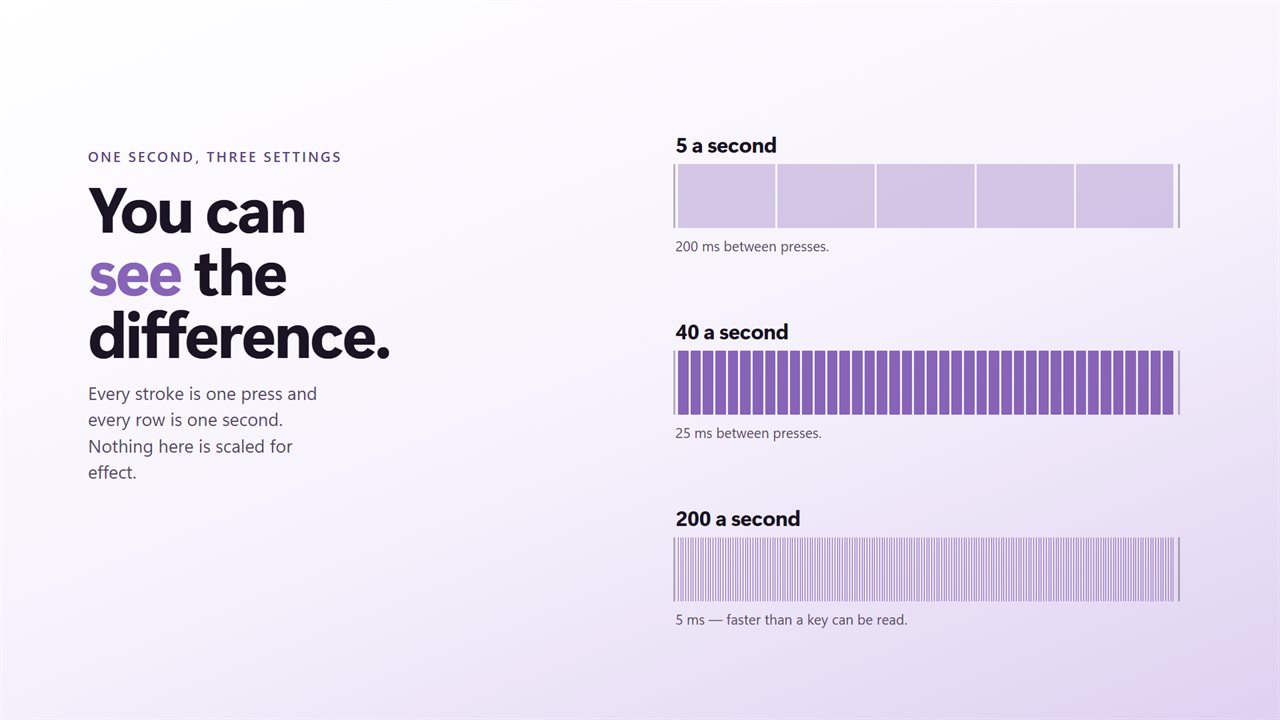
One second of real time, at three settings.
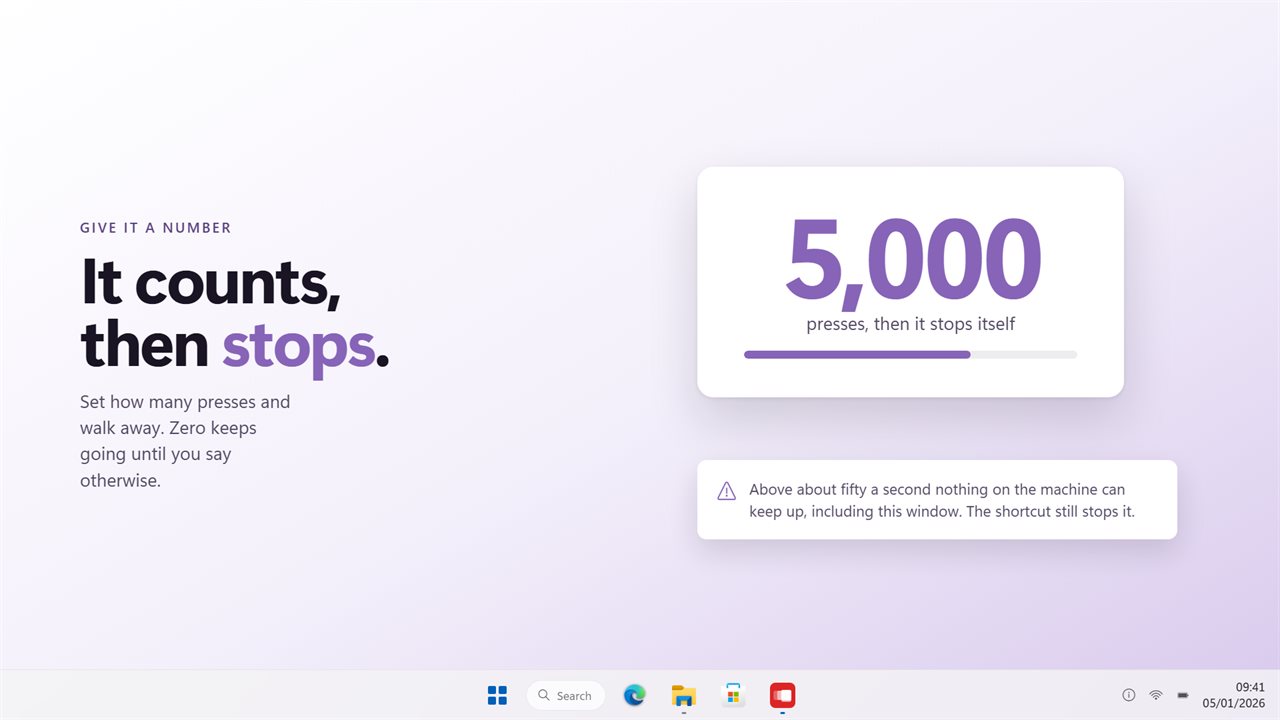
Give it a count and it stops itself.
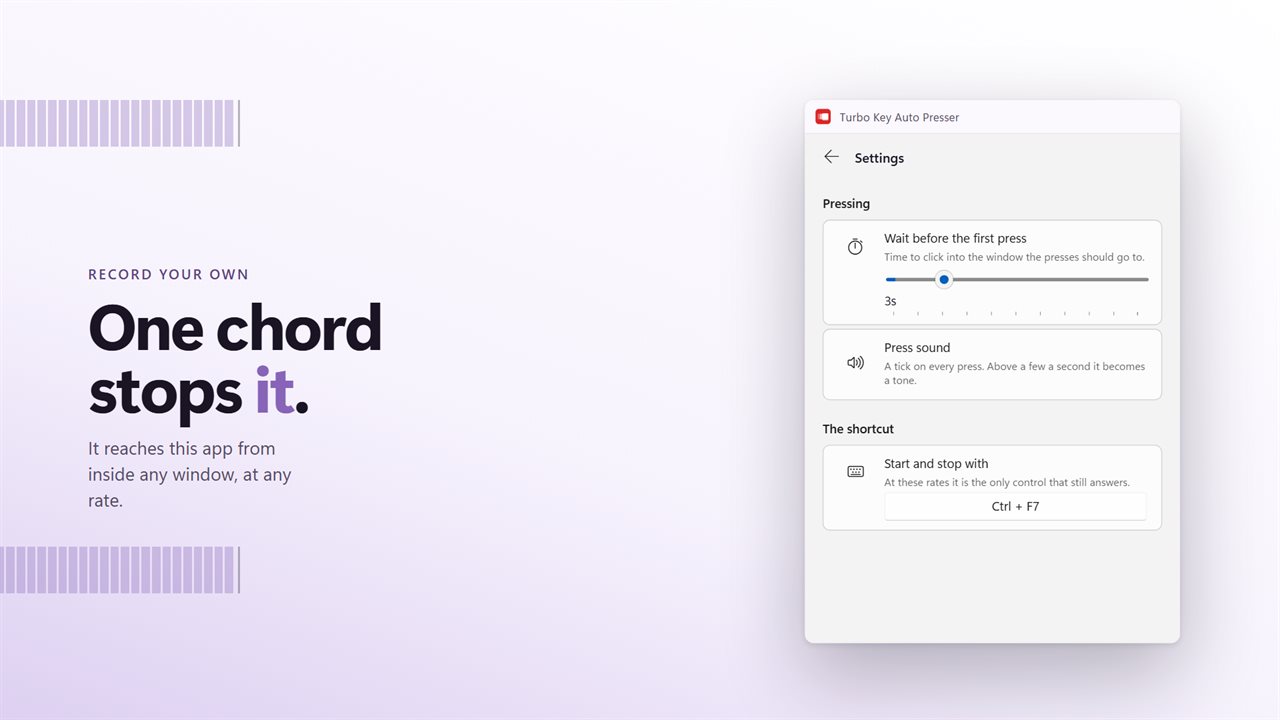
Record your own shortcut. It answers at any rate.

Milliseconds in, presses a second out. No arithmetic.

190,000+downloads of EvlarSoft apps
Signed by EvlarSoftVerified US publisher
14-day money-backNo questions asked
Updates includedNo upgrade fees

What an auto key clicker does, and how fast this one goes

A mouse auto clicker repeats a click. An auto key clicker does the same for the keyboard: it taps one key over and over at a pace you choose, so you do not have to hammer Space or E yourself. Turbo Key Auto Presser is built for the fast end of that job.

You give it one number, the gap between taps in milliseconds, anywhere from 1 to 60,000. Above that box the window turns the gap into presses a second as you type, so 100 ms reads as 10 and 5 ms reads as 200. A strip of lights marches at the same pace, which makes slow rates easy to judge by eye.

At 20 ms or less the window warns you that the PC will be hard to use while it runs. That is not a limit, just a fair warning: at 1 ms you are asking for about a thousand taps a second, and the rest of the machine has to share the keyboard with them.

How to spam a key with the auto clicker for keyboard

Everything you need sits in the main window, and the defaults (Space, every 100 ms, no limit) are a sensible place to begin.

  • Open Which key and pick the key to repeat. The list has 132 entries, from letters and digits to F1 through F24, arrows, the numpad and media keys.
  • Type a gap into Milliseconds between presses, or drag the slider under it. Watch the presses a second figure until it says what you want.
  • Optionally fill in Stop after this many presses. The line beneath estimates how many seconds the run will take; zero means it keeps going.
  • Select Start, then click into the game or program that should receive the keys. The countdown, three seconds by default, gives you time to get there.
  • Press Ctrl+F7 to stop, or let the count run out.

Does a keyboard spammer work in games?

Most of the time, yes, and the reason is how each tap is built. Plenty of simple repeaters only send what Windows calls a virtual key, which a game reading hardware input can ignore. Turbo Key sends a scancode instead, so emulators and most PC games treat the taps as if a keyboard made them.

Keys go to whichever window has focus. Start the run, then click into the game during the countdown; if you alt-tab away, the taps follow you to the new window, so stop first.

Games with kernel-level anti-cheat block simulated input from every program, and trying it can put an account at risk. Check a game's rules before you automate it.

The start and stop shortcut is global, so it still answers while a full-screen game has focus. If Ctrl+F7 clashes with a binding you already use, record a new chord under Start and stop with in Settings.

Settings that change how a run starts

Wait before the first press is a slider from 0 to 15 seconds, set to 3 out of the box. Raise it if the target window takes a moment to bring forward, or drop it to zero when you start from the hotkey with the right window already active.

Key sound adds a tick to each tap so you can hear the pace. It falls silent above ten presses a second, where it would blur into a single tone. Start in the tray keeps the window hidden at launch, and the tray icon can start and stop a run on its own.

What you can set

  • A tap interval from 1 to 60,000 milliseconds, typed or dragged
  • A live presses-per-second readout beside a strip of lights that runs at your pace
  • A stop count of up to 1,000,000 presses with an estimated run time
  • 132 keys to choose from, including F13 to F24, the numpad and media keys
  • Scancode input, with extended-key flags on arrows and navigation keys
  • A global start and stop hotkey, Ctrl+F7 by default, that you can re-record
  • A countdown of 0 to 15 seconds before the first tap
  • An optional tick per press, a tray icon and a light, dark or Match Windows theme

Where people use a fast key presser

Idle and clicker games

Set a short gap on the key the game uses for its main action, add a stop count, and let the run finish while you do something else.

Emulators and retro titles

Repeat a menu or attack button every few milliseconds, with scancodes that the emulator reads like a real key.

Testing input handling

Send an exact number of presses at a known rate to see how a form, a game loop or your own program copes with rapid key events.

What's new in 2.0.8

  • Presses arrive as scancodes, which is what games and emulators actually read. The old build sent virtual keys and most games ignored them
  • The gap you set in milliseconds is read back as presses a second, live, so there is no arithmetic
  • Stop after a count you set, and walk away
  • Says plainly when a rate is faster than the machine can be used
  • New window, and it sits in the tray while it works

Questions

Anything else? Ask us

How fast can it press a key?

You set the gap between presses in milliseconds, from 1 to 60,000, and the window shows what that is in presses a second. One millisecond, about 1,000 presses a second, is the floor. At 20 ms or less the window warns that the PC will be hard to use while it runs.

Can it stop after a set number of presses?

Yes. Enter a count up to 1,000,000 and it stops on its own, and the window estimates how many seconds that will take. Leave it at zero and it runs until you stop it.

Will games see the key presses?

Usually, yes. Each press is sent as a hardware scancode, with the extended-key flag on arrows, Home, End and similar keys, which is what DirectInput and Raw Input games read. Media and browser keys have no scancode and are sent as ordinary virtual keys.

How do I stop it when it is pressing hundreds of times a second?

Press Ctrl+F7, or a shortcut you record in Settings. It works whichever window has focus, and the tray icon can stop it as well.

Can it press a key combination, or hold a key down?

No. It taps one key at a time, chosen from a list of 132 keys including letters, digits, F1 to F24, arrows, the numpad and media keys. Space is the default.

Can I hear each press?

Yes, if you turn on Key sound in Settings. The tick only plays at 10 presses a second or slower, because faster than that it would be a continuous tone.

Is an auto key clicker the same as a mouse auto clicker?

No. A mouse auto clicker repeats clicks at the pointer. This app repeats a keyboard key, sent to whichever window has focus. It does not click the mouse.

Why does nothing happen the moment I press Start?

The first tap waits for the countdown set in Wait before the first press, 3 seconds by default, so you can switch to the target window. Set it to 0 to begin at once.

Can I pick a key that is not on my keyboard, like F20?

Yes. The Which key list runs to F24 and includes numpad keys, so you can send a key your keyboard has no physical button for.

Which versions of Windows does it run on?

Windows 10 (version 1809 or later) and Windows 11.

Is it a subscription?

No. Turbo Key Auto Presser is a one-time purchase of $2.99, and updates are included.

How do I get it?

Buy it on this page and your license key arrives by email. If the button says Notify me, Turbo Key Auto Presser is not on sale here yet; leave your email and we will tell you when it is.