A mouse click counter that runs in the background
Click Counter is a mouse click counter for Windows. It is not a button you press to keep a tally; it counts the clicks you actually make, in every program and every game, whether or not its own window is open. Each press is added to a counter in memory and saved to disk every 10 seconds and when you exit, so it adds no work to the clicks themselves.
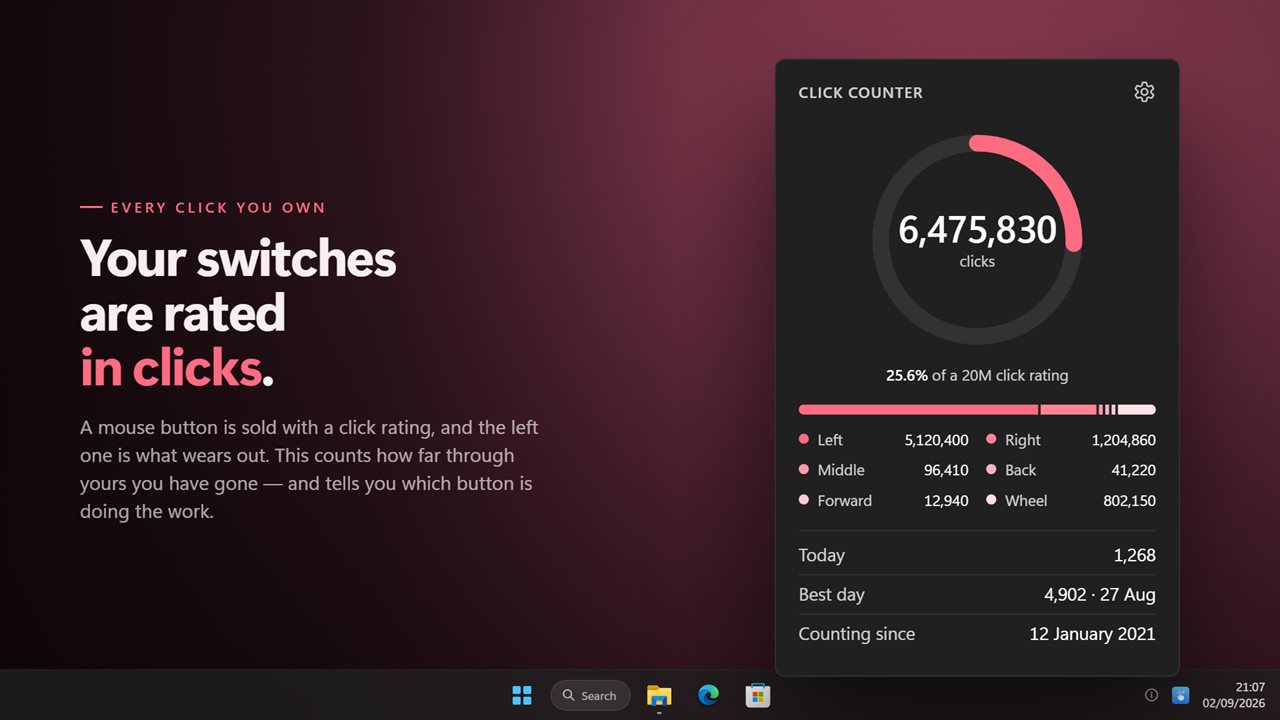
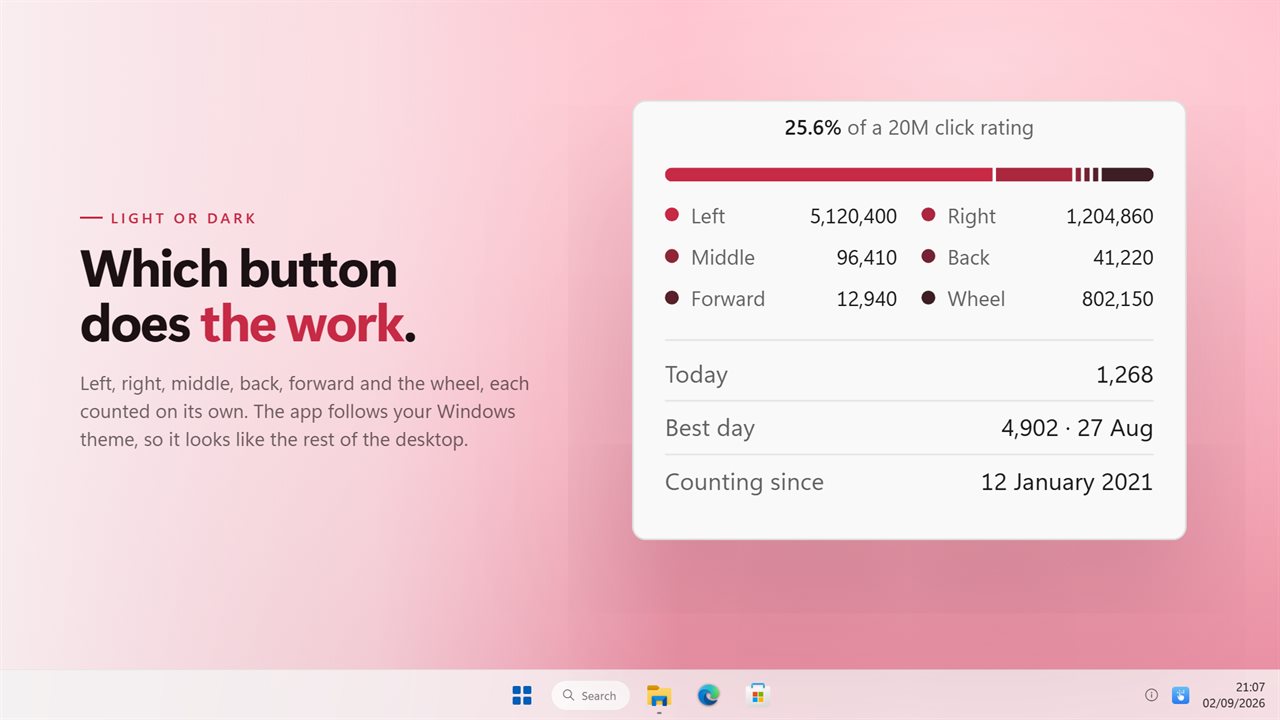
Left-click the tray icon and the panel shows the running total since the count began, how that total splits across left, right, middle, back and forward, how many clicks you have made today, and the busiest day on record with its date. Wheel notches are counted too, in both directions, but kept apart from the click total so a long scroll does not inflate it.
It records only that a button was pressed and which one. Pointer position, the window you clicked in and your keyboard are never looked at.
How long does a mouse switch last?
Mouse makers rate each button's switch in clicks. Ten or twenty million is common on office and older gaming mice, and fifty to eighty million appears on newer gaming models. The figure is per switch, and the left button almost always reaches it first because it does most of the work.
Under Switch rating in Settings, choose 10, 20, 50 or 80 million clicks to match what your mouse's box or product page says. The panel then shows the left button's progress through that number as a percentage, capped at 100%.
Mouse double clicking? Check the count first
A worn switch usually shows itself as a double click when you pressed once, or a drag that lets go halfway. If that starts happening, the wear reading helps you judge whether the mouse has simply done its mileage. A left button at 90% of a 20 million rating has earned its retirement; one at 15% suggests a fault or dirt in the switch instead. The count begins when you install the app, so on a mouse you have owned for years, treat the figure as a minimum.
Knowing the pace helps you plan, too. Watch the Today figure for a week, divide what is left of the rating by a typical day, and you have a rough idea of how many months the switch has before it reaches its rating.
Keep a click tracker on screen while you play
Turn on Keep the count on top in Settings, or click the pin on the panel, and the numbers stay visible above your other windows. Drag the panel by its title to put it where it suits you; it reopens in the same place next time, as long as that spot is still on a connected screen.
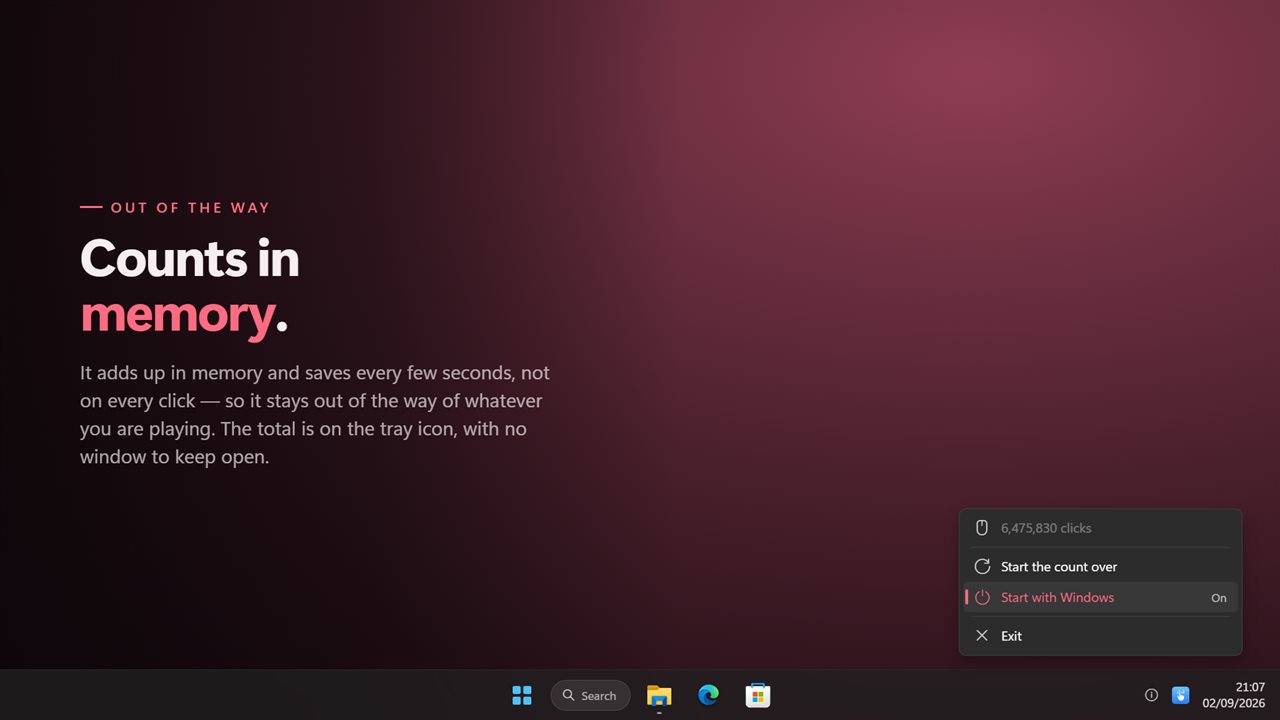
It sits by the clock rather than on the taskbar; right-click its icon for the menu.