A keyboard tester that finds the faults you can't see
A dead key is obvious. The faults that send people looking for a keyboard tester are subtler: a letter that sometimes types twice, a key that drops out only when you hold two others, a right Shift that has quietly stopped working while the left one hides the problem.
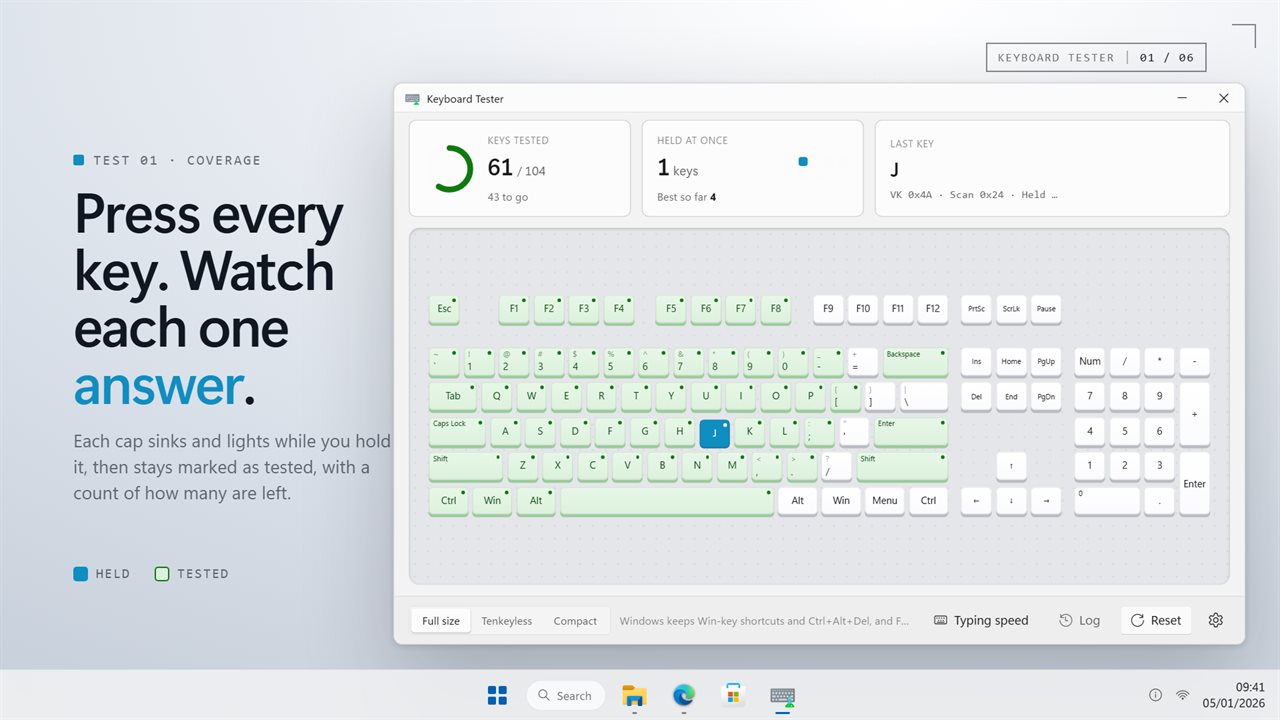
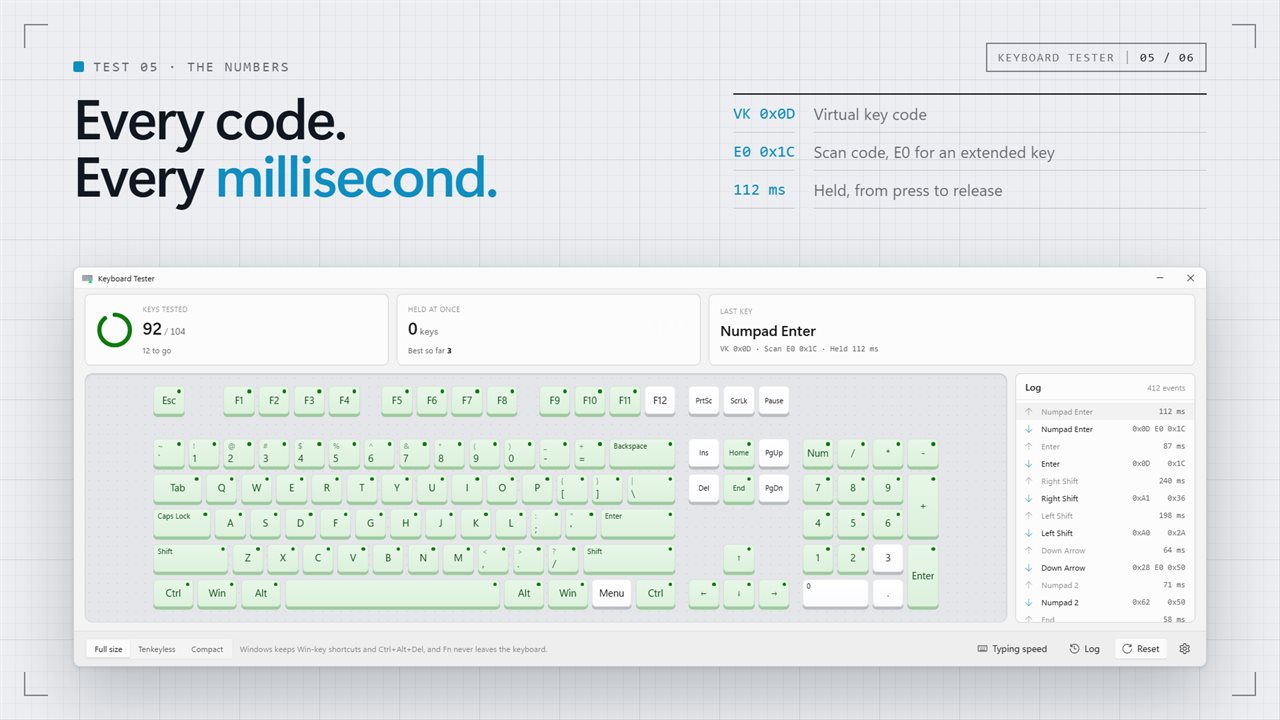
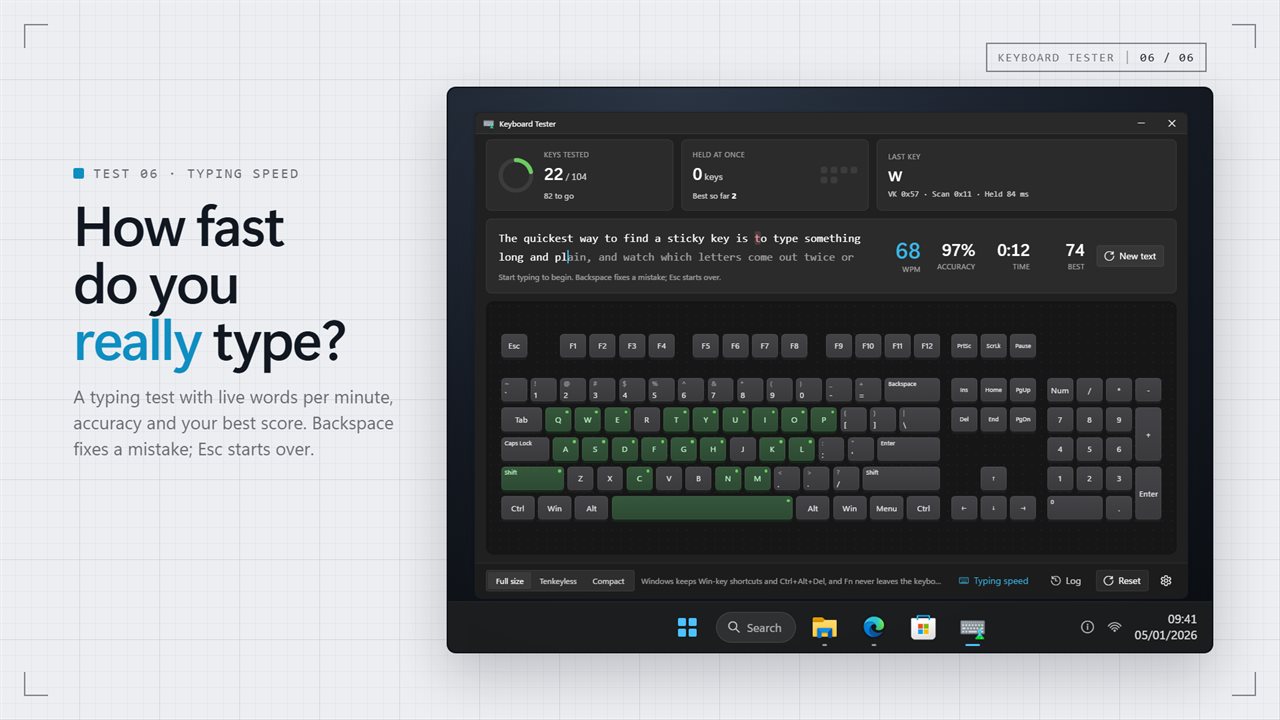
Keyboard Tester draws your whole keyboard and lights each cap the instant Windows reports it, then leaves it marked once you let go. A counter tells you how many keys remain, so you can sweep the board in one pass and see at the end exactly which caps never answered.
Because it runs as a desktop app rather than a web page, testing a key never sets anything off. Tab leaves focus where it is, F5 refreshes nothing, and Backspace takes you nowhere. Alt+F4 is the one key that still closes the window.
Keyboard ghosting test and key rollover
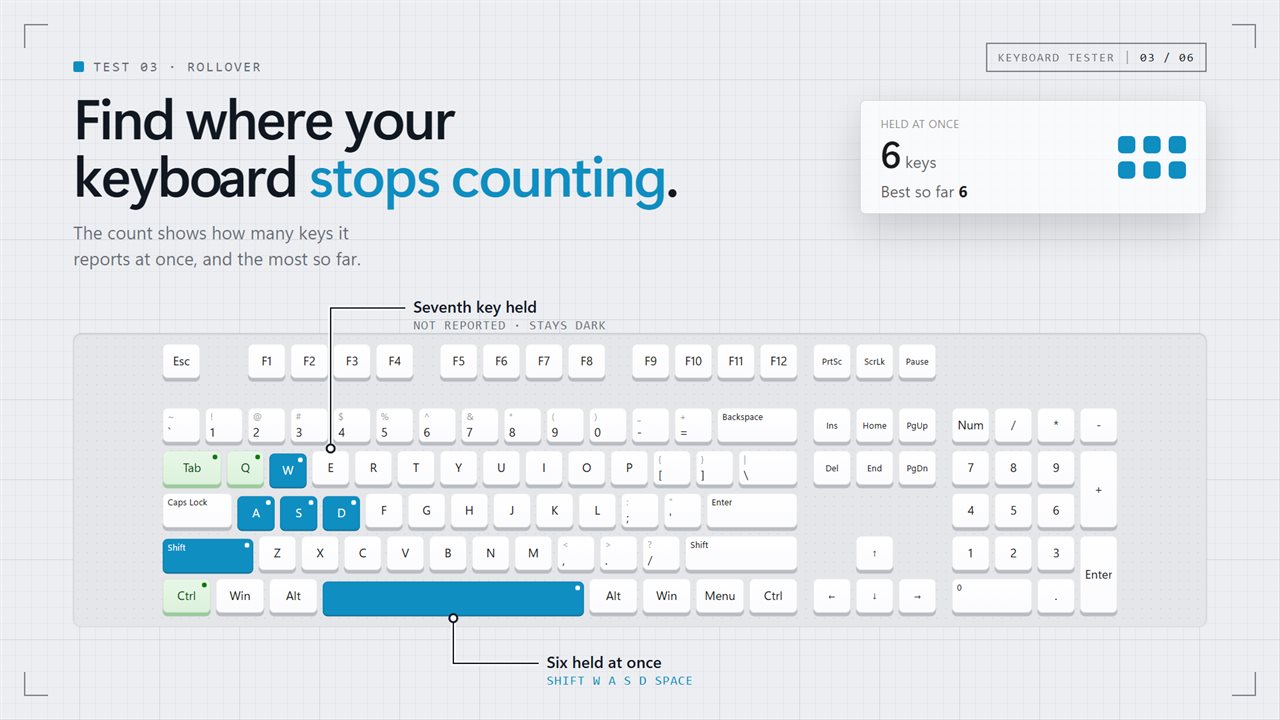
Ghosting is a keyboard failing to report a key while other keys are held, and rollover is how many simultaneous presses it can handle. To check both, hold down a group of keys, for example W, A, Shift and Space, and add more one at a time. Two figures track it: the keys reported at this moment, and the peak reached during the session.
If a cap stays dark while its neighbors are held, you have found the limit. That ceiling explains why a chord lands in some games and not in others, and it is worth knowing before you buy a board for gaming.
Keyboard double typing test (switch chatter)
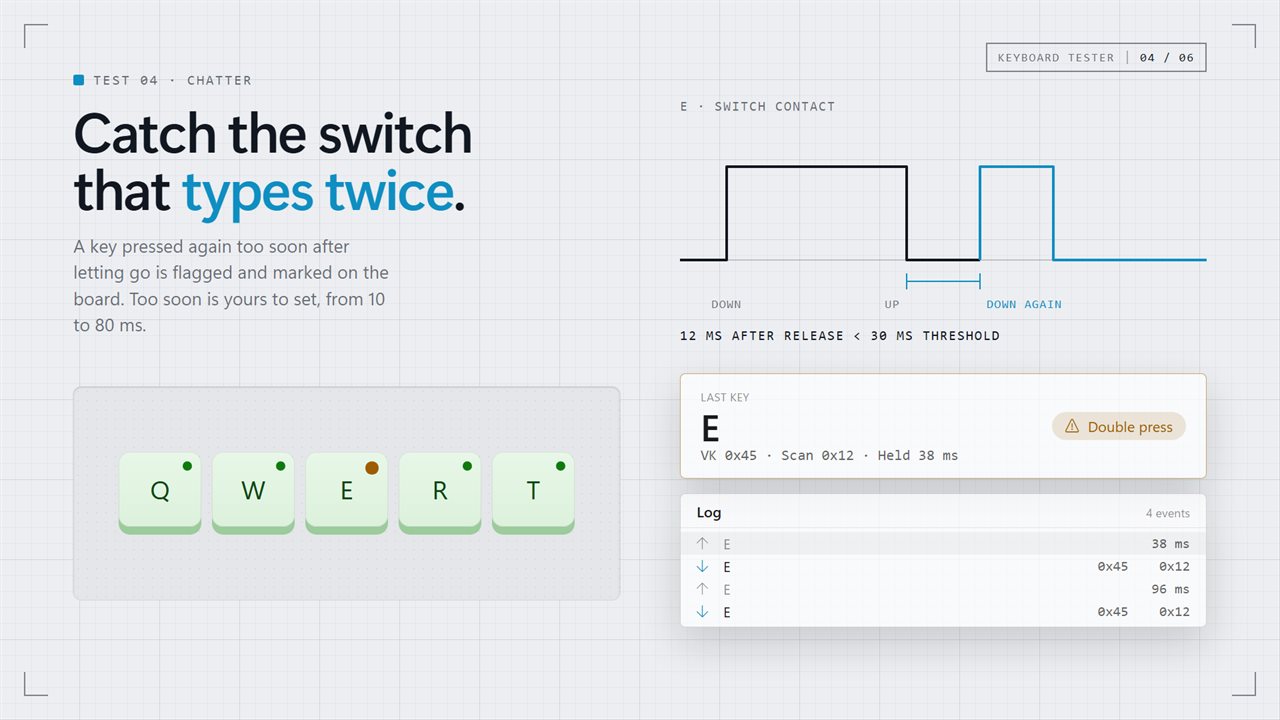
Chatter is a mechanical fault: dust or wear makes the contacts bounce, and "the" comes out as "thhe". When a key registers a fresh press within 30 milliseconds of its release, the default, the tester tags that cap with Double press.
"Flag a second press within" in Settings decides how soon is too soon. Tap the suspect key a few dozen times at a normal pace; a switch that chatters will be flagged within a handful of presses. Cleaning sometimes cures it, and a switch that keeps flagging is due for replacement.
Keyboard input test: key codes and timing
For the most recent press you get three readings: virtual key code, scan code, and hold duration in milliseconds. With Show the log on, every event is listed newest first, and "Log releases too" adds a release line carrying the hold time, so a sticking or slow-releasing key shows up in the numbers.
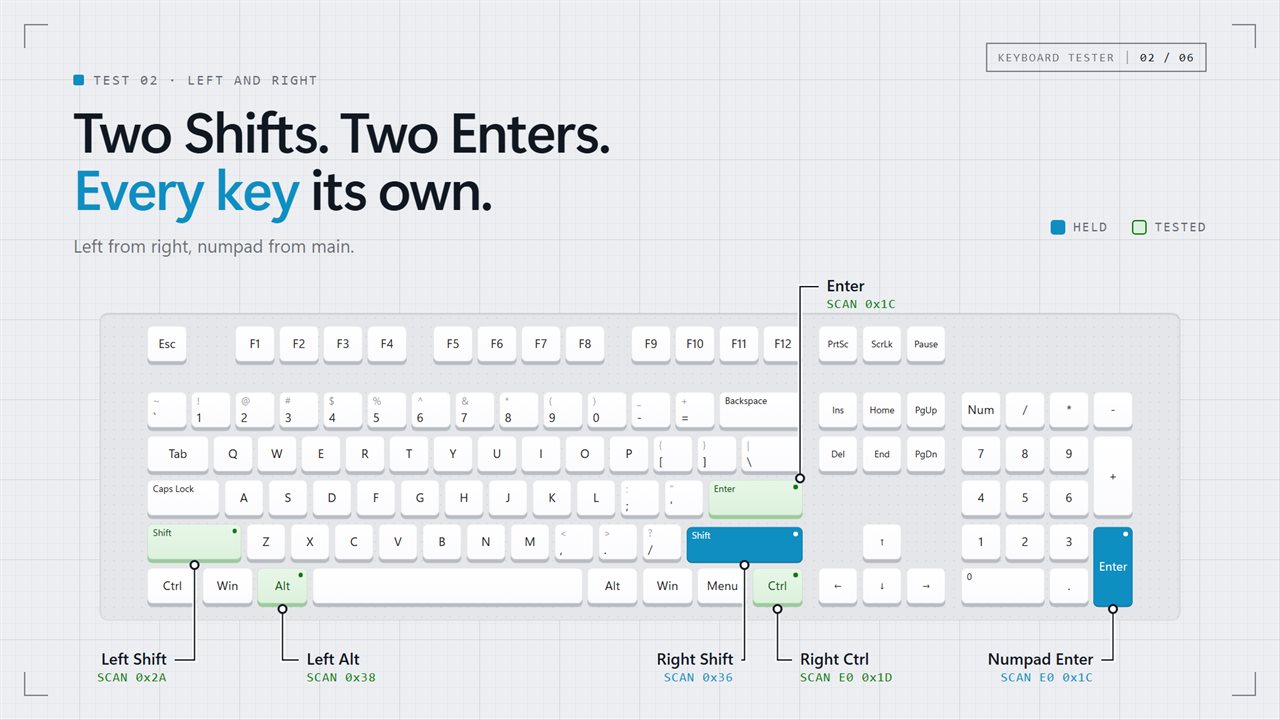
Keys are matched by physical position, not by the character they produce. That is why left and right modifiers, numpad Enter and the main Enter, and numpad 7 versus Home each light a separate cap.
- Choose Keyboard size to match yours: the full-size board with numpad, tenkeyless, or compact (main block only).
- Keys outside your chosen layout still land in the log, tallied separately as extras.
- Hide the log to give the keyboard drawing the full window width.