Why not just paste?
Plenty of places do not accept a paste: remote desktop sessions, virtual machine consoles, some web forms, older programs and login fields. Others accept it but treat a paste differently from typing.
An auto typer gets around that by sending the text one keystroke at a time, the same way a keyboard would. To the window receiving it, it looks like someone typing.
Characters are sent as characters rather than as key positions, so accents, symbols and other alphabets arrive correctly whatever keyboard layout the PC is set to.
How to auto type text into any window
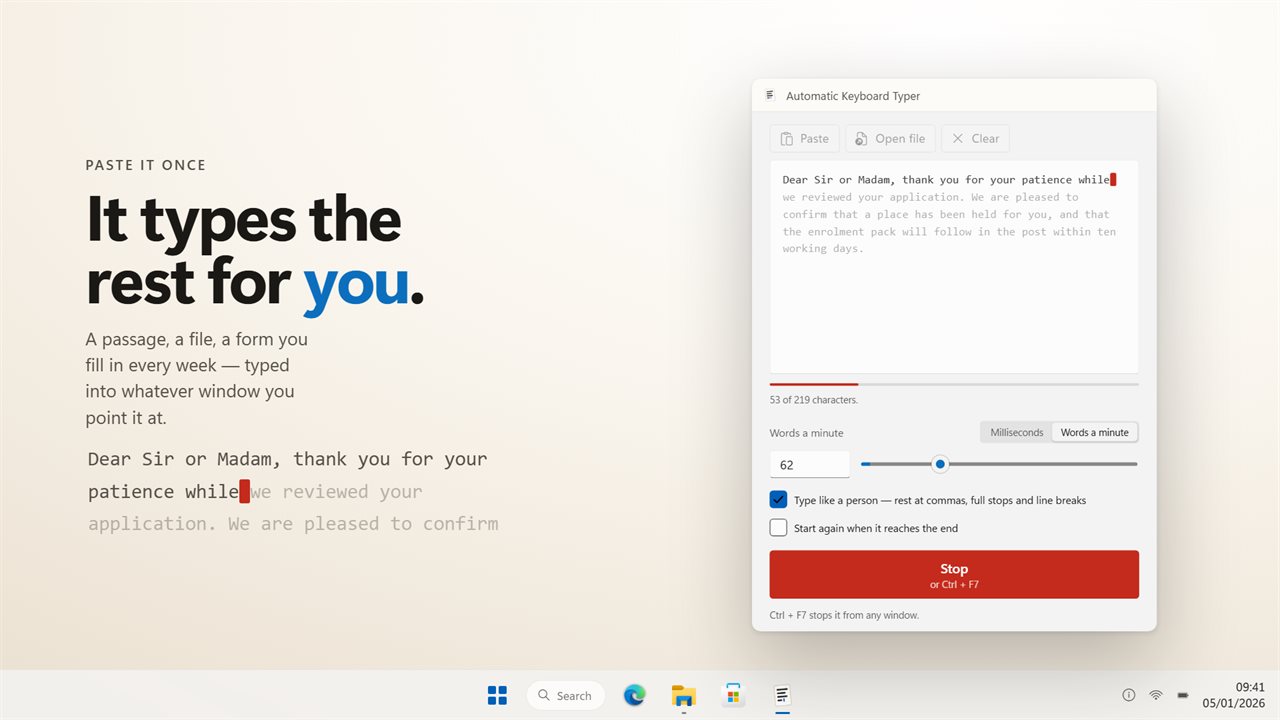
Automatic Keyboard Typer types a passage you give it into whatever window has focus, one keystroke at a time. Setting up a run takes a few steps.
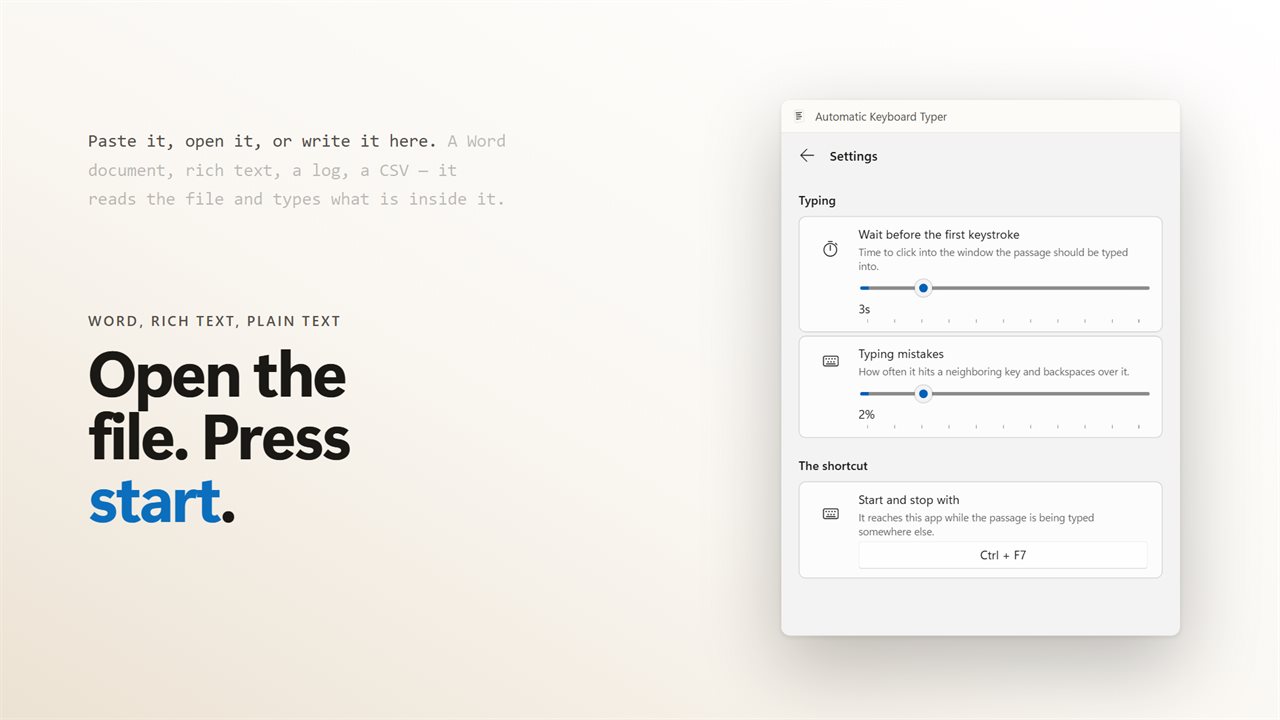
- Paste your text into the window, write it there, or open a Word, RTF, TXT, MD, CSV, JSON, XML or LOG file.
- Set the speed as milliseconds between keystrokes, from 1 to 10,000, or as a target from 5 to 1,000 words a minute.
- Press Ctrl+F7, or your own shortcut from Settings, to start.
- Click into the window you want to type into during the start delay, three seconds by default and adjustable up to fifteen.
- Press the shortcut again to stop, and start again later to pick up where it left off.
Setting an automatic typing speed in words a minute
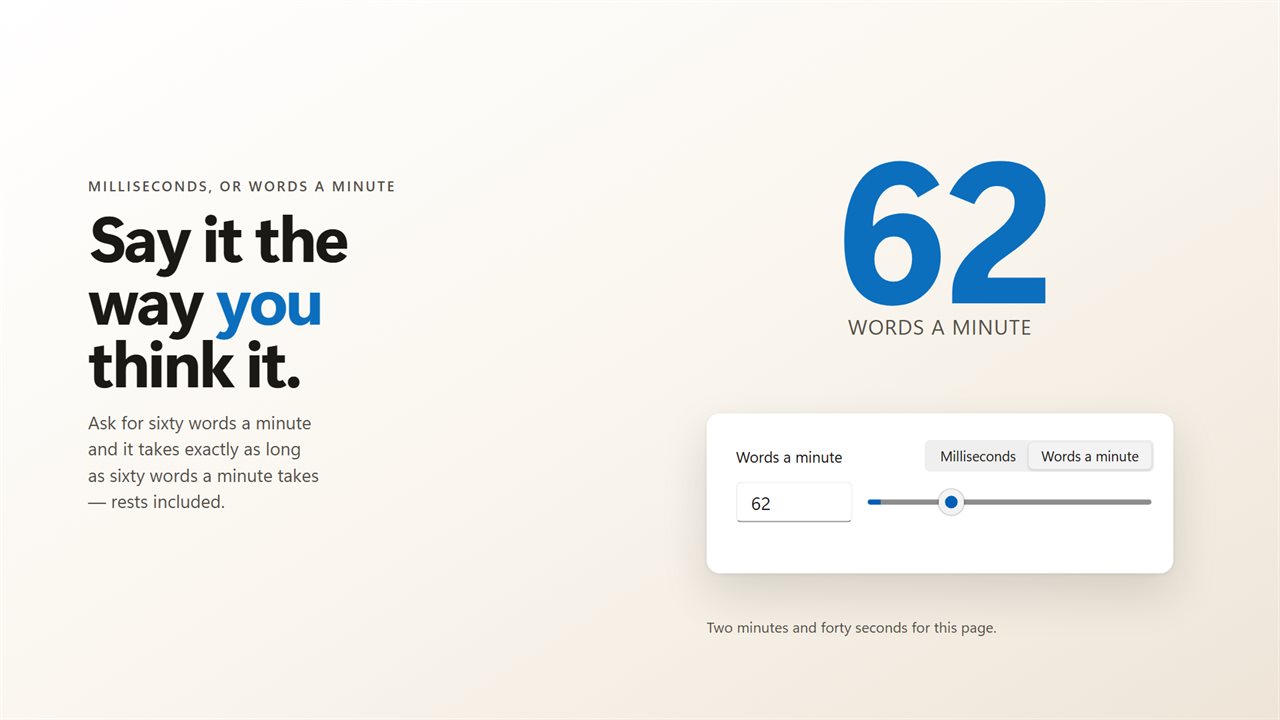
You can set the speed two ways. A gap in milliseconds gives you exact control over each keystroke, and a words-a-minute target lets you think in the same terms as a typing test. Whichever you set, the window shows the other figure too.
A words-a-minute target covers the whole passage, rests included. Ask for sixty words a minute with the human rhythm on, and the passage takes as long as sixty words a minute takes, even with the longer pauses at punctuation and line breaks.
A typing bot that types like a person
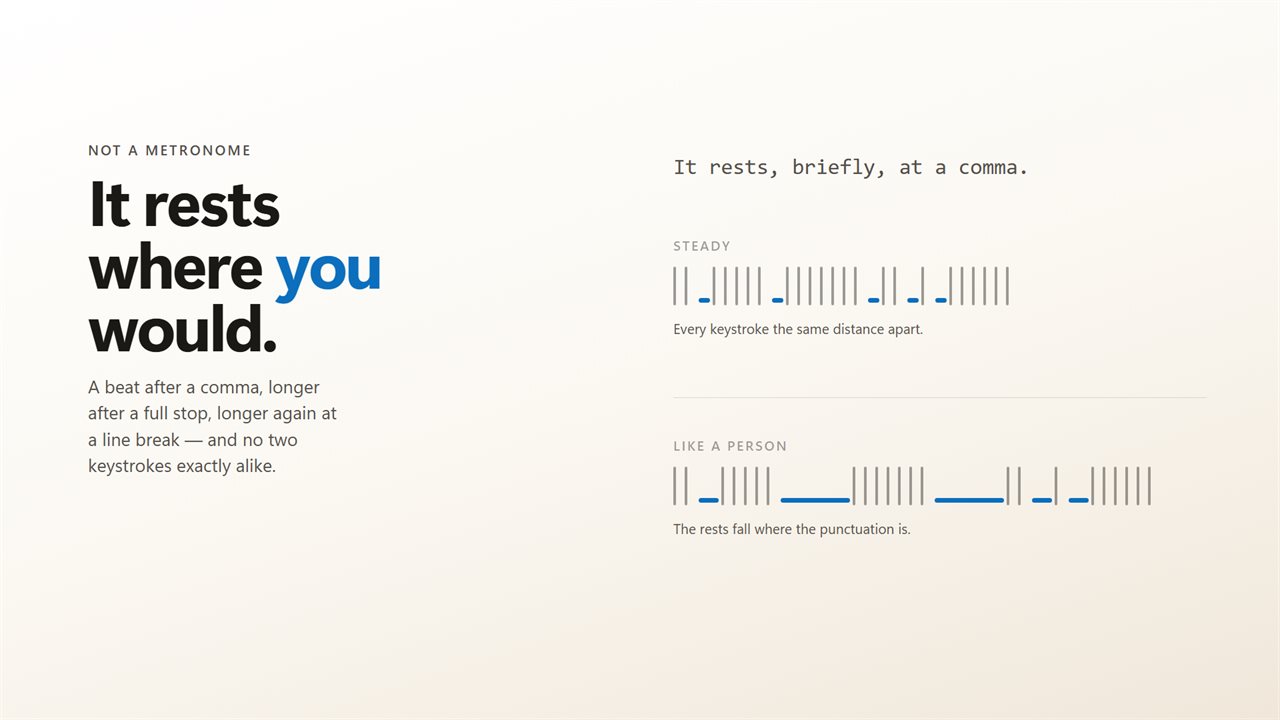
Without the human rhythm, every key arrives at the same interval, like a metronome. Turn on the human rhythm and it pauses a beat after a comma, longer after a full stop, longer again at a line break, and no two keystrokes are exactly the same length apart. The text itself does not change, only when each character arrives.
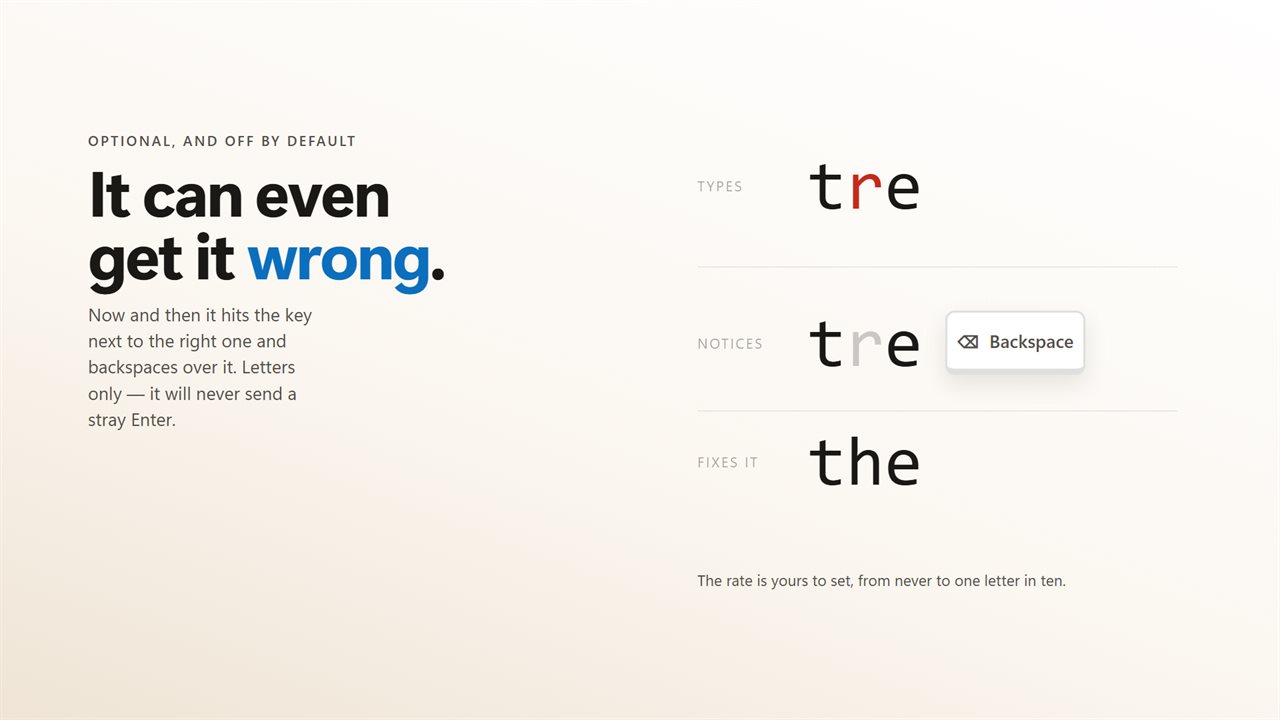
For an even more natural result, turn on typos. Now and then it hits the key next to the right one and backspaces over it, as often as you choose, from never to about one letter in ten. Only letters are mistyped, so it never sends a stray Enter or Tab that could post a chat message before the correction.
Typing accents, symbols and other alphabets
Sending key positions goes wrong when the PC uses a different keyboard layout from the one the text was written for. Automatic Keyboard Typer sends characters as characters, so accented letters, symbols and other alphabets arrive as they appear in your passage.
That means you do not need to switch your keyboard layout before a run. Paste or open the text as it is, and what lands in the other window matches what you see in the app.