Make a floppy disk image without a floppy drive
A floppy disk image is a byte-for-byte copy of a diskette saved as a single file. Virtual machines mount it as drive A:, retro PC emulators boot or read from it, and some industrial and musical equipment with USB floppy emulators expects it in a fixed size. What most people need is not a blank image but one that already holds a driver, a config file or a set of DOS utilities.
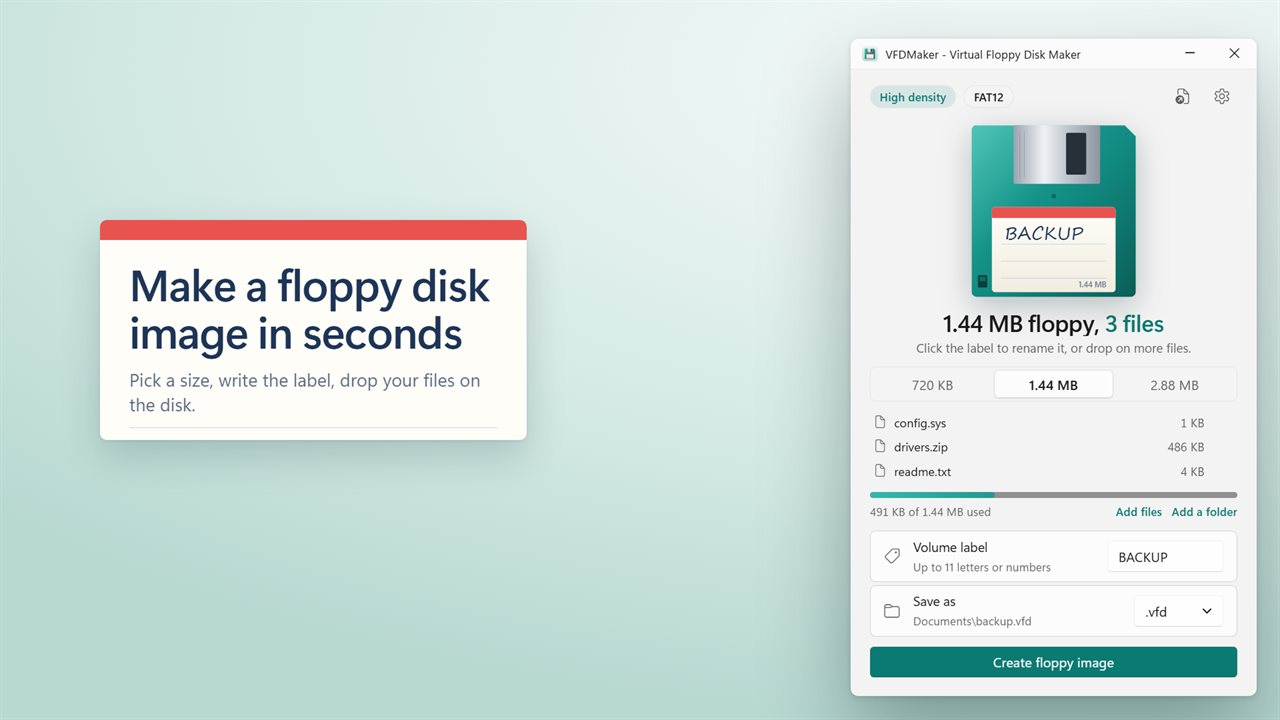
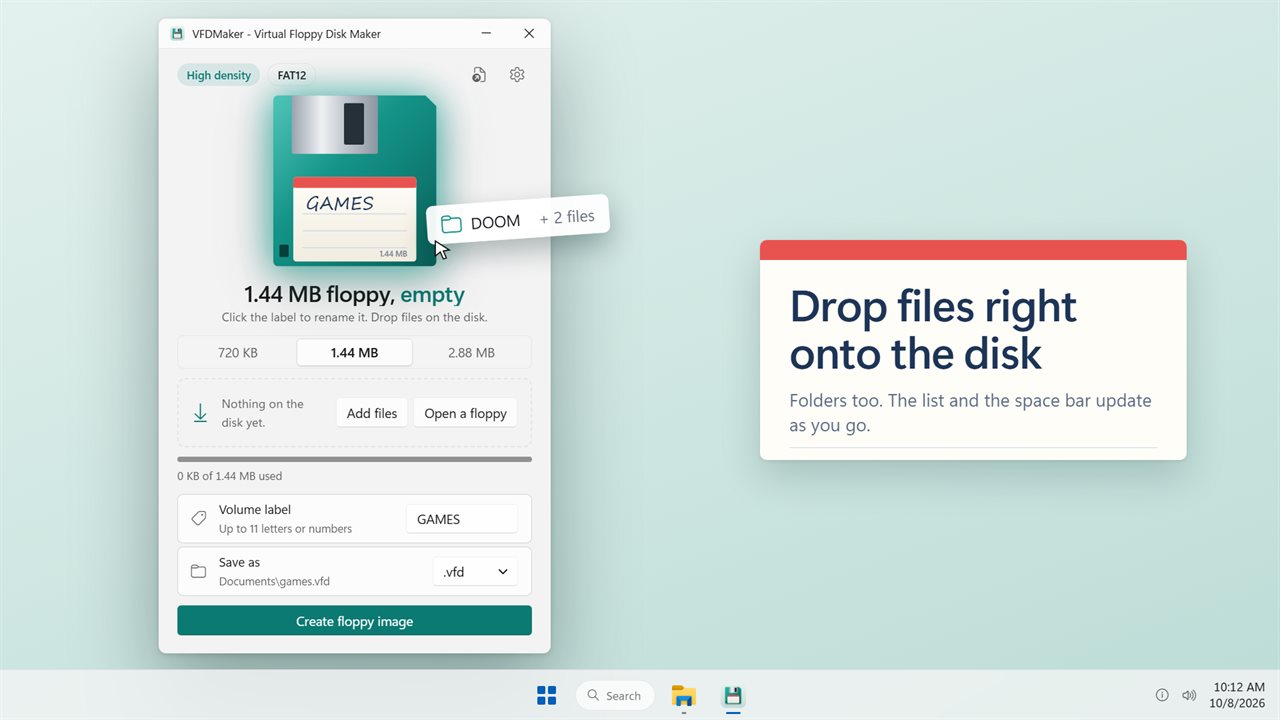
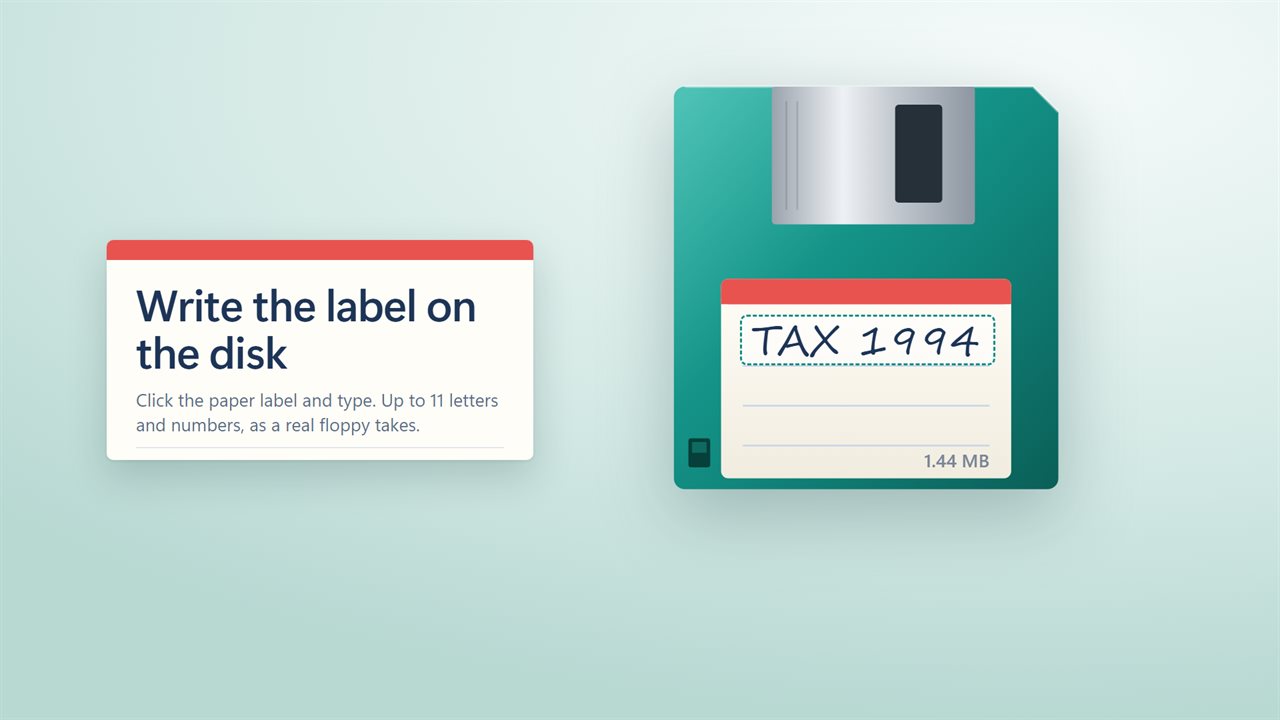
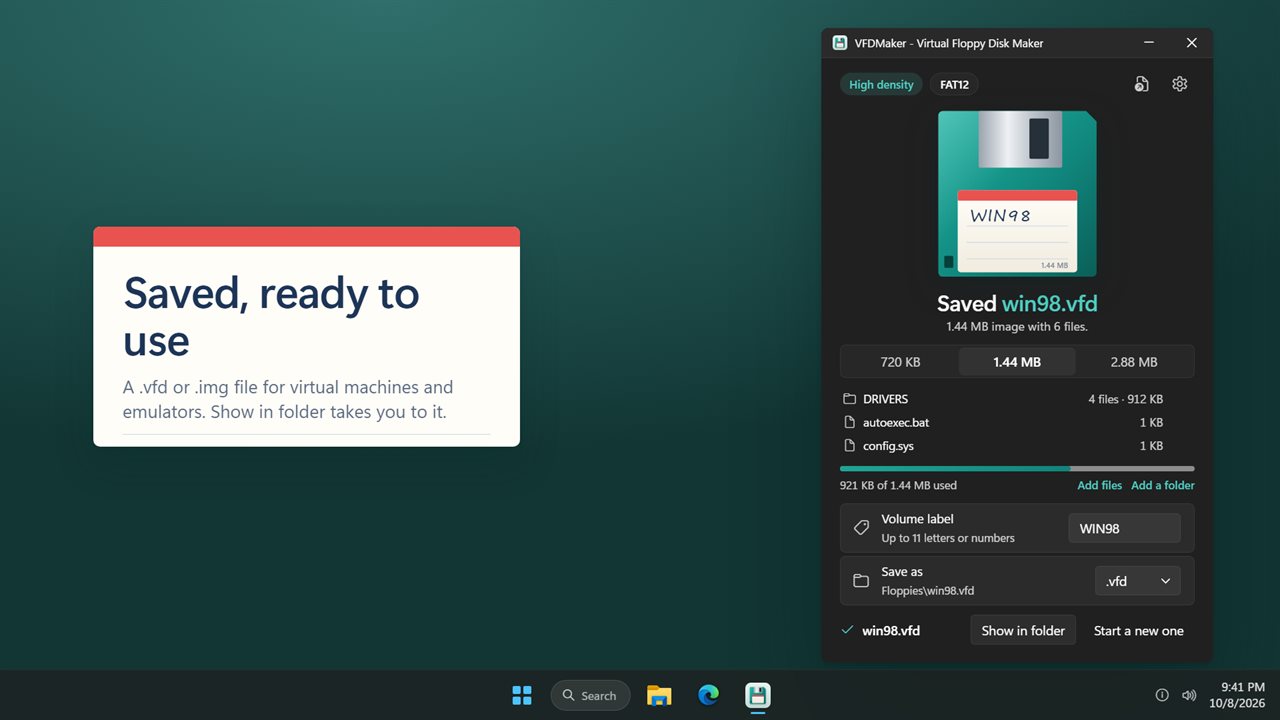
VFDMaker produces exactly that. Choose a disk size, drag files and folders onto the drawn floppy, or use Add files and Add a folder, and they appear in a live list with a bar showing how much room is left. Click the paper label to set the Volume label, choose .vfd or .img under Save as, and press Create floppy image.
When it is finished, Show in folder takes you to the new file, and Start a new one clears the disk for the next image.
Floppy disk sizes and which one to pick
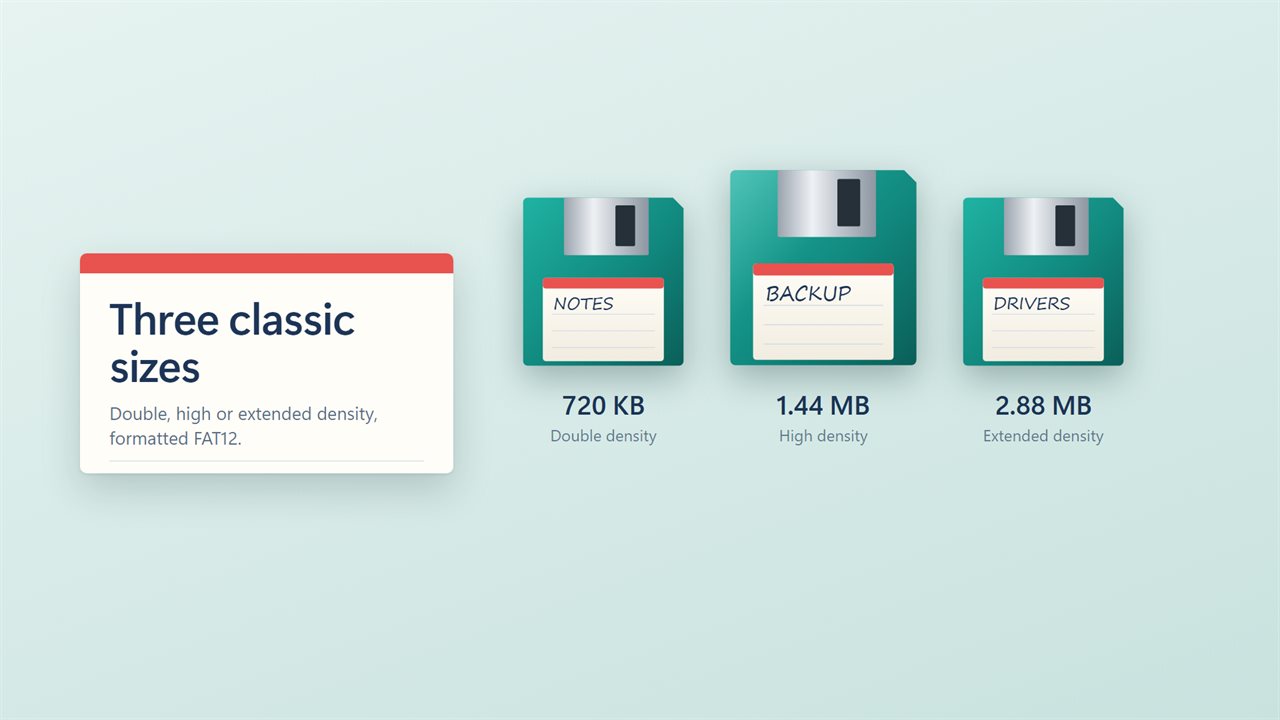
The three sizes match the standard 3.5-inch PC formats, and each image is formatted FAT12 with the layout a real diskette of that size uses:
- 720 KB double density: 1,440 sectors of 512 bytes, 737,280 bytes in total. For older machines and early DOS software.
- 1.44 MB high density: 2,880 sectors, 1,474,560 bytes. The default, and the size almost every virtual machine and emulator expects.
- 2.88 MB extended density: 5,760 sectors, 2,949,120 bytes. Useful when a virtual machine accepts it and you need more room for a boot disk.
Virtual floppy disk for a virtual machine or emulator
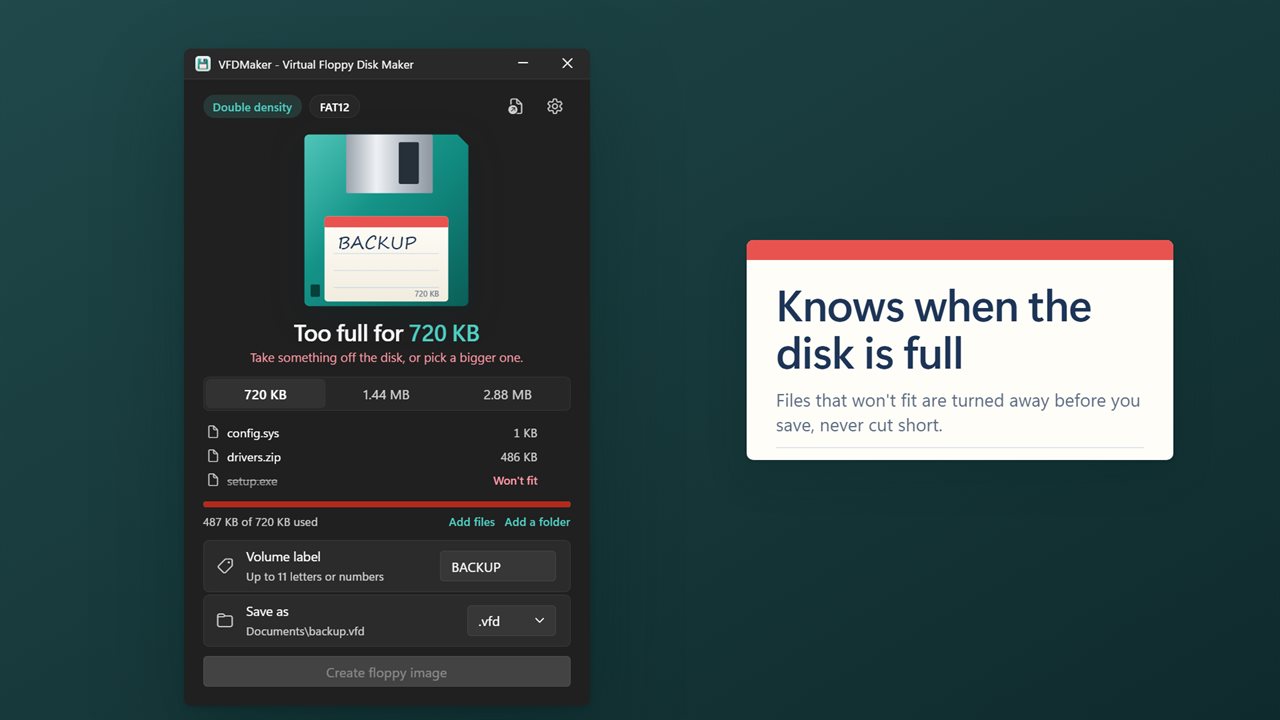
Some file system space is taken by the FAT tables and the root directory, so a 1.44 MB image holds a little less than its name suggests. VFDMaker counts that for you. If what you dropped will not fit, the heading changes to Too full for 1.44 MB (or whichever size you chose) and the extra items are marked Won't fit, so you can remove something or step up a size. Nothing is ever truncated to squeeze in.
Once saved, attach the file in your hypervisor's floppy controller settings or point your emulator at it. If the software insists on a particular extension, save as that one; the contents are the same raw sectors either way.
Open and edit an existing VFD file
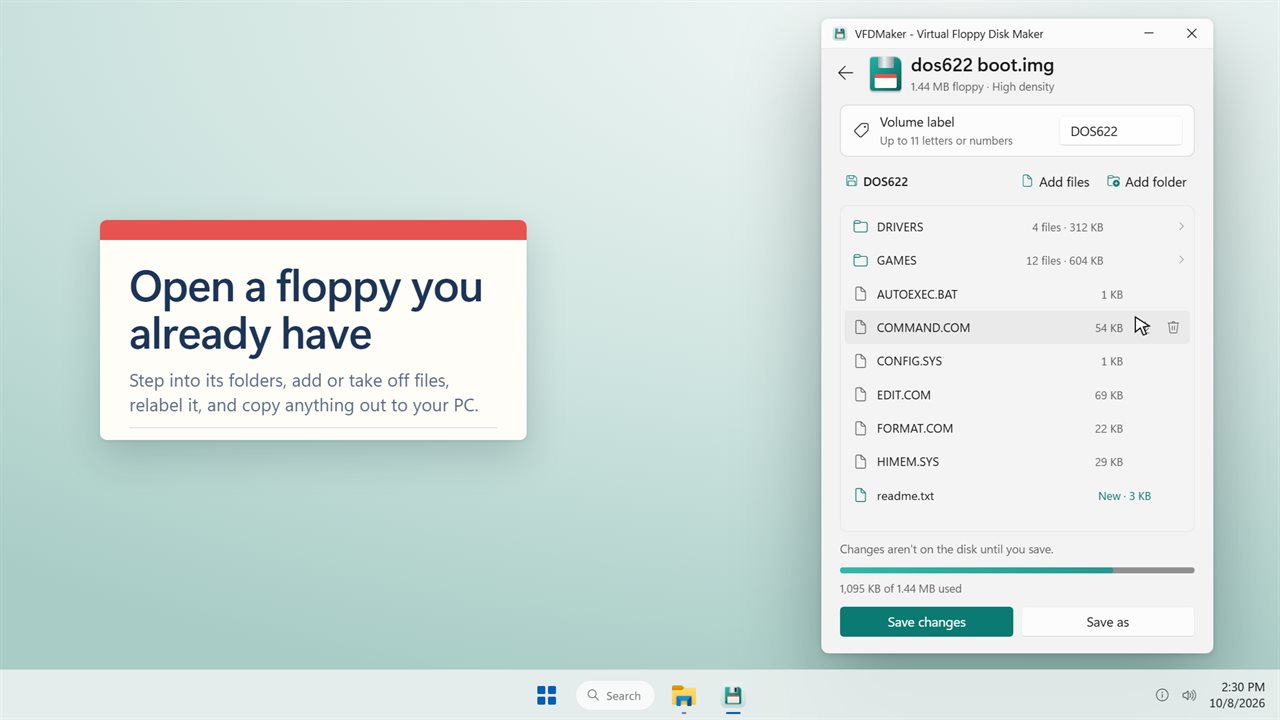
Click Open a floppy to load an image you already have. It opens on its own page, starting at Disk, where you can step into folders, take files off the disk, drop new ones into the current folder and change the label. Edits are held until you choose Save changes or Save as, and the page reminds you that Changes aren't on the disk until you save.
To pull something off an old image, use the Copy to a folder option on any file or folder in the list and pick where it should go on your PC. That makes it a quick way to recover drivers or documents from images that would otherwise need a drive to read.