A hash checker that compares for you
A hash checker answers one question: is the file on your disk the one the publisher meant you to have? Download pages print a checksum under an ISO, a firmware image or an installer for this reason, but Windows leaves the comparing to you. You run certutil or Get-FileHash, then hold a 64-character string next to another one and squint.
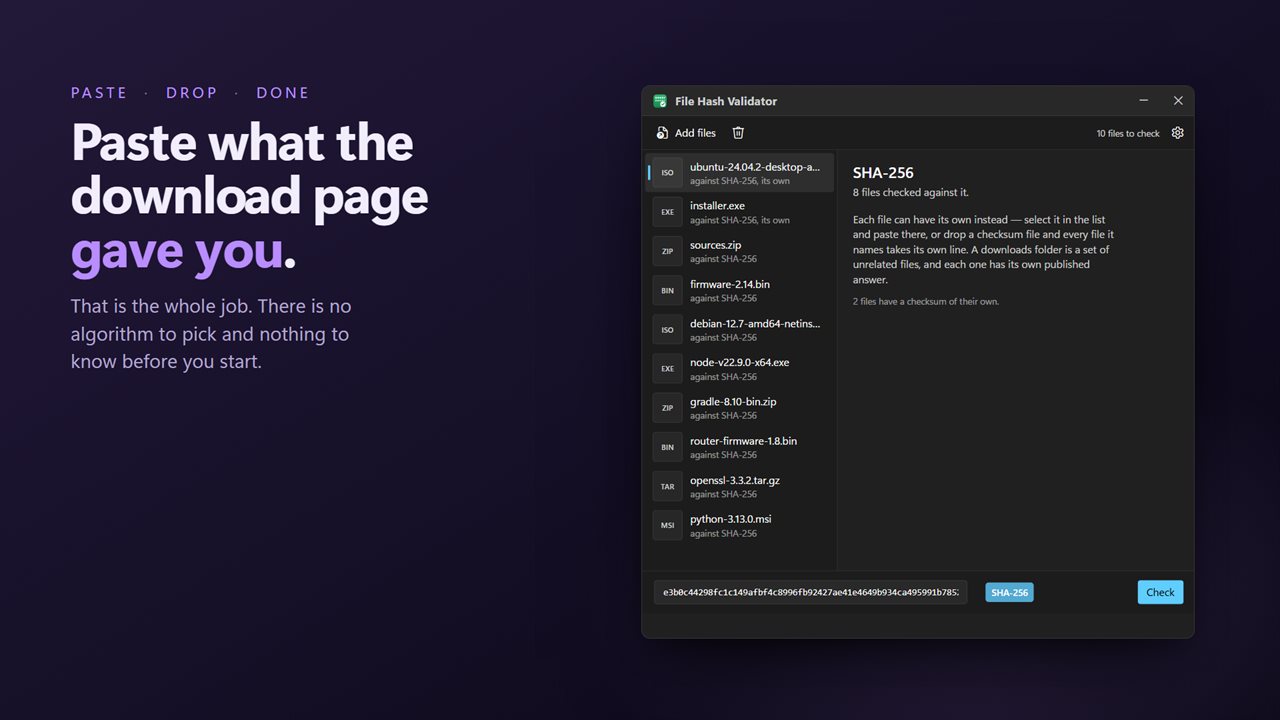
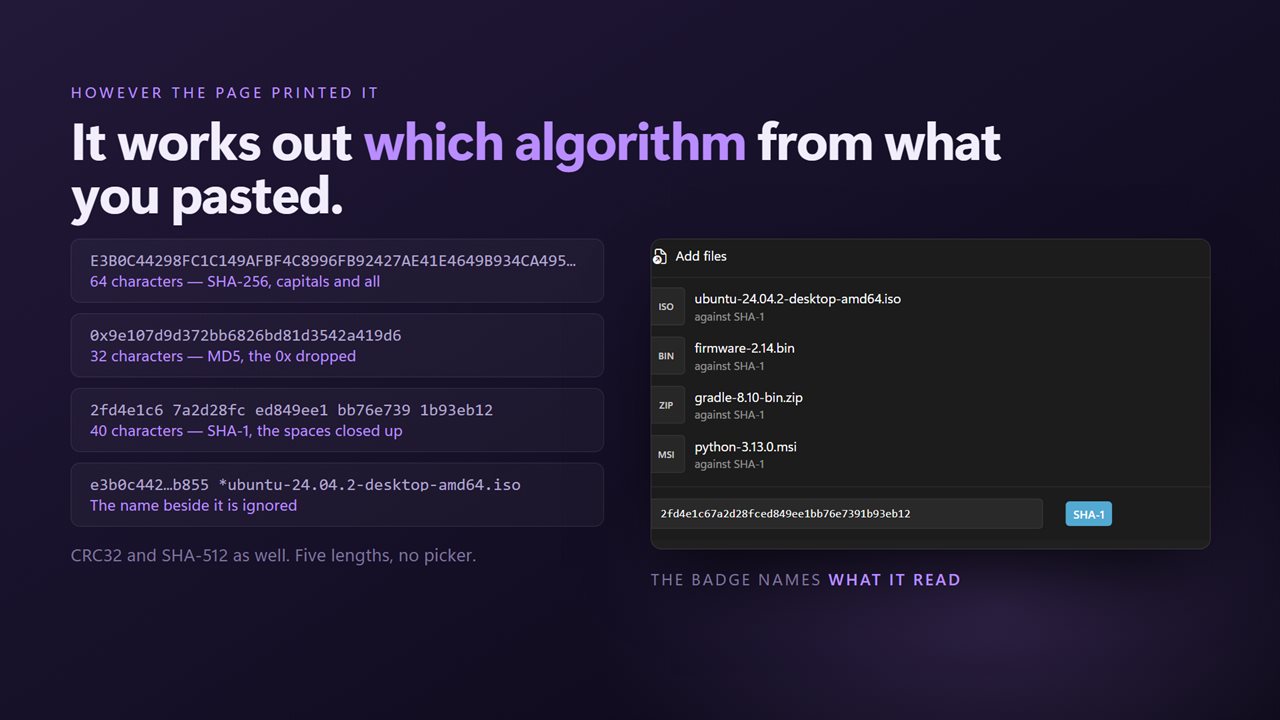
File Hash Validator does the comparison. Paste the published value into the box at the top, add the file, and press Check. A badge beside the box names the algorithm as soon as you paste, worked out from the length: CRC32, MD5, SHA-1, SHA-256 or SHA-512. There is no menu to set and so no way to compare an MD5 against a SHA-256 by mistake.
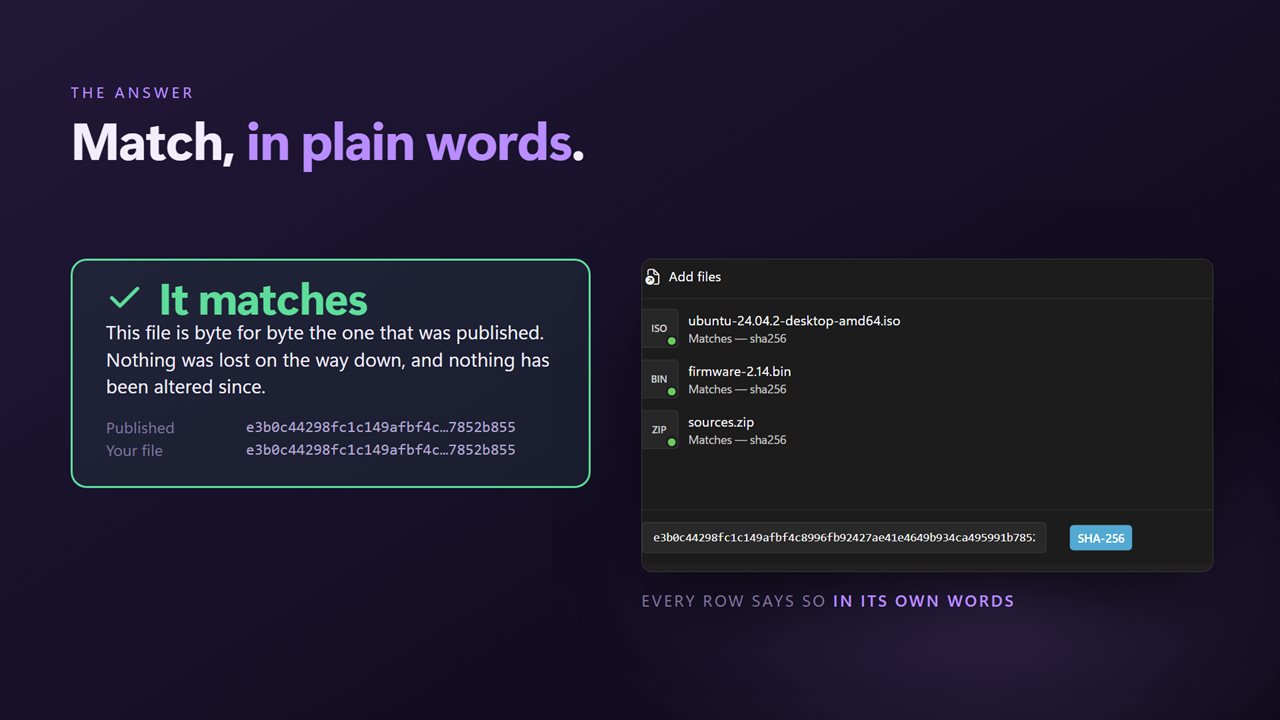
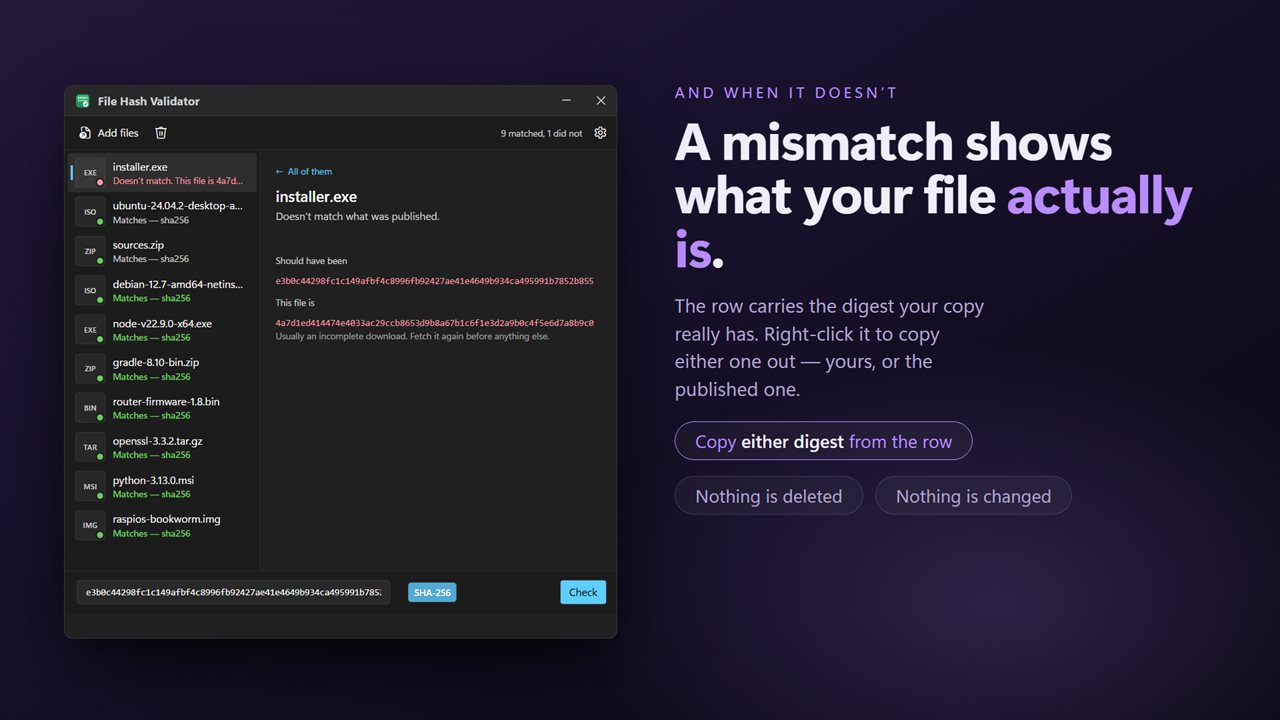
A file that matches is marked as done. One that does not is marked as failed, and the app shows the value the file really has next to the one it should have had.
How to verify a checksum on Windows
- Copy the checksum from the download page. If it is already on your clipboard when the app opens, a button offers Use the SHA-256 on the clipboard (or whichever type it is).
- Otherwise paste it into Paste the checksum from the download page. Capitals, spaces between groups, a leading 0x or a file name after the digest are all fine.
- Click Choose a file, or drag the download onto the window.
- Click Check. The result appears on the file's row, and its menu has Copy what this file actually is for a mismatch you want to report.
Check many downloads against a SHA256SUMS file
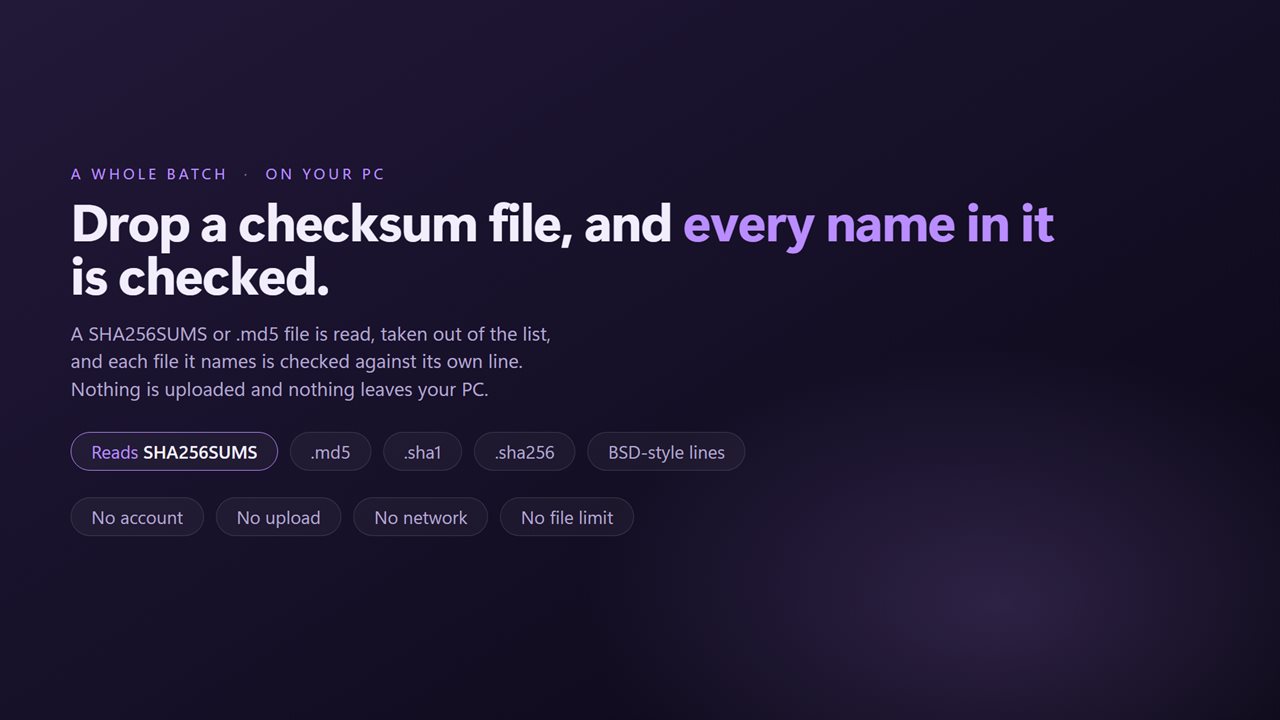
Projects that ship several files often publish one list instead of a checksum per file. Drop that list, a SHA256SUMS, a .sha256 or an .md5 file, into the window along with the downloads. The app reads it, says how many checksums it found, takes the list out of the queue and matches each download against the line with its name. Lines in the BSD style, SHA256 (file.iso) = followed by the digest, are read as well.
Files without a line of their own are checked against whatever is in the top box. And any single file can take its own value: select it and paste into This file's own checksum.
What a checksum mismatch means
A mismatch only tells you the bytes differ. The usual causes are dull: a download that stopped early, a file from a newer release than the checksum on the page, or the wrong file picked from a folder full of similar names. Compare the actual value the app shows against other checksums on the page before assuming the worst, then download again from the official source.
A match means the file is exactly what that checksum describes. It says nothing about whether the publisher is trustworthy, so take the checksum from the publisher's own site rather than from a mirror.