
How to delete files without the Recycle Bin, and switch back
Windows gives you two ways to delete without the Recycle Bin. Shift+Delete skips it once, but only if you remember every time, and it asks for confirmation on every batch. The permanent route is buried: right-click the Recycle Bin, open Properties, select each drive in turn and choose the option to remove files immediately. Turning it back on means the same trip in reverse.
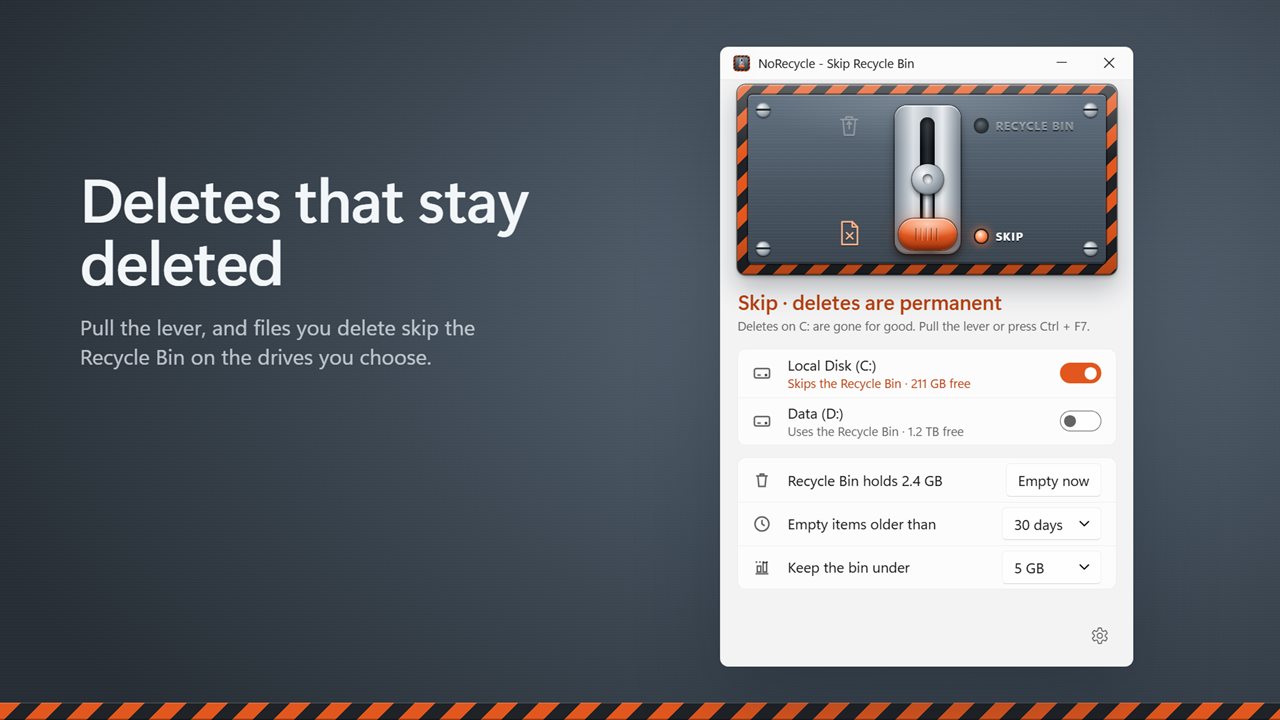
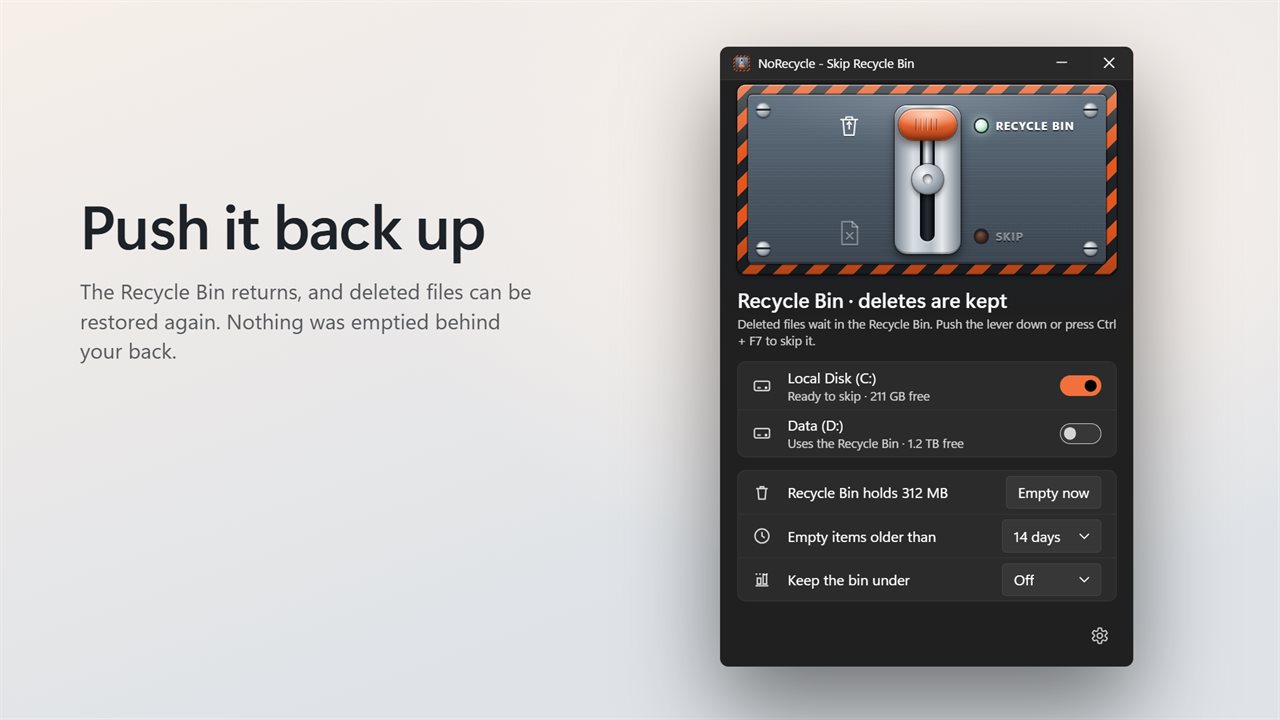
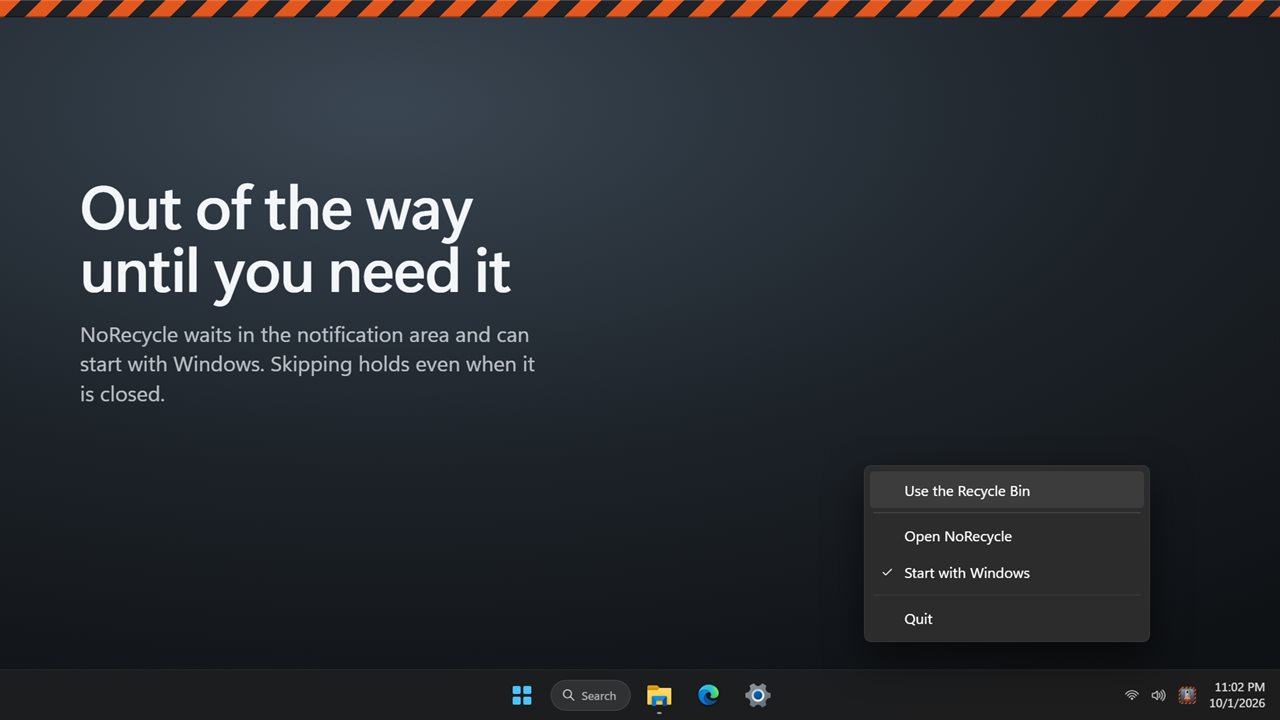
NoRecycle puts that setting on a large lever. Push it down and normal deletes on the drives you chose bypass the bin. Pull it up and the bin is back. Throw the lever from anywhere with Ctrl+F7, a shortcut of your own, or the tray menu, and a notification confirms which way it went. The tray icon fades while the bin is on, so you can tell the state at a glance.
A left click on the tray icon only opens the window. Switching deletes to permanent always takes the lever, the shortcut or a menu item, so a stray click cannot change it.
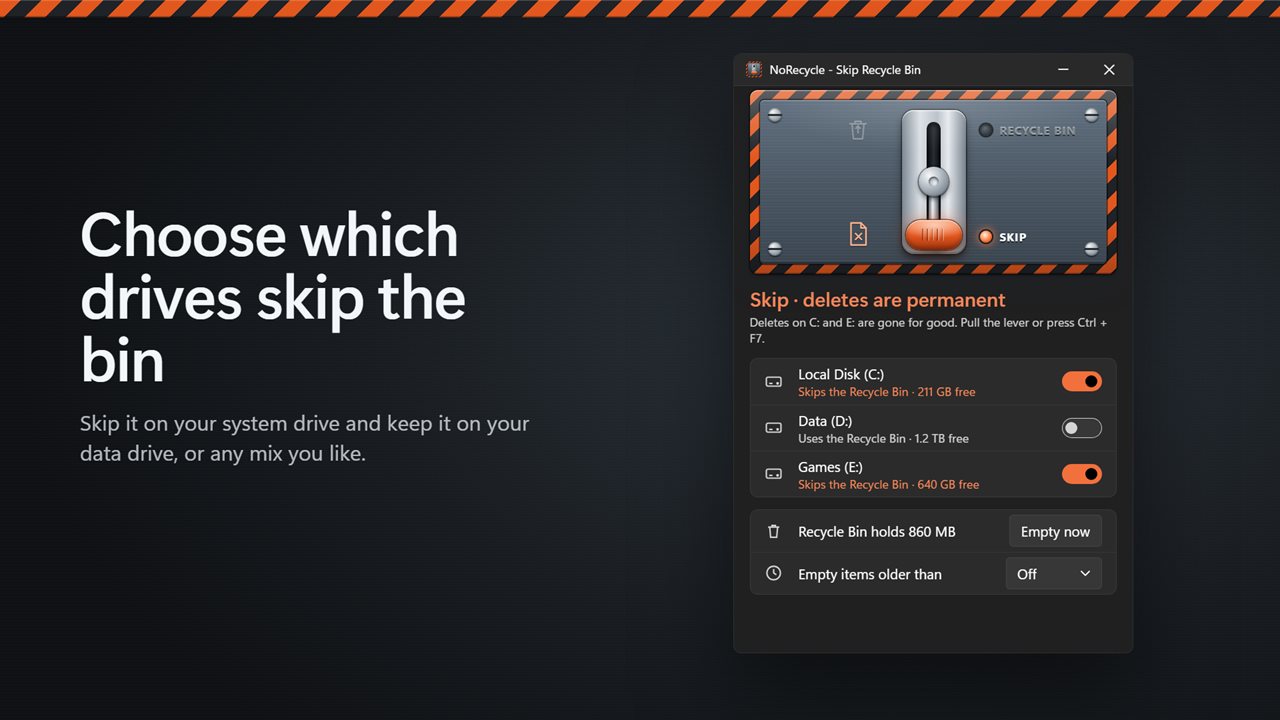
Disable the Recycle Bin on one drive and keep it on another
Each drive row shows its free space, and hovering over it shows how much its bin holds and how many items, which is a quick way to see where deleted files are piling up. A common setup is to skip the bin on a fast SSD that fills with build output, downloads or video caches, while leaving it active on the drive where documents and photos live.
Turn a drive's switch on and the lever starts acting on it; switch it off and that drive keeps its bin whatever the lever says.
Empty the Recycle Bin automatically by age or size
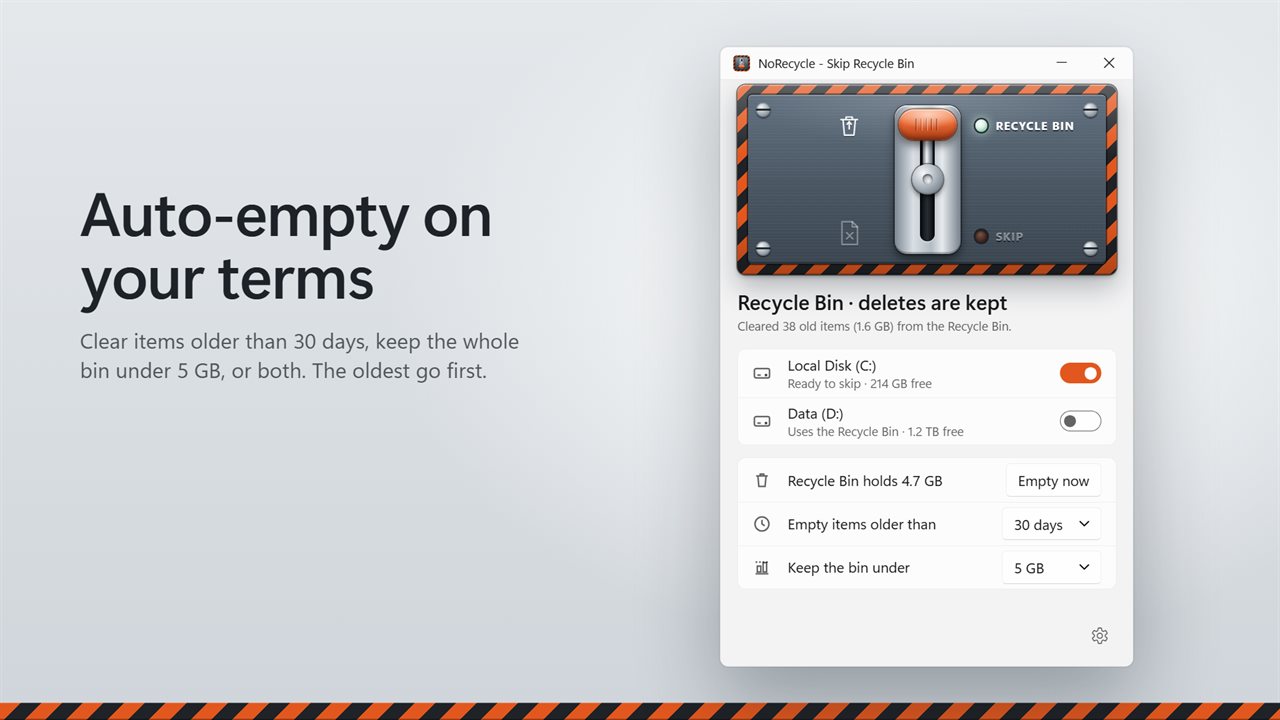
If you prefer to keep the safety net but stop it from swelling, leave the lever up and set the automatic rules instead. Empty items older than removes individual items once they pass an age you pick, from one day up to 90. Keep the bin under deletes the oldest items first until the total drops under a cap between 1 GB and 50 GB. You can use either rule or both.
When a rule clears something, the window reports how many items and how much space it freed. Emptying everything is a separate action: Empty now asks Empty the Recycle Bin? with the size and item count before it does anything.
Does permanently deleting a file make it unrecoverable?
No, and it is worth being clear about. A file that skips the bin disappears from File Explorer and cannot be restored from the Recycle Bin, but its data stays on the disk until other files overwrite it, which is how recovery tools find deleted files. Skipping the bin is about convenience and disk space. For confidential data on a hard disk, use a file shredder that overwrites the contents.