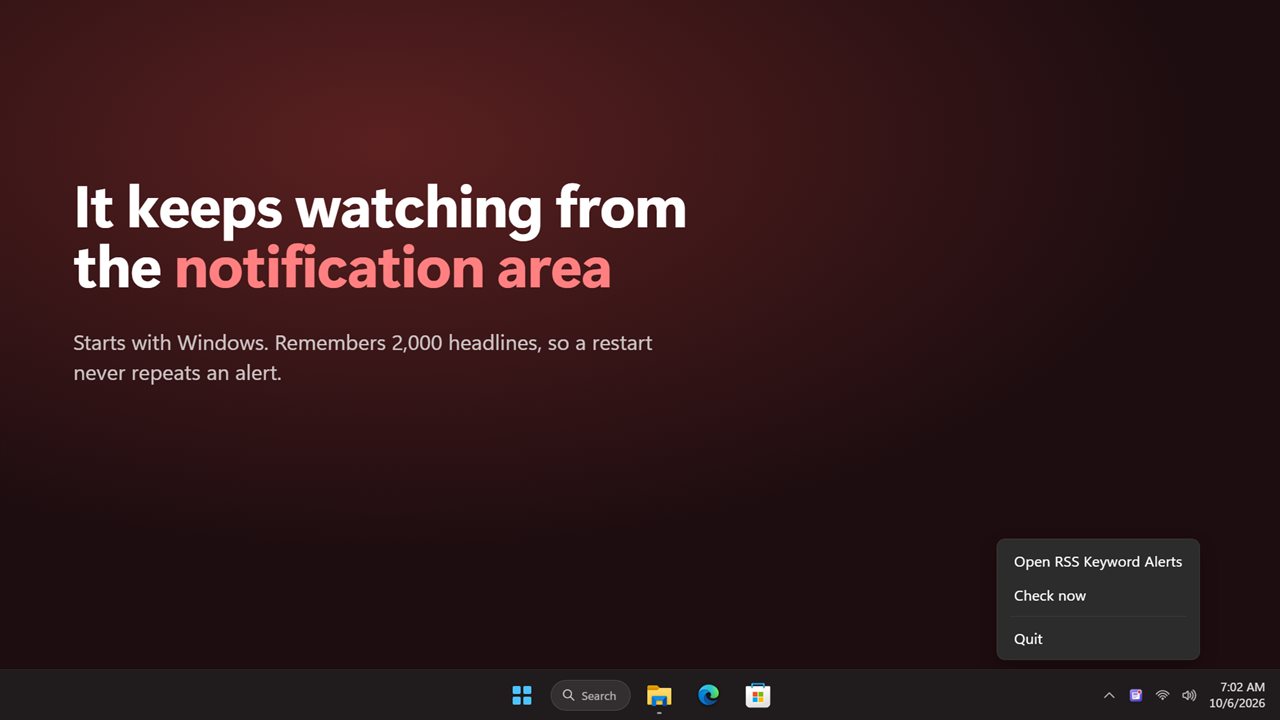
RSS notifications for the words you follow, not every story
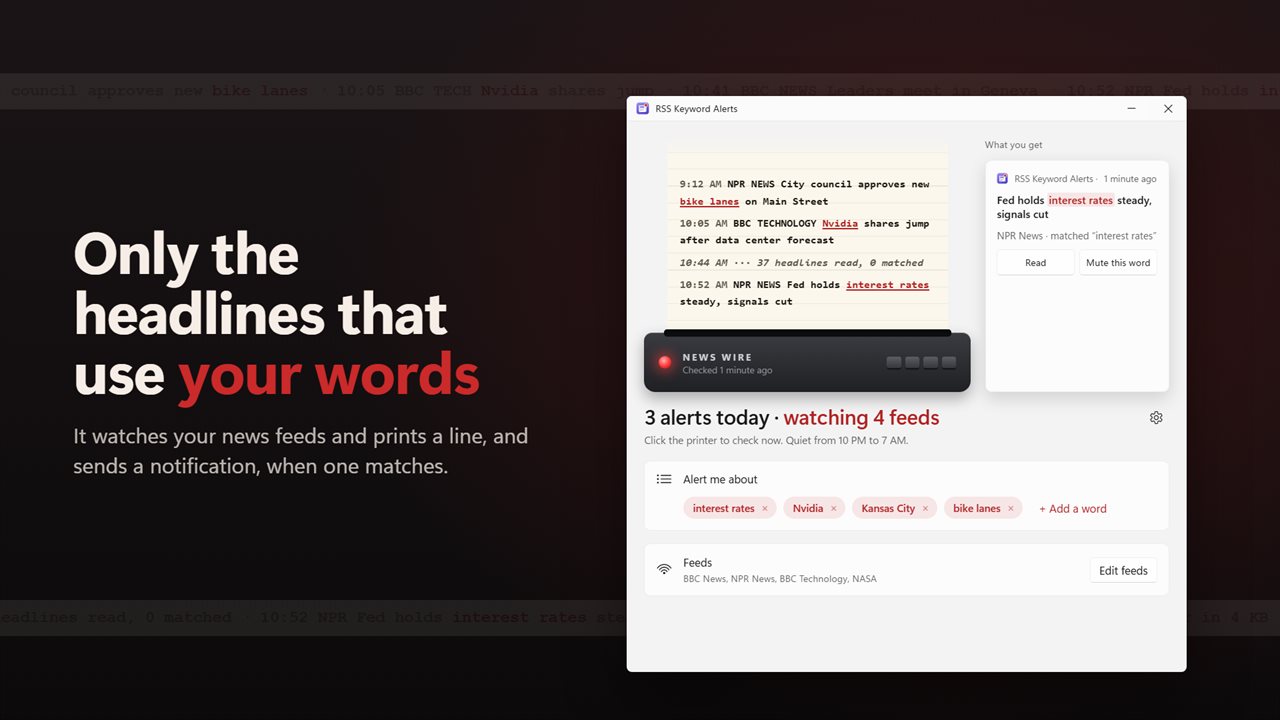
Most RSS notifications fire for every new item, which is fine for a quiet blog and useless for a news site that posts a hundred stories a day. RSS Keyword Alerts works the other way around. You give it a list of words or phrases, such as a company, a ticker, a team, a town or a topic from work, and it stays silent until a headline or its summary actually uses one.
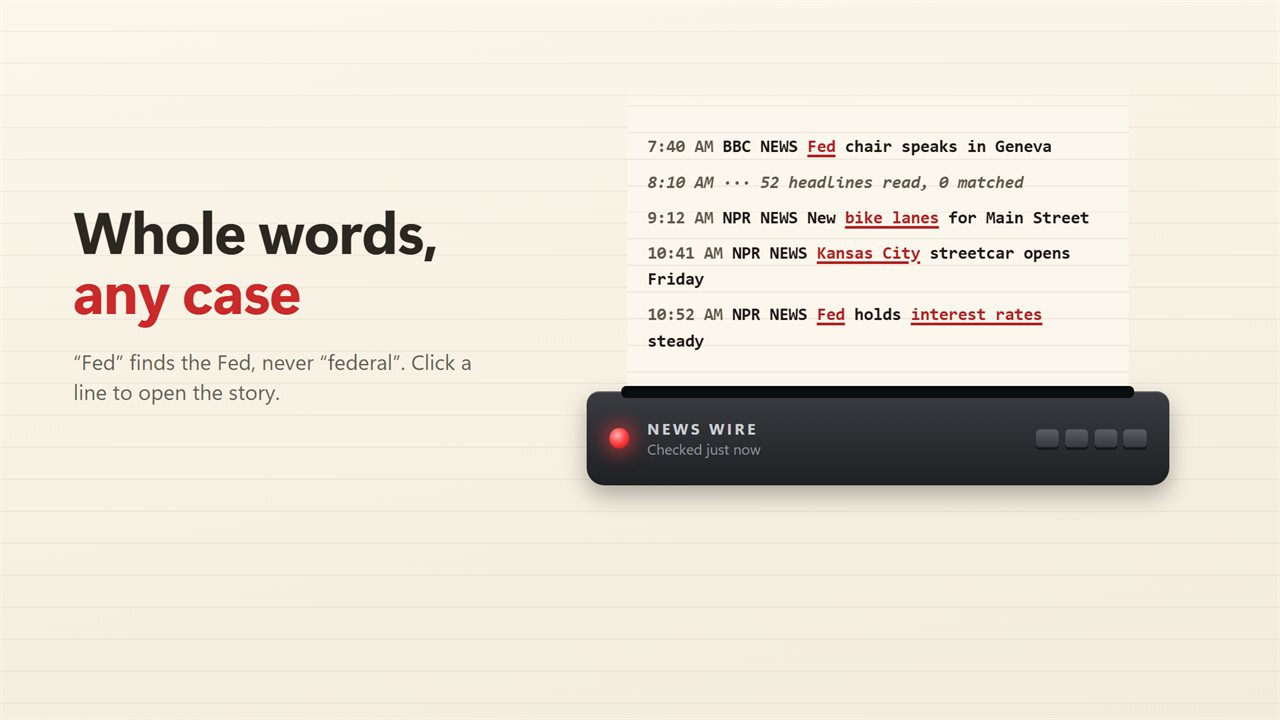
Matching is whole-word and ignores case. "Fed" finds a story about the Fed and skips one about federal funding, and a name with an accent such as Zürich is treated as one word rather than split in two. A phrase like "interest rates" still matches when the feed puts a line break or a double space between the words.
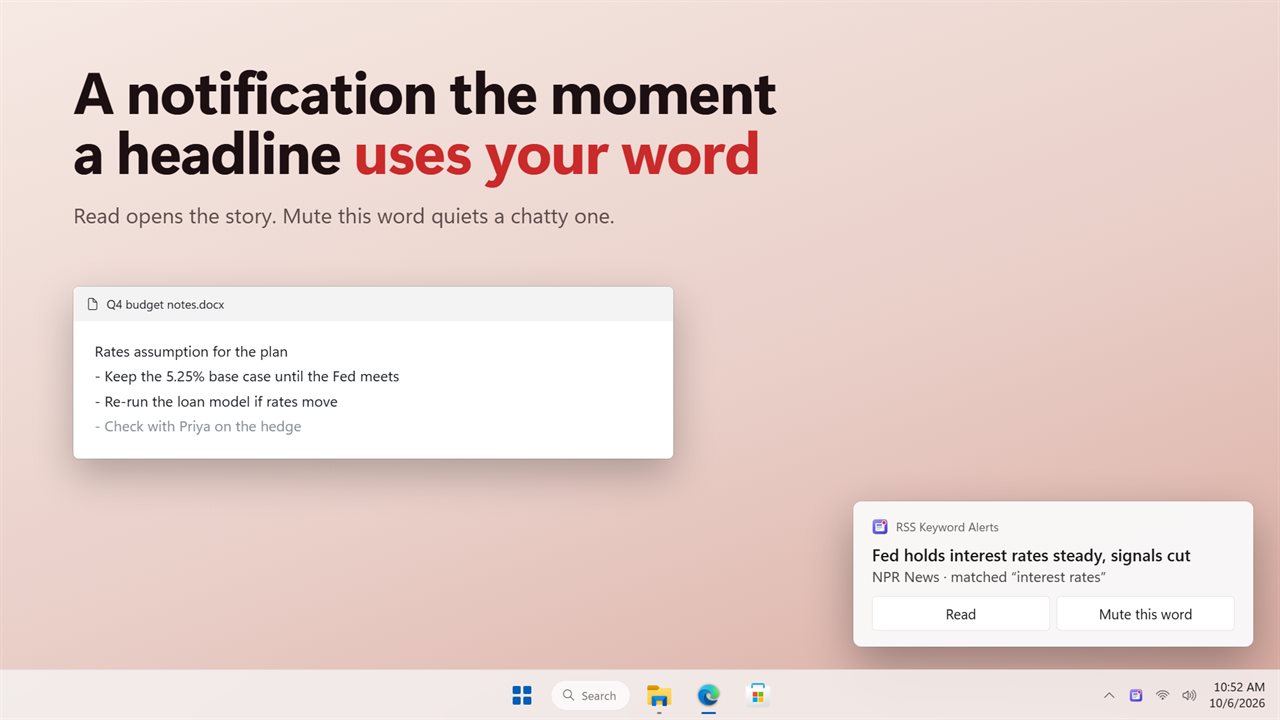
When something matches, the alert is an ordinary Windows notification showing the headline, the feed it came from and the word that triggered it. Everything that matched is also printed on the wire inside the app, with each matching word picked out in red ink, so you can scroll back through the day's hits later.
How to set up keyword news alerts from an RSS feed
The app starts with a few general news feeds in place, so you can add words and see results within one check. To build your own set:
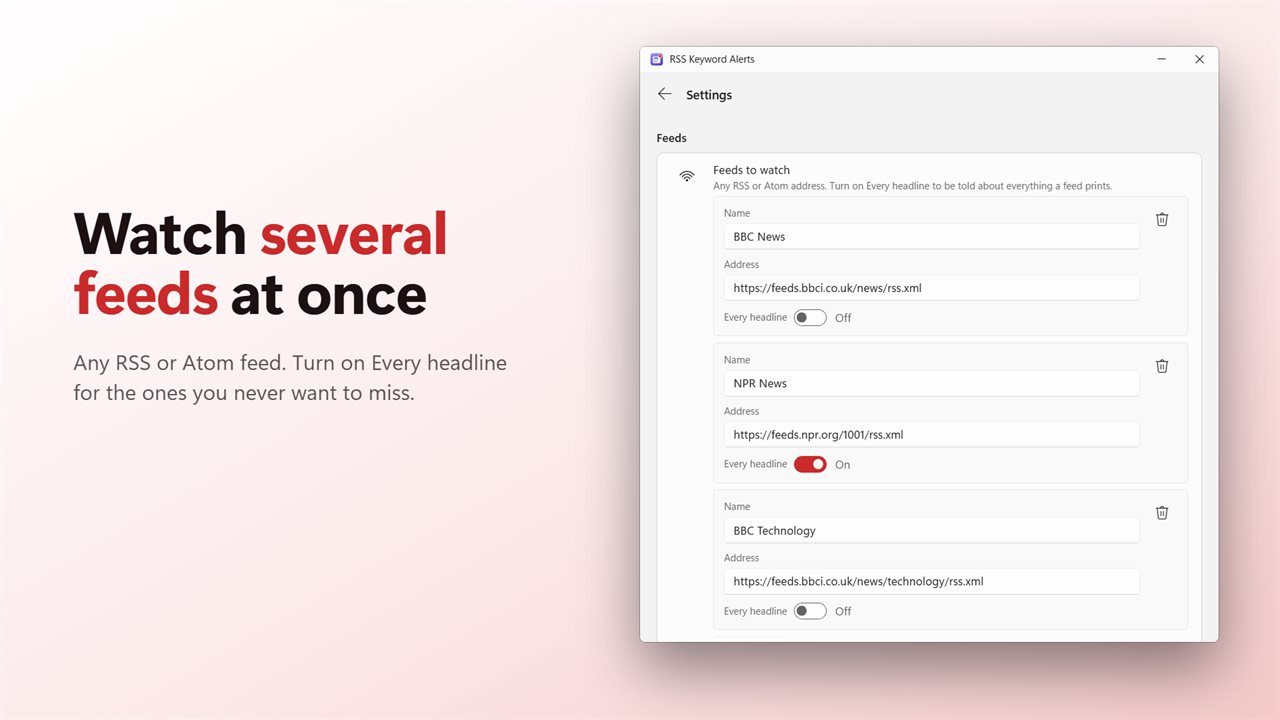
- Open Settings and find Feeds to watch. Choose Add a feed, paste the Address of any RSS or Atom feed and give it a Name.
- Or choose Browse feeds for a ready list of well-known sources sorted into World, US, Tech, Business, Science, Sports and Entertainment.
- Type the words and phrases you want to follow on the main window. Each one is checked against headlines and summaries from then on.
- Under When to check, set Check every to 2, 5, 10, 15 or 30 minutes. Five is where it starts.
- Click the printer whenever you want a check right now instead of waiting.
RSS feed alerts that stay quiet when they should
Keyword alerts only help if they do not turn into noise. Under Notifications, Most notifications per check caps how many pop up from a single check at 1, 3, 5 or 10. Anything beyond that arrives as one summary notification instead of a stack of them.
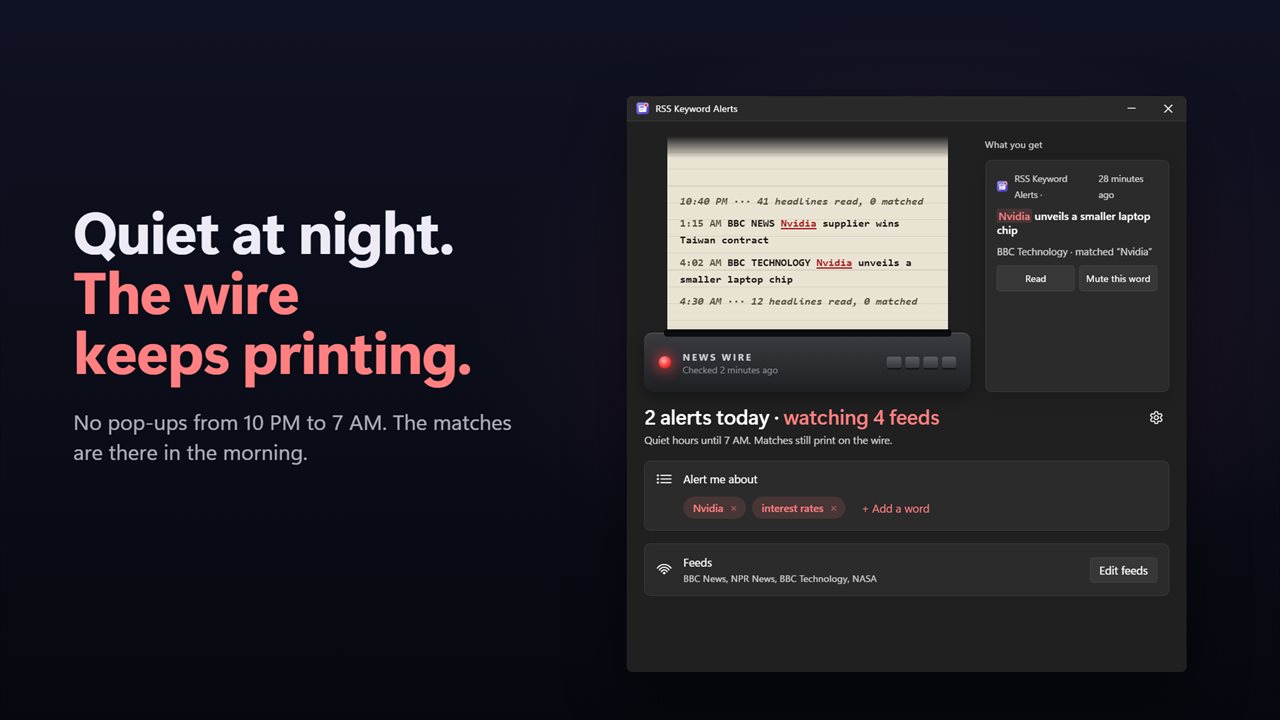
Quiet hours hold back pop-ups overnight, from 10 PM to 7 AM unless you set Quiet from and Until to something else, and the window can run past midnight. Matches found in that time still print on the wire, so nothing is lost; you just are not woken by it.
If one word starts matching too often, press Mute this word on the notification itself and it comes off your list. A freshly added feed does not dump its back catalogue on you either: the first read only records what is already there, and alerts start with the next new story.
Alerts on every headline from the feeds that matter
Some sources are worth hearing from whatever they publish, such as your company's press releases or a status page. Turn on Every headline for that feed and each new item is sent as a notification, while your other feeds keep using keyword matching. You can reorder feeds with Move up and Move down.