A local server that shows you the page while you edit it
Opening an HTML file straight from disk only gets you so far. Fetch calls, module scripts and relative paths often behave differently under file://, and a phone on your desk cannot open a file on your PC at all. Running a local server fixes both: your folder gets a real http:// address that every browser on the network can load.
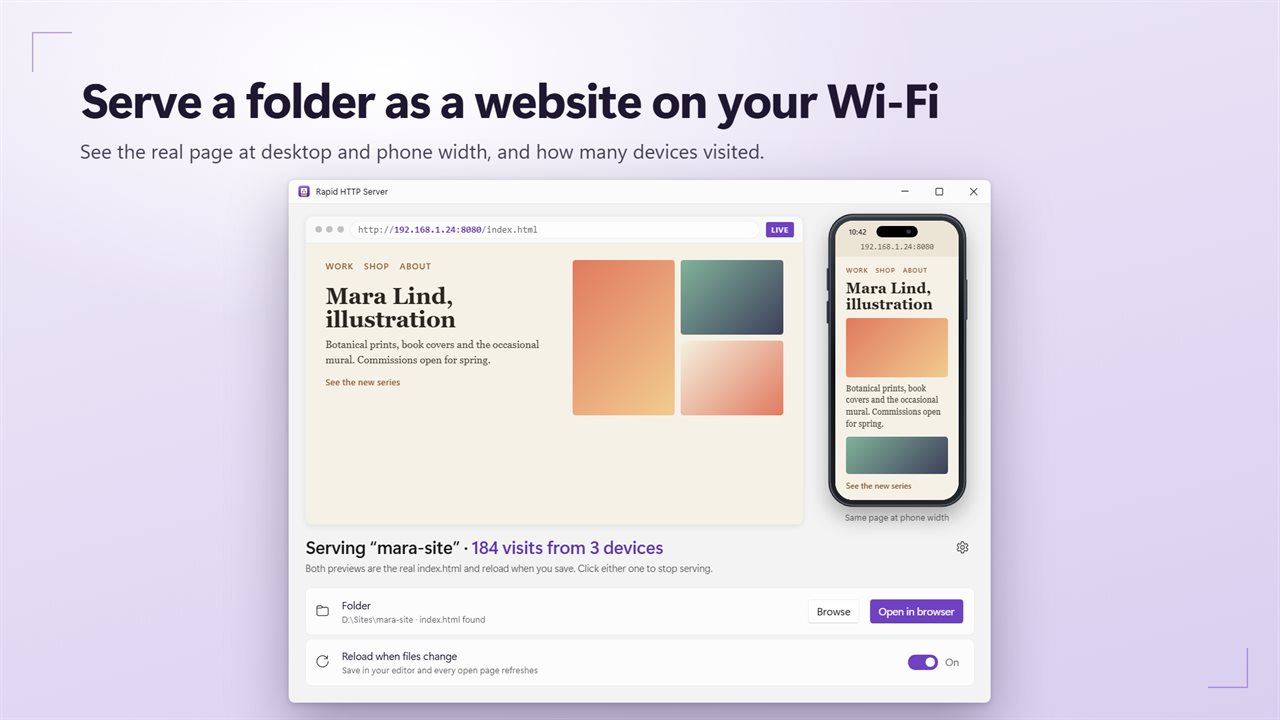
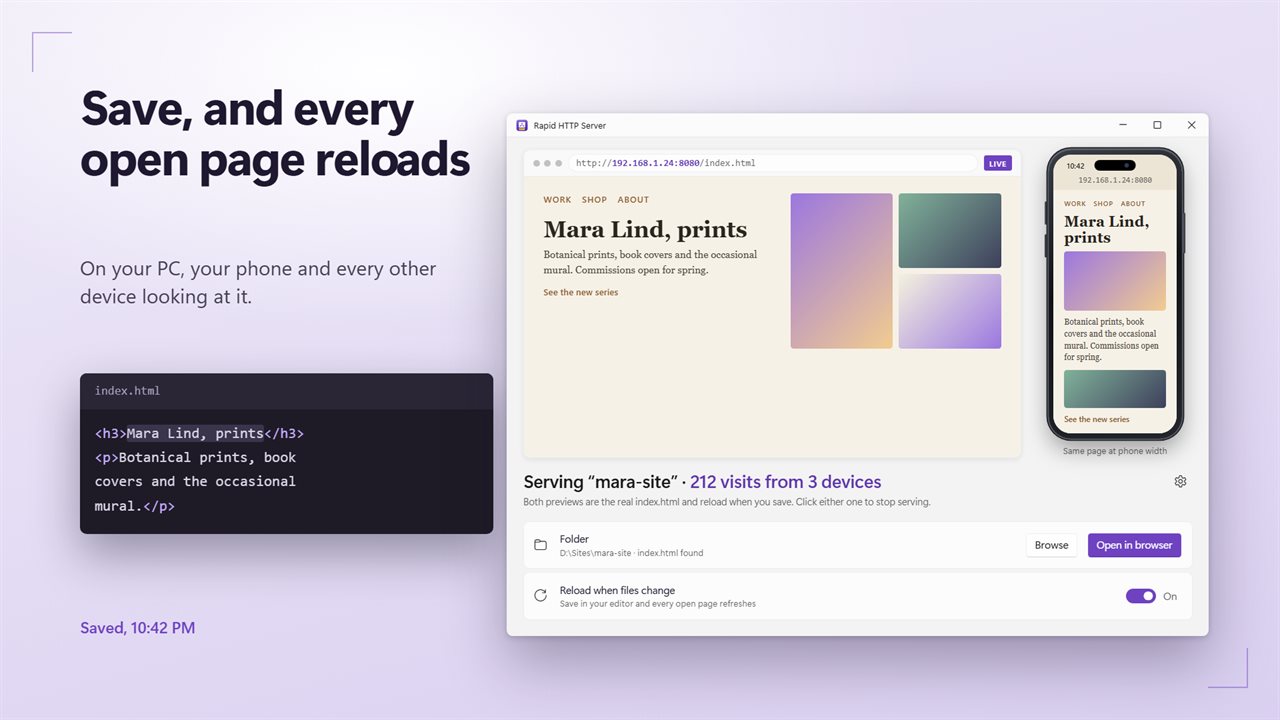
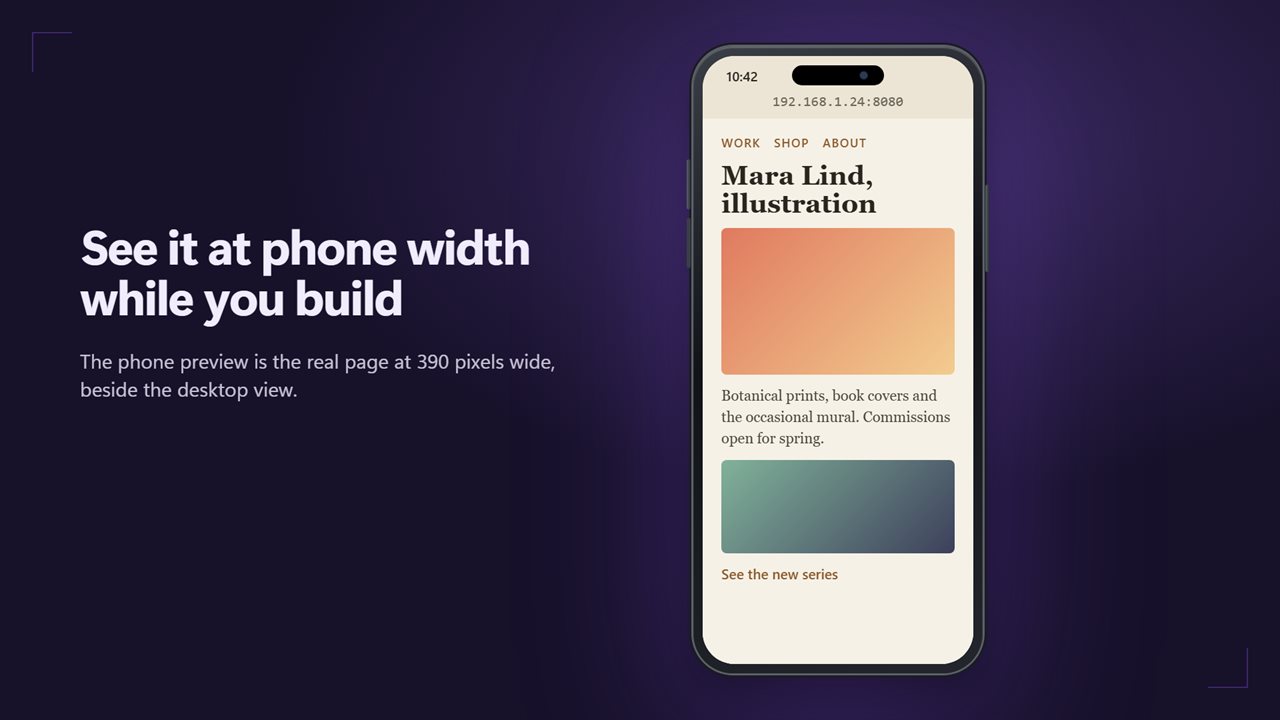
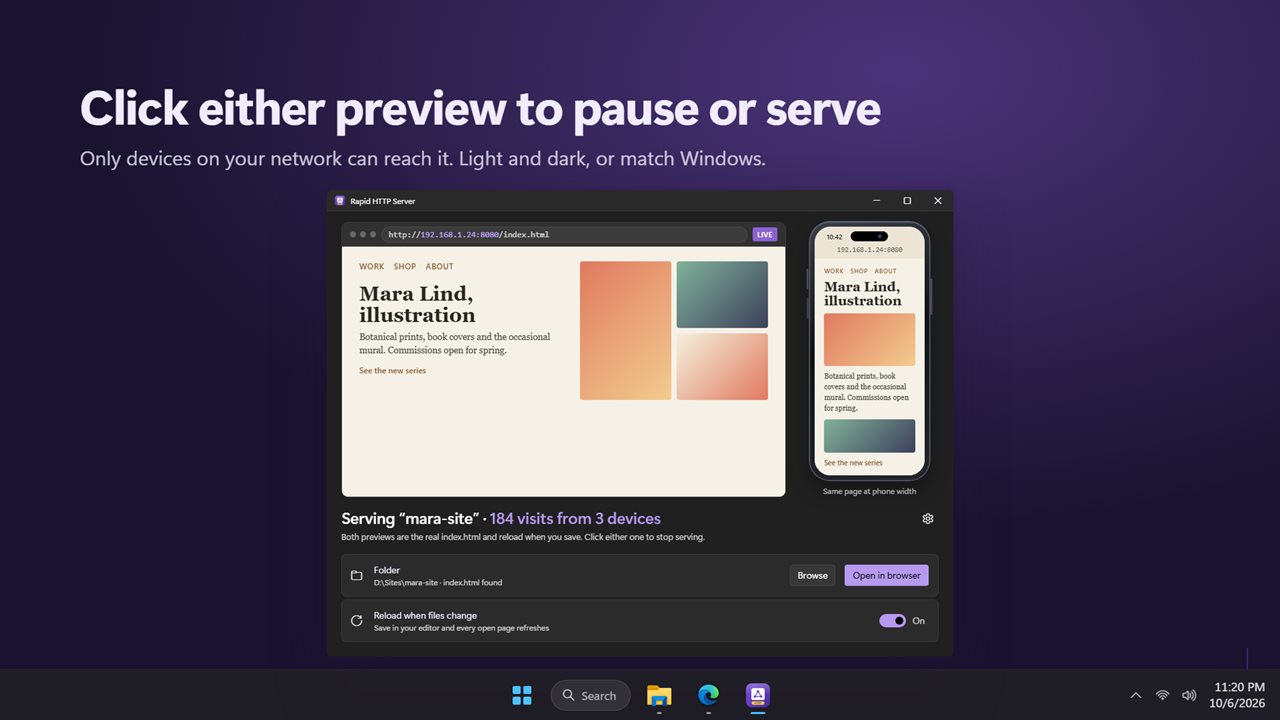
Rapid HTTP Server is built for that edit-and-check loop. Pick the folder with Browse and the window shows the site twice, once at 1280 pixels wide and once at 390, both rendered from the running server and scaled to fit. With Reload when files change switched on, saving in your editor refreshes those previews, your desktop browser and any phone that has the page open.
Nothing needs adding to your markup. The app injects a tiny reload script into the HTML pages it sends, and it ignores hidden folders and node_modules while watching for changes.
How to open your localhost site on a phone
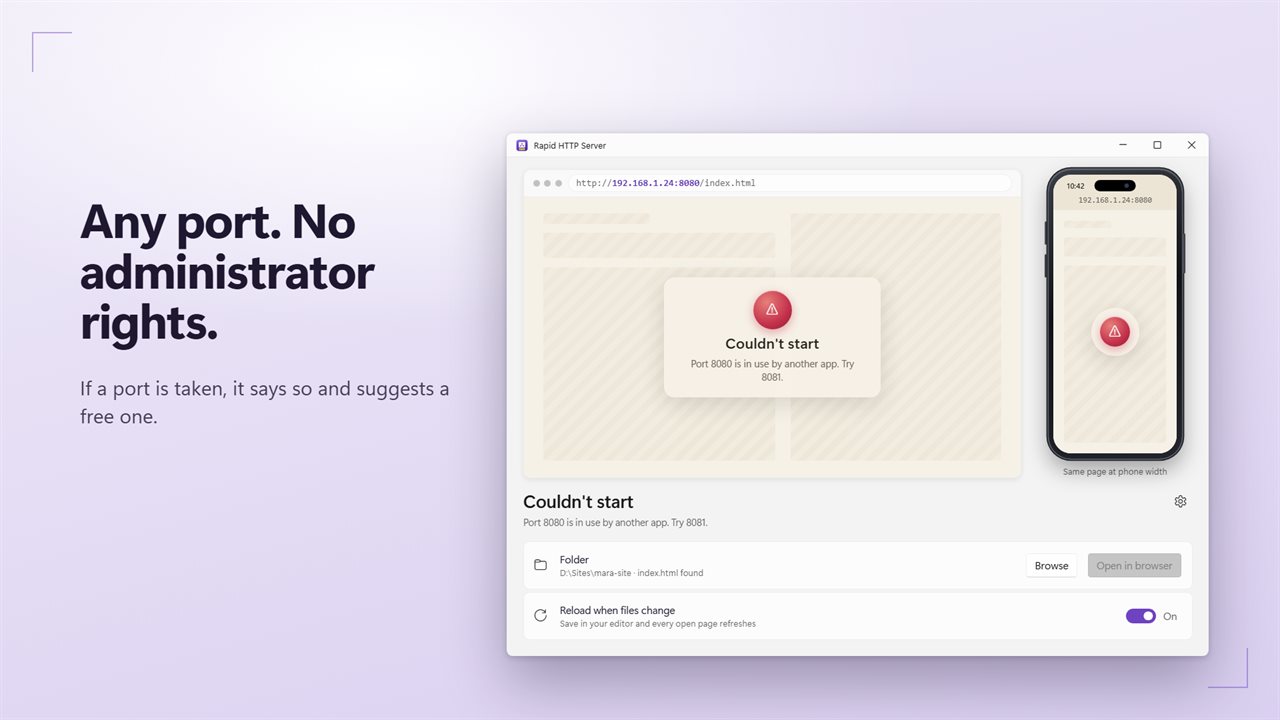
Port 8080 is the starting point, and you can change it under Settings to any free port without administrator rights. If something else already holds the port, the app tells you and proposes one that is open.
- Connect the phone and the PC to the same network.
- In the app, choose Browse next to Folder and select the directory that holds your index.html.
- Click either preview. The status line switches to Serving and the LIVE tag lights up.
- Press Open in browser to load the network address on the PC, then type that same address into the phone's browser.
- If the phone times out, let the app through Windows Firewall when prompted; that prompt is the usual blocker.
A mobile phone website tester that is the real page
Online mobile view checkers load a public URL inside a frame or return a screenshot, which is useless before a site is deployed. The 390-pixel preview here is your unpublished page, running your scripts and styles, refreshed by your last save. It catches the layout breaks that matter, such as a nav that wraps or a table that overflows, before you reach for the device.
For touch behavior and real fonts, the phone itself is still the final word, and live reload means it keeps up with you as you work.
What this static web server will and will not do
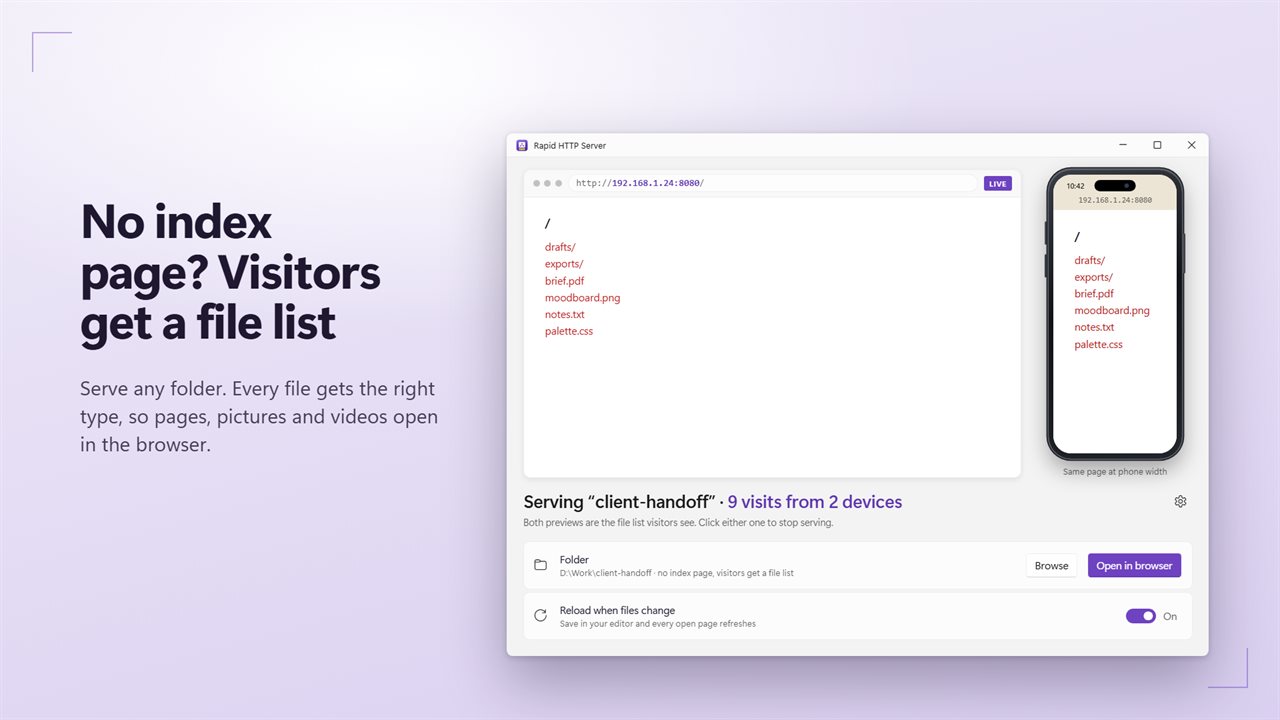
It sends files exactly as they sit on disk, each with a matching content type, and supports range requests so video can seek. A folder with index.html, default.html or main.html opens to that page; a folder without one shows a clickable file list.
It does not run PHP or any other server-side code, does not offer HTTPS or passwords, and refuses uploads. Treat it as a read-only window onto one folder for devices on your own network.
Requests are handled independently, so several phones and browsers can load the site at the same time while you keep editing.