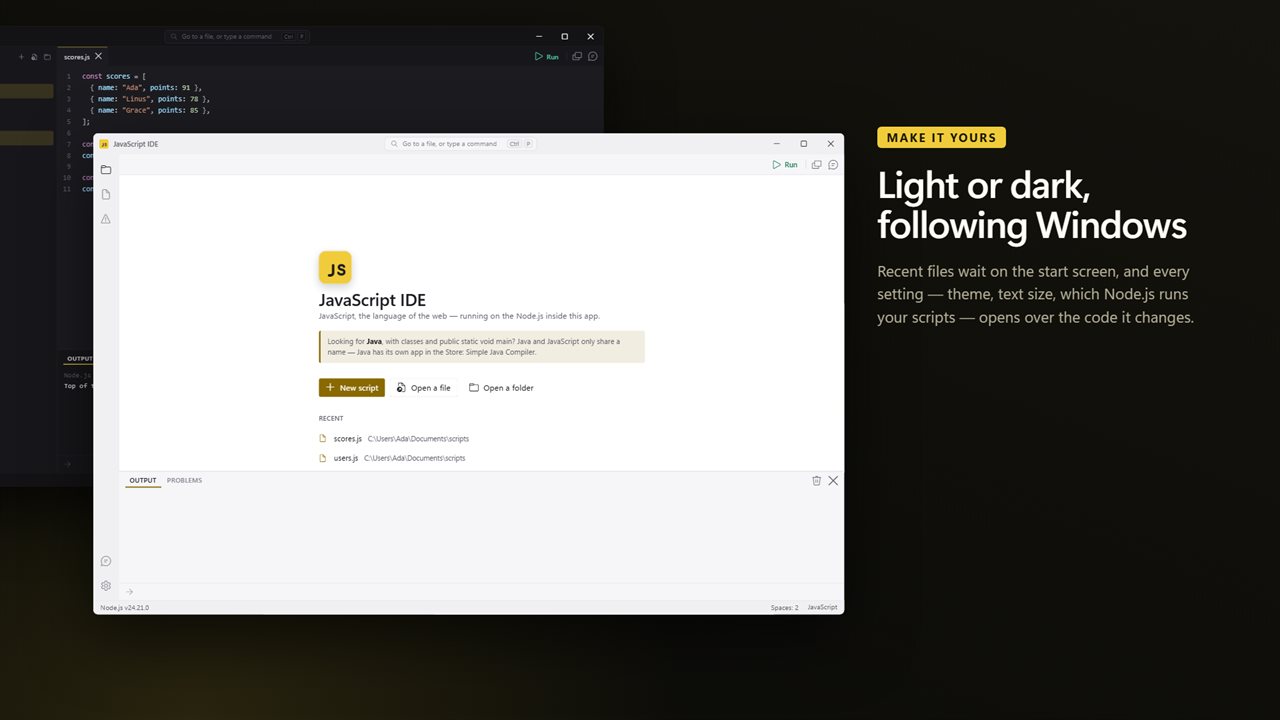
A JavaScript runner that does not make you install Node first
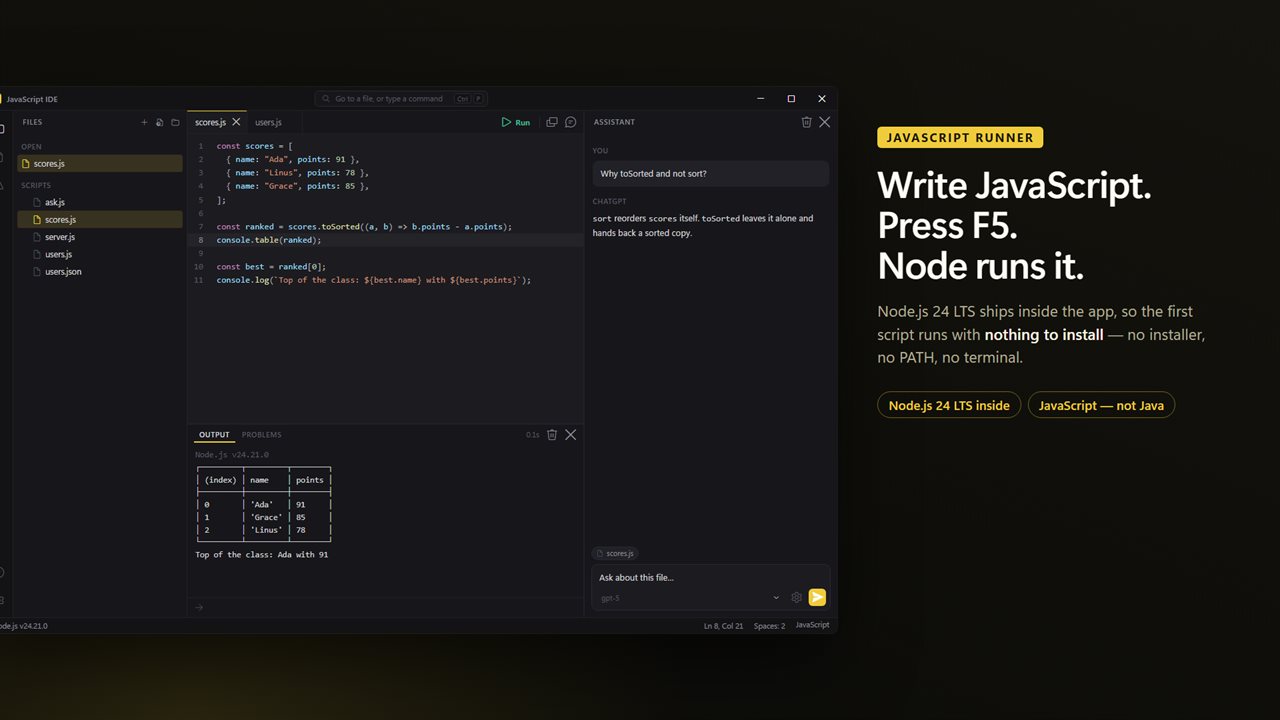
Running a JavaScript file outside a browser normally means installing Node.js, opening a command prompt, changing to the right folder and typing node followed by the file name. A JavaScript runner turns that into one key. JavaScript IDE bundles Node.js 24, so a .js, .mjs or .cjs file runs on a Windows PC that has never had Node on it.
Press F5 and the script starts in its own folder, the same as if you had launched it from a terminal there. That matters more than it sounds: require() resolves relative paths and a local node_modules folder correctly, and files your script writes land next to it. console.log output appears in the panel line by line while the script is still going.
The app runs code on Node.js, not inside a web page, so document and window do not exist here. It is also not a Java tool; Java is a different language with an app of its own.
How to run a JavaScript file on Windows
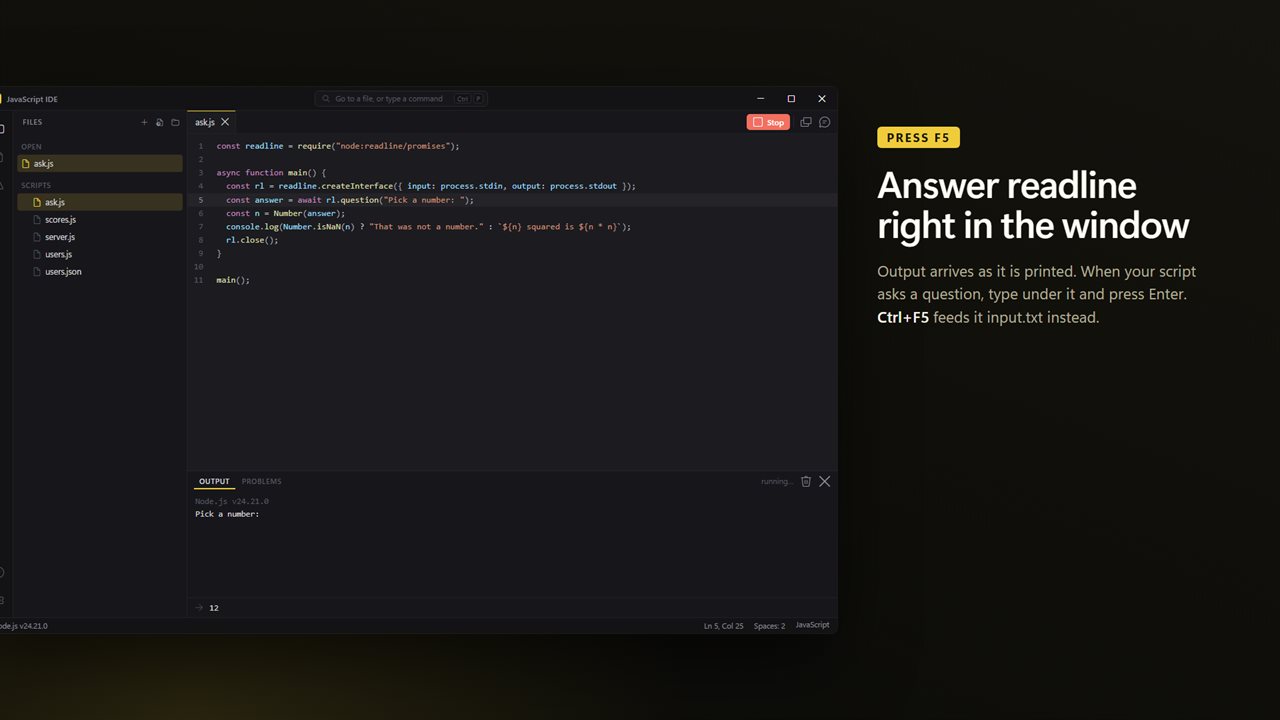
The new-file starter already asks for your name with readline and prints a greeting, so the first run shows input and output working together.
- Press Ctrl+N for a fresh file or Ctrl+O to open an existing .js file. Save it first if it uses require() with a relative path.
- Press F5 to run it. The status bar names the Node.js that ran.
- If the script waits on readline, type into the box under the output and press Enter.
- Press Shift+F5 to end anything that keeps running, such as a server or a setInterval loop.
A JavaScript playground for async code, files and servers
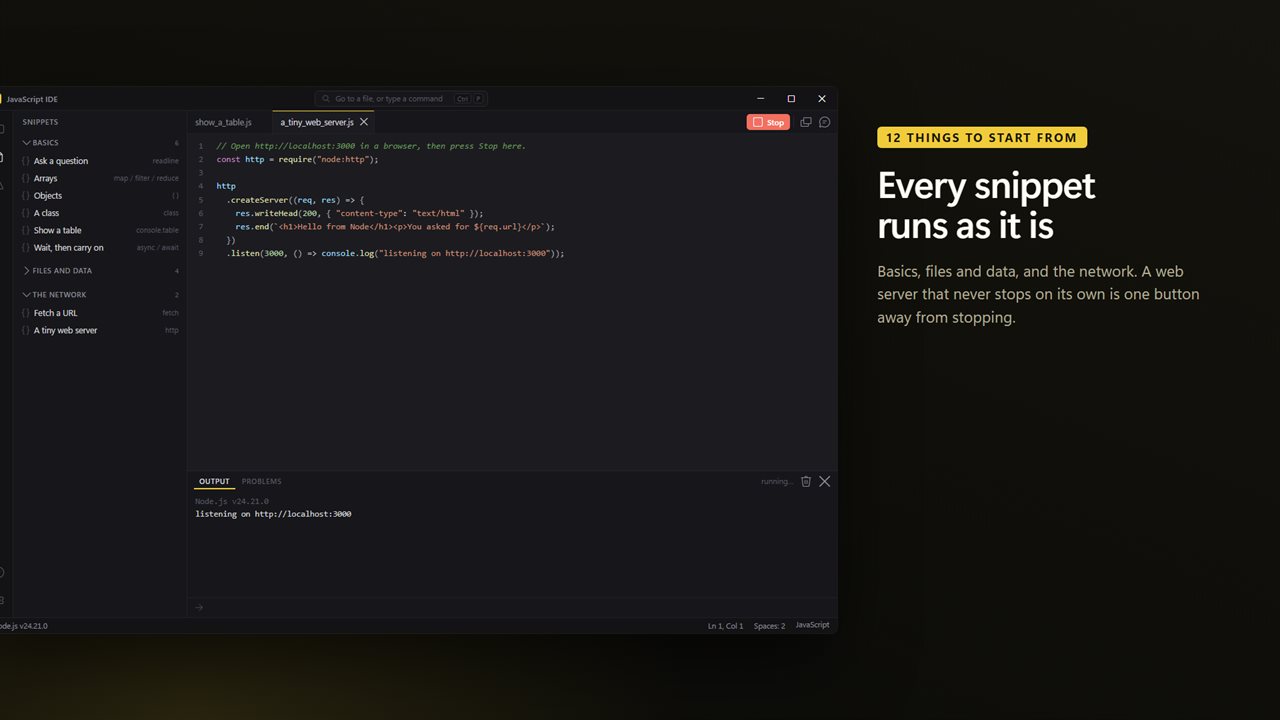
Because it is real Node.js and not a sandboxed web page, scripts can do what Node scripts do: read and write files with node:fs, parse and save JSON, fetch a URL, or listen on a port with node:http. Twelve starter scripts show each of these, in three groups called Basics, Files and data, and The network.
The Basics group covers asking a question, map, filter and reduce on arrays, destructuring an object, a class with a private field, console.table, and a countdown built from async and await. Each opens as a complete script in its own tab, ready to run before you edit it.
Fix Cannot use import statement outside a module and other Node errors
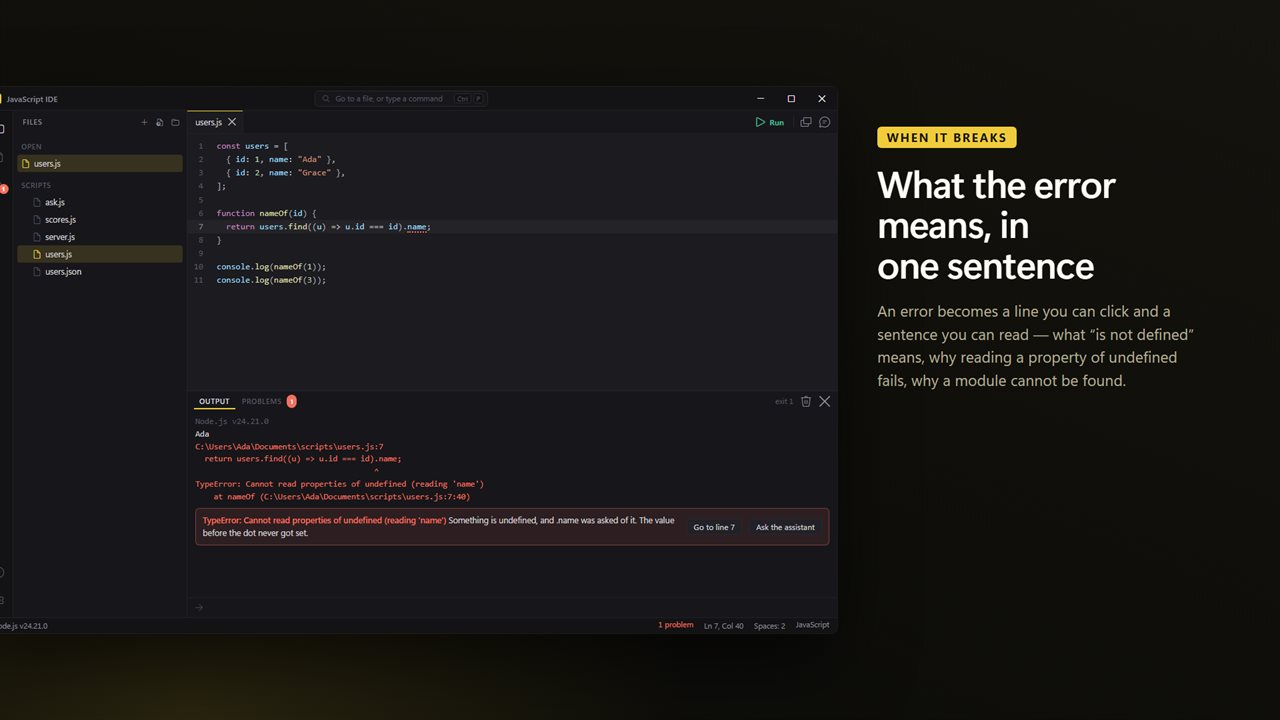
When a script throws, the error becomes a clickable line that jumps to the right place, and the most common messages get a short explanation in everyday words:
- Cannot use import statement outside a module: save the file as .mjs, or switch to require()
- Cannot read properties of undefined: the value before the dot was never set
- X is not defined, X is not a function, and assignment to a constant variable
- await used outside an async function, unclosed brackets and unexpected end of input
- Cannot find module, with a reminder that built-ins take the node: prefix and npm packages need installing
- Maximum call stack size exceeded, from a function that never stops calling itself