A standalone serial monitor for any COM port
A serial monitor is the window you keep open while a board boots, a sensor reports or a switch prints its console. The one bundled with a code editor is tied to that editor, and the classic terminal programs were designed for modems. Serial Terminal is a dedicated serial monitor for Windows built around what you do at the bench today.
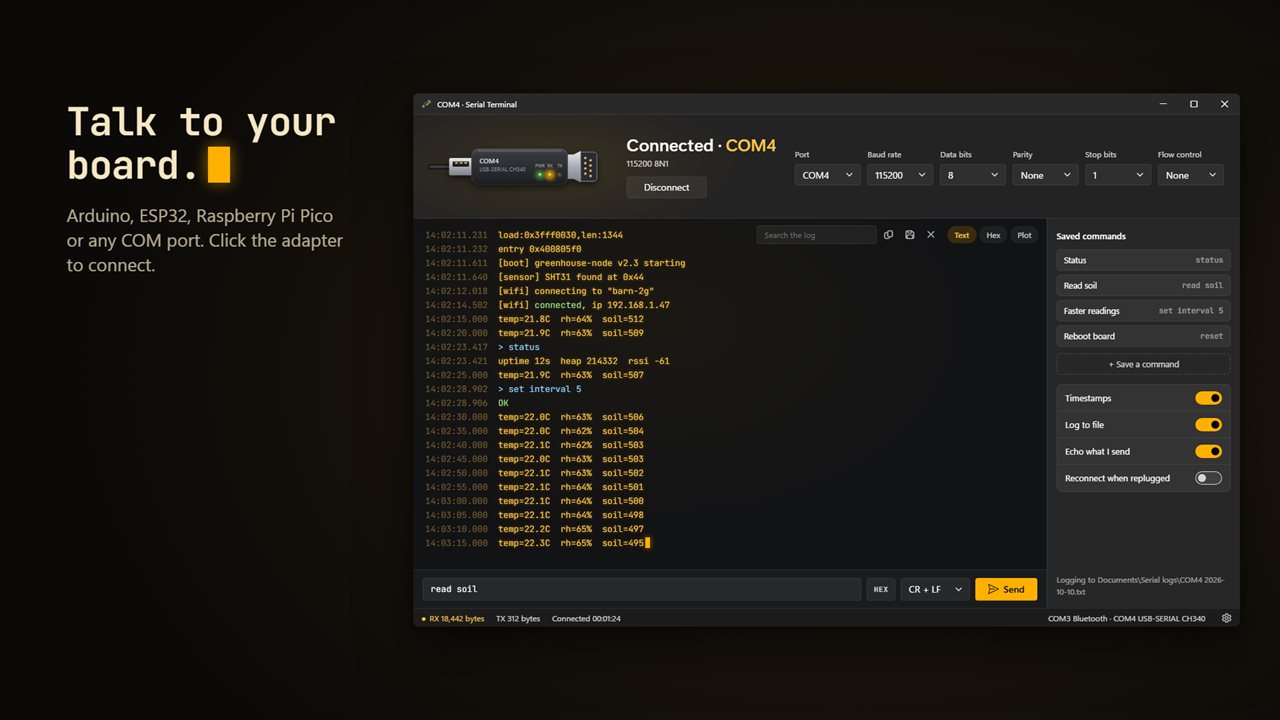
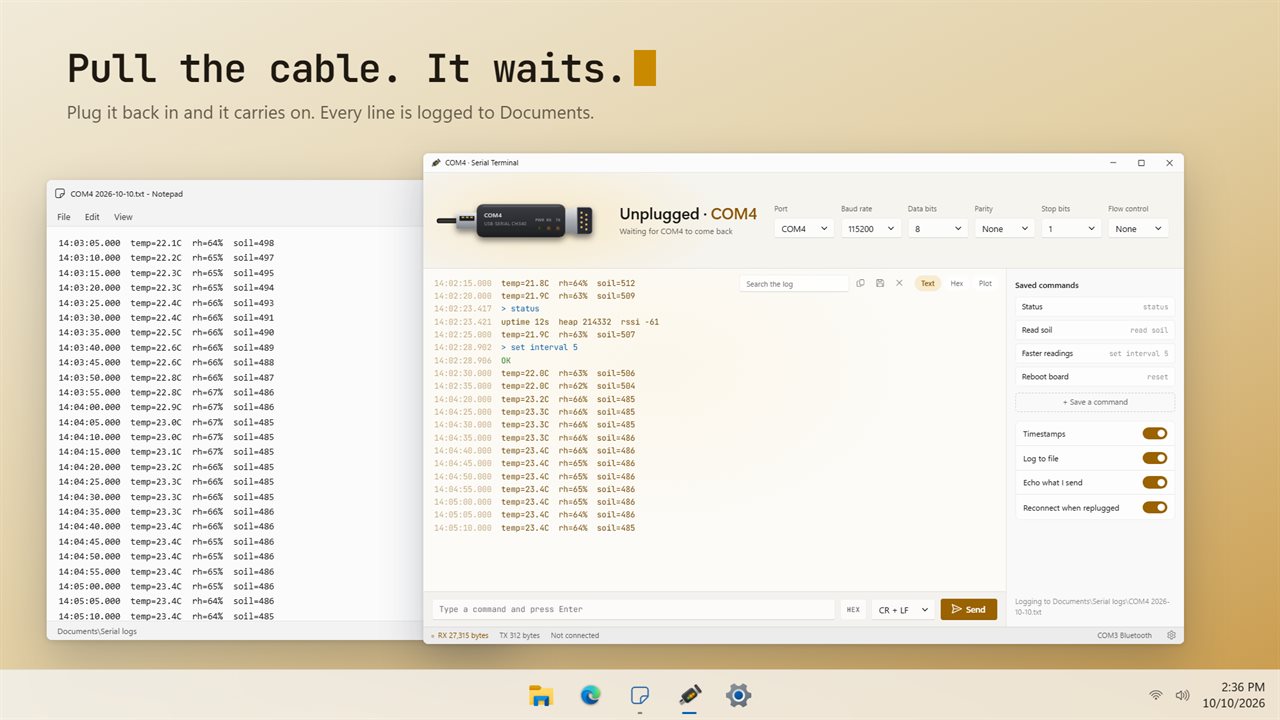
Ports are listed by the name Windows gives the adapter, such as USB-SERIAL CH340, with a tag for USB serial, Bluetooth or built-in ports, and the list refreshes as you plug devices in and out. Pick one, check the frame (115200 8N1 out of the box) and click Connect, or click the drawn adapter itself. Its RX and TX lamps flicker as bytes move, and the status bar counts RX and TX bytes and connection time.
No device handy? Open the sample session to try every view on a canned ESP32 boot log followed by sensor readings.
Text, hex and a live serial plotter
Three views read the same stream in different ways:
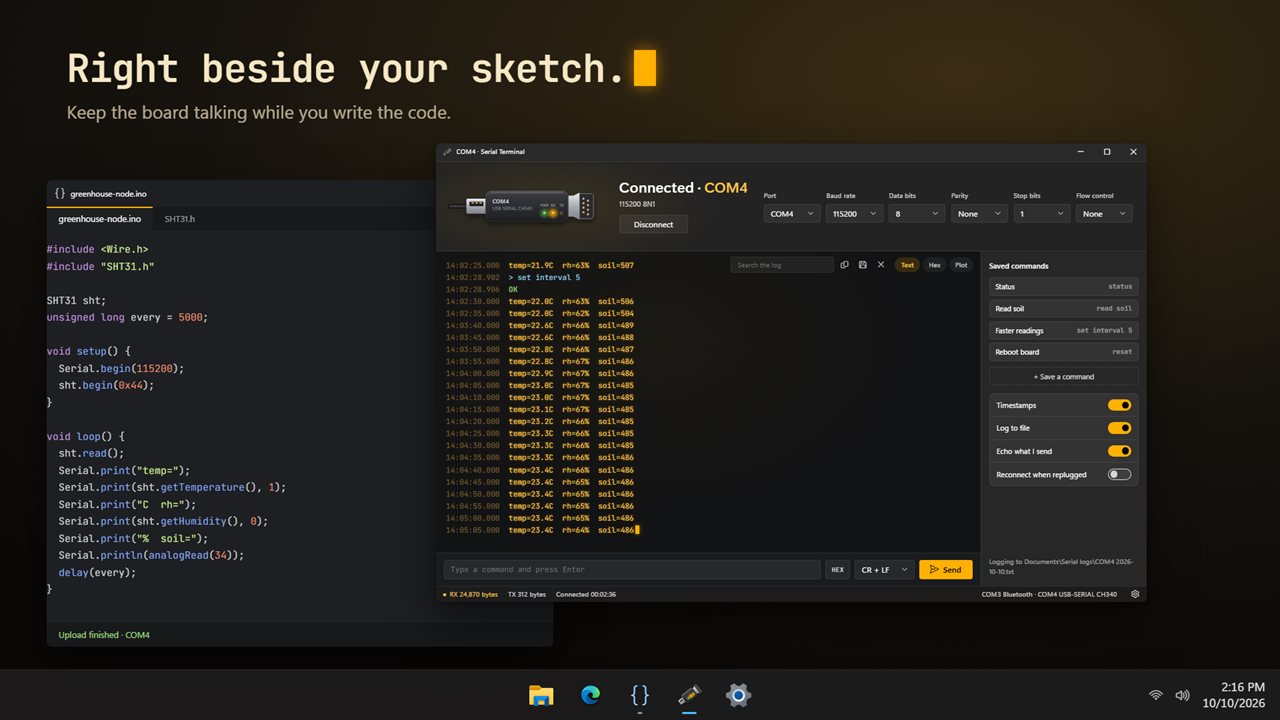
- Text: each line stamped to the millisecond. Words such as OK, connected, ready and success turn green; ERROR, failed, panic and Guru Meditation turn red, so a crash stands out among hundreds of readings. Ctrl+F searches the log.
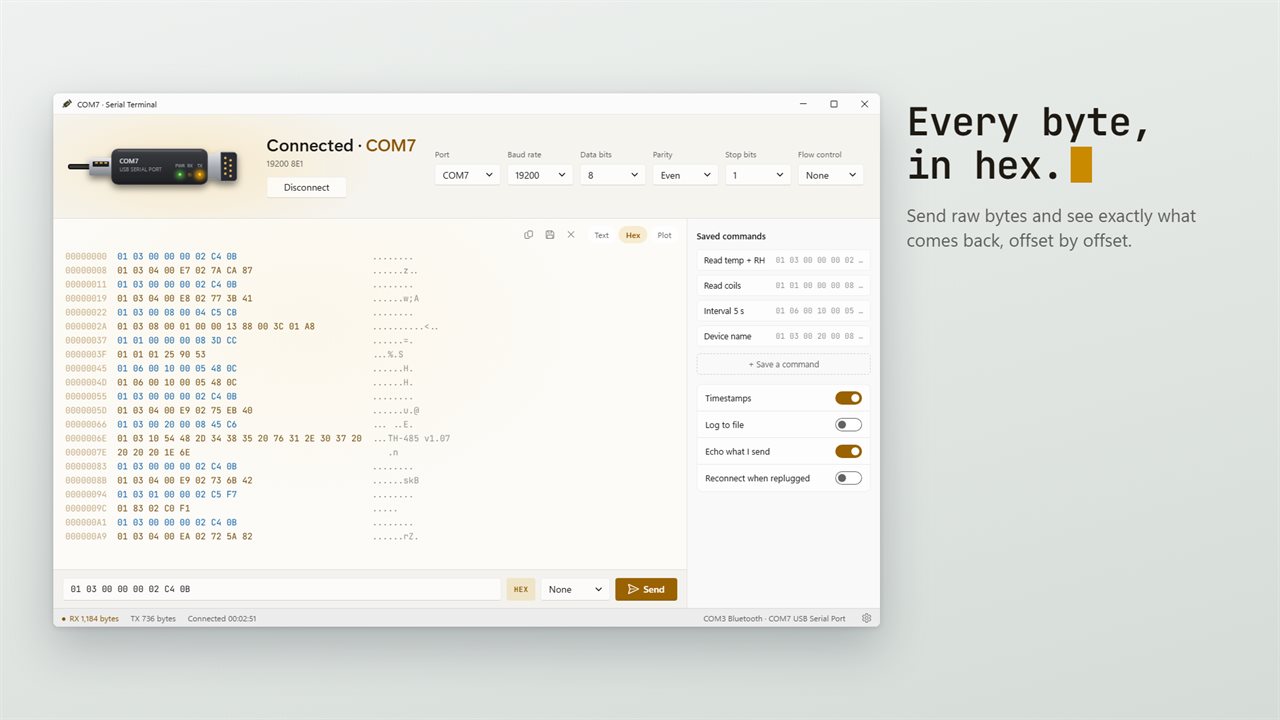
- Hex: offsets, byte values and printable ASCII in columns, with what you sent colored differently from what came back. Control characters show as visible symbols instead of vanishing.
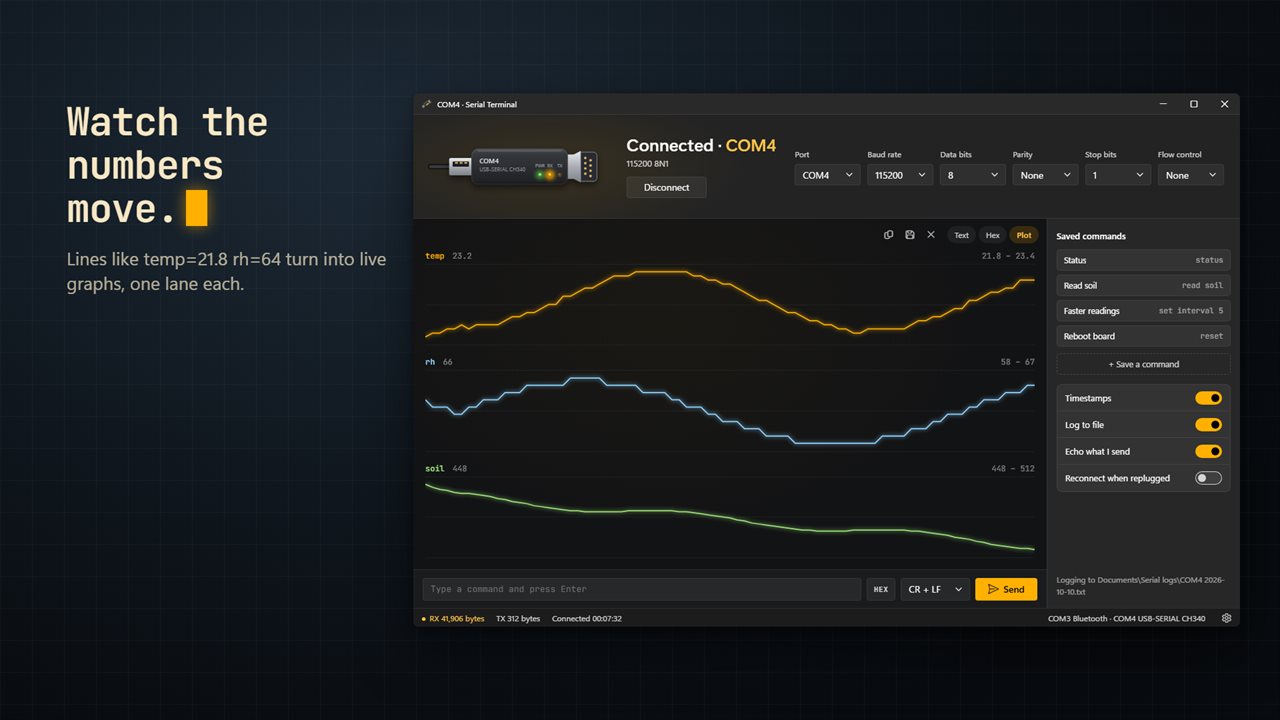
- Plot: a serial plotter that graphs numbers as they arrive. Print name=value pairs like temp=21.8 rh=64, or comma, space or semicolon separated numbers, and up to 8 series are drawn over the last 400 readings.
How to open a serial port without resetting your Arduino or ESP32
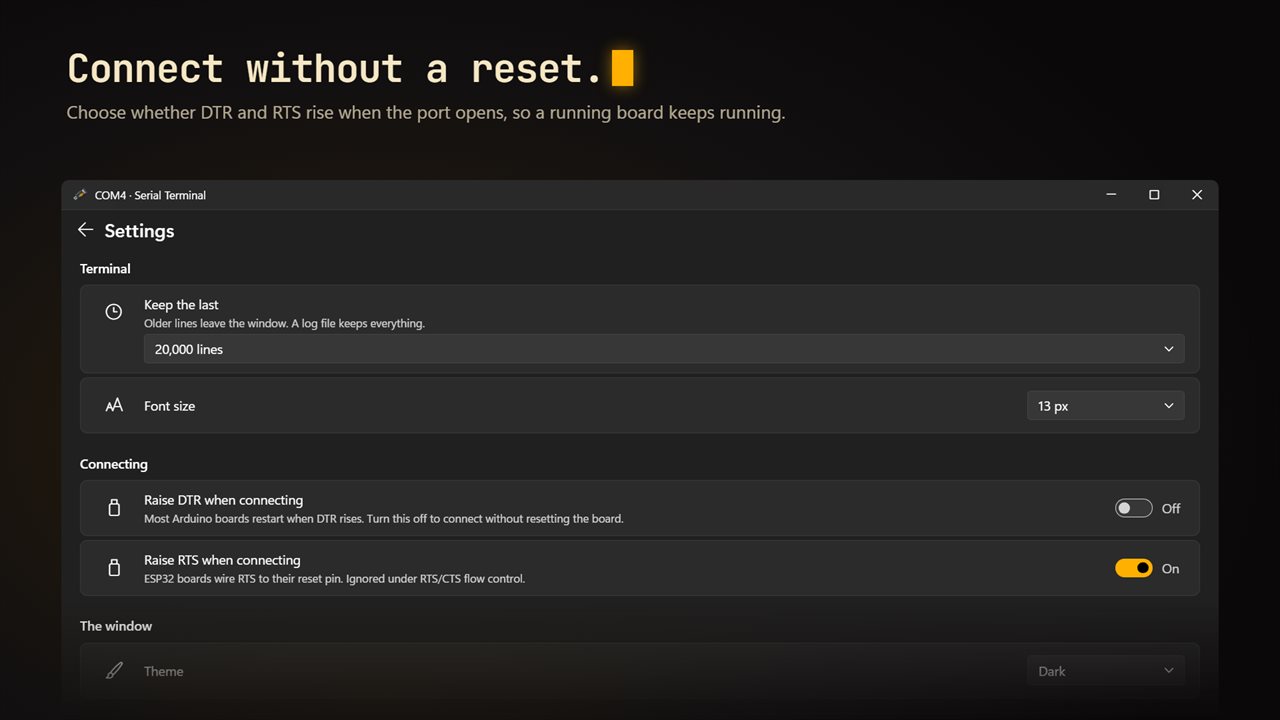
Opening a COM port normally raises the DTR and RTS lines. Most Arduino boards restart when DTR rises, and many ESP32 dev boards wire RTS to their reset pin, so simply connecting reboots a sketch that was already running and loses whatever it was doing.
In Settings under Connecting, turn off Raise DTR when connecting, Raise RTS when connecting, or both, then connect. The board carries on from where it was. Leave them on when you want a clean restart so you can watch the boot messages from the first line; 74880 is in the baud list for ESP8266 boot output.
Serial console settings for routers, switches and RS-232 devices
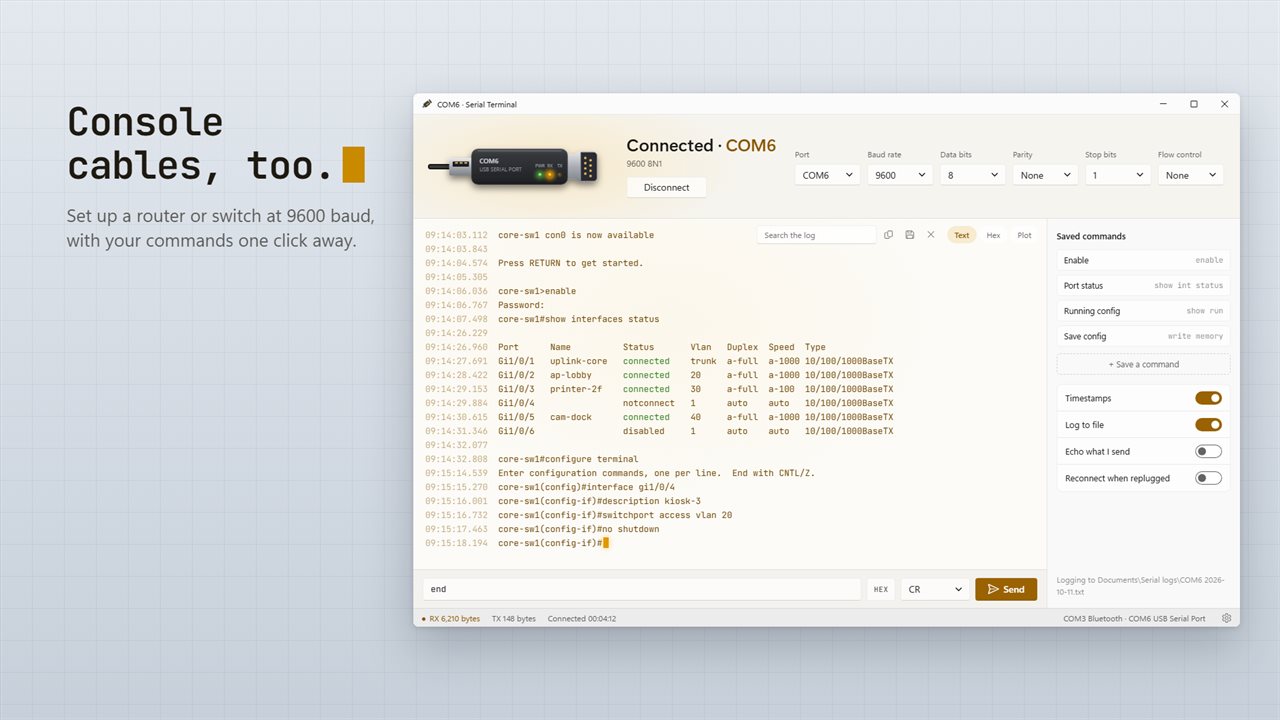
Every line parameter is a dropdown next to the port: Baud rate (18 values from 300 to 2,000,000), Data bits 5 to 8, Parity None, Odd or Even, Stop bits 1 or 2, and Flow control None, RTS/CTS or XON/XOFF. A console cable to network gear usually wants 9600 8N1 with no flow control.
Type in the send box and press Enter. Line ending offers None, LF, CR or CR + LF, the last being the default. Turn on Send bytes in hex to transmit raw values like 48 65 6C 6C 6F 0D 0A; an invalid token is pointed out before anything goes out. Up and Down step through what you sent earlier, and + Save a command stores a named command as a one-click button.
Logging serial data to a file
Switch on Log to file and every line is appended to a text file under Documents\Serial logs, named after the port and the date, for example COM4 2026-11-04.txt. Timestamps follow the Timestamps switch, and sent lines are marked so you can tell the two directions apart. The window itself keeps the last 5,000, 20,000 or 100,000 lines, set under Keep the last, while the file keeps everything. Copy the log or Save the log works at any moment.
With Reconnect when replugged on, yanking the USB cable shows Unplugged and the app waits; plug it back in and the session resumes with the same settings.