Why a plain self-signed certificate still shows a warning
A self-signed certificate is one that vouches for itself instead of being issued by a known authority. Browsers have no reason to believe it, so they stop at a full-page warning, often with the code NET::ERR_CERT_AUTHORITY_INVALID. Clicking through works for a minute, but service workers, secure cookies and some APIs still treat the page as untrusted.
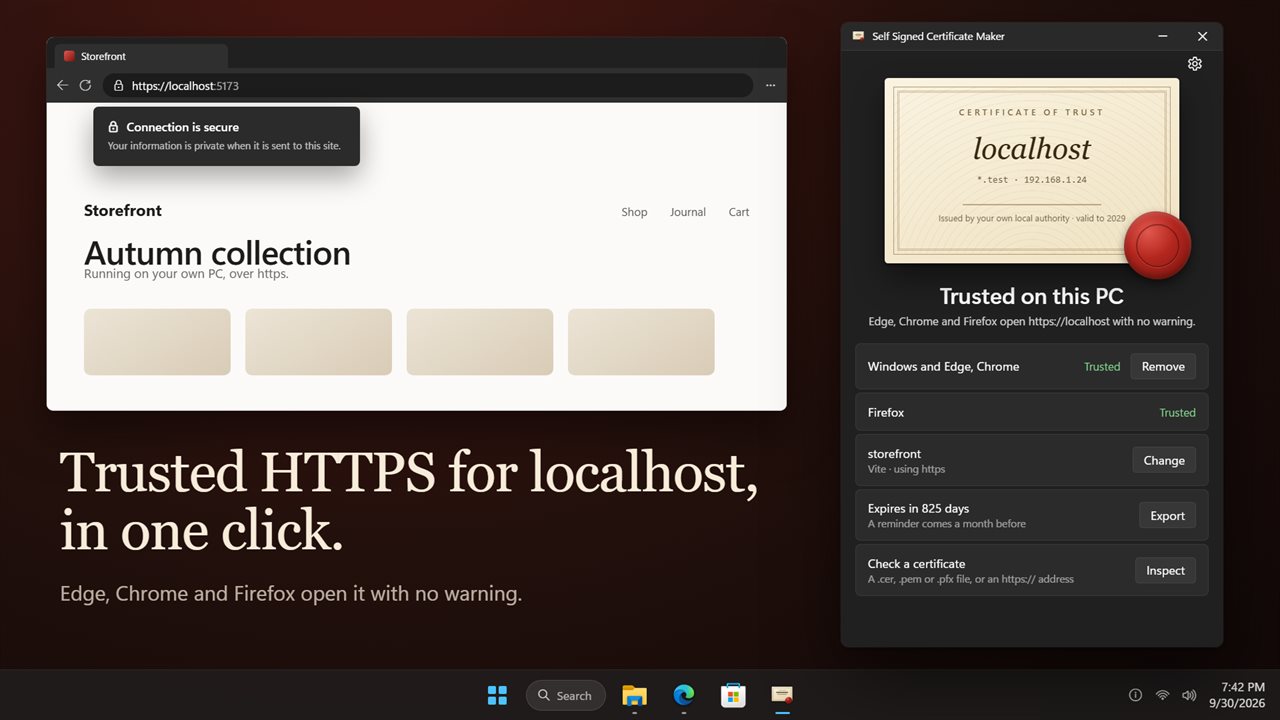
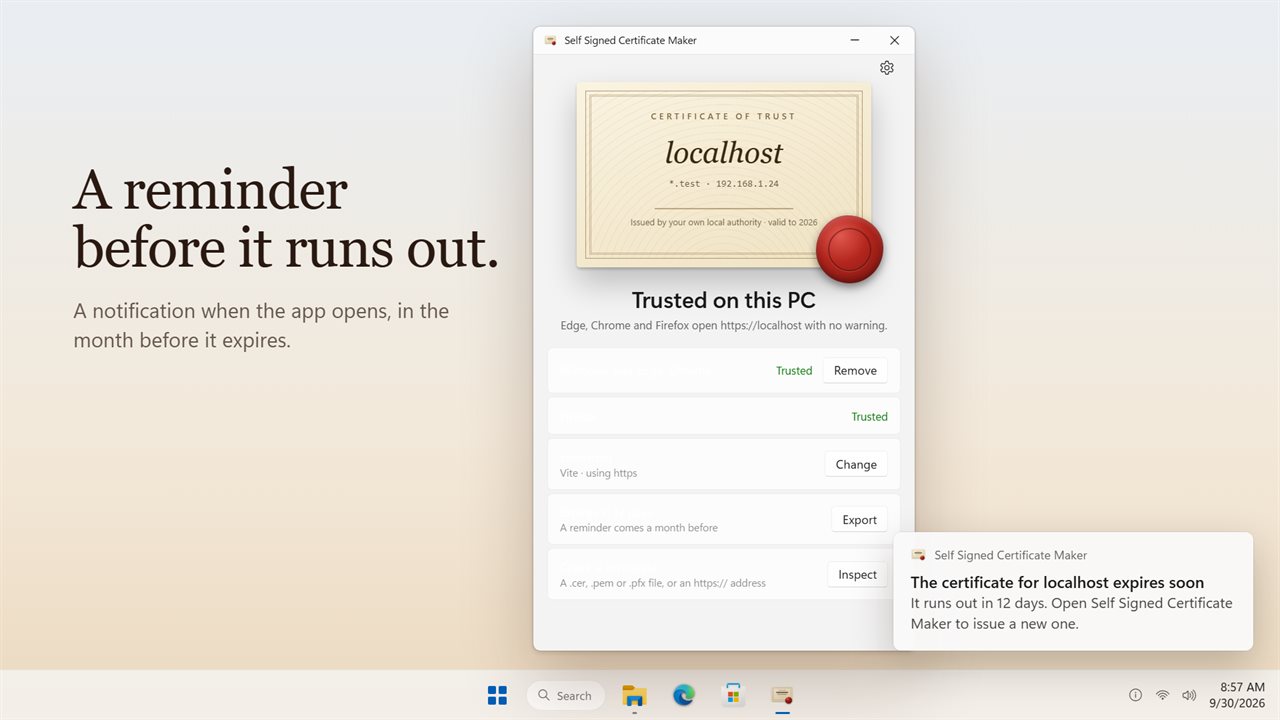
The reliable fix is a small certificate authority of your own. Windows is told to trust that authority once, and every certificate it issues for your dev hosts is then accepted like a real one. Self Signed Certificate Maker builds that setup for you. Press Trust localhost (or the wax seal itself), confirm the single Windows prompt, and the status turns to Trusted on this PC.
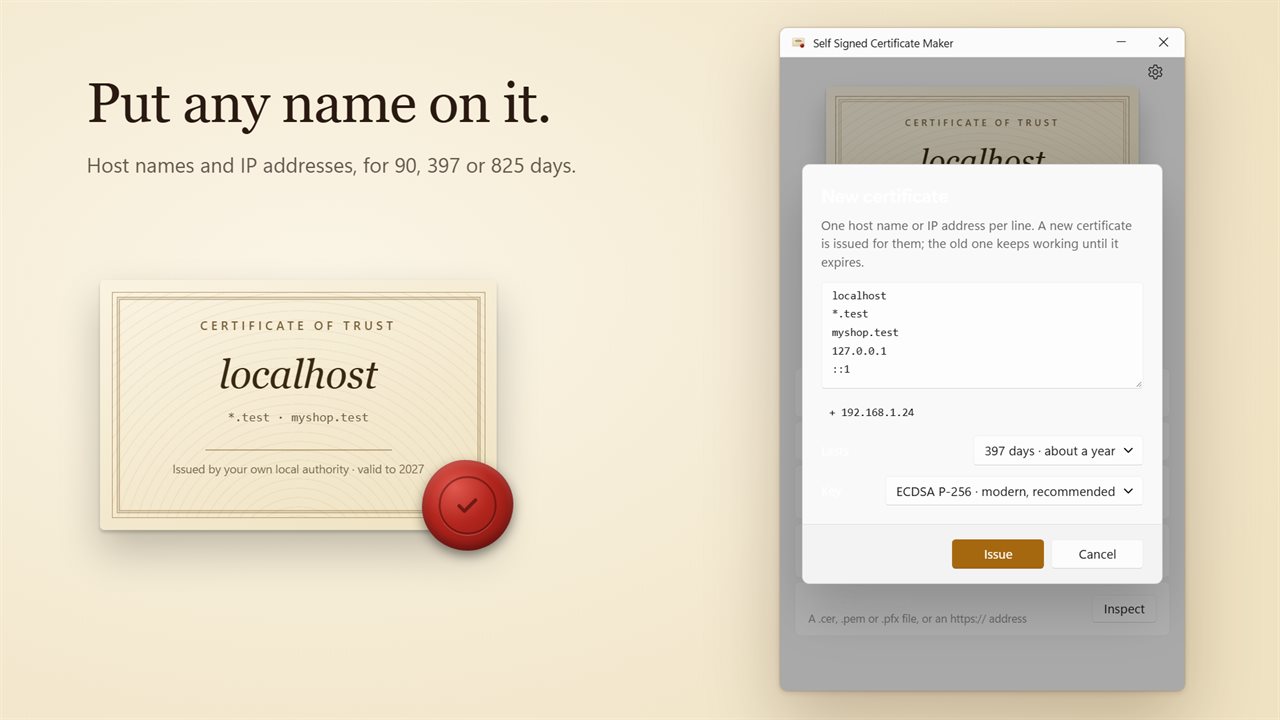
The first certificate names localhost, the *.test wildcard, both loopback addresses (IPv4 and IPv6) and the LAN addresses of the machine as Subject Alternative Names, which is the field browsers check rather than the old common name.
How to create a self-signed certificate on Windows for your own names
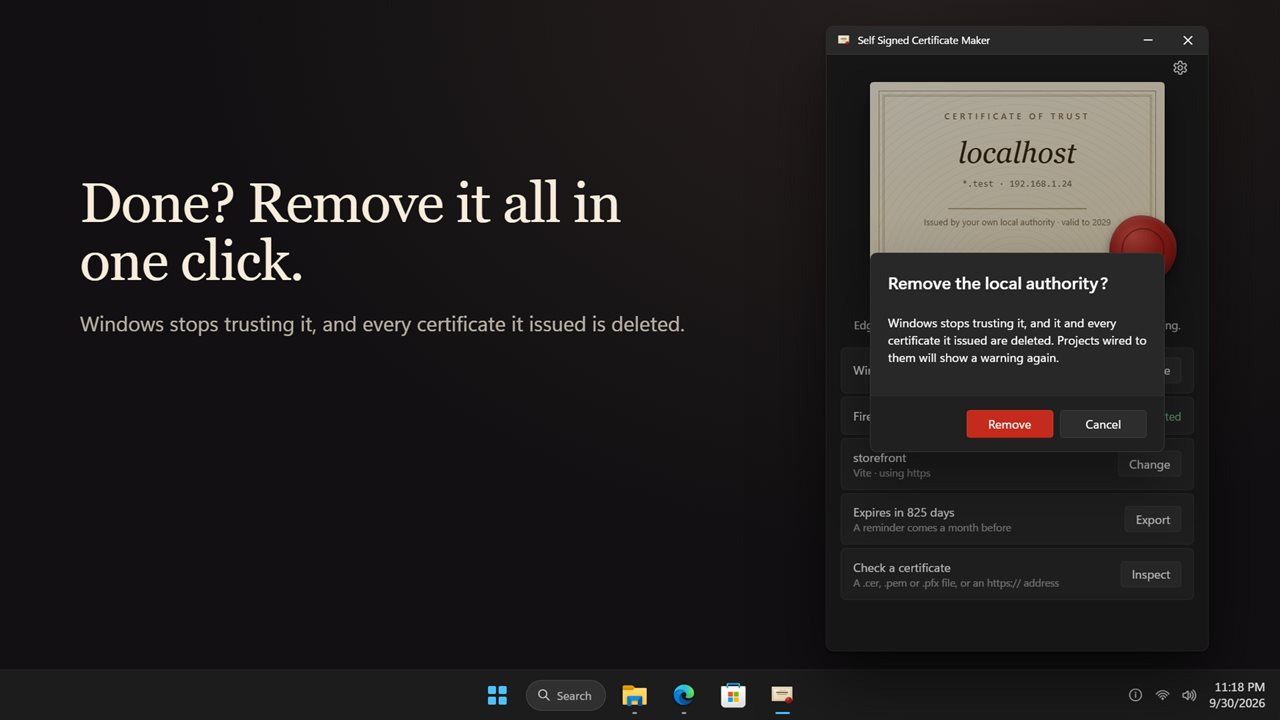
The local authority behind these is valid for ten years, so you only go through the Windows trust prompt again if you remove it.
- Click the certificate to open New certificate.
- Enter one host name or IP per line, or accept the PC addresses the app suggests.
- Under Lasts, choose a lifetime: 825 days, 397 days or 90 days.
- Leave the key on ECDSA P-256, or switch to RSA 2048 when an older client cannot handle elliptic-curve keys.
- Press Issue. The previous certificate keeps working until its own expiry date.
Set up HTTPS localhost in your dev project
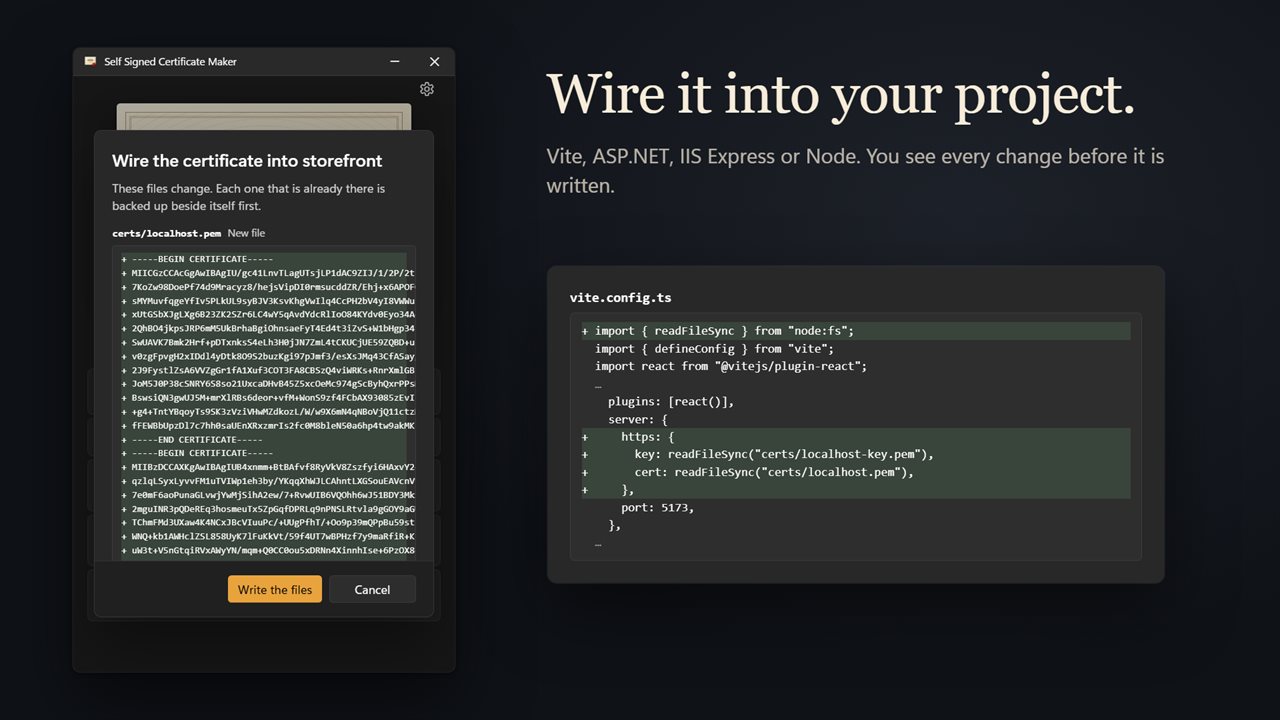
Under Your project, choose the project folder. The app recognizes Node, IIS Express, ASP.NET and Vite projects and lists the files it intends to change before it touches anything. For Vite it adds an https block to vite.config; for ASP.NET it adds a Kestrel certificate entry to appsettings.json. Every file it overwrites is first copied beside itself as a .bak, and certs/ is appended to an existing .gitignore, which keeps the key file out of commits.
Node and IIS Express projects get the certificate files plus the exact lines to paste, each with a Copy button. Press Write the files to apply.
Export to PFX or PEM, and inspect certificates
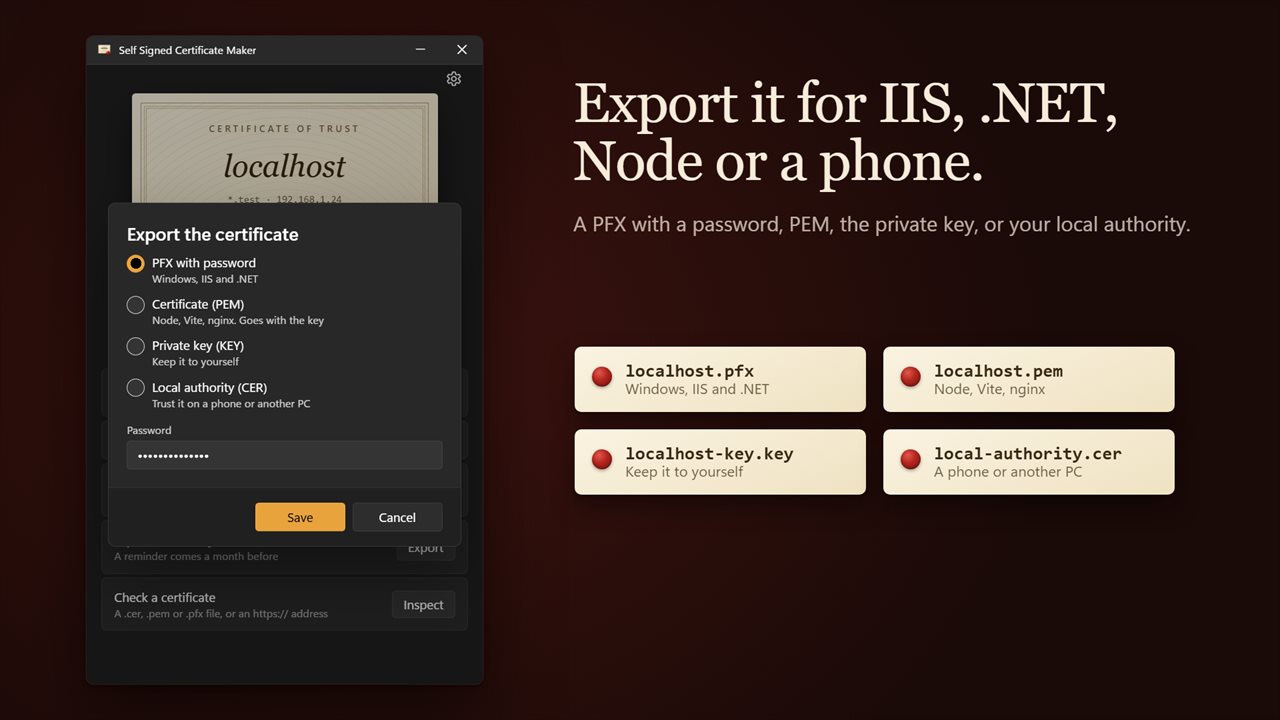
Export offers four outputs: PFX with password for .NET apps and IIS sites; Certificate (PEM) and Private key (KEY) as the pair Node, Vite and nginx expect; and Local authority (CER) to install on a phone or a second PC so they trust your dev server too.
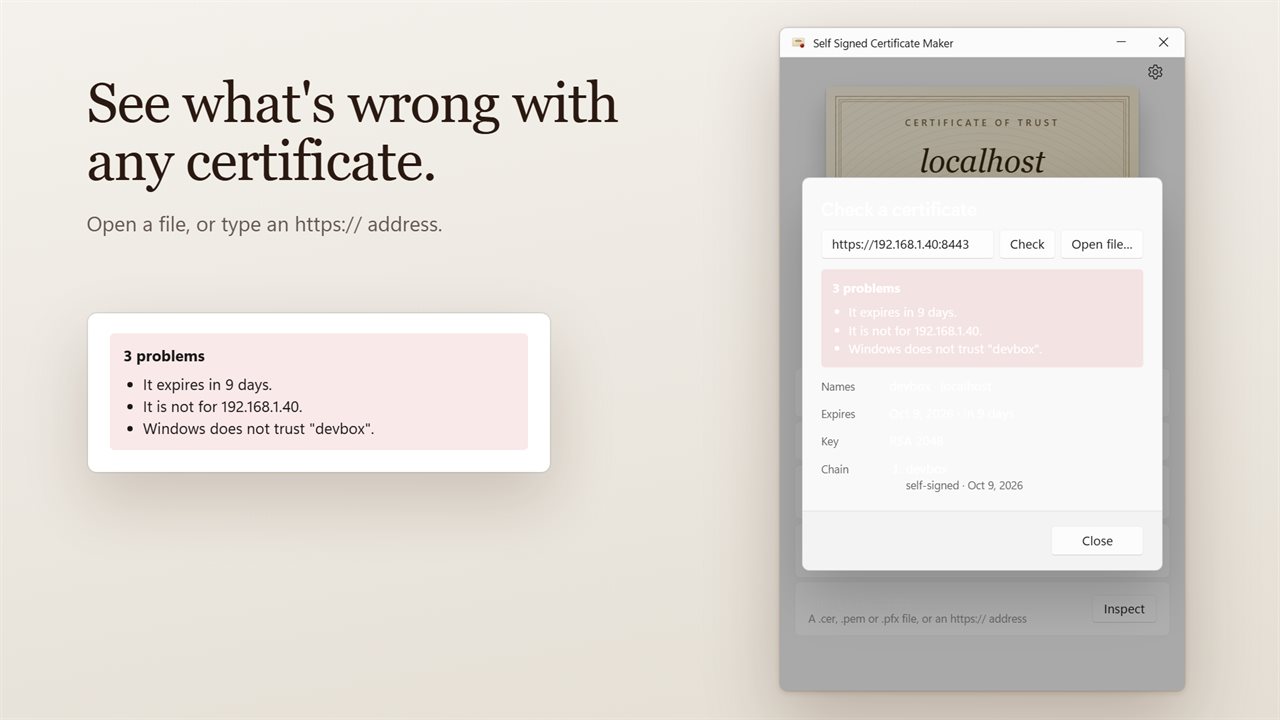
Check a certificate, then Inspect, works on any .cer, .crt, .pem, .der, .pfx or .p12 file, or on a live https:// address. It reports the names, expiry, key type and chain, and flags problems such as an expired or soon-to-expire certificate, a name mismatch, a chain out of order, or an issuer Windows does not trust. That makes it a quick SSL certificate checker for staging servers as well as your own.