An HTML editor that shows the page while you write it
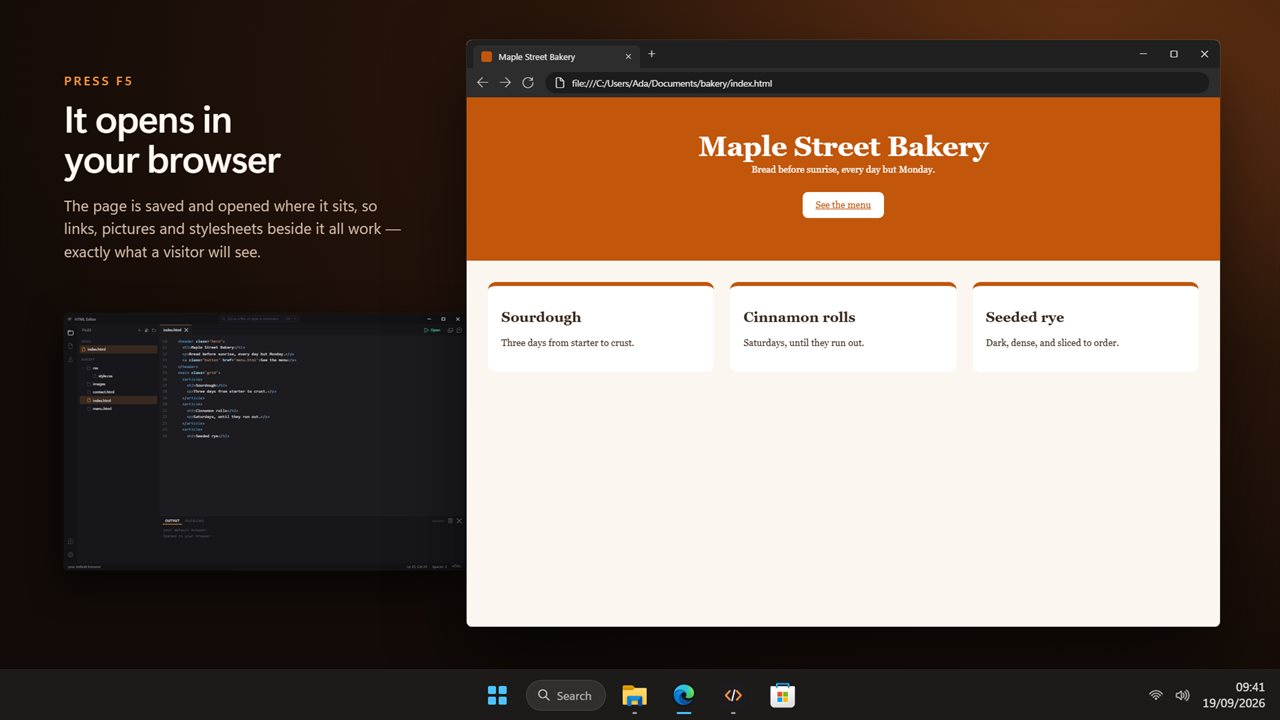
The classic way to learn web pages is a plain text file, a browser window, and a lot of switching between them to press refresh. HTML Editor joins the two. Your code sits on the left and a live preview on the right rebuilds the page a moment after you stop typing, keeping your scroll position so you do not lose your place on a long page.
The preview is a real page, not a sketch of one. Scripts inside it run, forms and alert boxes work, and once the file is saved it loads images, stylesheets and script files from the same folder, so relative links behave the way they will when the site goes online.
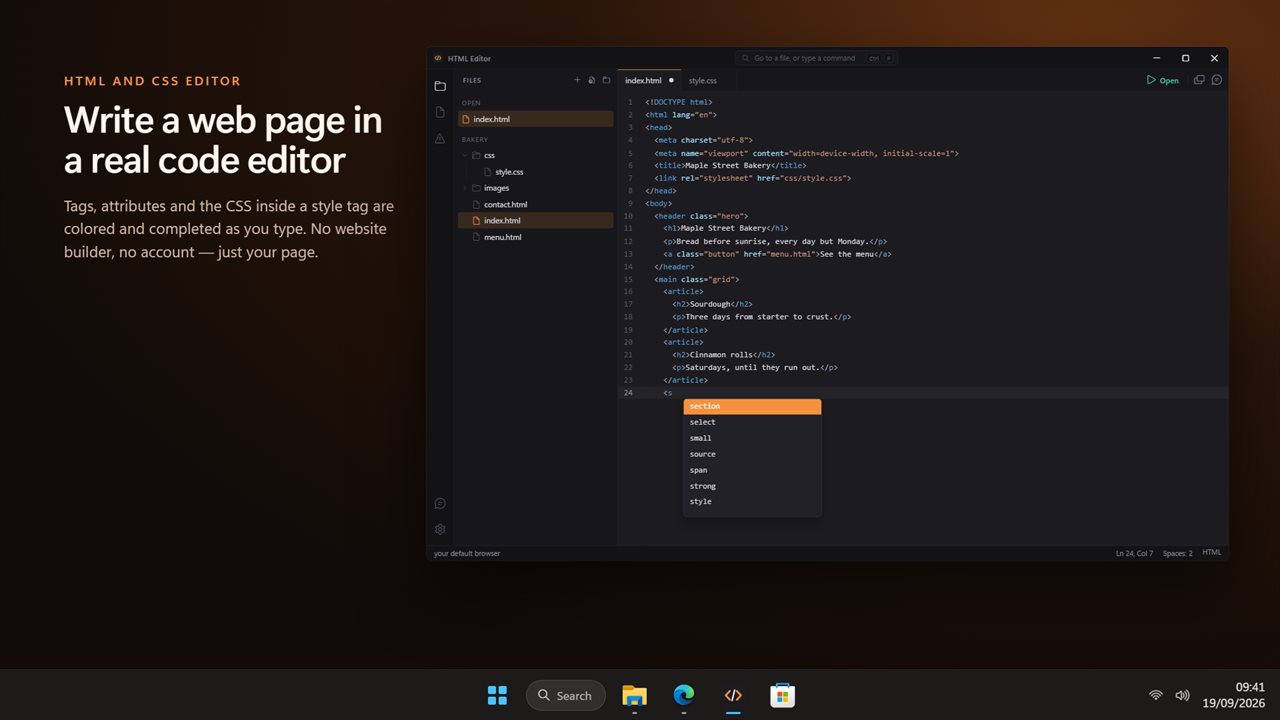
It is a code editor rather than a drag-and-drop website builder. You write the markup yourself, which is exactly why it suits anyone learning HTML, and the tools below make that faster without hiding the code.
Preview HTML at phone, tablet and desktop sizes
The Screen size buttons above the preview switch between Desktop, Tablet and Phone. Tablet draws the page at 820 by 1180 pixels and Phone at 390 by 844, scaled to fit the panel, so you can see a menu wrap or an image overflow without owning the device.
To find the code behind something you see, turn on Click something in the page to find its code, or hold Ctrl and click inside the preview. The editor jumps straight to the element's line, which beats scrolling through a long file looking for the right div.
HTML templates for real pages, ready to edit
Eight complete pages wait on the start screen. Each is self-contained: pictures are drawn with CSS gradients and inline SVG, so a template looks right the moment it opens, with no image files to collect first.
- Portfolio: a one-page site for a designer or photographer
- Landing page: a product pitch with features and a sign-up button
- Restaurant menu: sections, prices and opening hours
- Link in bio: a single page of links for a social profile
- Résumé: a two-column CV laid out to print well
- Event invitation: a wedding or party invite with a live countdown
- Blog post: a long read with a cover, pull quote and byline
- Small business: services, prices and opening hours for a shop
A CSS color picker and number scrubbing in the code
Every color written in your CSS, whether hex, rgb(), hsl() or a name like tomato, gets a small swatch beside it. Clicking it opens a picker, and as you drag the preview recolors live. Numbers work the same way: hold Alt and drag a font size, a margin or a width to change it and watch the layout respond.
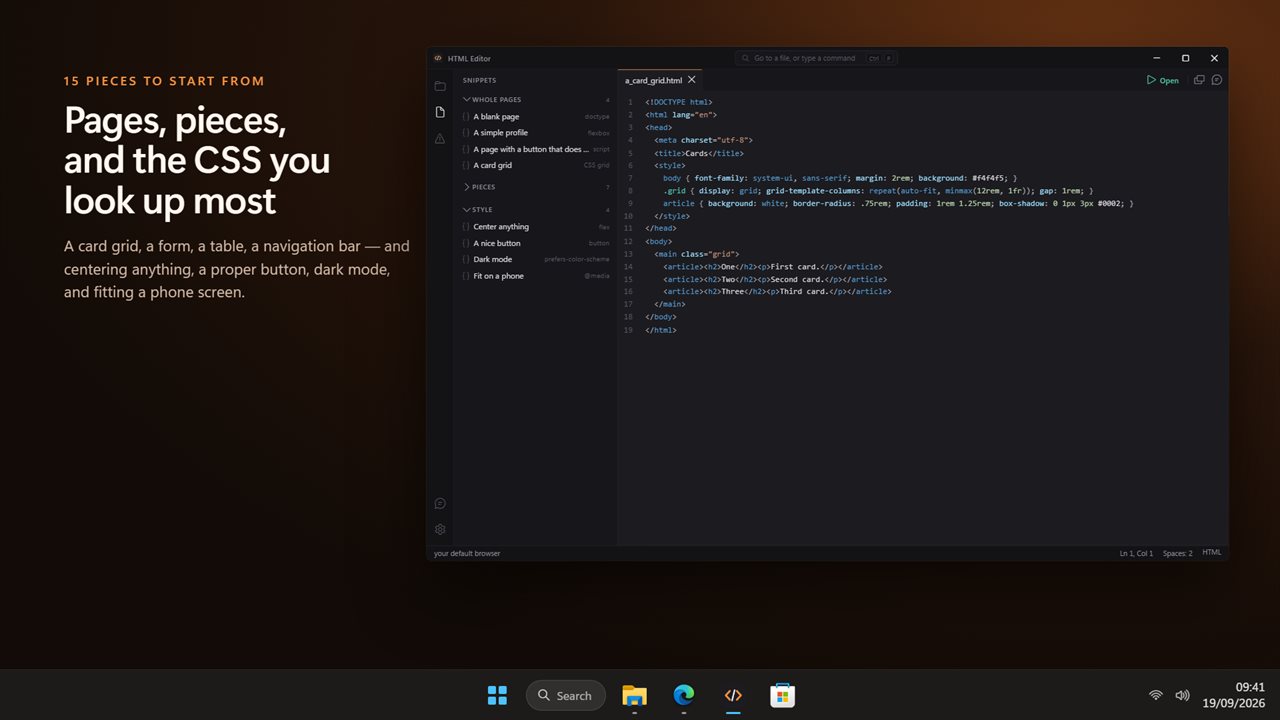
There are fifteen ready-made pieces for the things people search for most. Four whole pages, from a blank page to a card grid. Seven building blocks: a link, an image, a list, a table, a form, a navigation bar and an embedded YouTube video. Four style recipes: centering anything, a nicer button, dark mode, and fitting a phone screen.