How many days between dates, and how many of them you actually work
Most people who search for the days between dates want one of two numbers: the calendar span, or the number of days someone will be at work. Date Math gives you both from the same two picks, with no form to submit and no button to press.
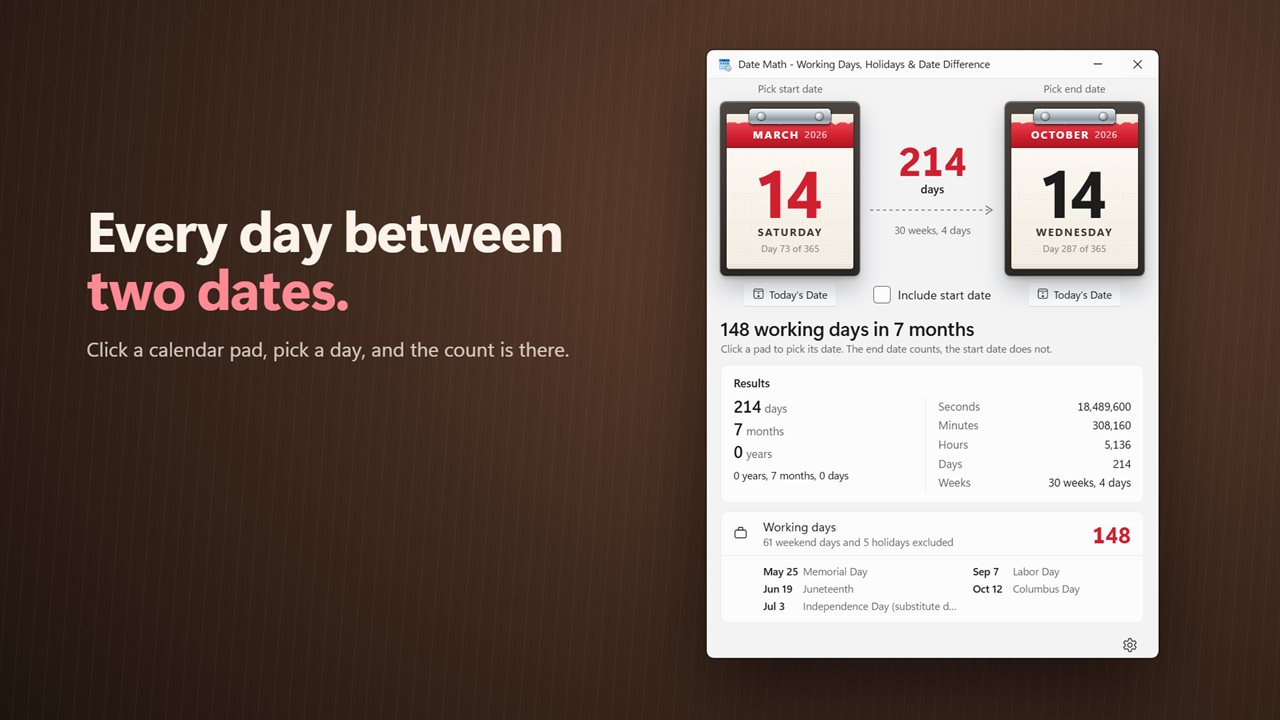
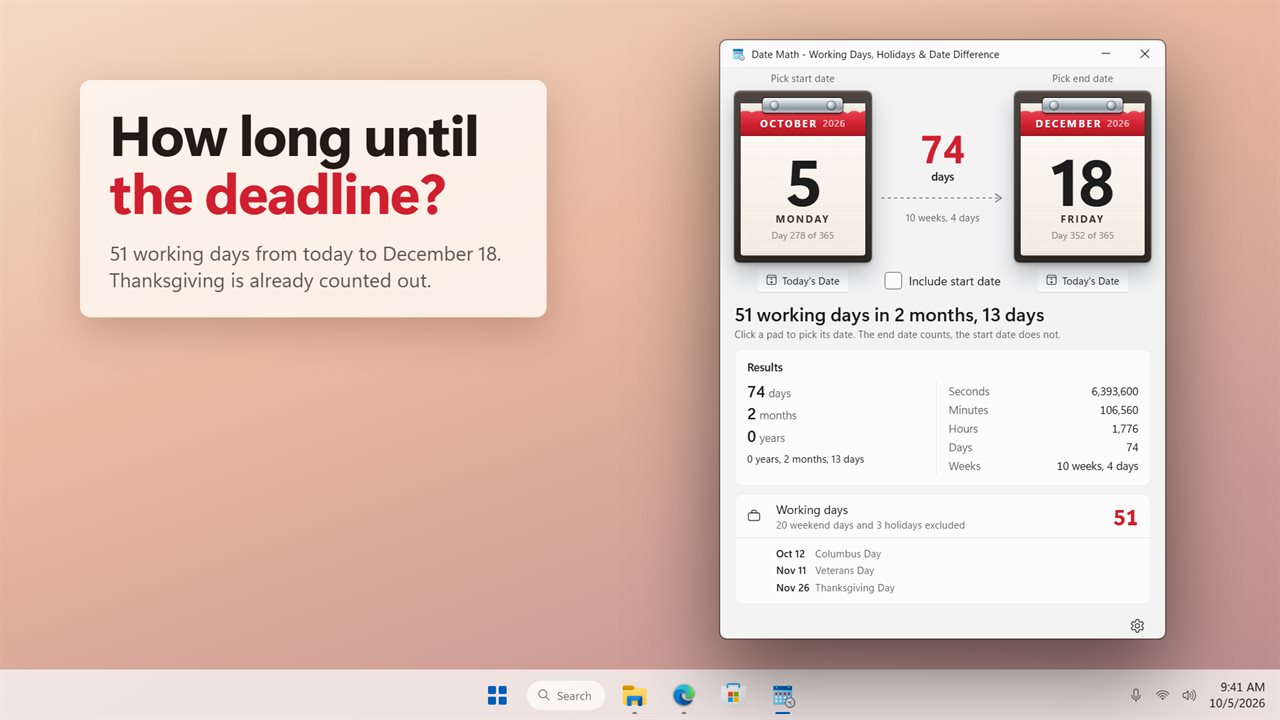
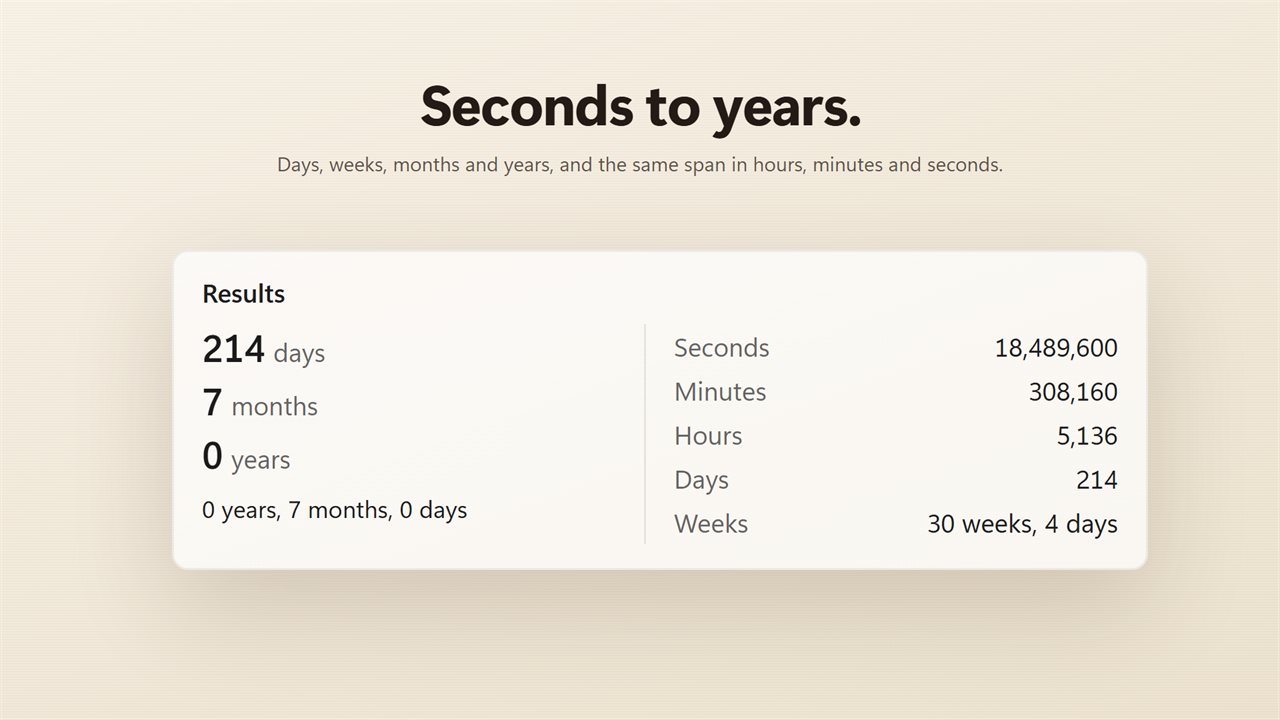
Choose a start day on the left calendar pad and an end day on the right one. The total appears between them straight away, split into weeks and days. Below it you get the span as plain days, months and years, as one combined figure such as 2 years, 3 months, 11 days, and as seconds, minutes, hours and weeks.
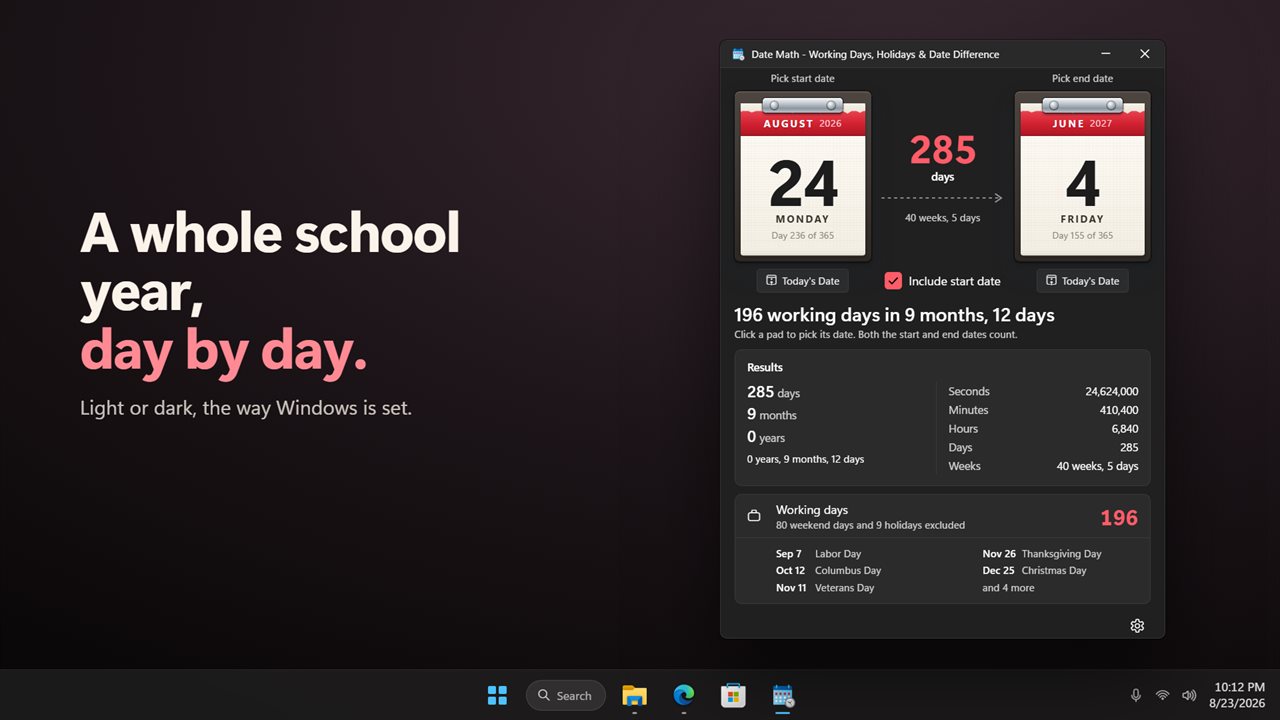
The headline then answers the second question in a sentence, for example 61 working days in 3 months, and the line under it says exactly what was removed: so many weekend days, so many holidays and so many of your own days off.
A working days calculator that knows your public holidays
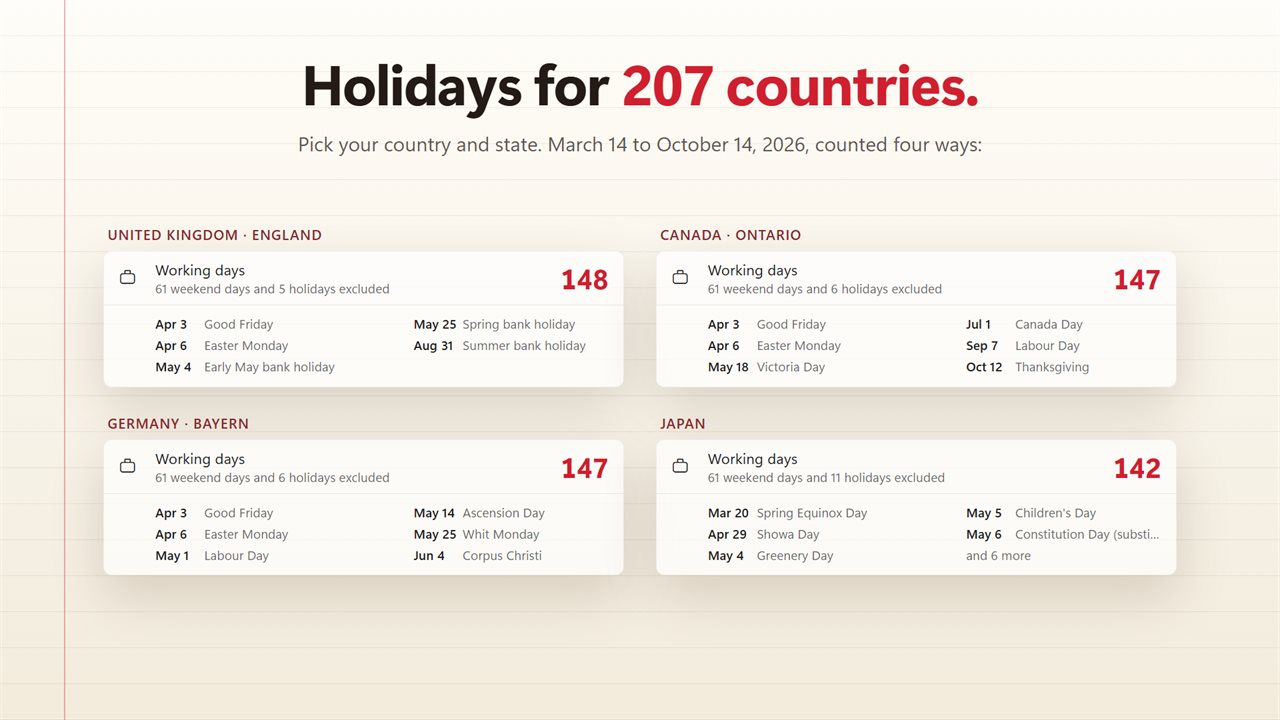
A business days calculator is only as good as its holiday table. Plenty of web calculators assume one country's holidays, or leave you to type the list yourself. Date Math carries public and bank holidays for 207 countries, and for many of them you can add a state or region so local holidays count as well.
Substitute days are handled too. When a holiday lands on a Saturday or Sunday and the day off moves to the Friday or Monday, it is the moved day that comes out of the count, which is the number a payroll or project schedule needs.
Each excluded day is listed by date and name under the result, so you can check the figure instead of trusting it. A long range shows the first five and how many more there are.
How to count business days between two dates
Four steps, and the last one only needs doing once:
- Click the start pad and pick a day, or press Today's Date under it.
- Click the end pad and pick the second day.
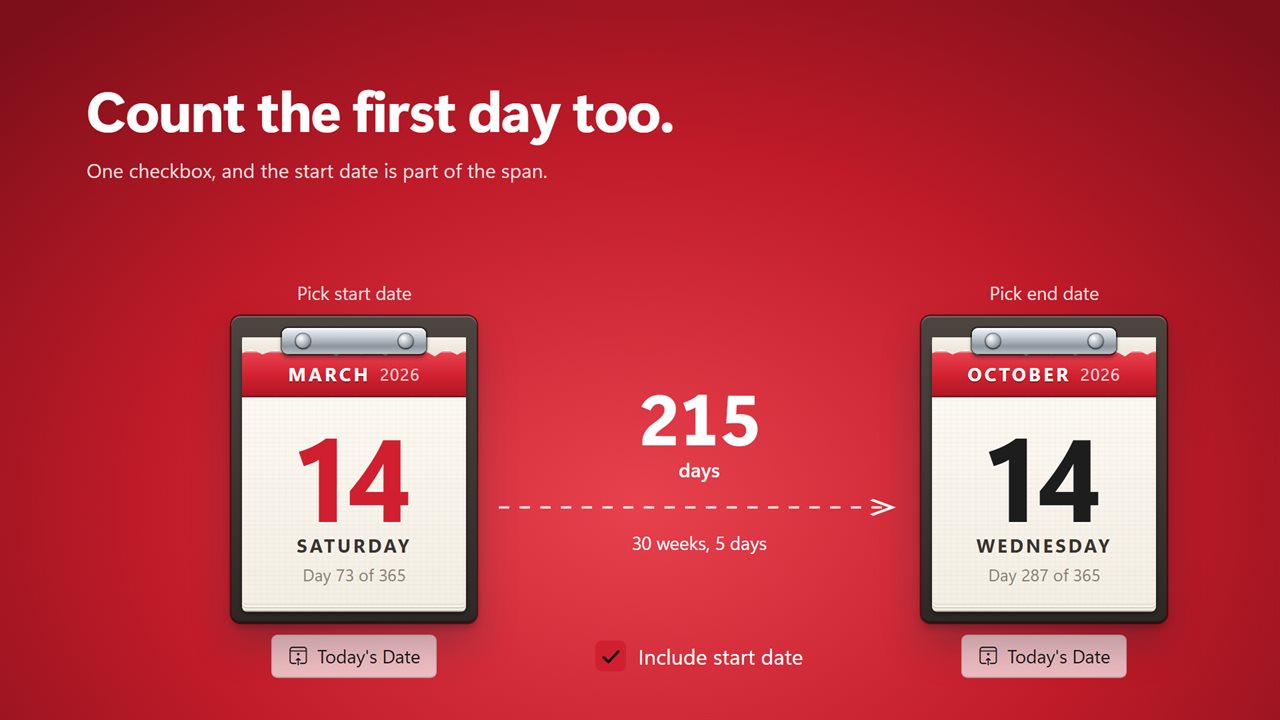
- Tick Include start date if the first day should count, such as the first day of a leave or a contract.
- Open Settings, choose your Country and, if offered, a State or region. Turn Exclude public holidays off to count plain weekdays.
Weeks and months between dates, counted forward or back
Pick an end date earlier than the start and Date Math counts backward rather than throwing an error, with the arrow between the pads turned around to show it. That is handy for working out how long ago something happened.
With a pad selected, the Up and Down arrow keys move its date one day at a time, so you can step through a deadline and watch the working day total change. Both dates and the Include start date choice are remembered, so the range you were checking is still there next time.