Why use a black screen app instead of turning the monitor off
There are moments when the screen has to go blank right now: a manager appears at your shoulder, a colleague leans over during a call, or the kids come in while you are reading the news. Turning the monitor off takes a reach and a button, Windows+D still leaves your desktop and taskbar in view, and closing apps loses your place. A black screen app does the one thing you need, which is to cover what is visible without touching what is running.
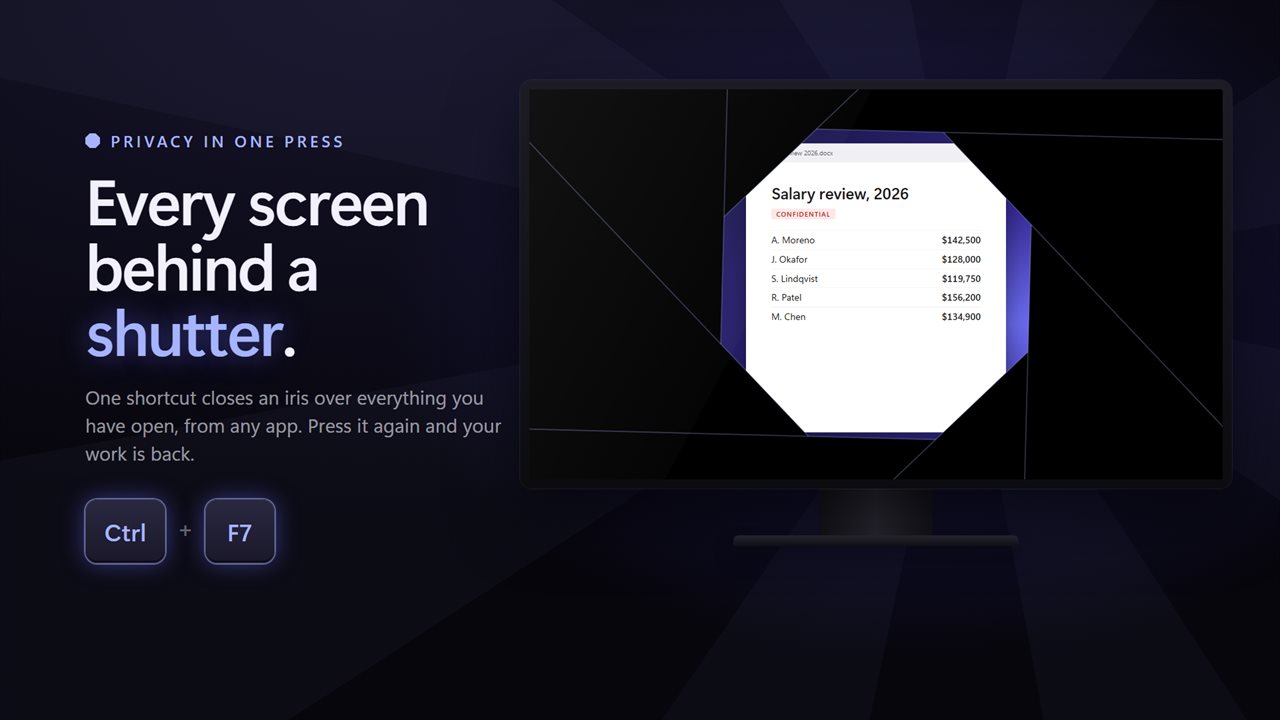
Quick Screen Privacy Blackout puts a full-screen cover over your displays the instant you press Ctrl+F7, from any program. The video keeps playing, the download keeps going, the document stays exactly where you left it. Press a key or click, and it is all back.
While the cover is up, keystrokes are swallowed, so nobody can type into the chat or email that sits underneath. It is a privacy shutter, not a lock screen. When you want a password between you and the next person, Windows+L is still the right key.
Black out the screen with a shortcut
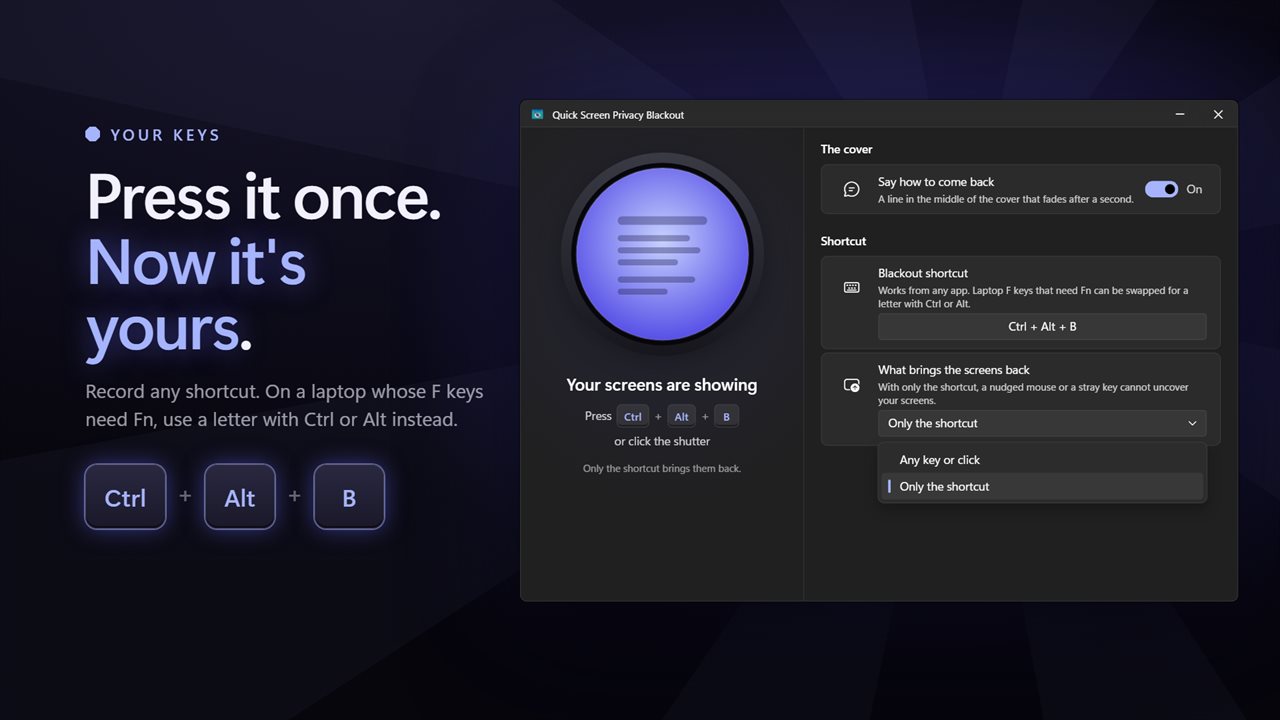
Ctrl+F7 is the starting shortcut. If your laptop needs Fn for the function keys, open the window and record another under Blackout shortcut; a letter with Ctrl or Alt works too. You can also click the shutter in the main window, or choose Blackout now from the notification area icon.
Under What brings the screens back, Any key or click is the quick option. Only the shortcut is the careful one, so a bumped mouse, a sneeze on the keyboard or a cat walking across the desk does nothing. Say how to come back adds a short reminder on the cover that fades after a second.
A solid black screen, a dimmed view, or a fake update screen
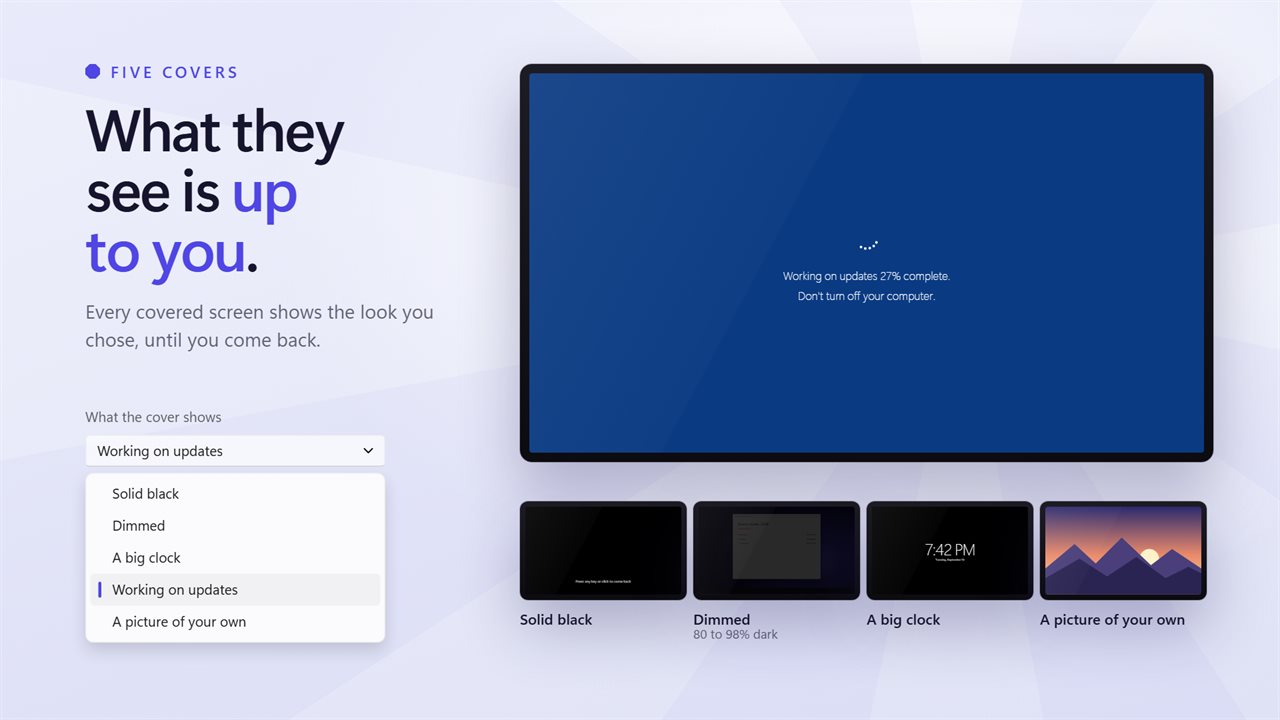
What the cover shows is up to you. The default, Solid black, gives nothing away. Dimmed lays a dark veil over your windows at 80 to 98 percent, enough to stop someone reading across a room while you can still see that a long task is moving. A big clock turns the monitor into a desk clock while you are on a break.
Working on updates shows a Windows-style update message reading Don't turn off your computer, which makes passers-by assume the PC is busy and leave it alone. A picture of your own takes a PNG, JPG, GIF, BMP or WebP file up to 40 MB, such as a company logo or a family photo.
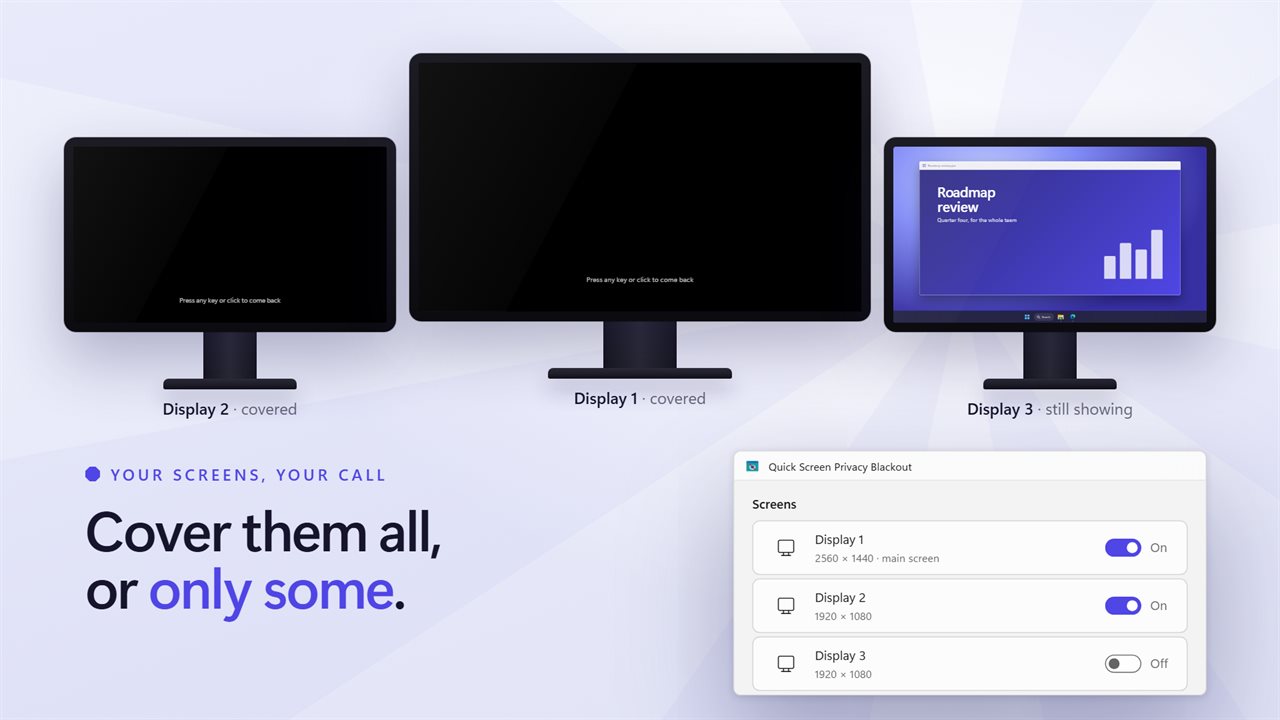
Black out one monitor, or all of them
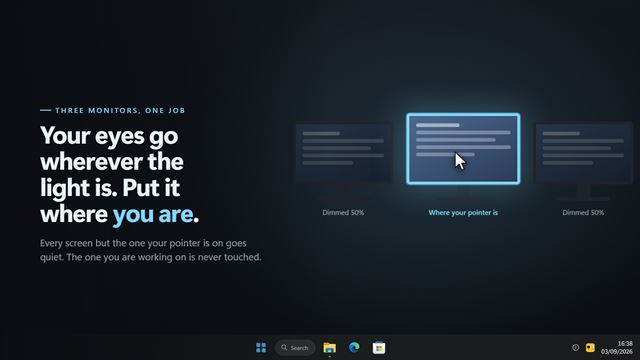
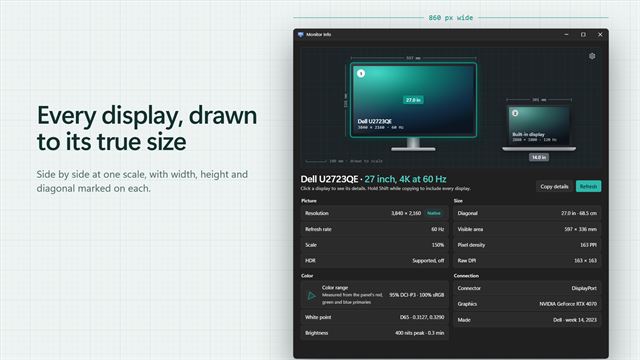
On a desk with two or three displays, the Screens setting lists each one as Display 1, Display 2 and so on, with its resolution, so you can cover only the one facing the door and keep working on the other. A PC with a single monitor simply covers its only screen.
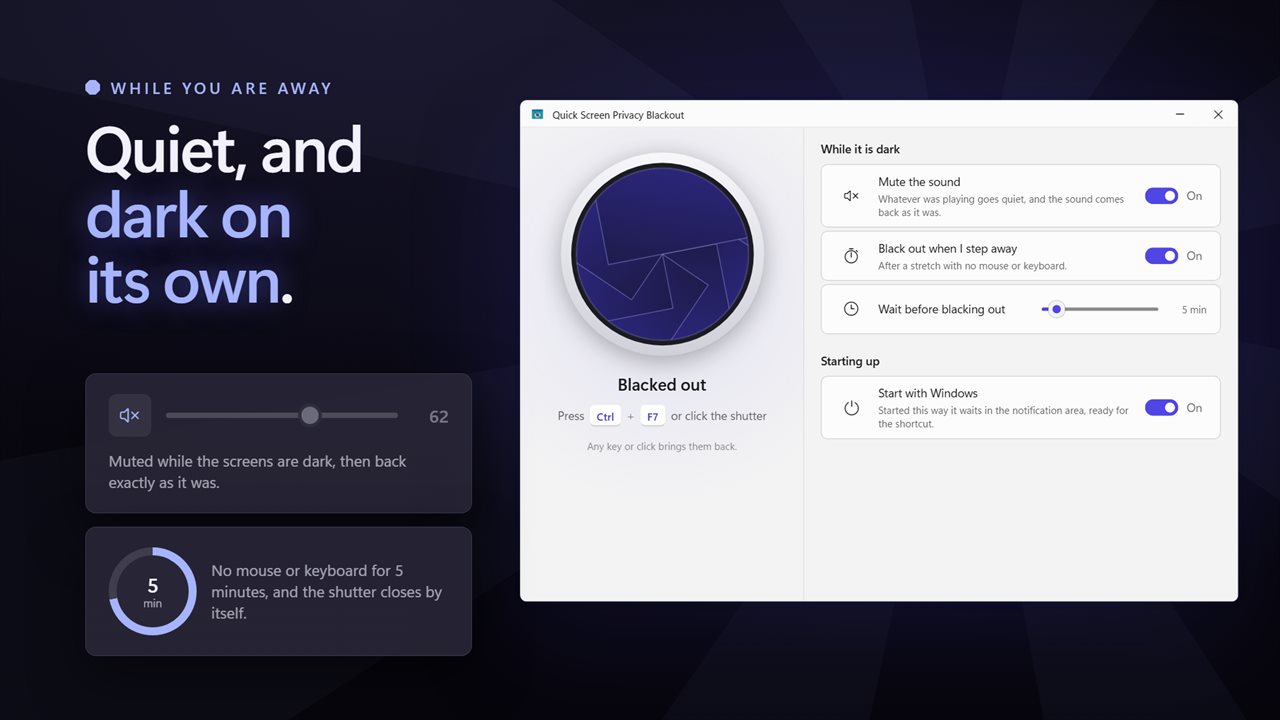
Two more options cover the situations people forget. Mute the sound silences the default speakers while the cover is up and restores the volume as it was afterwards, so an already muted PC stays muted. Black out when I step away covers the screens by itself after a wait you set, from 1 minute up to an hour, with no mouse or keyboard input, five minutes to begin with.