A flip clock for Windows that stays on the desktop
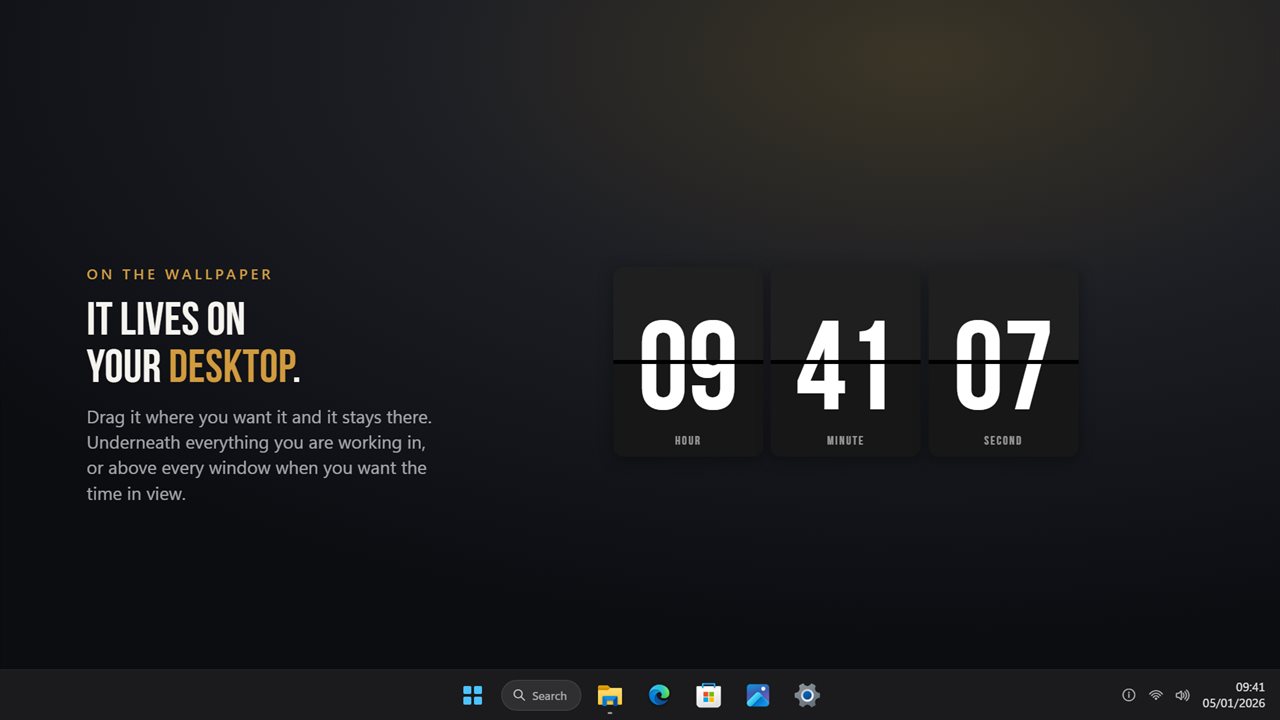
Most flip clock options for Windows are screensavers: the time only appears once you stop using the PC. Flip Clock works the other way around. It is a widget that sits on the desktop all day, below the windows you have open, so a glance past your work tells you the time.
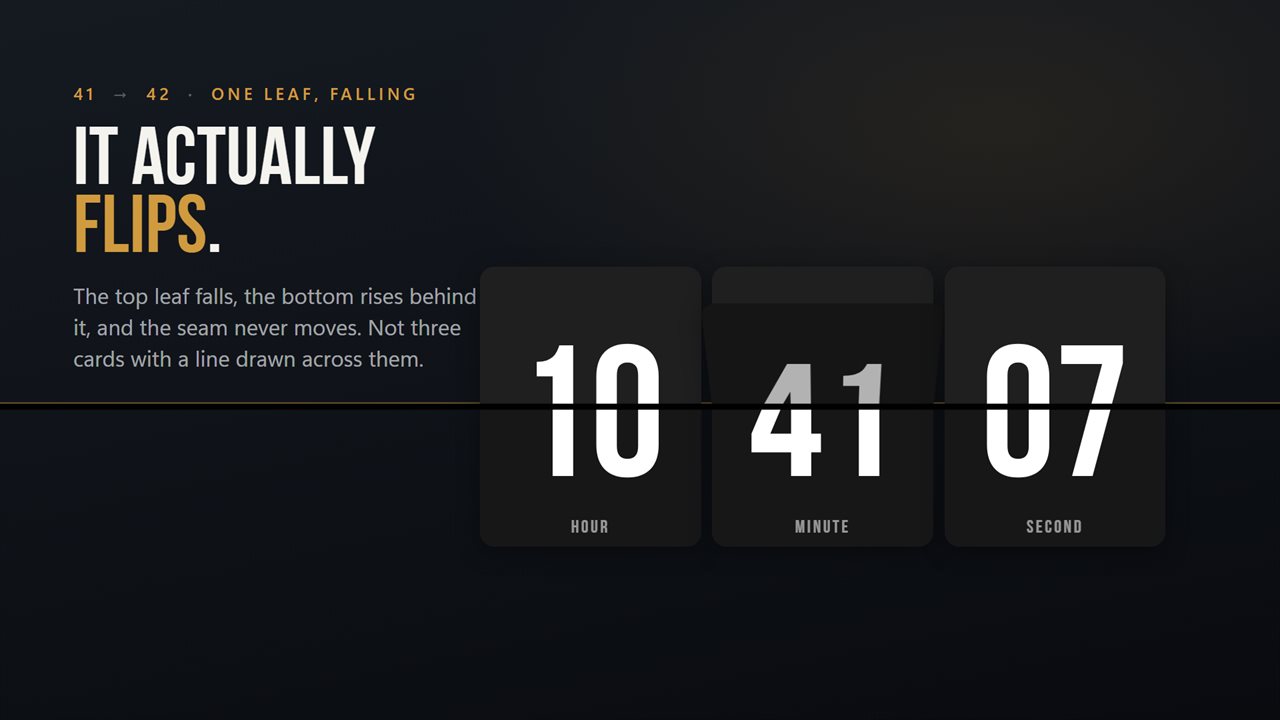
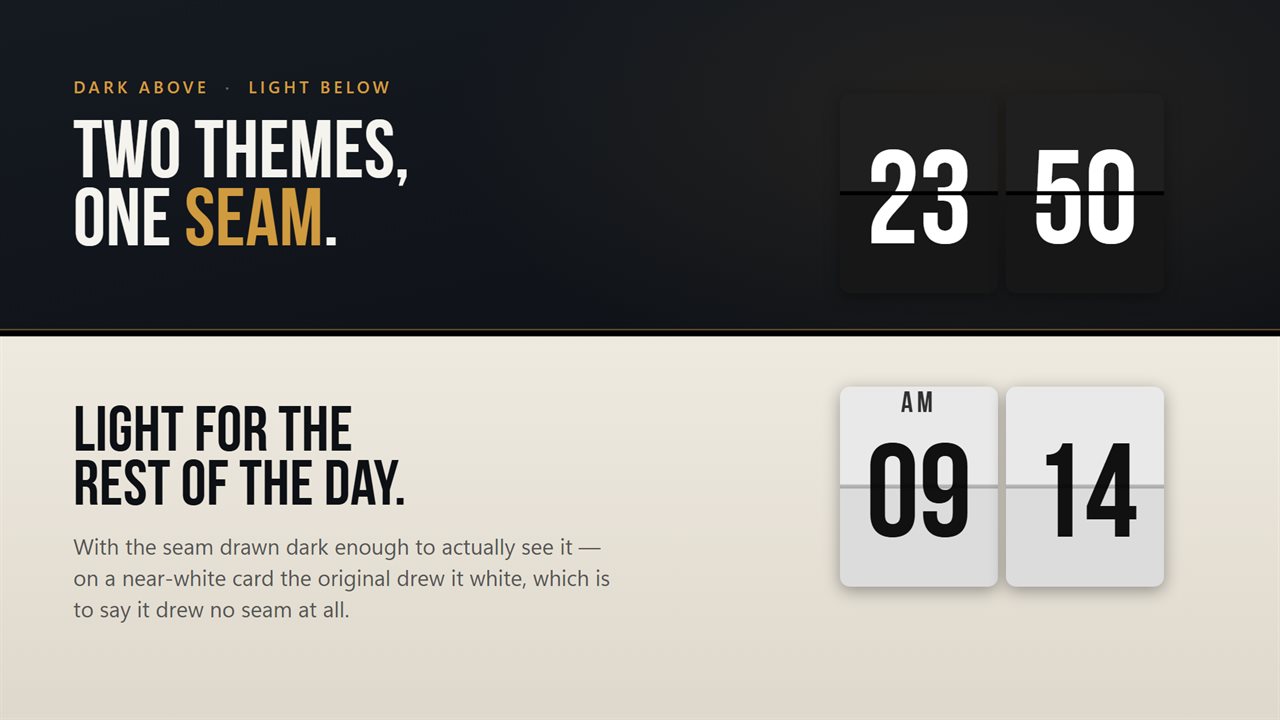
The cards behave like a mechanical board. The upper half of the old digit drops, the lower half of the new one swings up into place, and the line through the middle holds still while it happens. With seconds shown, the right-hand card turns once a second; hide them and the board moves only on the minute.
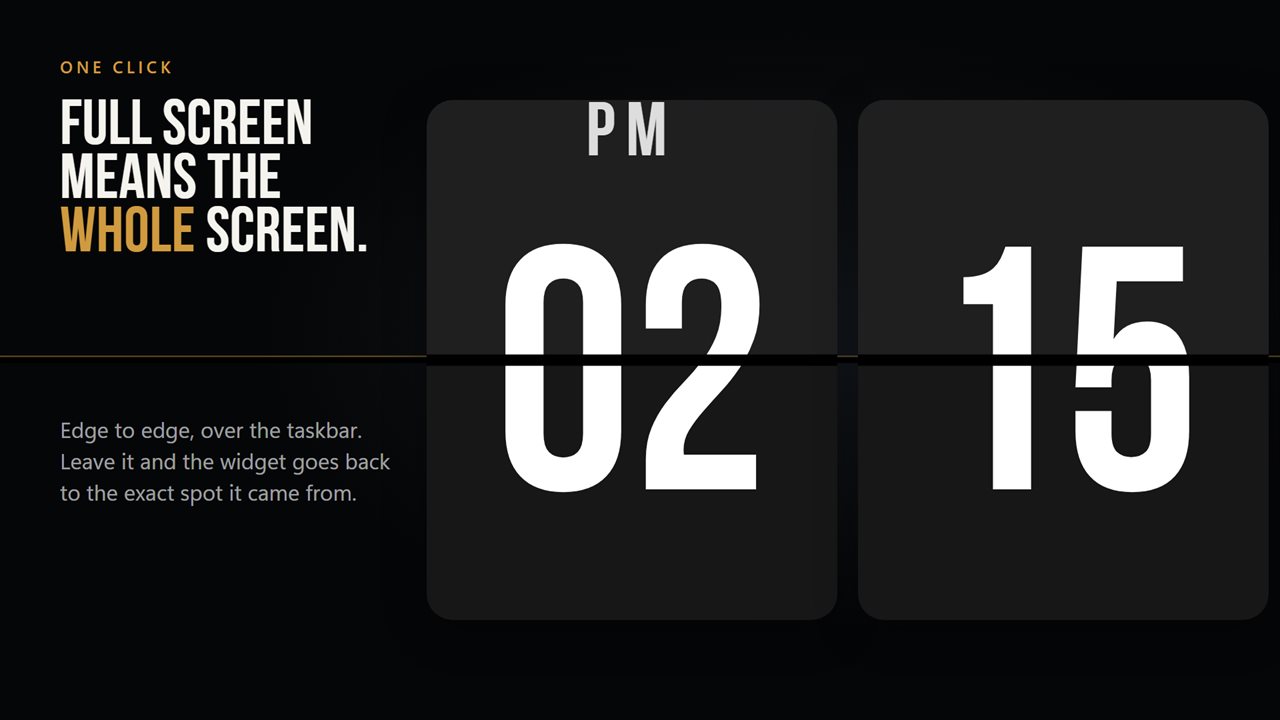
You can still have the screensaver look whenever you like. Right-click the clock, choose Full screen, and it covers the entire display, taskbar included. Click it again and the widget returns to the exact place it was sitting before.
How to set up a flip clock widget on your desktop
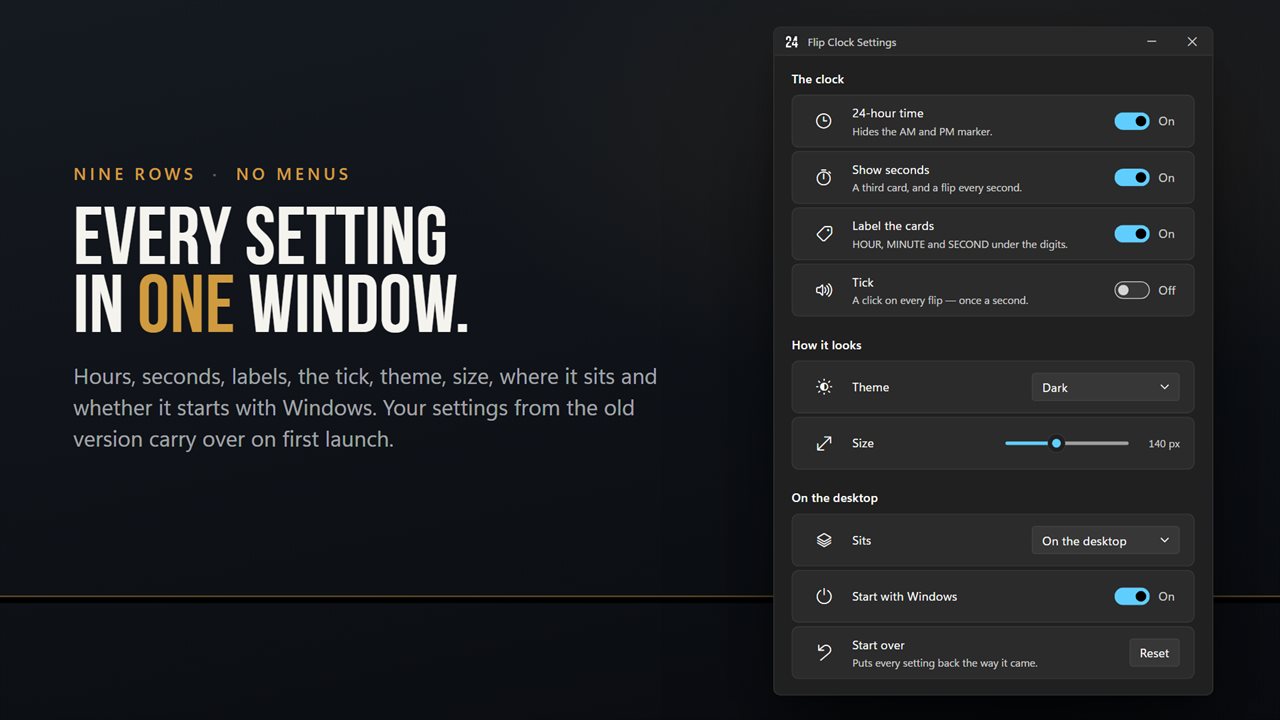
Drag the clock to the spot you want; it remembers that position the next time Windows starts. Right-click it for Full screen, Settings and Exit. The Settings window groups everything into three parts: The clock, How it looks, and On the desktop.
- The clock: 24-hour time, Show seconds, Label the cards (HOUR, MINUTE and SECOND under the digits), Tick, and Time offset.
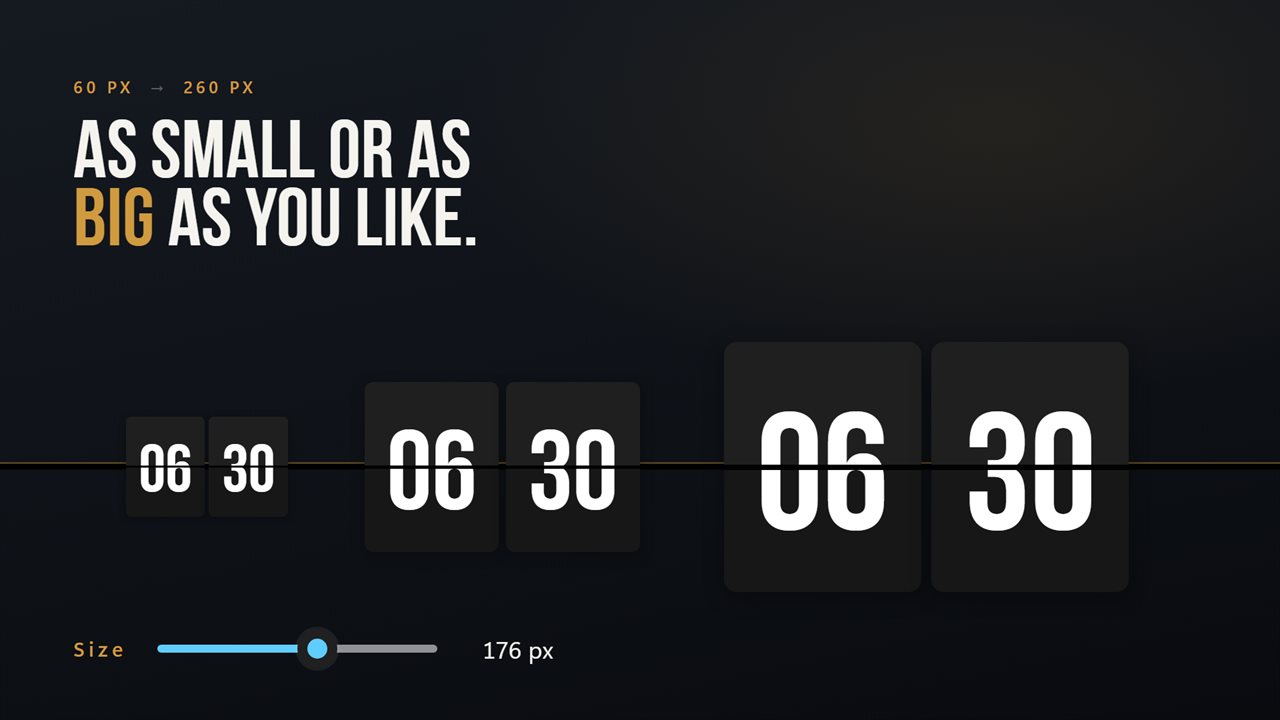
- How it looks: a Dark or Light Theme, and a Size slider from 60 to 260 pixels that scales the whole board at once.
- On the desktop: Sits either On the desktop or Above other windows, Start with Windows, and Language.
Run the clock a few minutes fast
Plenty of people set a bedroom or kitchen clock five minutes ahead so they leave on time. Time offset does that here: slide it anywhere from 60 minutes slow to 60 minutes fast, and the cards show the adjusted time while Windows keeps its own clock untouched.
The offset is applied to the cards only, so alarms, calendar reminders and the taskbar clock stay on true time. Set it back to zero to show true time again.
A world clock board under the flip clock
The optional Departure Board Pack adds a row of cities beneath the main cards, styled like an airport arrivals board. Add up to 24, set how many rows show at once (three to six), and the rest rotate onto the board every ten seconds.
Each city can carry a Nickname you type yourself, a Count down to date for a trip, a Who's awake status, and a marker for Public holidays in that country. Click a row and the big cards switch to that city's time; click it again to return to your own. The pack also brings four extra finishes: Departure board, Vintage, Platform and Tangerine.