A passphrase generator that runs on your PC, not in a web page
A passphrase generator strings together random words, like Quarry-Velvet-Ember-Lantern-41, and the result is both harder to crack and easier to type than a short jumble of symbols. Most generators that rank for the term are web pages, which means trusting that a site you just found is not keeping what it shows you.
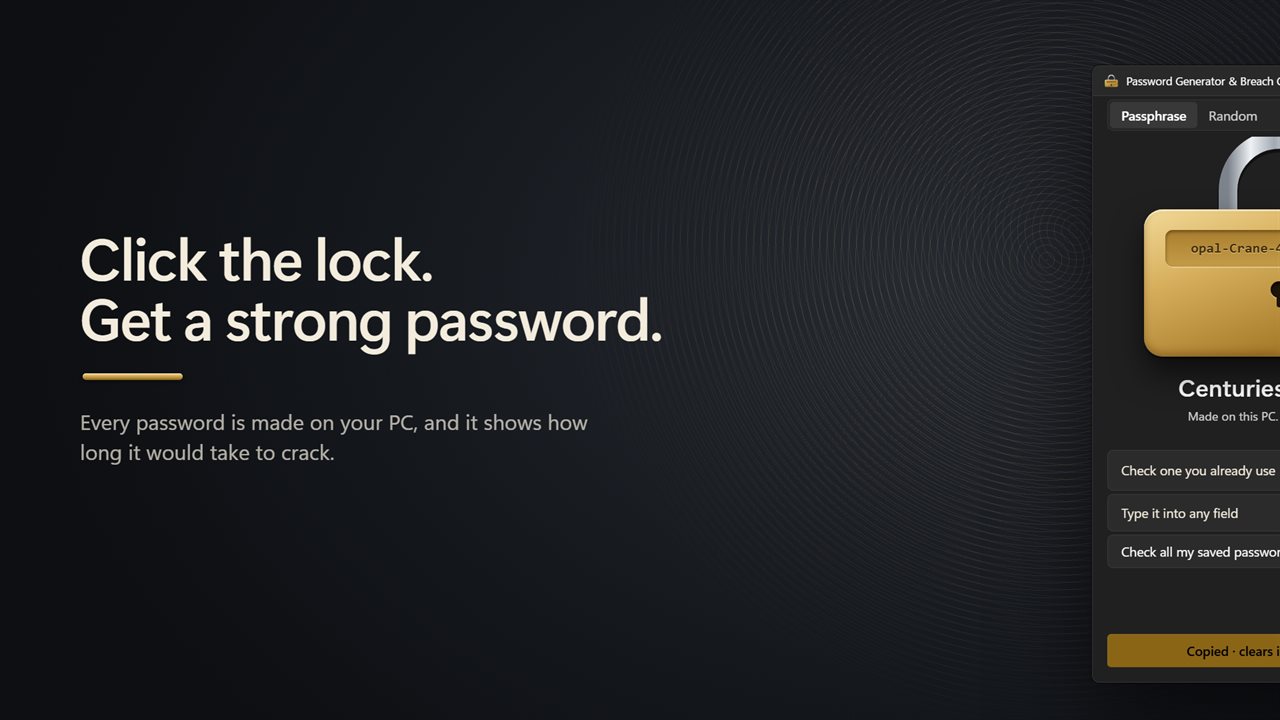
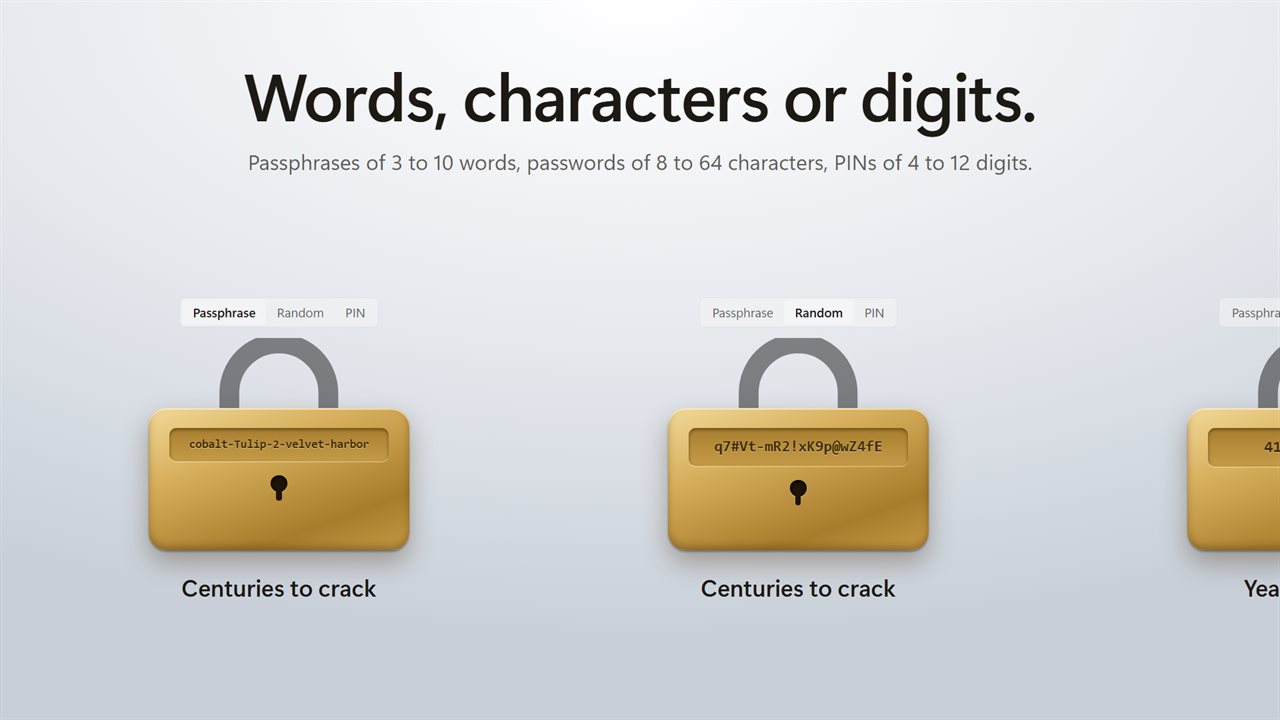
Password Generator & Breach Checker makes every password locally with Windows' secure random source. Choose Passphrase, Random or PIN, then select the lock whenever you want another. Beneath it you see roughly how long an offline attacker would need to crack it, anywhere from seconds to centuries.
Passphrase words come from the EFF large wordlist, 7,772 words once the hyphenated ones are removed, so each word adds close to 13 bits of randomness. Pick 3 to 10 words, choose what sits between them, and leave Add a capital and a number on for sites that insist on both.
Random password generator and PIN generator
Some logins want raw characters. Random builds strings of 8 to 64 characters, and each of Capitals (A–Z), Lowercase (a–z), Numbers (0–9) and Symbols (!@#$%^&*-_=+?) has its own switch. PIN makes number codes 4 to 12 digits long for phones, safes and door keypads.
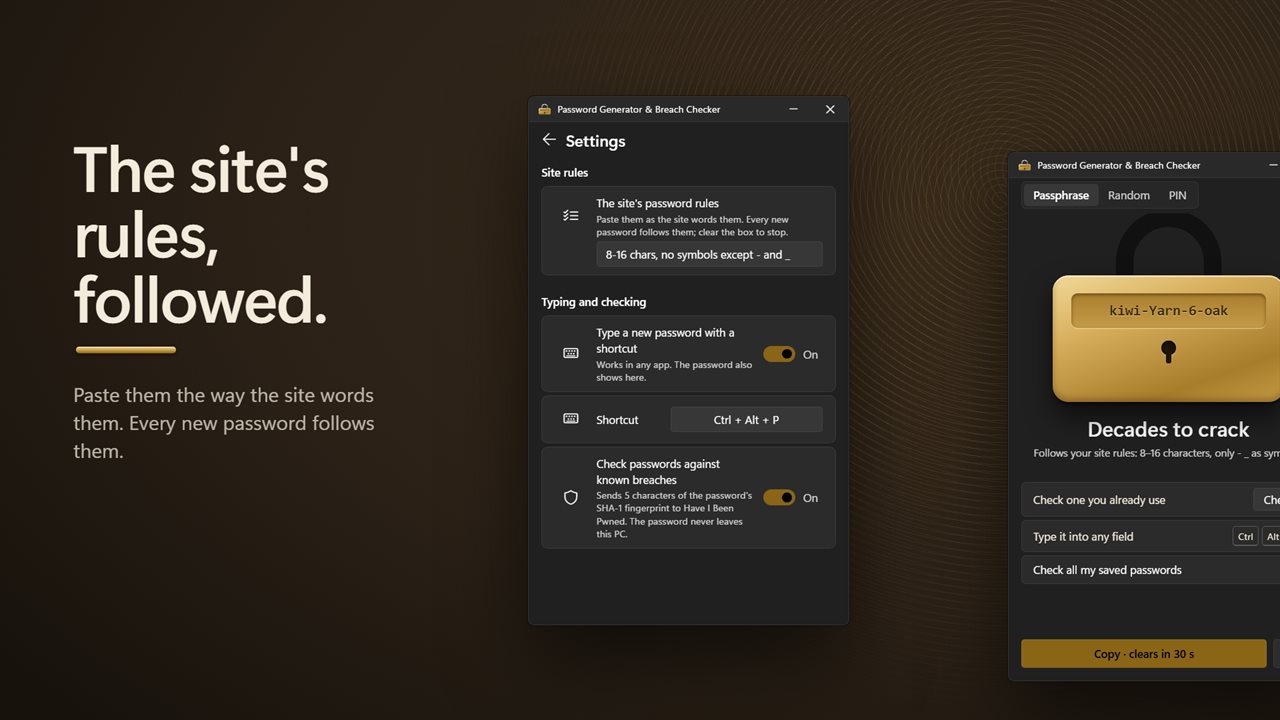
Then there are sites with picky rules: 8 to 16 characters, must start with a letter, only a hyphen or underscore as symbols. Paste that text into The site's password rules, worded however the site wrote it. A short summary of how the rules were read appears, and every password made afterwards obeys them until the box is emptied. When a passphrase cannot fit, a random password is used instead and the app tells you so.
Type a strong password straight into the field
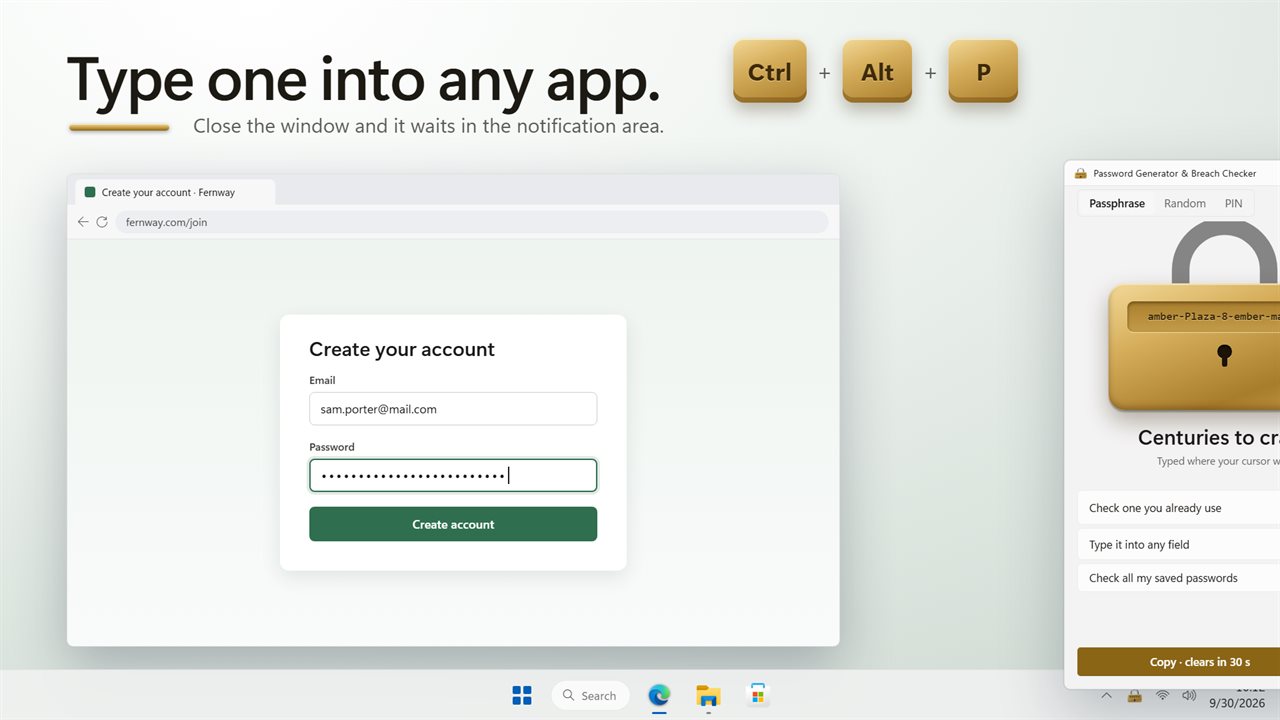
On a sign-up form, press Ctrl+Alt+P and a new password is typed where your cursor is, in any browser or app. The same password is shown in the window, ready to save in your password manager. You can change the shortcut under Typing and checking. Closing the window leaves the app in the notification area, so the shortcut stays live.
If you copy instead, the clipboard empties itself half a minute later and the password never lands in clipboard history.
Has my password been leaked? Check one, or all of them
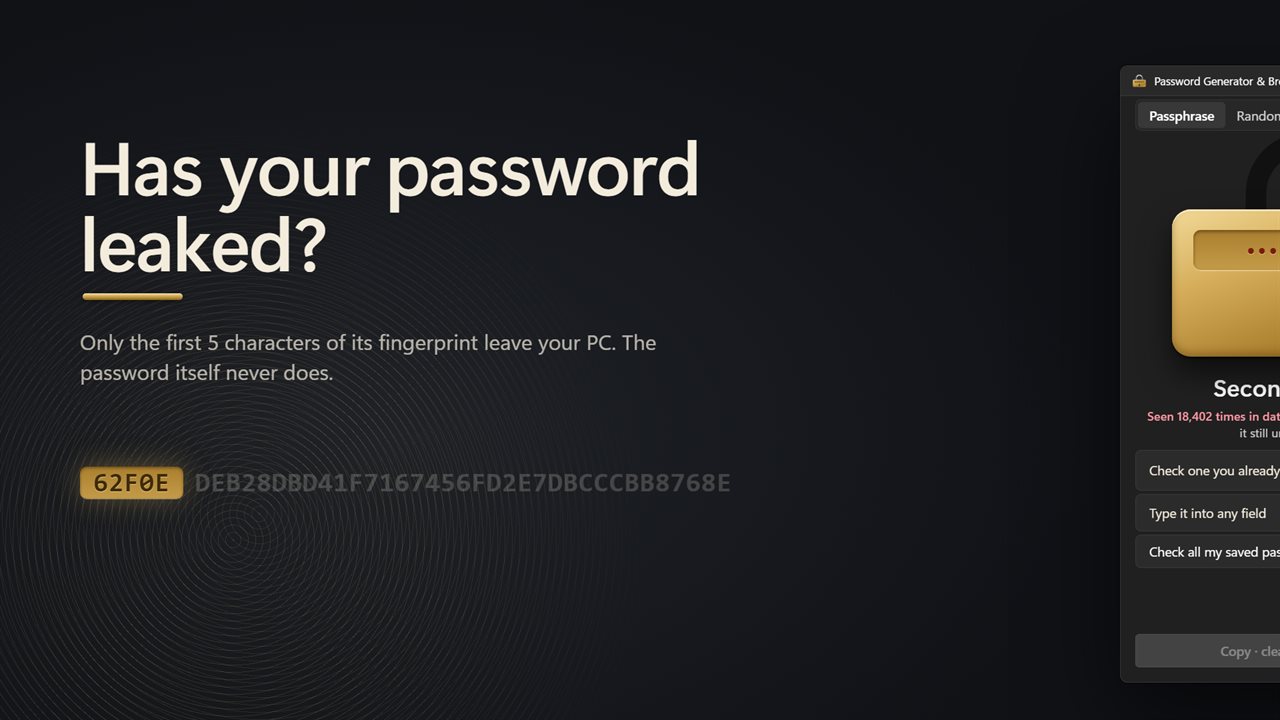
Paste any password into Check one you already use and select Check. You get a count of how many times it appears in Have I Been Pwned's breach data and an estimate of its strength. Only 5 characters of its SHA-1 fingerprint go out; the match is made on your machine.
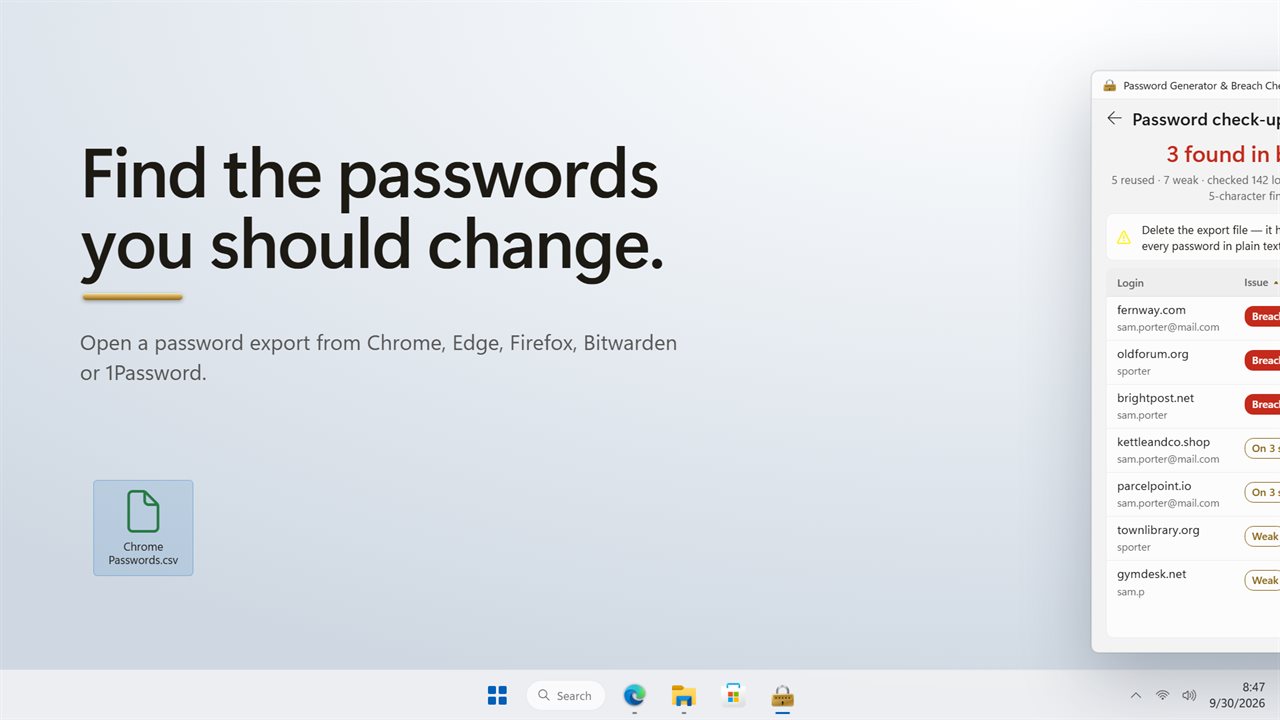
For a full password checkup, choose Check all my saved passwords and open a CSV export from your browser or password manager. The list shows every login that was found in a breach, is shared between sites, or is easy to guess. Each row has Change, which opens the site's change-password page, and Copy a strong one, which puts a fresh password on the clipboard. When you finish, Delete removes the export for good, since it holds everything in plain text.