A password manager for Windows that does not live in someone else's cloud
Most password managers for Windows are a browser extension attached to an online account. Your vault sits on the vendor's servers, you sign in to reach it, and the monthly plan never ends. Password Vault takes the older, simpler route: the vault is one encrypted file on your PC, and nothing about it depends on a service staying in business.
That file is a standard KDBX 4 database, an open password-vault format, encrypted with AES-256 under a key derived from your master password with Argon2id. Because the format is open, you are never locked in. Many other desktop and phone apps read it, and Export to CSV writes everything out as plain text whenever you want to move.
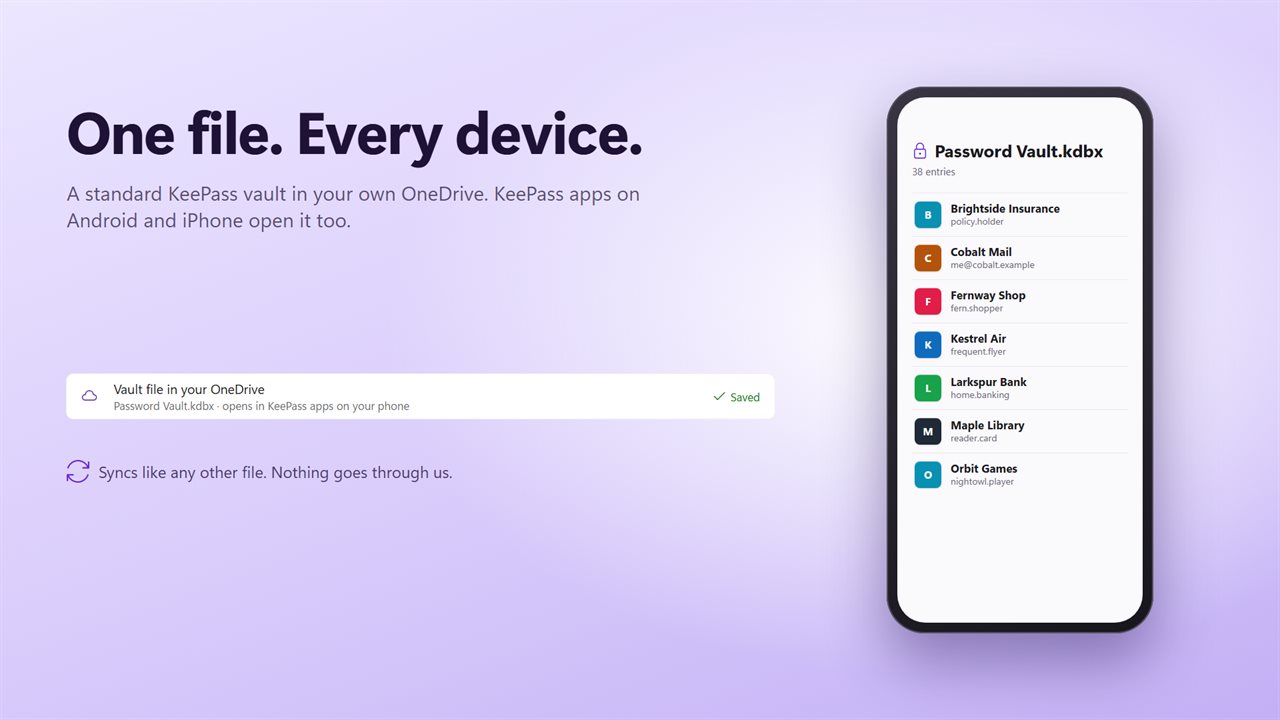
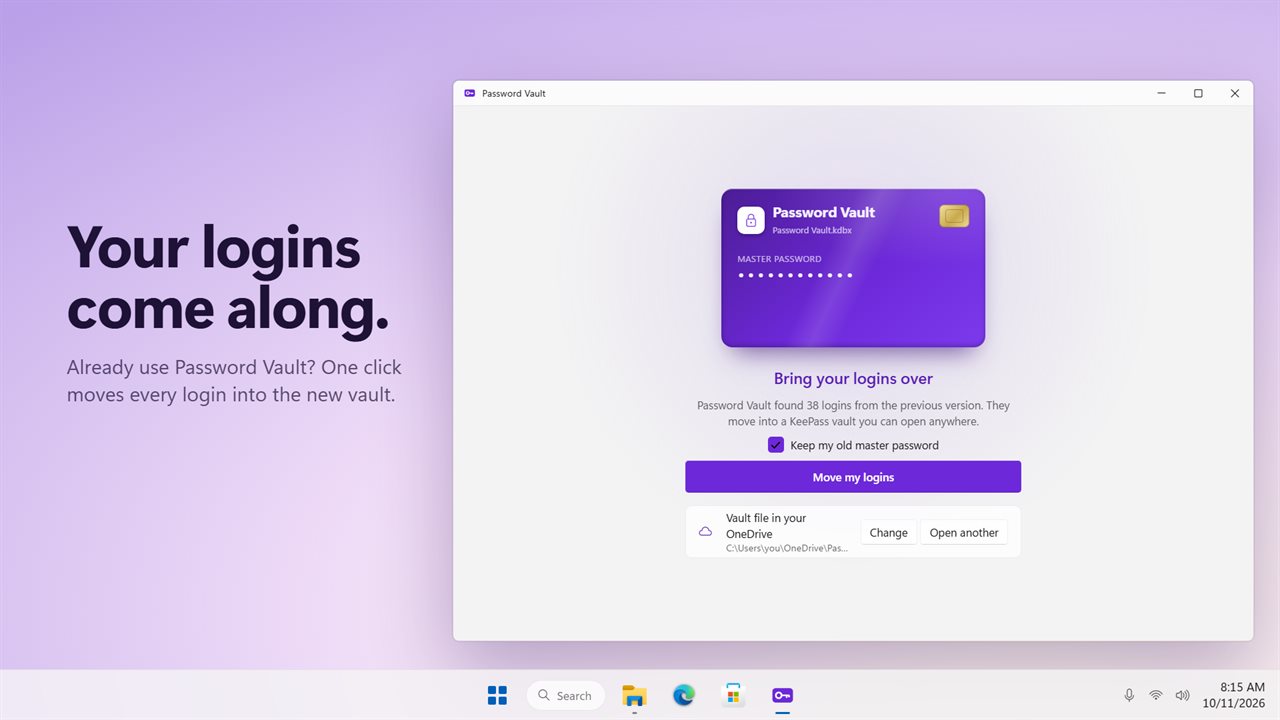
To have the same passwords on your phone, choose Move under Vault file and put the file in a folder your OneDrive syncs. A KDBX-compatible app on Android or iPhone opens that same synced file.
Password manager for this computer, unlocked with Windows Hello
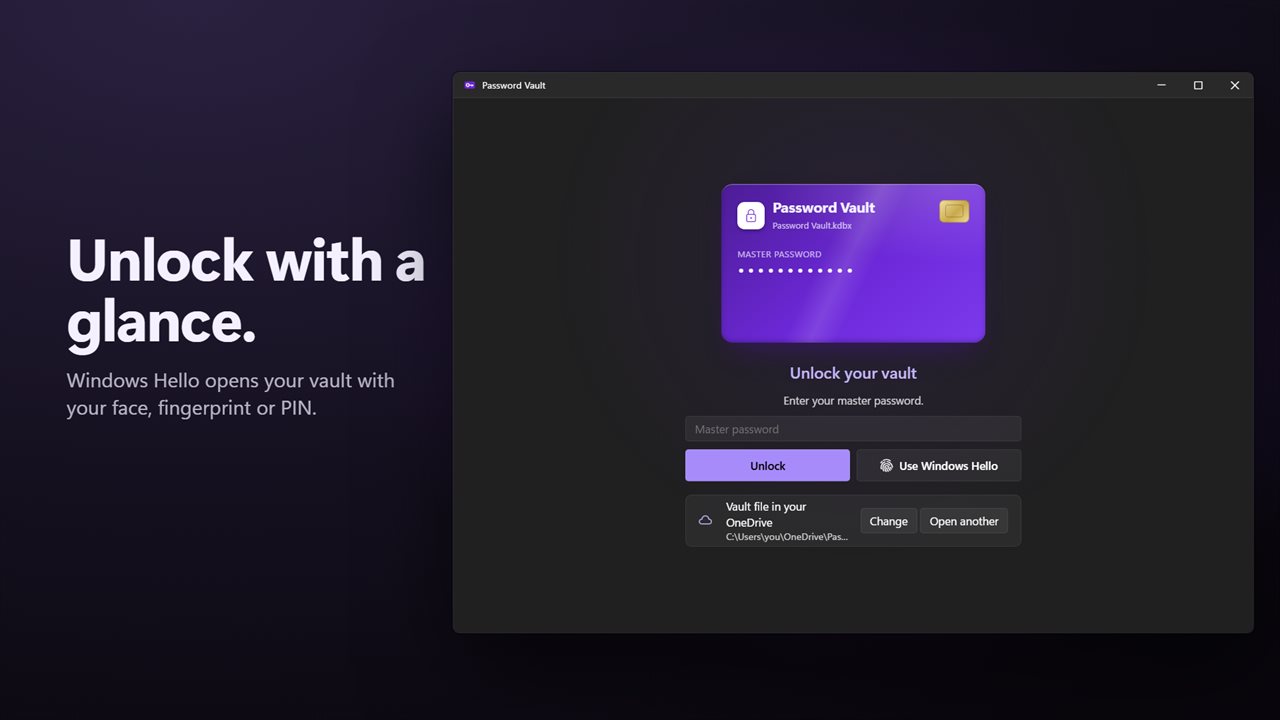
Create your vault with a master password of at least 8 characters. After the first unlock you are asked whether to turn on Windows Hello, so later unlocks take a glance, a fingertip or your PIN. The master password stays sealed to your Windows account and still opens the file on any other device.
Under Lock when idle, choose 1, 5, 15 or 30 minutes, 1 hour, or Only when Windows locks.
Auto-type a login into any app or browser
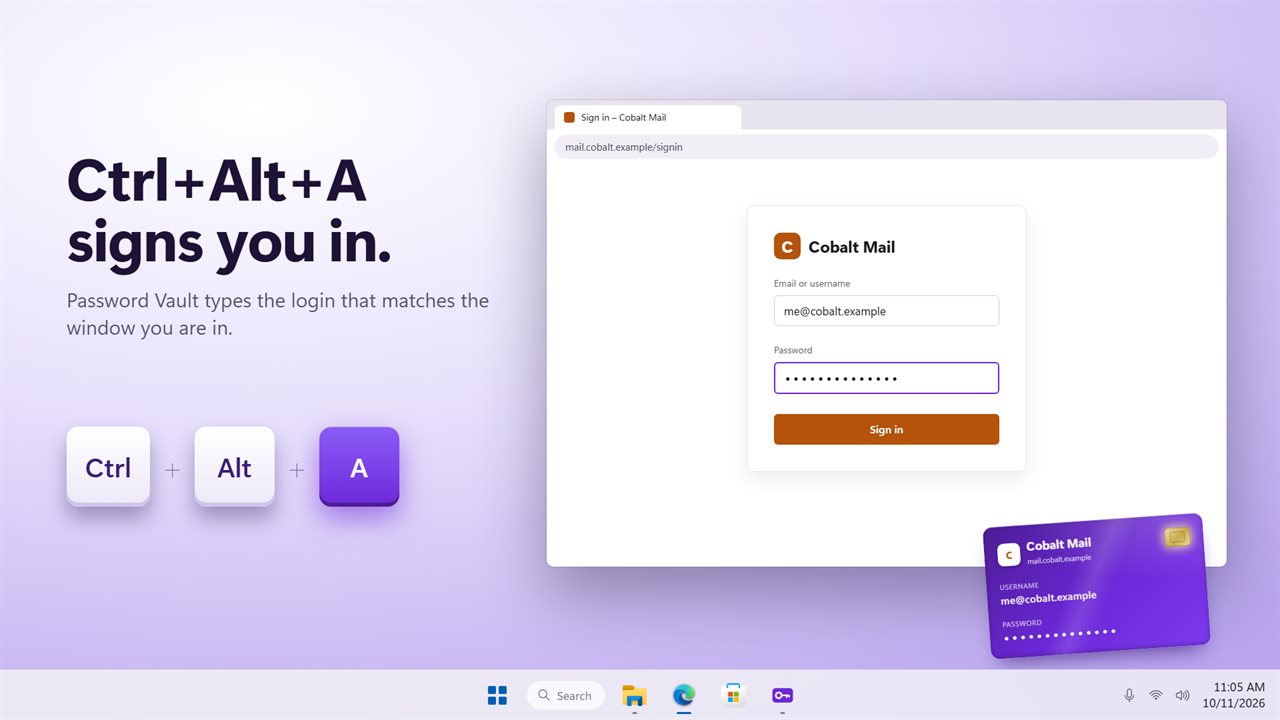
Password Vault does not need a browser extension to sign you in. Put the cursor in a username box anywhere, in a browser, a game launcher or a desktop app, and press Ctrl+Alt+A. The title of that window is matched against each login's name and website, and the username, a Tab and the password are typed for you. When several logins match, a list opens so you can pick one.
Prefer the mouse? Click a login's card and it is typed into the window you were last using. Turn on Press Enter after typing if you want the form submitted too. Copying is also there, and a copied password is wiped from the clipboard after 15, 30, 60 or 90 seconds and kept out of clipboard history.
A password manager with 2FA codes built in
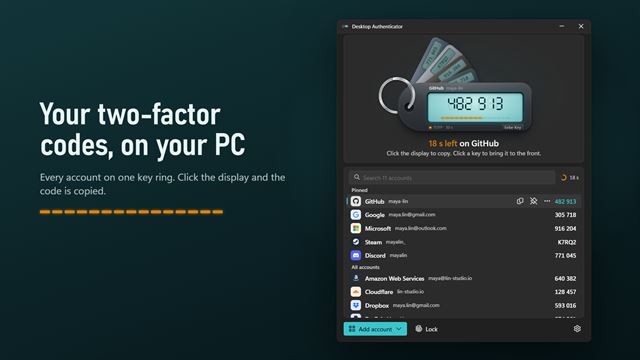
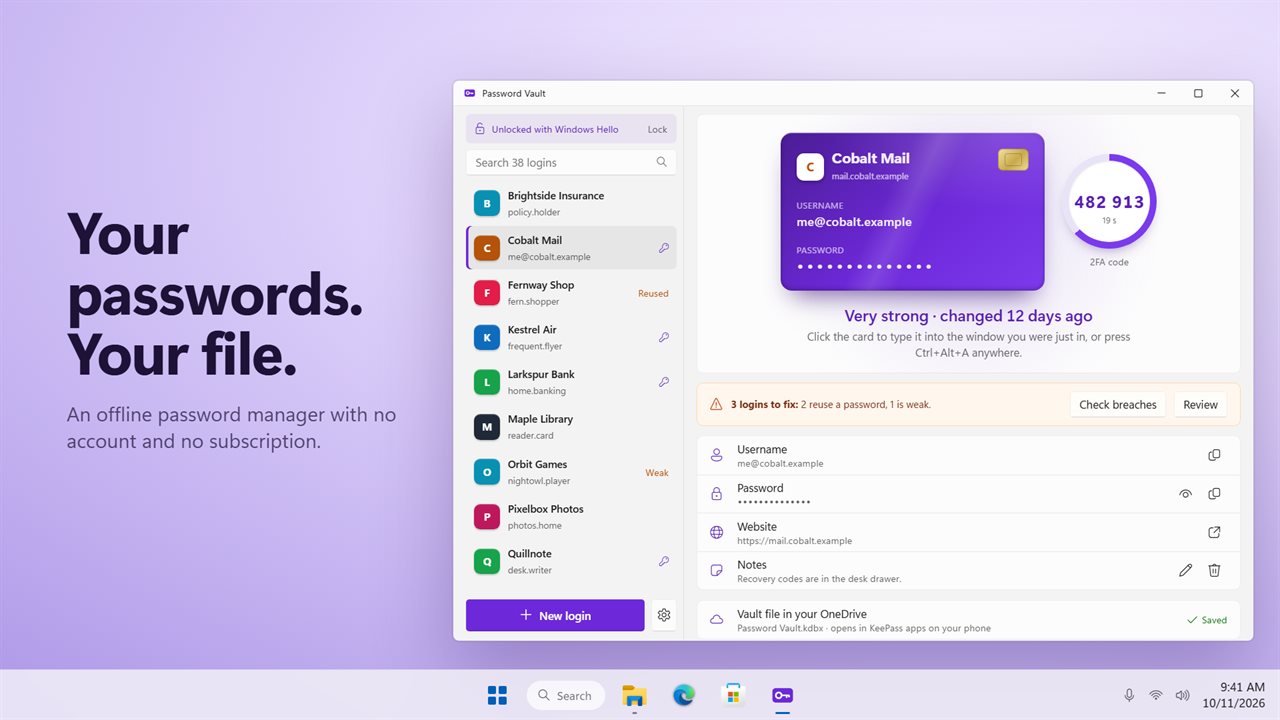
When a site offers an authenticator app, choose its can't-scan-the-code option and paste the secret, or an otpauth:// link, into the 2FA field of that login. The current code then counts down on the login's card next to the password, so one app covers both steps of the sign-in.
Find weak, reused and breached passwords
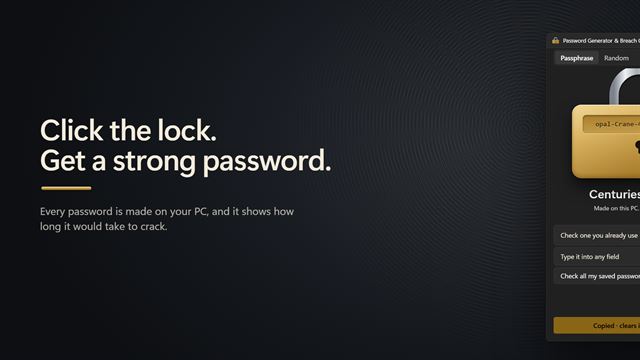
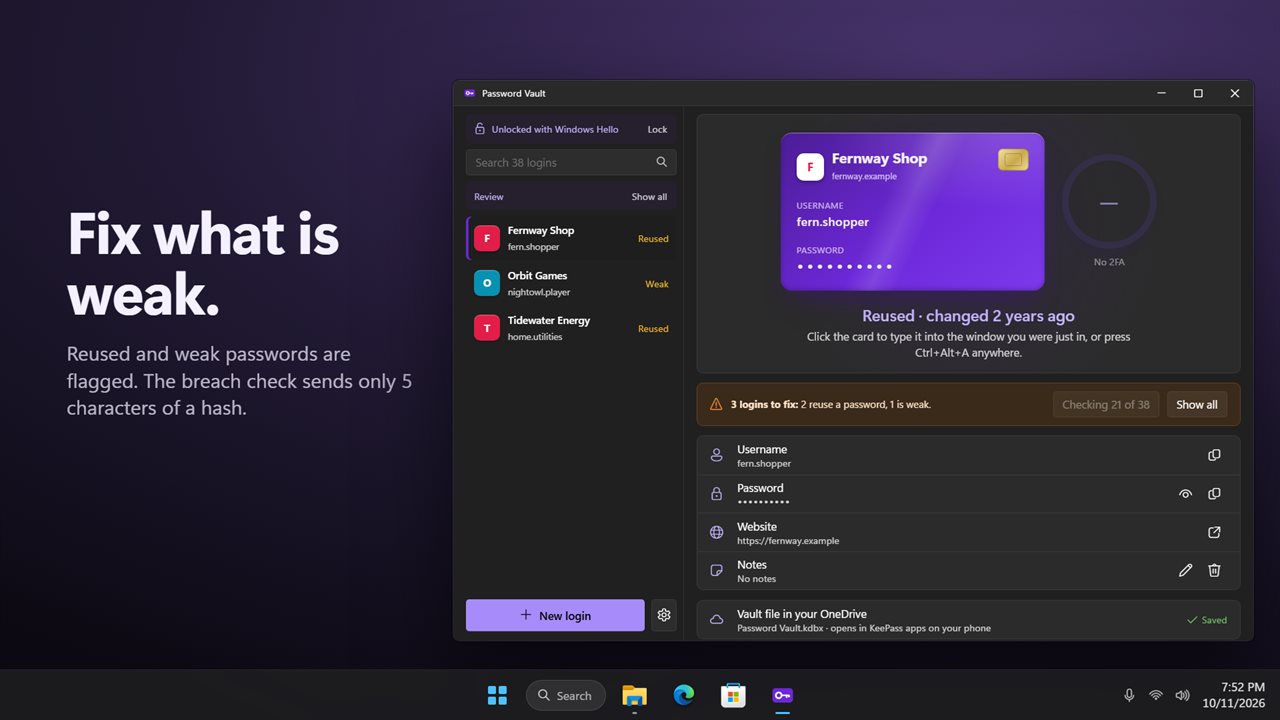
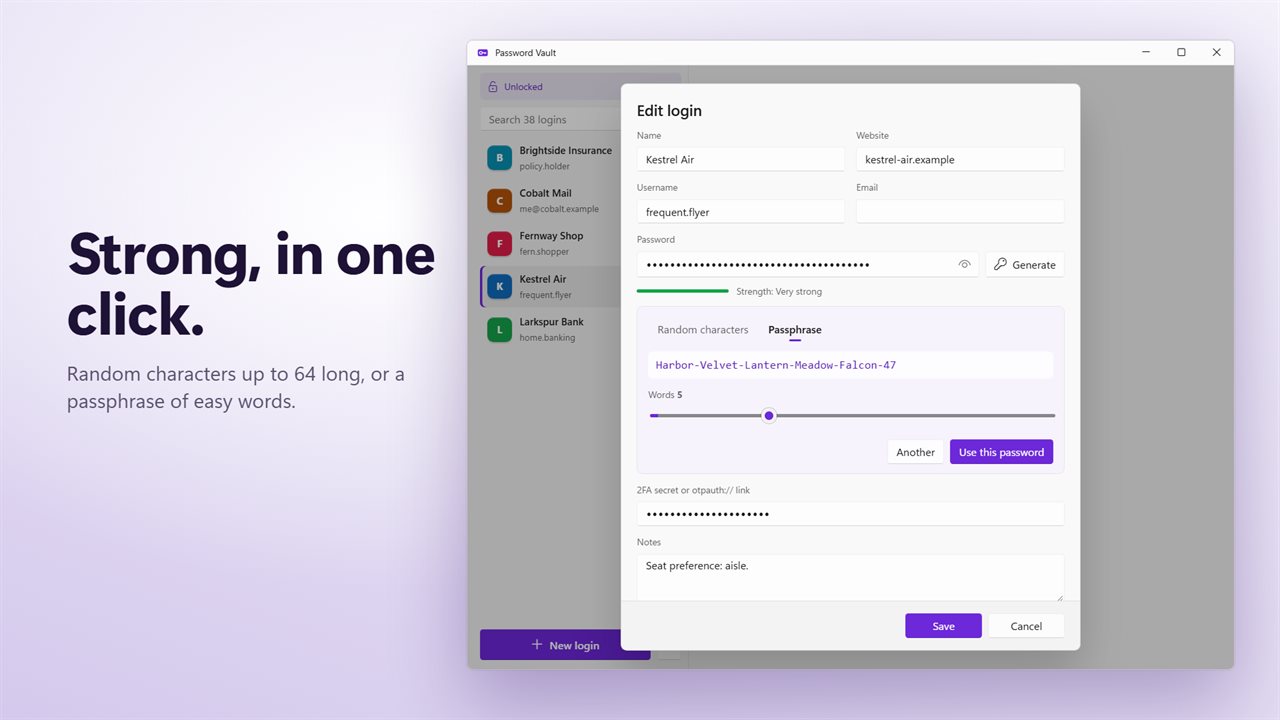
Every login is scored as you save it. Weak and Reused tags appear on the cards, and Review narrows the list to just the ones worth changing. Check breaches asks Have I Been Pwned whether each password has appeared in a known leak; only the first 5 characters of its SHA-1 hash are sent, and the check runs only when you choose it. Generate builds replacements on the spot: random characters from 8 to 64 long, or a passphrase of real words.