A clipboard viewer that shows what you copied and where from
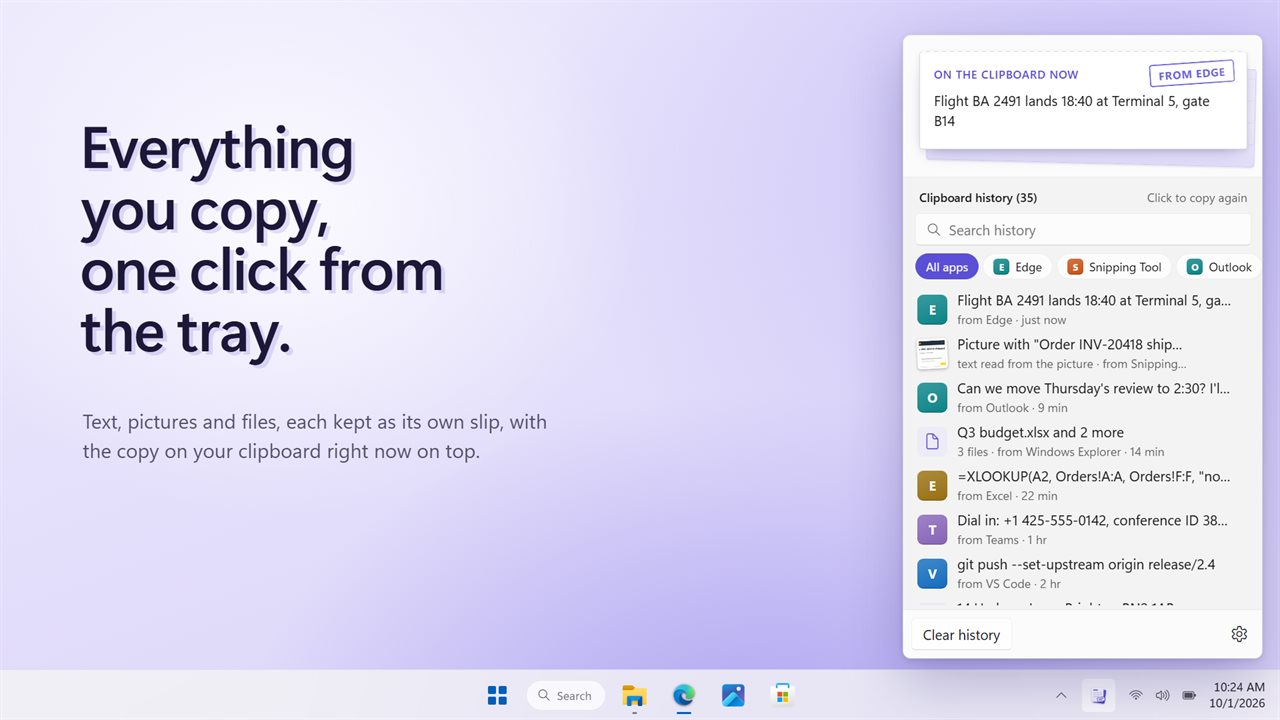
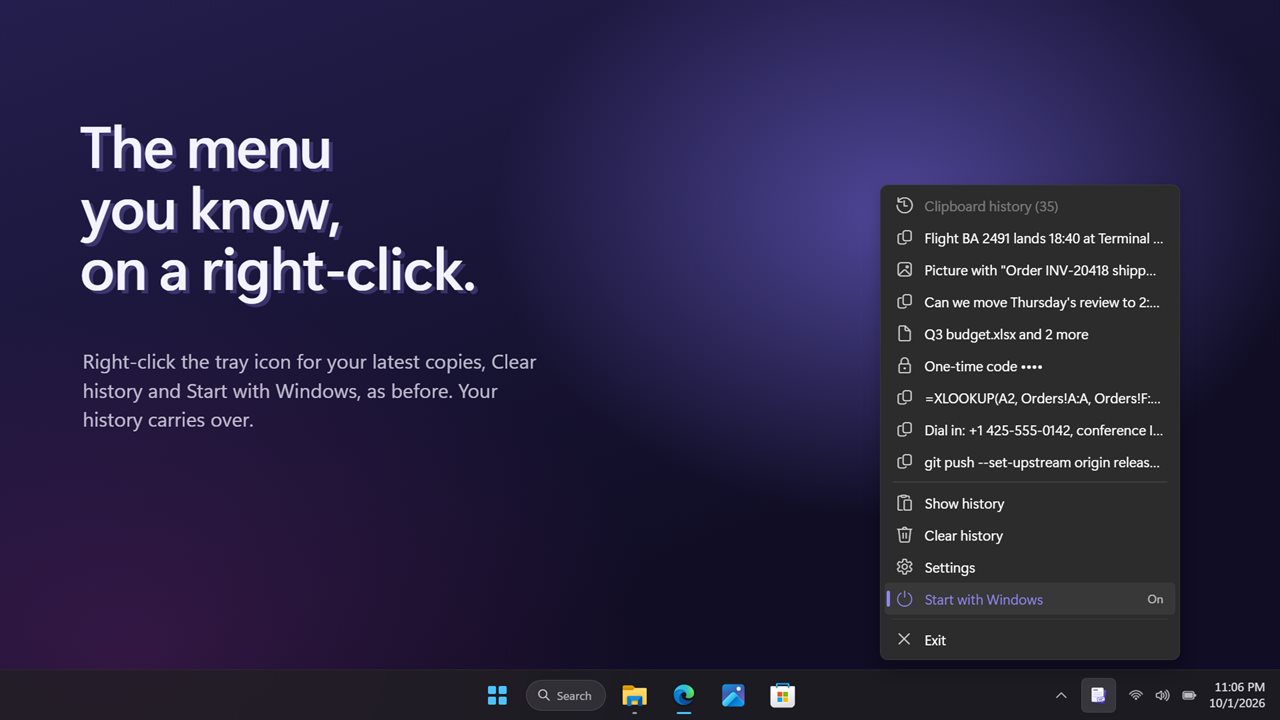
Clipboard History Tool is a clipboard viewer that sits in the notification area. Click its icon and a list opens above the clock: the item at the top is what the clipboard holds right now, and every earlier copy sits underneath it, whether it was text, a picture or a group of files.
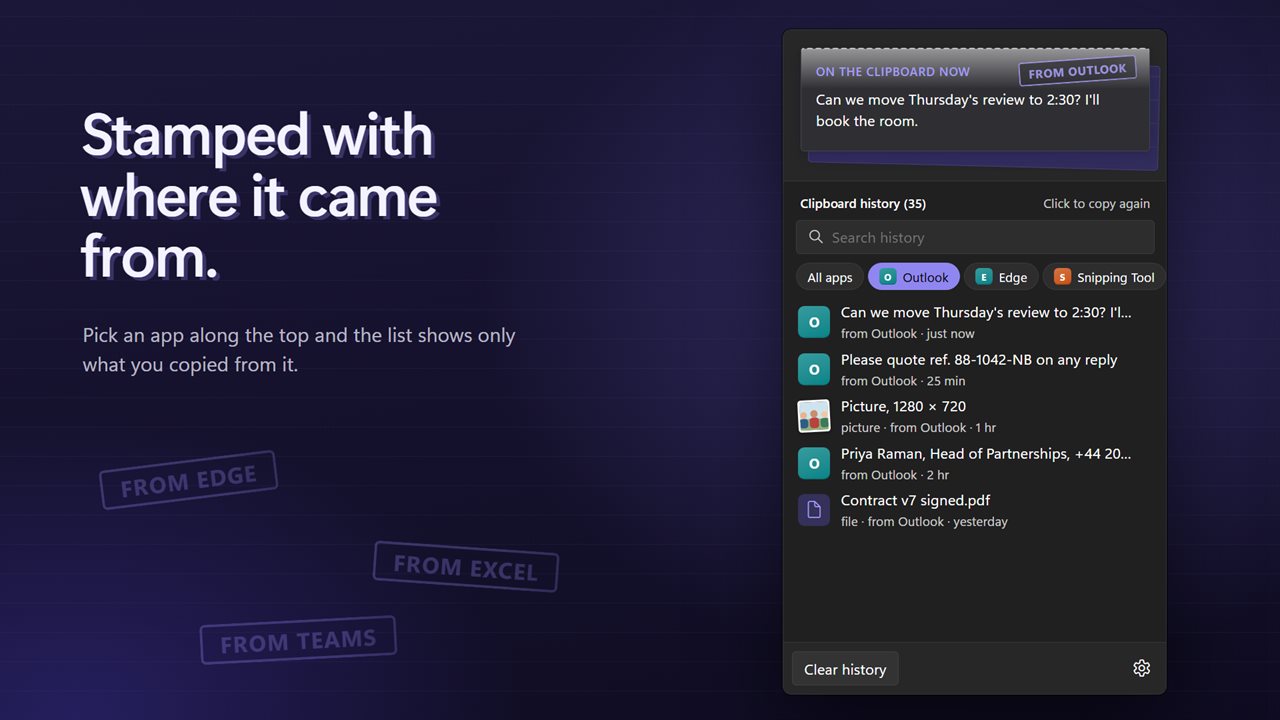
Each entry is labeled with the app it came from and how long ago you copied it. A row of app names along the top filters the list, so the address you copied from the browser is not buried under twenty lines from a spreadsheet. A search box filters as you type.
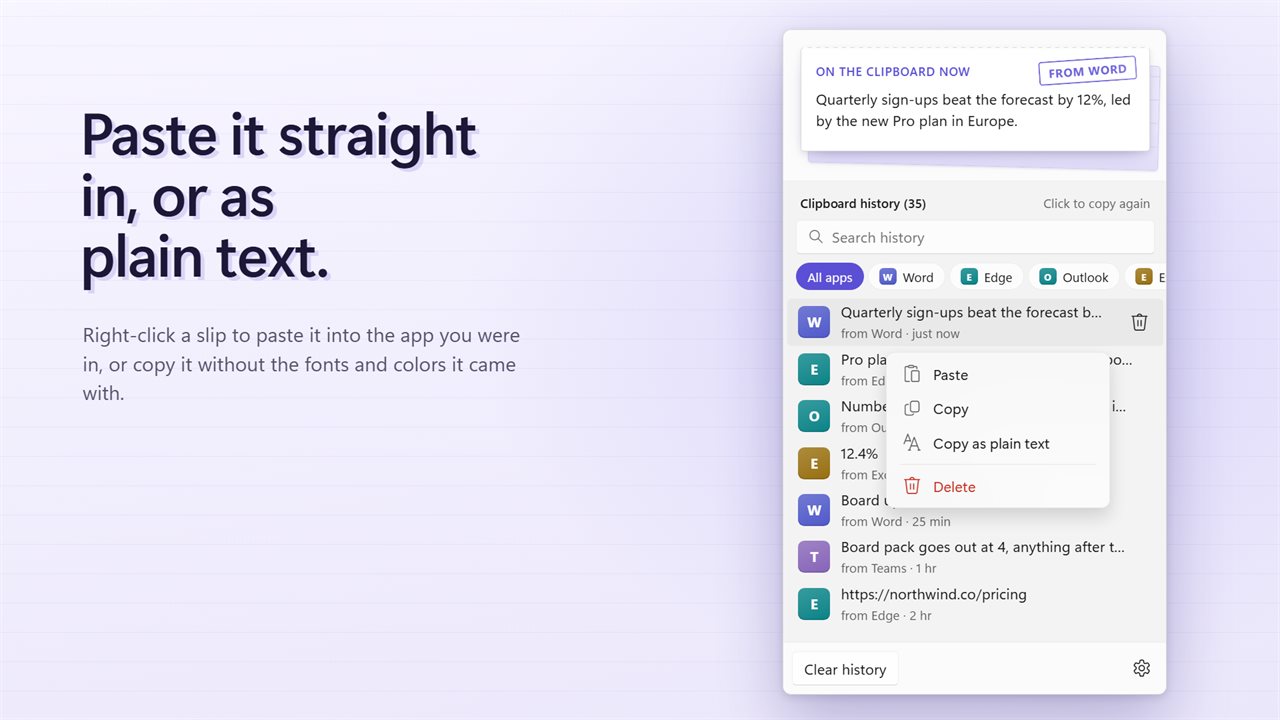
Click an entry and it goes back on the clipboard, ready for Ctrl+V. Right-click it for more: Paste sends it straight into the app you were using, Copy as plain text drops the fonts and colors from rich text, and Delete removes that single entry.
Where is my clipboard on Windows, and why it forgets
Windows keeps its own clipboard history behind Win+V, once you turn it on in Settings under System and Clipboard. It holds about 25 recent items, and anything you have not pinned is gone after a restart.
This app keeps its list on the PC and loads it again at startup. Under Keep the last in Settings you can hold 35, 50, 100, 250 or 500 copies. When the list is full the oldest one leaves, and copying the same text twice moves it to the top rather than filling the list with duplicates. Turn on Start with Windows so nothing copied after a reboot is missed, since copies are only recorded while it runs.
How to clear clipboard passwords and codes automatically
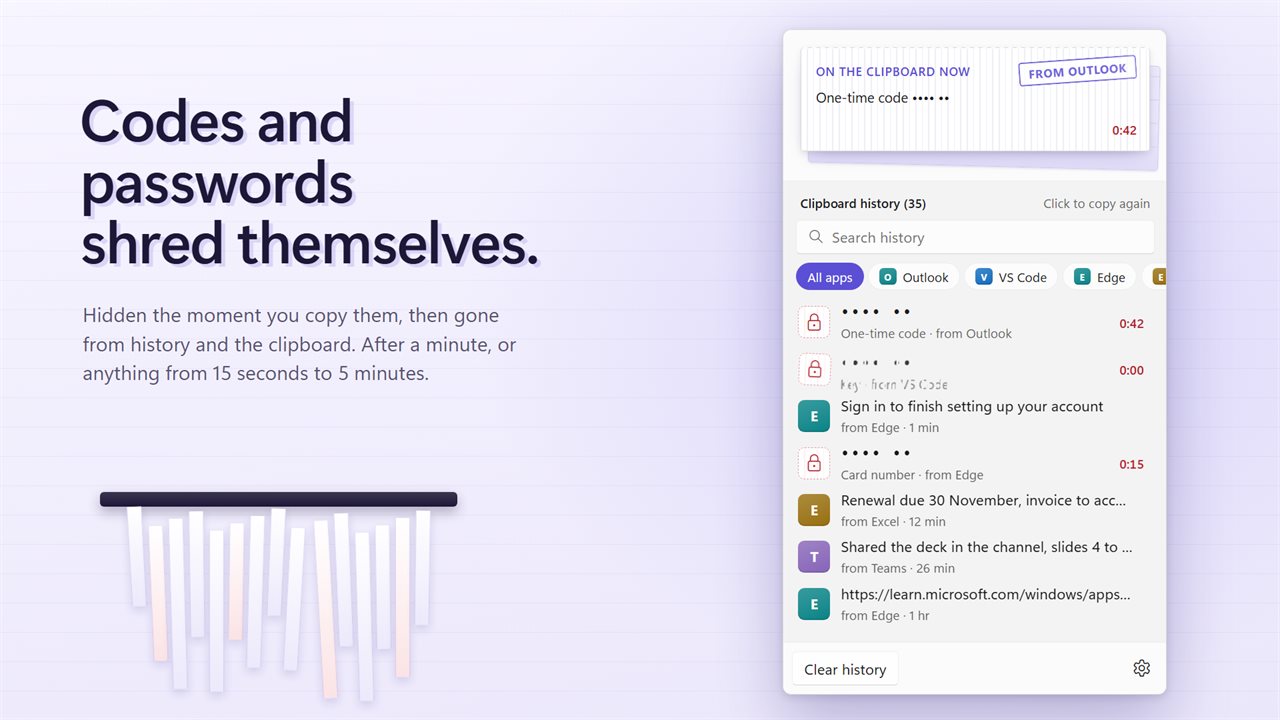
Copying a password or a two-factor code leaves it on the clipboard until something replaces it, and any clipboard history happily keeps a copy. Here, copies that look like one-time codes, card numbers, passwords or keys are masked in the list and never written to the history file.
A countdown runs beside each one. When it reaches zero the item is wiped from the list and from the clipboard itself. Pick the length under Shred secrets after: 15 seconds, 30 seconds, 1 minute, 2 minutes or 5 minutes. Right-click and choose Shred now to remove one early. Copies that a password manager flags as private are not kept at all and leave the clipboard on the same timer.
View clipboard history that includes pictures
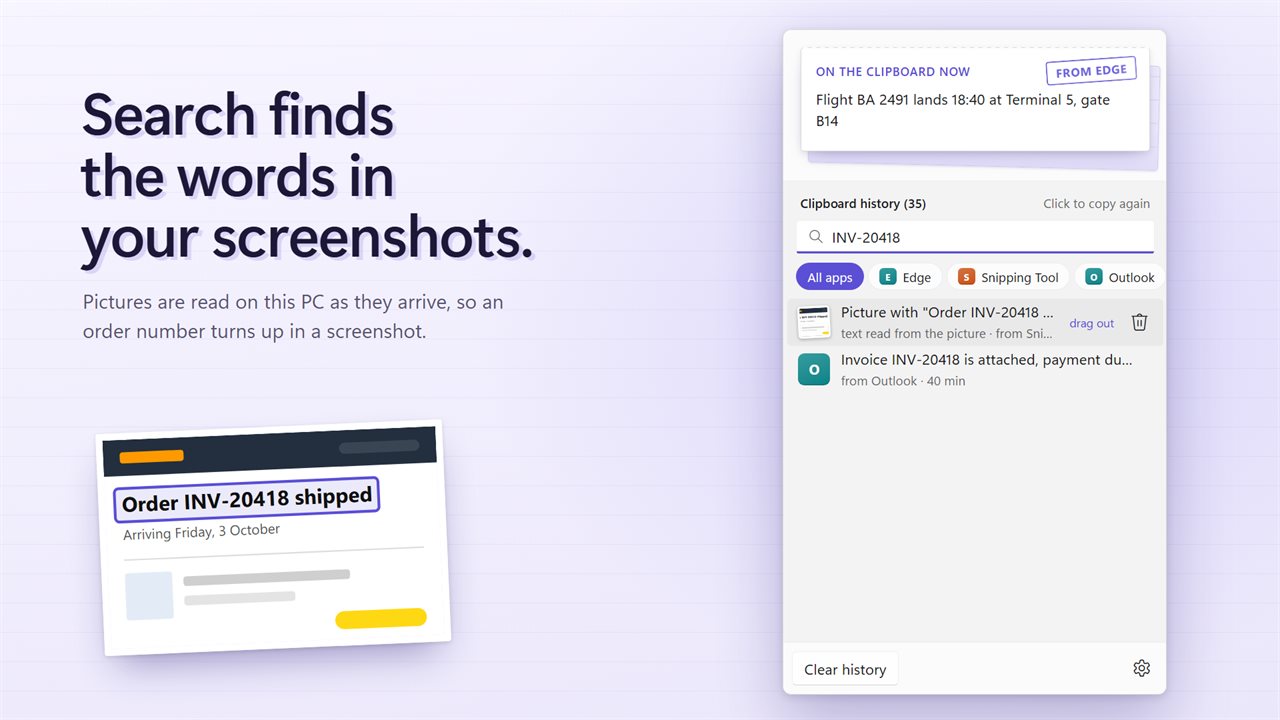
Screenshots land in the list too, shown with their size. With Read the words in pictures switched on, which it is by default, the app reads the text inside each picture in the background using the recognition built into Windows on this PC. Search for an invoice number or an error message and the screenshot that contains it turns up.
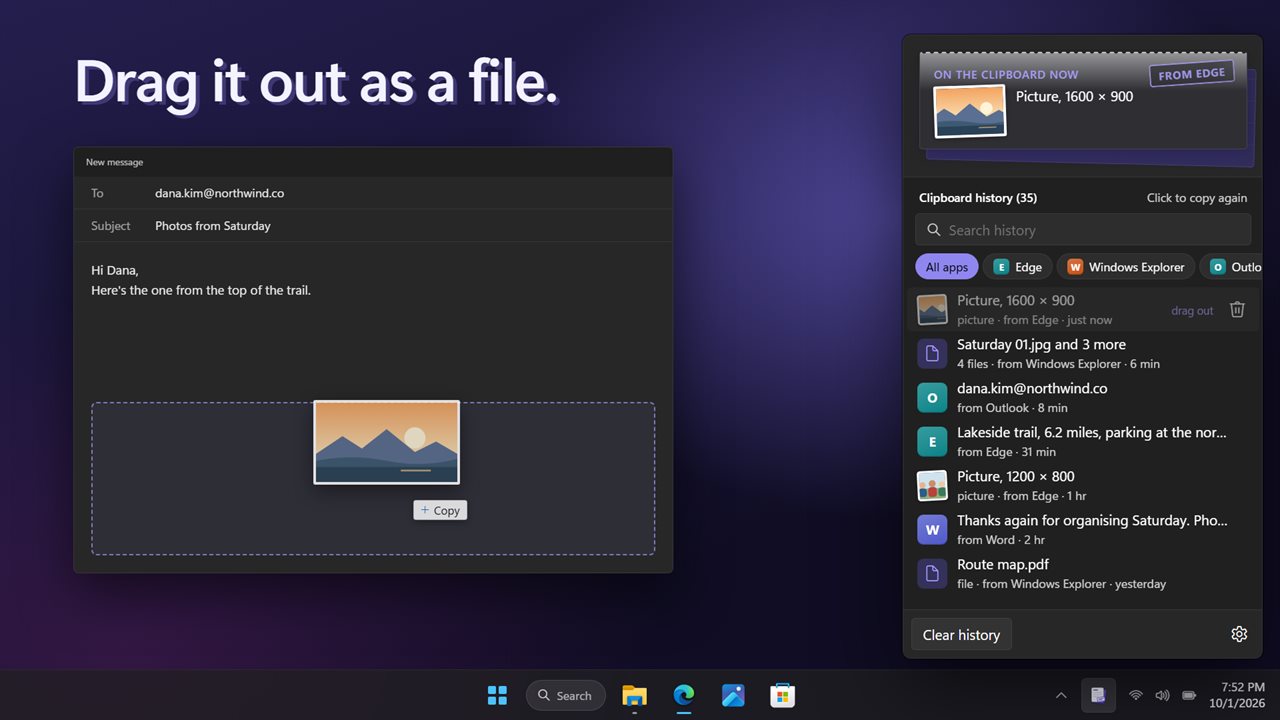
Drag a picture entry into a folder, an email or a chat window and it arrives as a PNG file. An entry made of copied files drags out as those files.